Taco Bell Employees: How to Access Paystubs and W-2 Forms
Over 250,000 Taco Bell workers need pay records but the corporate-franchise split means the process isn't the same for everyone.
Getting Into the Portal
For corporate Taco Bell employees, the starting point is mytacobell.yum.com, the Yum! Brands employee self-service portal where both paystubs and W-2 forms live. Before you can log in for the first time, you'll need to register: submit your full name, work email address, the last five digits of your Social Security number, your date of birth, and your hire date. After you submit, your account status will show "Pending Approval" while a Yum! Brands security approver reviews and activates it. That waiting period is normal, but if approval takes more than a few business days, follow up with your store manager or HR contact rather than submitting multiple requests.
Once your account is active, sign in with your username and password. Inside the dashboard, look for a tab labeled "Earnings," "Payroll Information," or "Pay Stubs." The portal lists pay stubs chronologically, and a date filter makes it easier to locate a specific pay period. The portal layout does update periodically, so if a familiar tab has moved, check every dashboard section before assuming something is missing.
What Your Paystub Shows
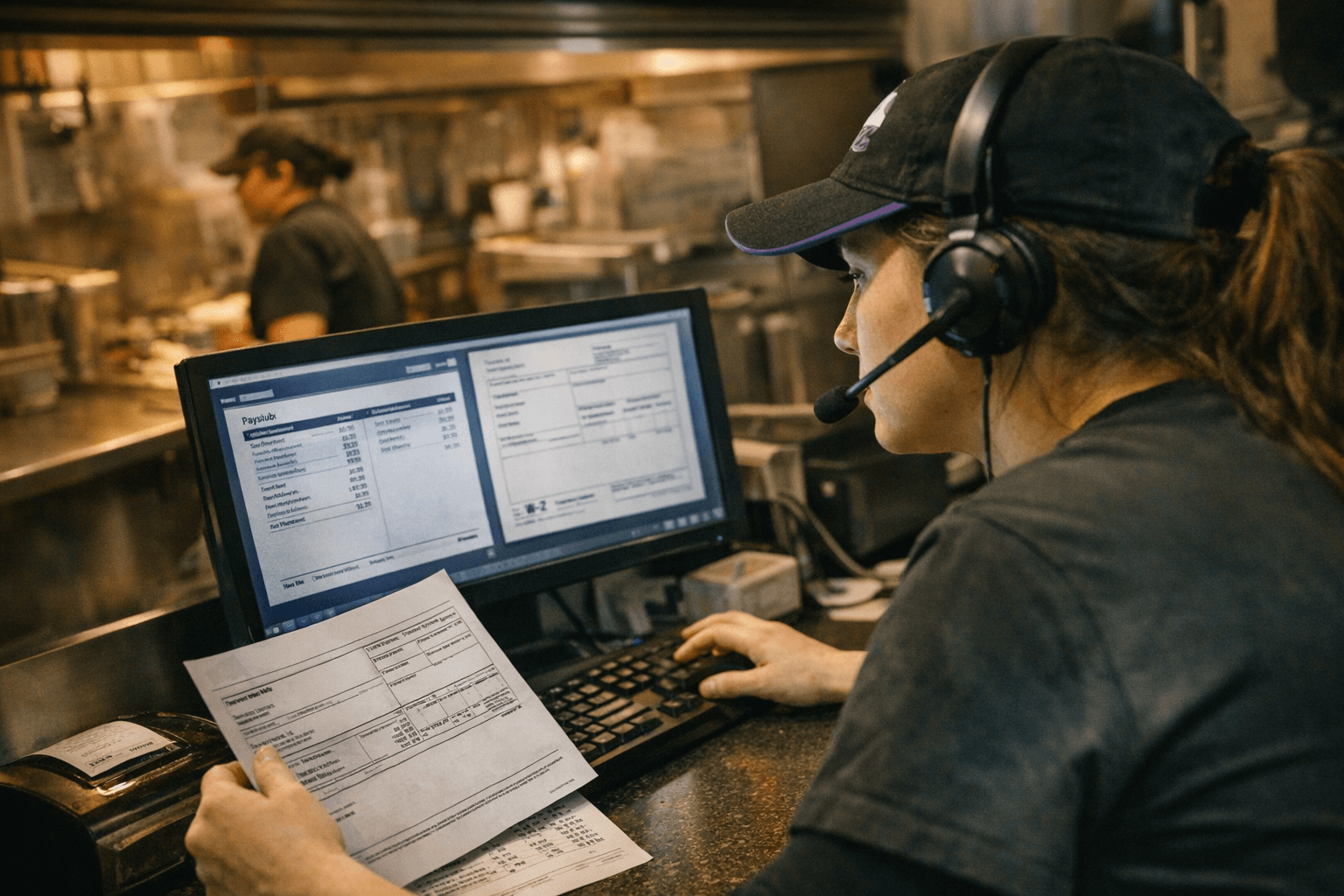
A Taco Bell paystub is issued every pay period and details gross earnings, hours worked, tax deductions, net pay, and year-to-date totals. Deductions include federal and state income taxes, Social Security, and Medicare. Taco Bell operates on a bi-weekly schedule, with payday falling on Tuesday and the pay period running from Wednesday through Tuesday. Checking that your year-to-date totals are accurate at each pay cycle, rather than waiting until December, makes it much easier to catch and correct errors before they compound.
Paystubs are useful well beyond tax season. Workers commonly use them to verify income for apartment rentals, auto loans, and financing applications, which means a missing or incorrect stub can create real-world delays outside of work.
Accessing Your W-2
Your W-2 for the prior year's earnings will be available electronically through the employee portal by January 31. Log into mytacobell.yum.com and navigate to the "W-2," "Tax Forms," or "Year-End Documents" section of your dashboard to view and download it as a PDF. If you haven't received your form or need assistance, corporate employees can email payroll-w2s@yum.com or call (800) 927-8287.
The January 31 date is not a courtesy; by law, employers are required to furnish W-2 forms to employees no later than January 31 each year, either electronically or by mail. If yours hasn't arrived by mid-February, don't wait. Contact payroll first, but simultaneously begin escalation steps.
The Franchise Split: Why Your Process May Differ
As of 2023, more than 94 percent of Taco Bell's 8,212 restaurants are owned and operated by independent franchisees and licensees. Franchisees operate approximately 7,100 locations, and the system as a whole has more than 250,000 team members. That scale matters here: the payroll process is not uniform across every store.
Corporate Taco Bell locations use Yum! Brands' payroll system, which commonly runs on ADP or Oracle HCM Cloud. Franchise locations may use independent providers such as Paycor or AllianceHCM. If you work at a franchise location, your W-2 and paystubs are your franchise owner's responsibility to issue, not Yum! Brands' central payroll team. The first step is always to ask your store manager which payroll provider your location uses, then contact that provider's employee portal directly. The mytacobell.yum.com portal is primarily a corporate resource.
Former Employees: How to Retrieve Old Records
Former corporate employees can access past pay stubs through Oracle Alumni Access at alumni.yum.com by logging in with their former user ID and password. If credentials have been forgotten, the alumni portal has a password reset option. This access typically remains available for a period after separation, but it won't last indefinitely. If you've been gone long enough that portal access has lapsed, contact your former store manager or the Yum! Brands payroll team directly to request copies. Before reaching out, confirm the mailing address Taco Bell has on file for you, because a mailed W-2 sent to an old address is a common source of delays that goes unnoticed until tax season.
Former franchise employees should contact their franchise HR department directly, since the process for franchise workers may differ from corporate and the franchise owner is responsible for issuing W-2 forms at non-corporate stores.
When a W-2 Is Missing
If January 31 passes without your W-2 and direct contact with payroll or franchise HR doesn't resolve it quickly, the IRS provides a formal fallback. If the issue is unresolved by February 15, you can call the IRS at 1-800-829-1040 for assistance. As a last resort, file IRS Form 4852, which serves as a substitute W-2. You'll use your final pay stub of the year to estimate gross earnings and withholding amounts. Filing Form 4852 allows you to meet the tax deadline without waiting indefinitely for an employer to act, and it does not prevent you from filing an amended return later if a corrected W-2 arrives.
Always notify your payroll department or franchise HR simultaneously when taking this step. The parallel pressure frequently accelerates the issuance of a corrected or duplicate form.
Fixing Payroll Errors and Missing Hours
Pay discrepancies, whether missing hours, incorrect deductions, or overtime calculation errors, are more common in high-turnover environments like fast food, and they rarely fix themselves. The fastest resolution path starts with documentation. Gather clock-in and clock-out records, screenshots of any timekeeping app entries, and any physical or digital schedules showing your assigned shifts. Written records are harder to dispute than verbal accounts.
Take that documentation to your store manager and formally request a payroll investigation, asking for an expected timeline in writing. If internal escalation stalls without resolution, the U.S. Department of Labor's Wage and Hour Division accepts complaints directly and can compel wage recovery when employers fail to act. State labor departments offer a parallel channel, and some states have shorter investigation timelines than the federal process.
What Managers Should Be Doing
For shift managers and restaurant managers, pay record problems are partly preventable at the operational level. After any system update or scheduling software change, auditing recent time entries before the pay cycle closes is faster than processing corrections after the fact. Small timekeeping errors, a missing punch here, a rounding misconfiguration there, compound quickly across a full crew and can create both compliance exposure and morale damage.
Set a clear internal procedure for pay problem escalation: confirm that time entries and approvals match, log every correction request in writing, and flag patterns rather than treating each complaint as a one-off. If three employees on the same shift are missing the same hours, that's a system issue, not three separate mistakes. Communicate timelines transparently with affected crew members and follow up in writing. Workers who know their complaint is being tracked and has a resolution date are significantly less likely to escalate externally.
Keeping your crew's payroll accurate is both a legal obligation and a retention tool. In an industry where turnover costs are significant, the store managers who fix pay problems fast build the kind of trust that keeps experienced team members on schedule.
This article was produced by Prism’s automated news system from verified source data, official records, and press releases, then run through automated quality and moderation checks before publishing. The system is built and supervised by the people who set the standards it runs under. Read our full AI policy.
Did this article answer your question?