Walmart Self-Checkout Habits That Trigger AI Alerts, Employees Reveal
Employees say Walmart's AI-powered self-checkout is the store's most monitored zone, and seven everyday habits — from scanning too fast to glancing around — can silently trigger an alert.
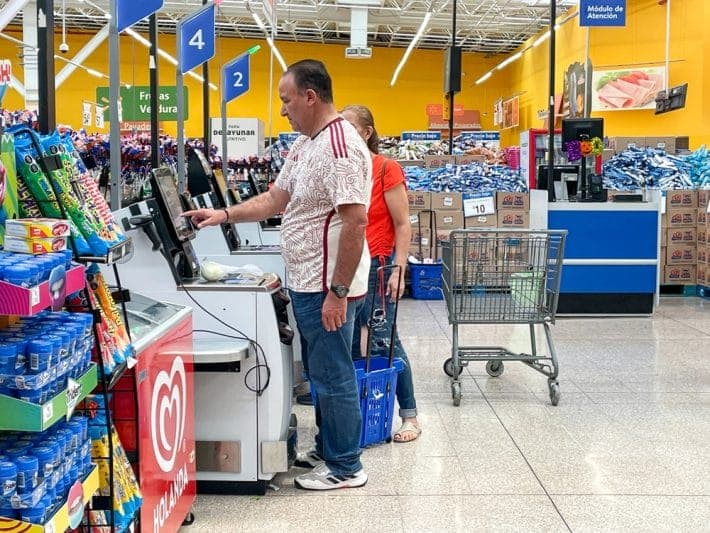
Self-checkout might feel like the fastest way to get in and out of Walmart, but employees say it's also one of the most monitored areas in the store." That description, drawn from frontline associates' accounts, has taken on new weight as the technology behind those lanes grows considerably more sophisticated. "With advanced cameras, weight sensors, and AI tracking every move, even small mistakes can trigger alerts and bring over an associate," and Walmart has invested heavily in "missed scan detection" technology that can pause a transaction and notify staff if something looks off.
The result: many of the habits that get flagged are everyday behaviors shoppers don't even realize look suspicious. Here is a breakdown of the seven specific behaviors that employees say repeatedly set these systems off.
Scanning Too Quickly or "Fake Scanning"
Rushing through self-checkout might seem harmless, but it is one of the biggest red flags the system watches for. The AI tracks scan speed and can flag transactions that appear unusually fast or inconsistent. If items move across the scanner without properly registering, the system may interpret it as a missed scan. Employees say this is a frequent source of confusion for shoppers who simply forget. Always double-checking a cart before finishing a transaction matters here: it only takes one missed item to trigger a response.
Placing Items Directly in Bags Without Scanning
This is one of the quickest ways to trigger a system alert. The system's cameras and sensors are designed to detect when items move from the cart to the bagging area without a confirmed scan, and once flagged, the machine may freeze and display a pop-up alert reading "Associate is on the way," followed by a message stating "Missed Scan Detected." In some cases, the system even replays footage of the action on-screen, giving the arriving associate a clear record of exactly what happened. The fix is straightforward: always scan first, then bag.
Weight Mismatches in the Bagging Area
Self-checkout machines don't just rely on barcodes; they also track weight. If the weight of an item placed in the bagging area does not match what was scanned, an alert can trigger instantly. Mixing up similar items is a common culprit; for example, scanning regular produce while bagging organic, or scanning a cheaper version of a product, raises immediate suspicion because the system is trained to detect mismatches between scanned items and what appears on camera. Produce and bulk items are especially prone to this because entering the wrong PLU code, an easy slip during a busy trip, can send the weight comparison off by enough to freeze the transaction.
Scanning an Item That Doesn't Match What You're Bagging
Even if it is an honest mistake, scanning one item while bagging another can look like intentional "barcode switching," and in more serious cases, this behavior has led to criminal charges. The AI system cross-references what the camera sees going into the bag against what was just scanned, and any mismatch between the two is flagged as a discrepancy. Paying close attention to what gets scanned versus what gets bagged is the key safeguard here.
Getting Distracted Mid-Transaction
Distractions are more dangerous than most shoppers realize. Whether it is a phone, kids running around, or a side conversation, losing focus mid-transaction can lead to missed scans or incomplete transactions that the system immediately picks up on. An item that gets moved without being properly registered in the middle of a distracted checkout sequence looks identical to an intentional skip from the AI's perspective. Keeping attention on the screen confirmation between each scan is the simplest way to avoid this trap.
Suspicious-Looking Behavior and Eye Movement
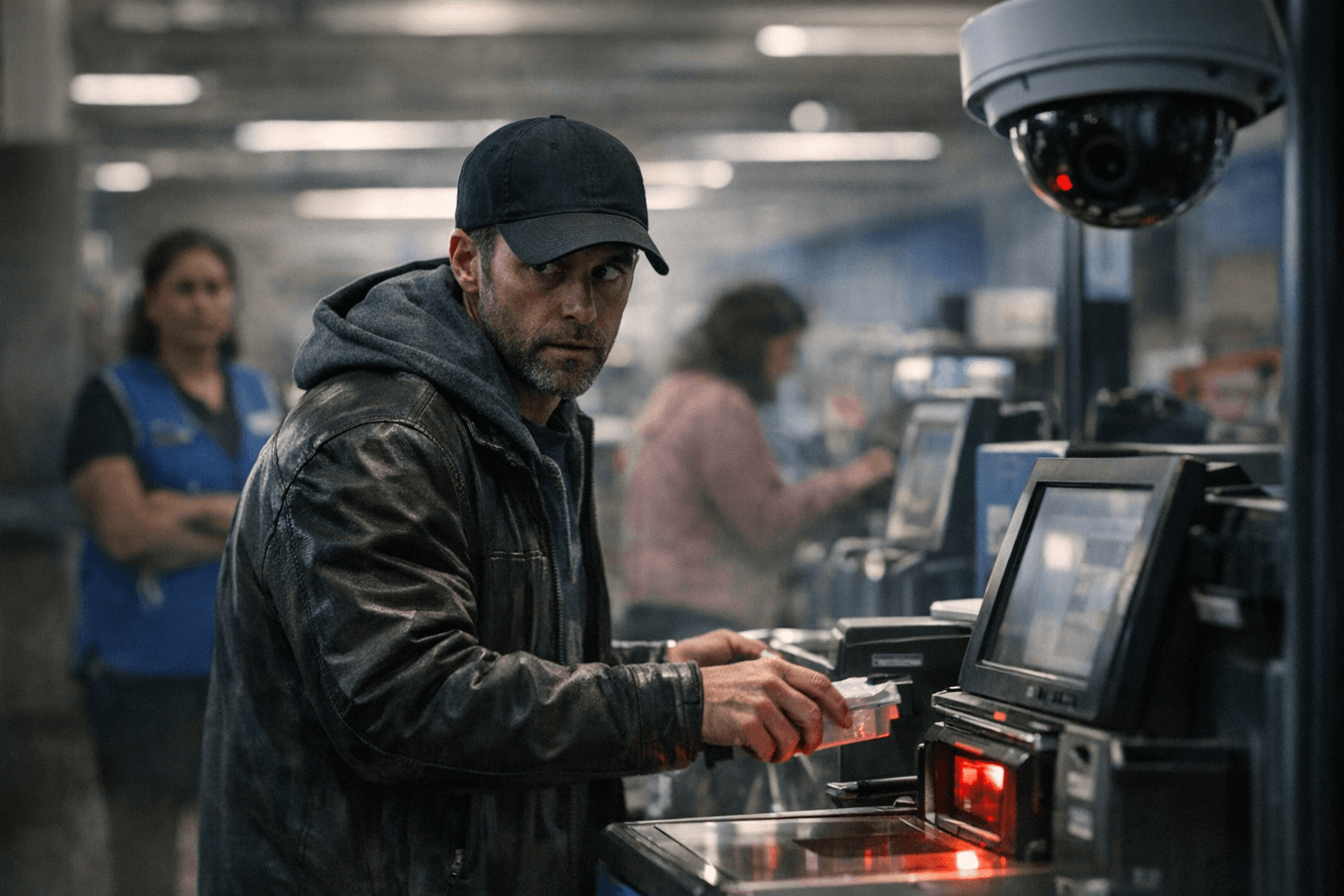
This one surprises a lot of people, but behavior matters too. Loss prevention teams and AI systems may interpret repeated glances around the area as suspicious activity, and combined with other factors, like missed scans or bagging errors, it can significantly increase the chances of being flagged. Employees are trained to observe patterns, not just single actions. Even if someone is simply anxious or in a hurry, it can be misread. The best approach is to stay calm, scan normally, and follow the process step by step.
Leaving Items Unscanned in the Cart
Employees say this is a frequent source of confusion for shoppers who simply forget. Always double-checking the cart before finishing a transaction is essential: it only takes one missed item to trigger a response. Items that remain at the bottom of a cart or tucked under a seat are precisely what the overhead camera array is calibrated to catch, cross-referencing what entered the checkout area against what was scanned before payment is completed.
The System Behind All of It
Walmart has been using "Missed Scan Detection" since 2017, leveraging AI cameras to track scanned and unscanned items. The system uses computer vision to monitor both manned and self-checkout areas at each store. In 2025, Walmart sharply upgraded its theft prevention at self-checkout by combining technology, staff presence, and physical security measures, with AI-powered cameras and software detecting missed scans, fraudulent behavior, and suspicious movements; if an item isn't scanned, the AI instantly alerts staff, sometimes providing an overhead video replay so associates can review incidents in real time.
Employees monitor registers remotely using mobile phones, with AI-powered missed-scan detection technology sending alerts if the system finds a problem; staff can pause machines to stop further scanning when needed. Associates receive training to approach customers in a friendly way, often attributing the issue to machine errors rather than accusing shoppers, while notifying managers or security if they suspect actual theft; regular employees do not confront customers directly, leaving that to asset-protection teams.
Why the Stakes Are This High
Retailers are facing massive losses from theft and errors, especially at self-checkout. Industry estimates show billions of dollars are lost annually due to "shrinkage," which includes theft and scanning mistakes, and in response, stores have rolled out AI-powered monitoring systems that track every movement at the register. Nearly 40% of grocery registers in the country are self-checkout kiosks, and over 20 million Americans have admitted to stealing products this way, with only a third of those people getting caught. That scale of loss is precisely why the technology keeps getting more precise.
While this technology helps prevent theft, it also means honest shoppers can get caught in the system. The solution, according to employees who work alongside these machines every day, is not complicated: slow down, confirm each scan on the screen before placing the item in the bag, double-check the cart before hitting pay, and stay focused on the task. A few extra careful seconds at the kiosk is a far better outcome than a frozen screen, a waiting associate, and overhead footage playing back on the monitor in front of you.
Know something we missed? Have a correction or additional information?
Submit a Tip