All3DP guide matches 3D printers to real workshop bottlenecks
This guide cuts through the spec-sheet noise and pairs six sub-$10K printer categories with the workshop bottlenecks they actually solve.
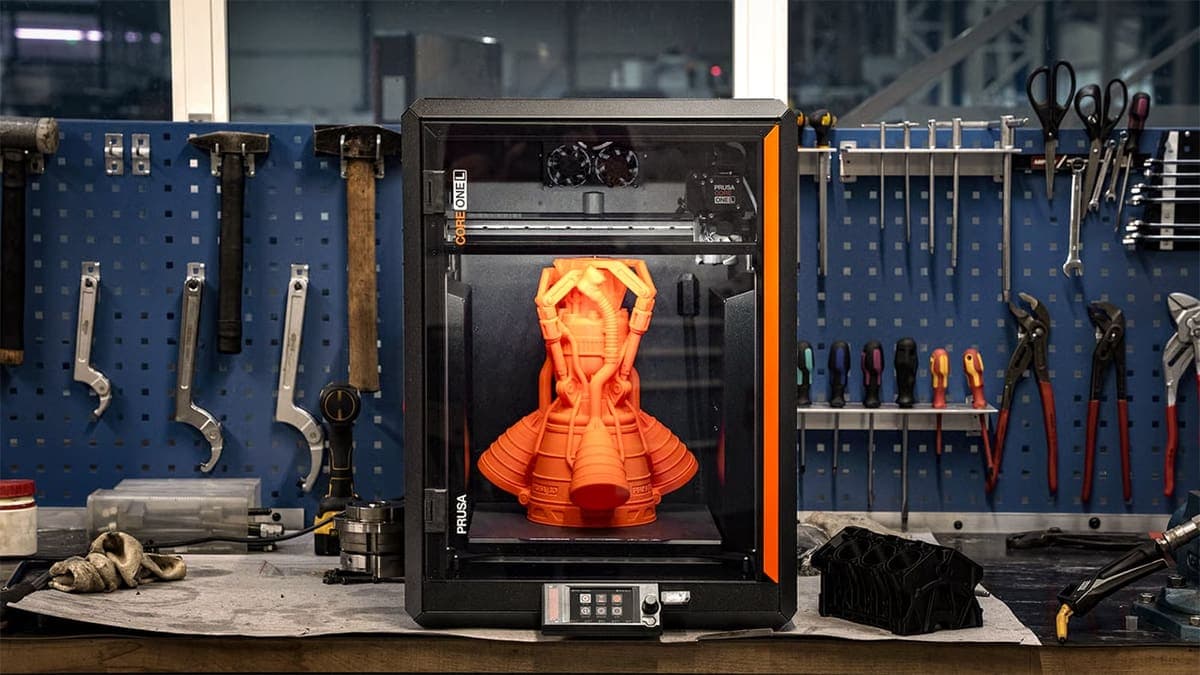
Under $10K, the best 3D printer is the one that can stay up overnight, handle the materials you trust, and fit the way your shop actually runs.
A guide built around bottlenecks, not bragging rights
All3DP treats 3D printing like a workflow problem. Instead of lining up machines as a prestige ladder, it matches six systems to specific pain points: warping-prone engineering polymers, continuous fiber reinforcement, strict enterprise network security, and other high-uptime demands that matter in real shops.
For anyone who has outgrown entry-level printers, the cost of a failed part is no longer just wasted filament; it is lost time, interrupted production, and more manual babysitting than a home lab or small business can afford. Once you need consistency, there is no single best printer, only the machine that best matches your material, your workflow, and your tolerance for intervention.
Why the under-$10K ceiling changes the conversation
It is still a meaningful investment, but it sits in the range that a serious hobbyist, school lab, or small production business can plausibly justify without crossing into full industrial territory.
That price band reveals the tradeoff readers need to think about. At this level, you are not buying a trophy machine. You are buying fewer failed overnight jobs, less downtime, and a setup that does not need constant attention.
When chamber stability becomes the priority
Warping-prone engineering polymers are one of the clearest pain points. If you are printing nylon-like materials, chamber stability stops being a nice-to-have and becomes the thing that decides whether a part finishes cleanly or peels itself apart halfway through.
A stable chamber helps keep heat where it belongs, which is exactly what demanding materials need when they start shrinking, curling, or separating under stress.
Reinforcement changes the job, not just the part
Continuous fiber reinforcement is a very different use case from basic hobby printing, because the goal is not simply to make a shape, but to make a part that can carry real load and survive real use.
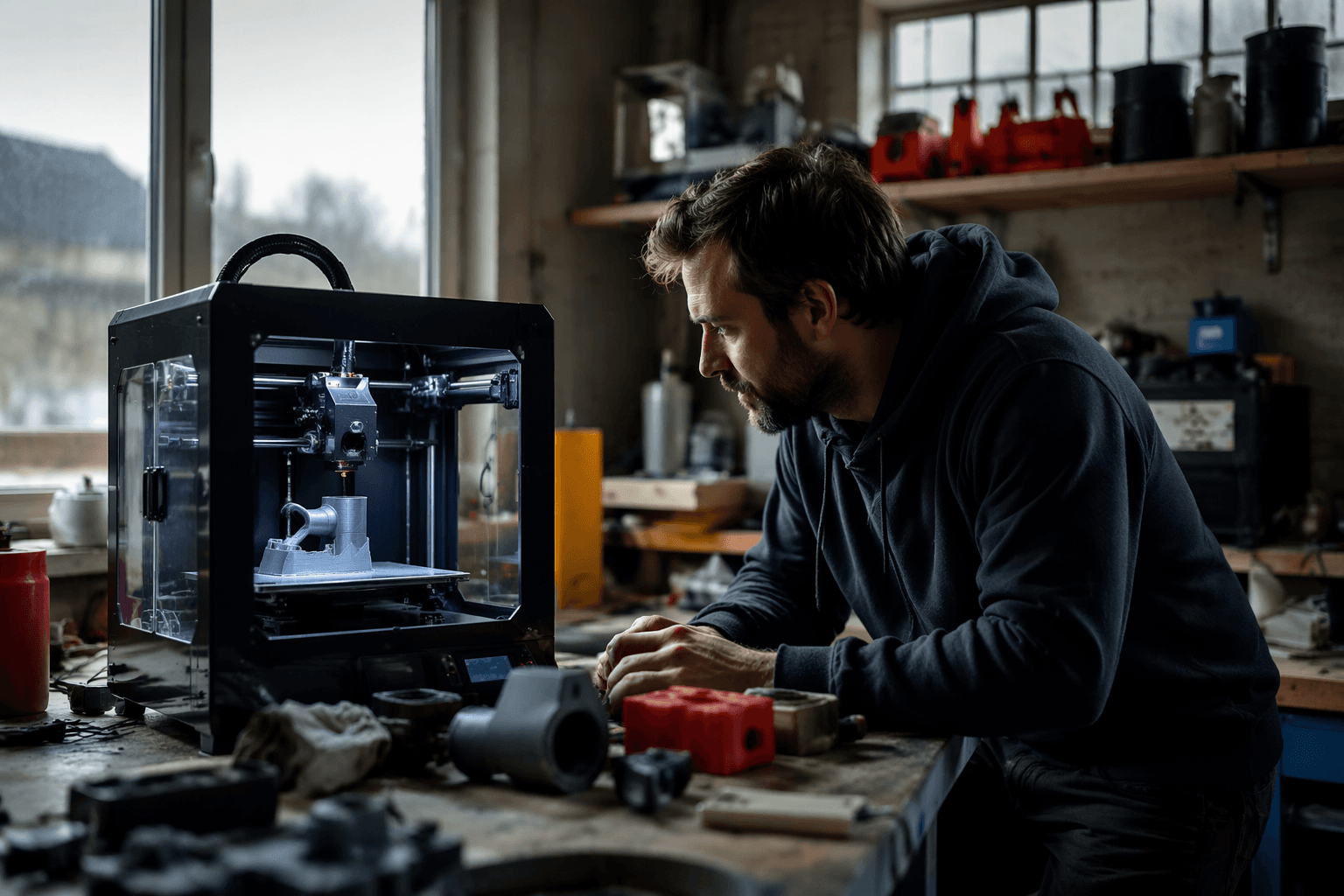
A printer built for reinforcement is answering a strength problem, not a speed problem. If your parts need to function as tooling, fixtures, or structural components, the machine’s architecture matters more than a headline layer-height claim, because the whole point is to get predictable mechanical performance from the process.
Security is a print-room issue too
Strict enterprise network security is a less glamorous but increasingly important bottleneck. In some environments, cloud dependence is not a convenience, it is a liability.
Secure, self-contained workflow support is a real selling point for shops that cannot route every job through a vendor-connected system. If your printers sit in a school, a lab, or a business with tight IT rules, the right machine is the one that fits inside those limits without forcing exceptions. This is a printer-selection issue rather than an IT afterthought, because network policy can stop a production cell just as effectively as a broken extruder.
What high-uptime really means in practice
High-uptime printing is about reducing touch points. A machine earns its keep when it can handle more jobs per week, require less babysitting, and keep a batch moving even when the operator is not standing there watching every layer.
For people graduating from entry-level machines, the bottleneck is rarely imagination. It is intervention time, consistency, and whether the printer can survive a long run without turning a usable schedule into a series of recoveries.
How to read the six-system shortlist
The practical way to use the six-system shortlist is to map your own pain point first, then match it to the machine class that solves it. The six systems are not there to create a podium finish. They are there to answer different operational problems, and serious users need to think that way.
- If your failure mode is warping, look for chamber stability.
- If your parts need real strength, look for reinforcement.
- If your environment is locked down, look for secure workflow compatibility.
- If your real cost is constant supervision, look for high-uptime reliability.
A useful shorthand is this:
By 2026, a serious workshop needs a way to buy the machine that removes the bottleneck in front of it.
This article was produced by Prism’s automated news system from verified source data, official records, and press releases, then run through automated quality and moderation checks before publishing. The system is built and supervised by the people who set the standards it runs under. Read our full AI policy.
Did this article answer your question?