Bambu Studio update unlocks more multicolor potential for A-series printers
Bambu Studio’s multicolor tools now let A-series owners mix filaments in one print, add mixed filaments with one click, and push farther without new hardware.
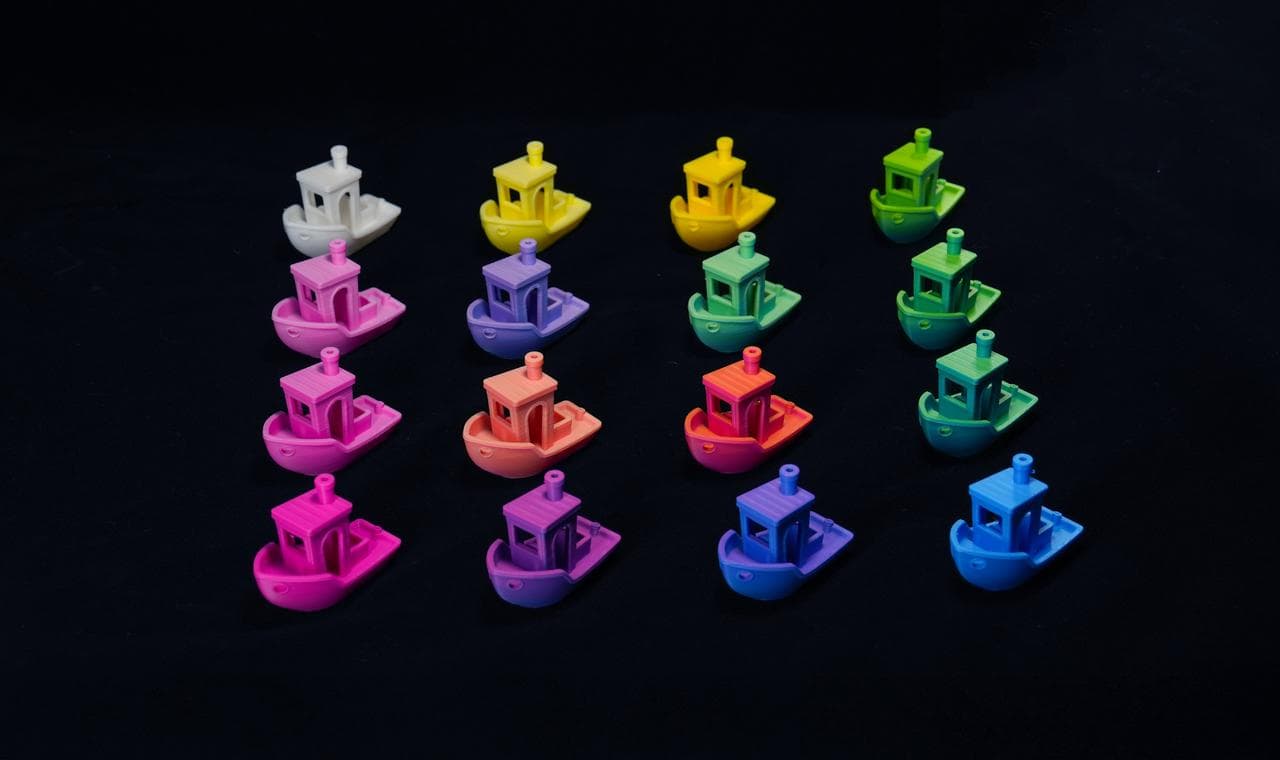
Bambu Studio’s latest multicolor push gives A-series owners a more capable slicer workflow before they ever touch the printer. With Bambu Studio V2.5.3, Bambu Lab added an experimental Color Mixing feature that lets users mix multiple filaments in the same print by adjusting the ratio, and the filament list now includes an “Add Mixed Filament” control at the bottom.
That matters most for people already printing on the A1 and A1 mini ecosystem, where the software upgrade changes what the machine can do day to day. Bambu Lab’s A1 mini first-print guide shows the AMS lite is built for multicolor work, and it supports spools with 40 to 68 mm width and an inner diameter of 53 to 58 mm. The A1 mini FAQ also lists a recommended ambient temperature range of 10°C to 30°C, or 50°F to 86°F, giving users a clear setup window before the first multicolor job goes in.
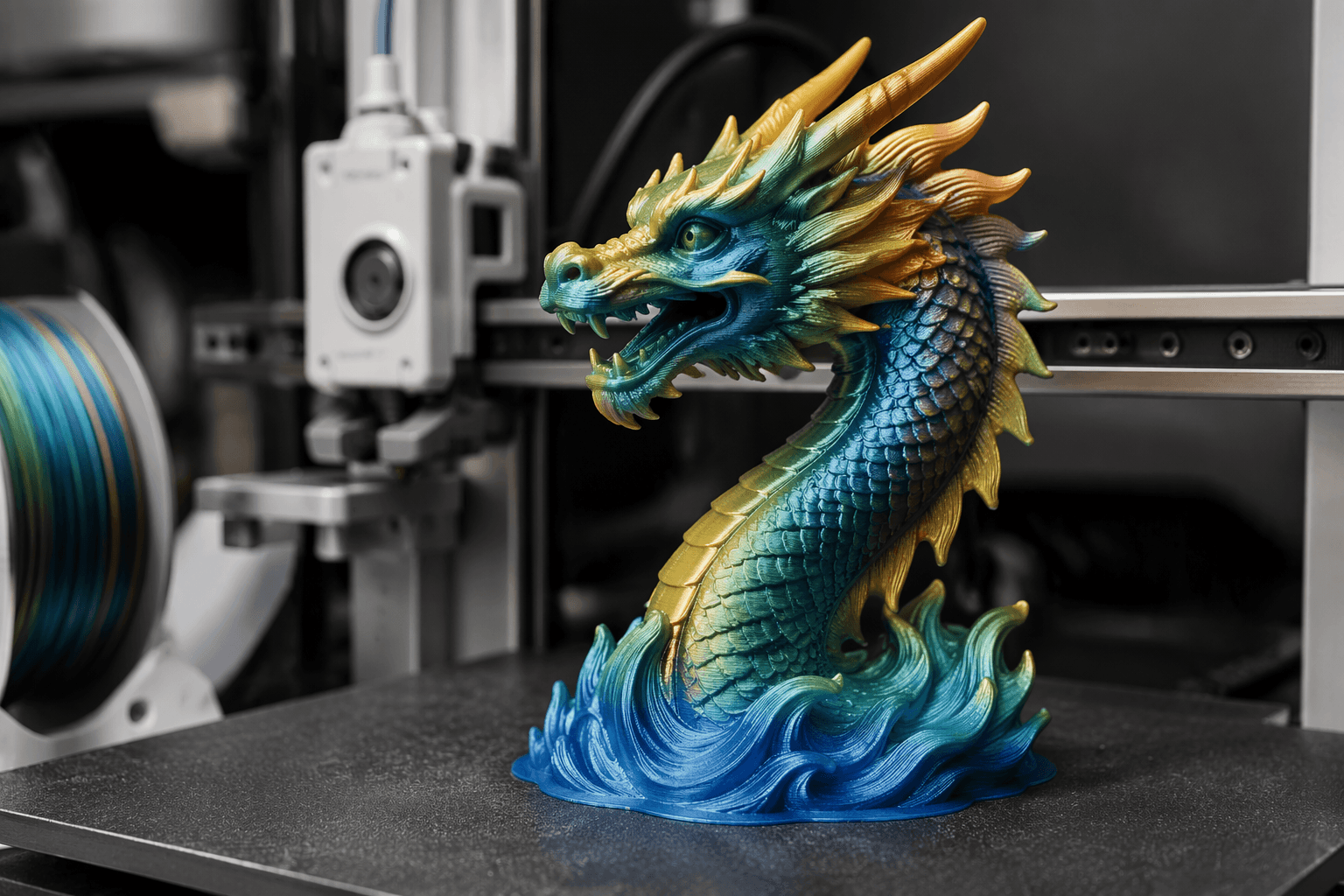
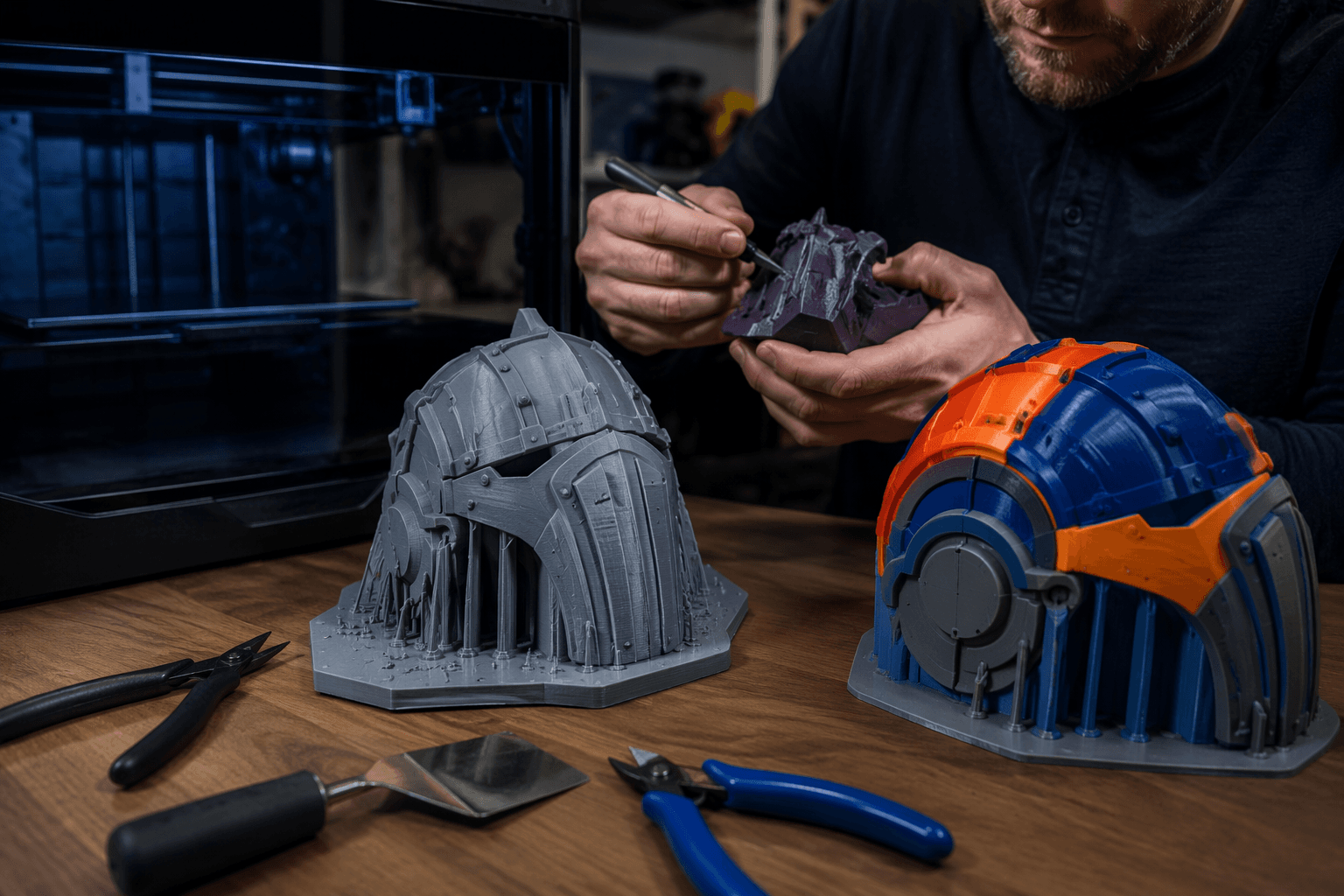
The payoff is practical, not just flashy. Instead of treating color as a post-processing problem, the update pushes more of the work into the slicer, where users can build signs, cosplay parts, labels, organization inserts, educational models, and decorative pieces with fewer manual pauses. Bambu Lab’s wiki says standard 3MF files can carry color, material properties, and printing parameters, which is the kind of file-level support that makes these jobs easier to prepare and more reliable to re-open later. Bambu Studio has supported the 3MF Consortium reading code since version 1.8.3, so the software side of the ecosystem has been laying the groundwork for a while.
The color tools themselves have also been maturing in public view. Bambu Lab’s Chinese V2.5.3 release notes say the color prediction portion was based on @ratdoux’s OrcaSlicer-FullSpectrum work, while Bambu Lab says the rest was developed independently by its own team. Later updates kept expanding the color and material workflow, with V2.3.0 adding support for the Bambu Lab P2S and changing Skip Part so it also skips unnecessary color-change flushes, V2.5.0 adding remote AMS drying support for AMS 2 PRO and AMS HT connected to an H2D, and V2.7.1.62 introducing Texture-to-Color Painting and a Filament Manager.
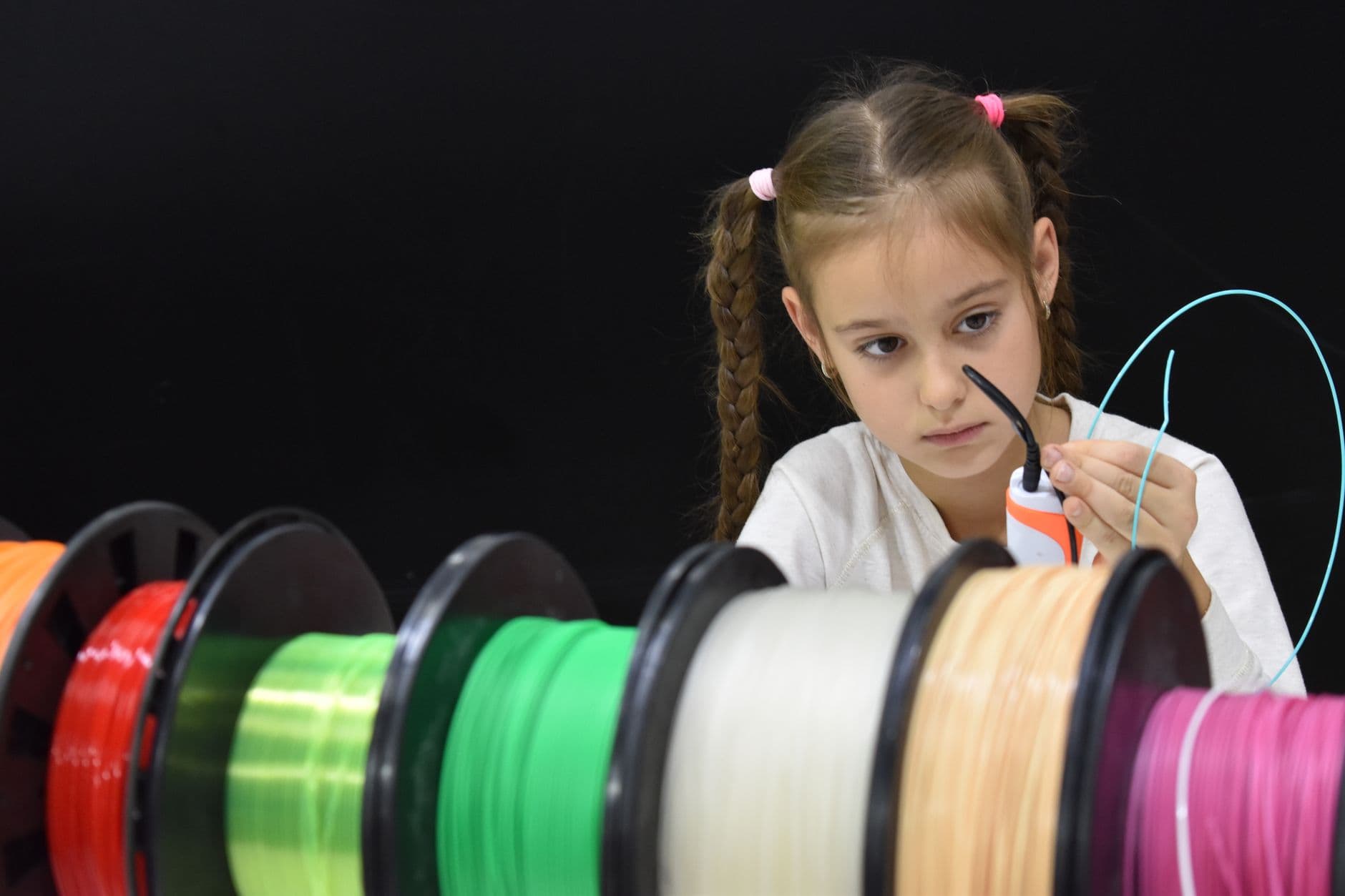
For A-series owners, the big shift is simple: Bambu Studio is doing more of the multicolor heavy lifting inside the software, and that narrows the gap with Bambu’s higher-end workflow without asking for a new printer. The printer in the corner feels a little less like a single-material starter machine and a little more like the multicolor platform Bambu Lab has been building toward from the start.
This article was produced by Prism’s automated news system from verified source data, official records, and press releases, then run through automated quality and moderation checks before publishing. The system is built and supervised by the people who set the standards it runs under. Read our full AI policy.
Did this article answer your question?