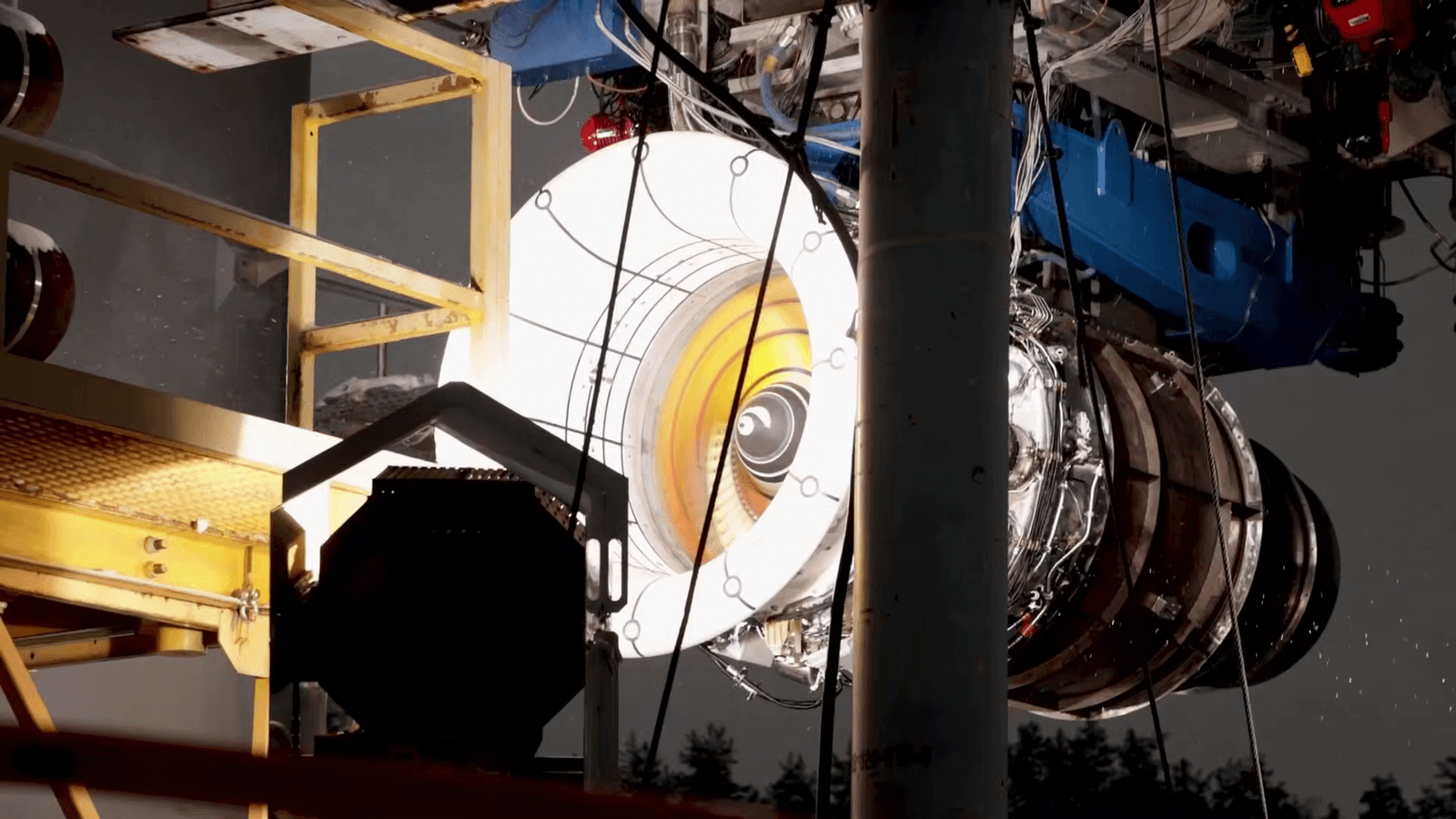
BambuStudio beta adds automatic painting for multicolor 3D prints
BambuStudio’s new beta turns textured files into paint-ready multicolor models, trimming the brush-by-brush slog for AMS users.
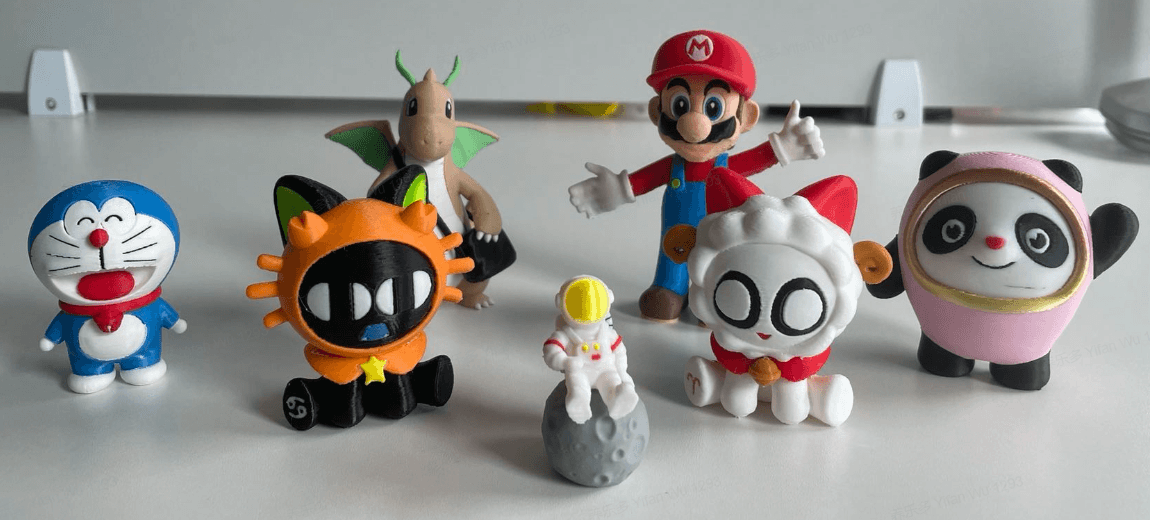
A textured model that once demanded careful brush work in BambuStudio could now be pushed toward multicolor readiness with a single beta feature. Bambu Lab’s BambuStudio 2.7.0 Public Beta, tagged v02.07.00.55, added Texture-to-Color Painting, which converts textured models directly into multicolor painting on the model surface.
That matters because Bambu Studio’s existing color workflow was already a hands-on process. Bambu Lab’s software page says the slicer supports colorizing models with brushes and automatically maps filaments to AMS slots, while its color painting documentation says those painted models are then sliced into GCode tool paths extruded by multiple filaments. The new texture-to-color step does not replace that pipeline, but it does move a big chunk of prep work upstream, turning imported textured assets into something much closer to print-ready output.

The beta was not a free pass for every model format. Current support covered OBJ, glTF, and GLB imports, but Bambu Lab recommended single-texture models for now. Multiple textured models could not yet be loaded at the same time, Draco-compressed glTF and GLB were not supported, and some mesh defects could still require manual repair before import. The release notes also said painted color information was preserved after a Plane Cut, a small but useful detail for anyone trimming display parts or splitting larger models for production.
The most obvious winners are the people who live inside the multicolor workflow already: mini painters who want character figures to match reference art, cosplay makers pulling in textured props, and display-model sellers who need consistent color across batches. For those users, the beta did something more important than add a flashy headline feature. It attacked the dullest part of the job, the surface-by-surface coloring that has long slowed textured prints inside the slicer.

That demand had been building for years. A GitHub issue opened on August 13, 2022 asked for multi-material painting using texture maps so the slicer could choose color from the texture itself, and a 2025 issue asked for custom texture-to-model support while pointing to ideaMaker’s texture feature. A December 27, 2024 forum thread showed users already trying to reuse textures from Blender. Bambu Lab’s latest beta answers that pressure by making the slicer feel smarter without changing the printer at all, and that is exactly the kind of software gain that can make a multicolor workflow stop feeling like a chore.
This article was produced by Prism’s automated news system from verified source data, official records, and press releases, then run through automated quality and moderation checks before publishing. The system is built and supervised by the people who set the standards it runs under. Read our full AI policy.
Did this article answer your question?