Maker's Muse Shares OrcaSlicer Settings for Stronger Battle-Bot PLA Parts
Maker's Muse's OrcaSlicer advice shows PLA toughness comes from walls, orientation, and print strategy, not just a pricier spool.
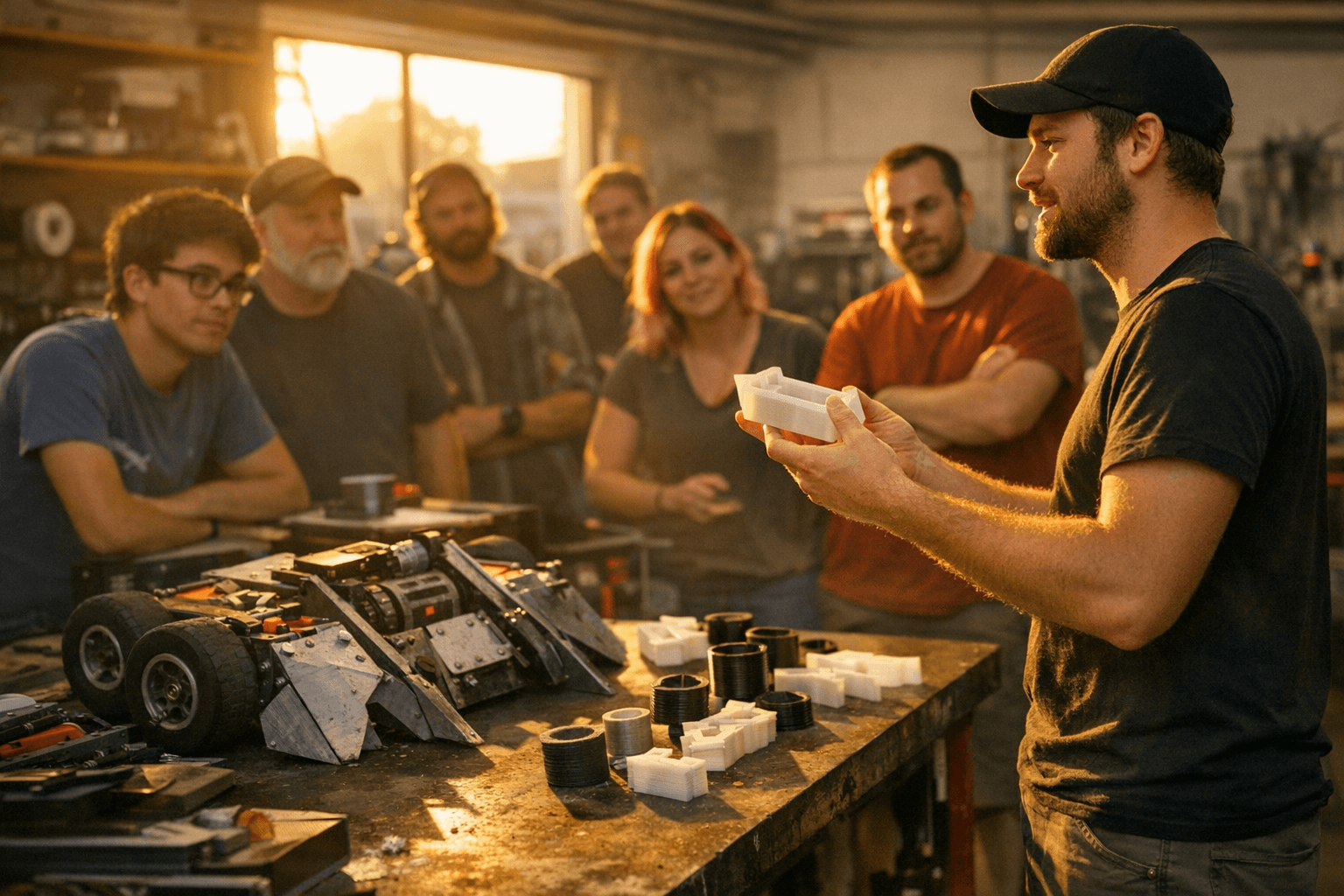
The strength boost is often in the slicer
The easiest way to miss the point with PLA is to assume a tougher spool automatically means a tougher part. Hackaday’s April 25 post flips that idea on its head by tying battle-bot durability to OrcaSlicer choices, not just filament marketing, and that is exactly why it matters to anyone printing functional parts.
Battle bots are a brutal test because they punish every weak decision at once. If layer adhesion is poor, if the walls are too thin, if the part is oriented badly, or if the infill strategy is overconfident, the failure shows up fast in a clash that would never forgive a decorative print mistake.
Why battle-bot parts are such a useful stress test
The value of the battle-bot example is that it makes the usual FDM tradeoffs impossible to ignore. A robot combat part has to survive impact, twisting, and repeated abuse, so the print has to behave like a mechanical component instead of a shaped plastic shell.
That is why the lessons travel so well into everyday shop use. The same thinking applies to brackets, mounts, jigs, toolholders, and fixtures that need to keep their shape under real-world load. A part that looks fine in CAD can still split along layer lines, crush at a corner, or snap at a tab if the slicer settings fight the design.
Why Maker's Muse is a credible voice here
The advice carries weight because it comes from Angus Deveson, better known as Maker's Muse, whose channel is based in Sydney, Australia. On his site, he says he has spent more than 10 years covering 3D printing tips and tricks, and he also maintains combat-robot resources and parts information for builders.
That background matters because he is not treating battle bots as a novelty. He also offers a free Lifter Antweight 3D print and source files package, designed for the 150 g Plastic Antweight class, which puts his printing advice squarely in the world of small, high-stakes robot parts. When a maker has that kind of hands-on overlap between printing and combat robotics, the slicer discussion stops sounding abstract and starts sounding like field-tested practice.
The settings that usually move the needle first
The biggest takeaway from the post is simple: walls, orientation, and bonding often matter more than simply packing in more infill. Recent technical coverage keeps pointing the same way, and the research behind it is strong enough to back up what many seasoned printers already see on the bench.
A 2023 study found that deposited-layer orientation significantly affects the mechanical behavior of PLA parts. A separate 2024/2025 Tough PLA paper tested layer height, wall thickness, infill density, build-plate temperature, printing speed, and printing temperature across tensile, flexural, and compressive performance. A 2026 conference paper went even further, studying impact strength with infill density, infill pattern, layer height, wall number, printing orientation, and material color.
That is a long way of saying the same thing in several forms: strength is a system, not a single setting. If the part is expected to take a hit, the wall structure and layer direction often do more for survival than a dramatic infill percentage.
Where the tradeoffs really are
For battle-bot-style durability, more infill is not always the smartest first move. High infill can add print time and material use quickly, but it may still leave the part vulnerable if the walls are too thin or the layer lines are aligned with the load path.
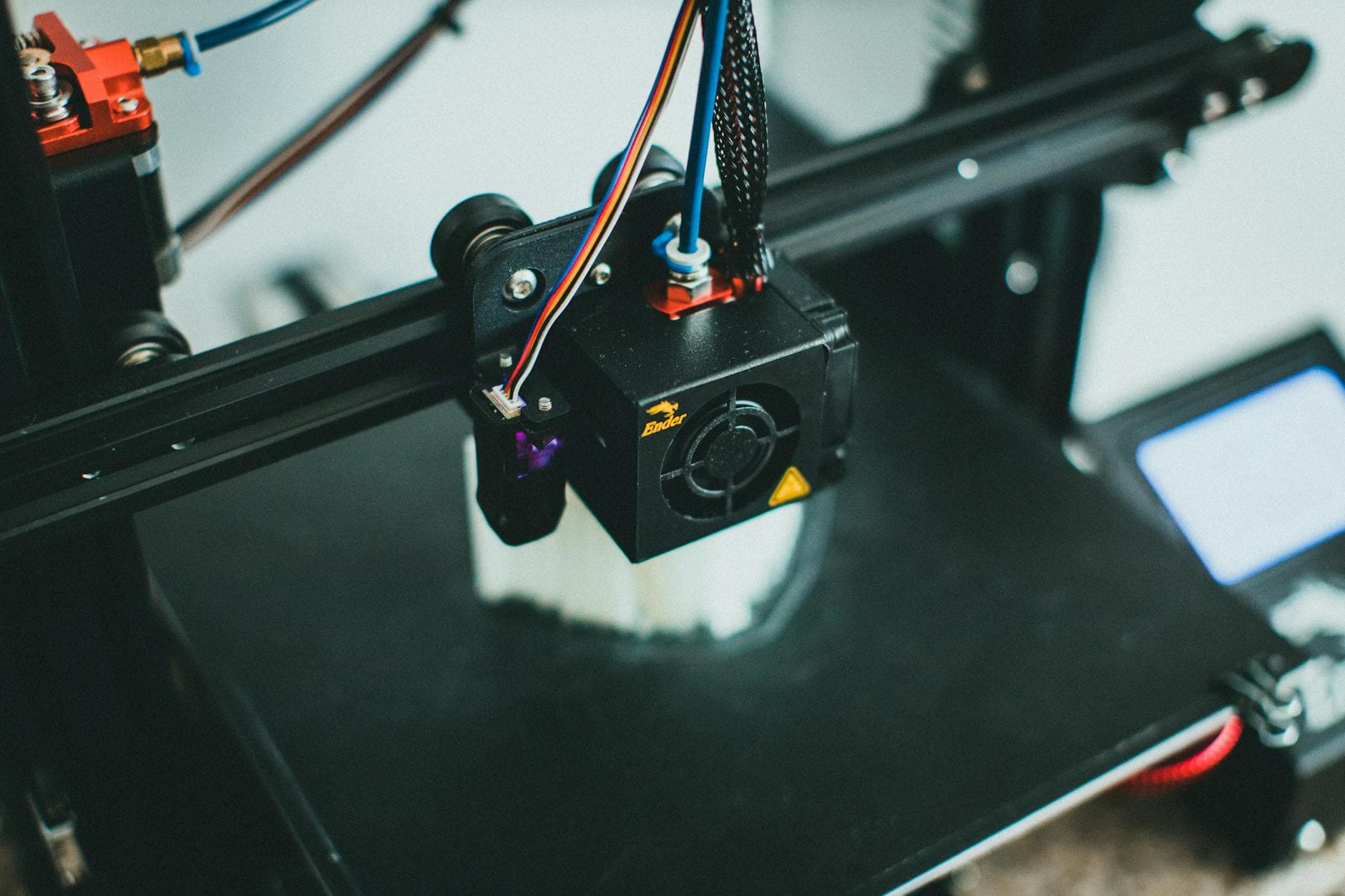
Orientation is the other big lever. The 2023 PLA study is a reminder that printed-layer direction changes how the part behaves mechanically, which means a part can be strong in one direction and weak in another. If you rotate a part so the impact load runs across layers instead of along them, you may get a much tougher result without changing filament at all.
Layer height, printing speed, and temperature also sit in the mix. The Tough PLA paper shows that those variables affect tensile, flexural, and compressive behavior, while the 2026 impact-strength study adds wall number and even material color to the list of variables worth watching. The practical lesson is not to chase every knob at once, but to make deliberate choices that match the load the part will actually see.
Try these first on your next tough PLA print
Start with the settings that have the clearest mechanical payoff:
- Increase wall count before you max out infill. Shells often deliver more usable strength than a bloated interior.
- Reorient the part so the expected force does not split the layers apart. Layer direction can make or break a PLA component.
- Keep layer height sensible for the job. The research on Tough PLA and PLA impact strength both shows it is one of the variables that changes real performance.
- Treat infill pattern as a structural choice, not a cosmetic one. It is part of the load path, not just a fill number.
- Match speed and temperature to the goal. The 2024/2025 Tough PLA work tested both, which is a reminder that print settings interact instead of acting alone.
- Review the part design itself. Battle-bot parts work because geometry, slicer setup, and print intent are aligned from the start.
The real upgrade is understanding what the print needs
That is the practical lesson hiding inside the battle-bot framing: the strongest PLA part is rarely the one made from the fanciest spool. It is the one printed with the right walls, the right orientation, and a slicer setup that respects how plastic actually fails under impact.
Maker's Muse has turned that idea into something every desktop printer can use, and Hackaday’s April 25 spotlight makes the point hard to miss. If you want tougher PLA, the next gain may come from OrcaSlicer before it ever comes from the filament shelf.
This article was produced by Prism’s automated news system from verified source data, official records, and press releases, then run through automated quality and moderation checks before publishing. The system is built and supervised by the people who set the standards it runs under. Read our full AI policy.
Did this article answer your question?


