OrcaSlicer 2.4.0 alpha adds Orca Cloud and smoother top surfaces
OrcaSlicer 2.4.0 alpha bets on profile syncing and cleaner top layers, but Linux users on Wayland are already reporting crashes.
The first things to test in OrcaSlicer 2.4.0 alpha are the features that can save a desktop printer user time before a single layer goes down: Orca Cloud for profile syncing, and Z Anti-Aliasing for cleaner top surfaces. Released on May 25, the alpha pushes OrcaSlicer beyond plain slicing and toward a workflow that moves printer, filament, and process profiles across devices instead of trapping them on one machine.
Orca Cloud is the headline addition. The optional account system lets users sync printer, filament, and process profiles, explore printer profile bundles, and join a community hub. OrcaSlicer says that fits into a long-term vision for an open 3D-printing ecosystem that includes users, contributors, printer manufacturers, filament makers, and hardware and software partners. For anyone juggling multiple printers or swapping between materials, that is the kind of change that can quietly cut setup time and reduce the kind of profile mistakes that waste filament and build plates.
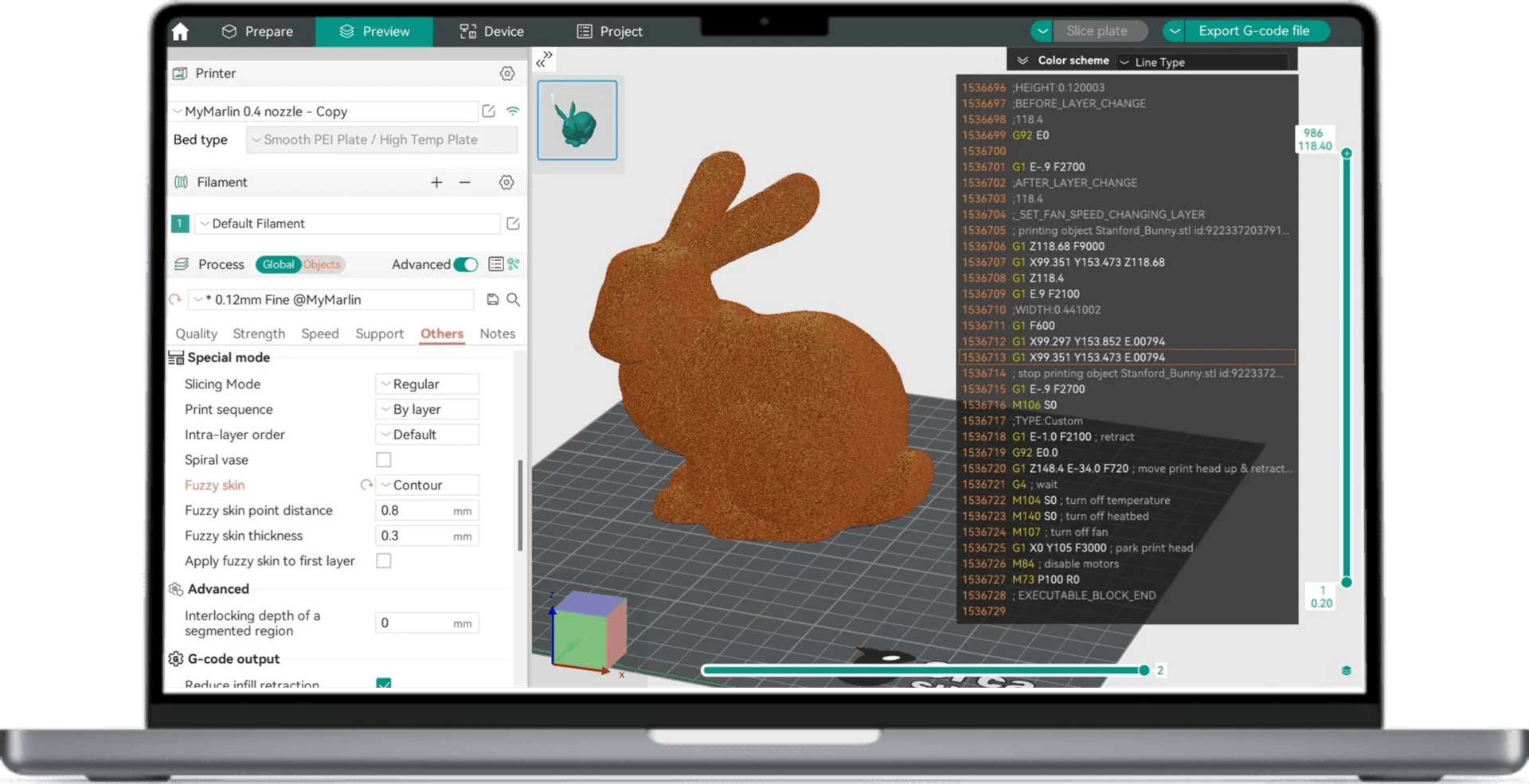
Z Anti-Aliasing, or ZAA, is the other feature worth checking first. OrcaSlicer’s wiki says Z contouring, also called Z-layer anti-aliasing, reduces visible stair-stepping on curved and sloped top-facing surfaces by varying Z height within a layer. The current implementation is aimed at top-facing geometry, and it is available in nightly builds or releases greater than 2.3.2. In this alpha, settings are exposed through Expert mode, which makes the new smoothing tools more powerful but also more deliberate to use.
That same release adds native Wayland support for Linux, along with Machine Input Shaping, optimized gyroid infill, Prusa-style combined brims, a redesigned printer selection dialog, an Expert user mode, and a long list of bug fixes and profile updates. The practical appeal is obvious: fewer clicks in setup, fewer profile mismatches, and a better shot at a cleaner first print without digging through every advanced menu.

The catch is that OrcaSlicer 2.4.0 is still an alpha, and the release notes point users to issue #13828 for known problems. Early Linux reports already show why caution matters. A GitHub issue opened on May 25 describes OrcaSlicer 2.4.0-alpha crashing under Wayland on CachyOS rolling release, sometimes before the app fully opened, and again during tab switching and print sending. The report says the behavior appeared in both AppImage and Flatpak builds.
For users who want immediate payoff, the path is clear: test Orca Cloud if profile portability is the bottleneck, and test ZAA if top-surface finish is the pain point. The alpha’s promise is not just sharper parts, but less friction between the model on screen and a reliable print on the bed.
This article was produced by Prism’s automated news system from verified source data, official records, and press releases, then run through automated quality and moderation checks before publishing. The system is built and supervised by the people who set the standards it runs under. Read our full AI policy.
Did this article answer your question?