Text-to-CAD gets useful, but only when design intent matters
Text-to-CAD is finally shaving time off real workflows, but only for parts where intent, constraints, and printability still matter more than a pretty mesh.
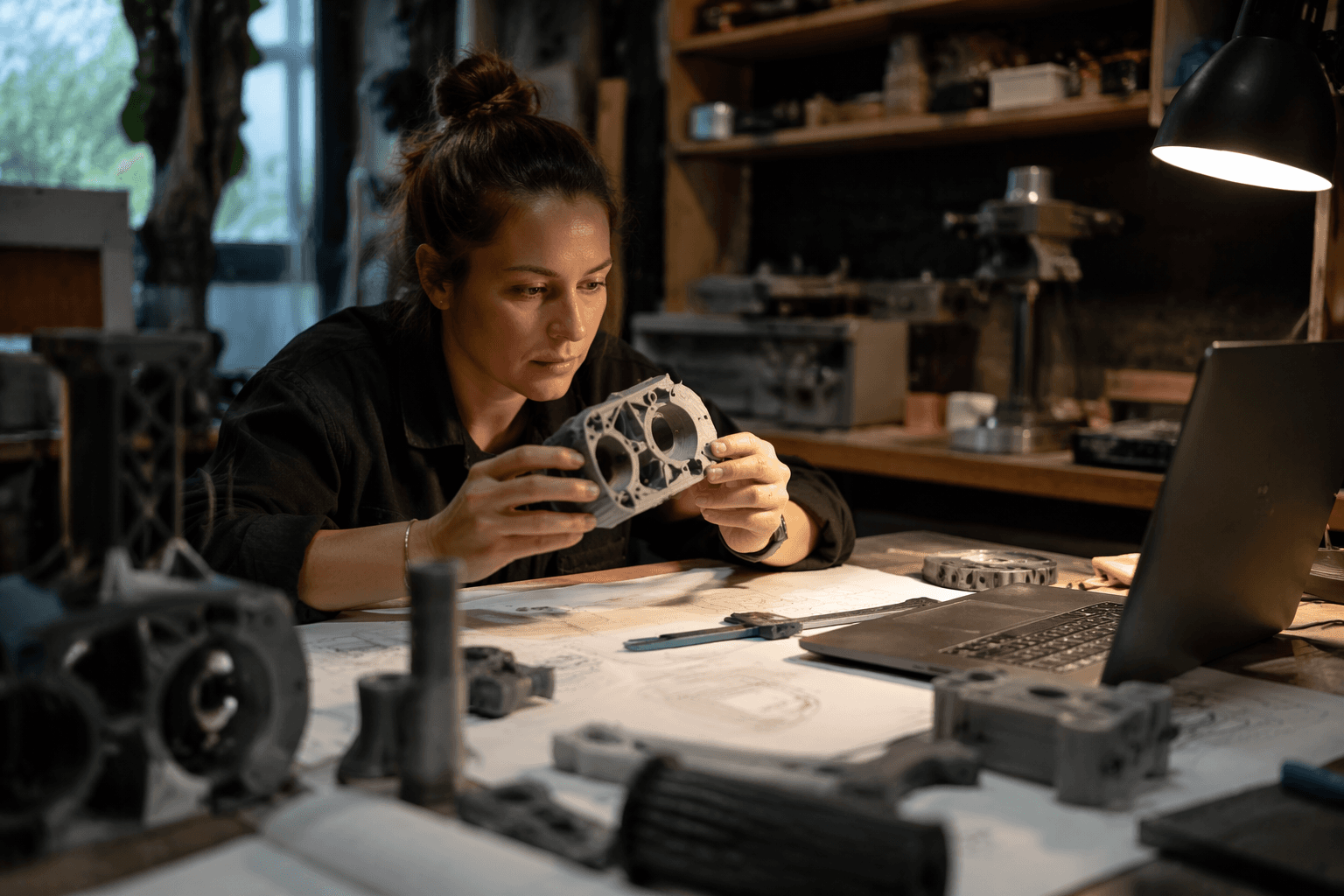
Text-to-CAD is starting to earn its place on the bench, but not as a magical prompt-to-print button. The tools that matter now are the ones that help you get to a usable bracket, adapter, enclosure, or concept shape faster, then hand the hard part back to real CAD discipline before a slicer ever gets involved.
The useful split: concept geometry versus real CAD
Kerry Stevenson’s reading of the field is the right reality check for 3D printing: text-to-mesh tools are fine when the goal is a visual mockup, a game asset, or a rough idea on screen, but they are not the same thing as CAD. A printable part has to carry dimensions, relationships, and assembly logic that survive edits, not just look convincing in a render.
That is why the prompt-first fantasy keeps breaking down on the details hobbyists care about most. Wall thickness, clearance, alignment, fit, and repeatability are not cosmetic choices. They are the difference between a model that slices cleanly and one that warps, binds, or falls apart on the second test print.
Why intent matters more than geometry
Autodesk Research has been blunt about the core problem: generative CAD has to align outputs with design intent so geometry updates predictably when parameters change. In its SketchGraphs analysis, only 8% of sketches are fully constrained, which means 92% would behave unpredictably when edited. Autodesk’s own alignment work says that constraint generation is a critical first step because the goal is not just to draw shapes, but to fully constrain the geometric primitives that make those shapes editable.
That is the real difference between a model you can admire and a model you can use. If a hole is meant for a screw, a face is meant to mate flat against another part, or a boss exists to hold an insert, the model has to know that relationship. Without that intent, one small revision can turn a plausible part into a dead end.
Where text-to-CAD actually helps today
The best near-term use cases are the ones that benefit from speed without demanding perfect autonomy. Text-to-CAD can already be valuable for quick enclosures, brackets, organizers, adapters, and replacement parts, especially when the first pass is good enough to refine by hand. It can also speed up early concept geometry, where you want options fast and the stakes are still low.
That is why a hybrid workflow makes sense. The AI sketch gets you started; you still define constraints, adjust dimensions, check fit, and make sure the part can survive the printer and process you actually own. For home users, that means fewer blank-page starts and fewer hours redrawing the same basic form from scratch.
What still needs real CAD skill
A printable part is judged by the machine, not the prompt. Formlabs’ tolerancing guidance makes that plain: for its Fuse Series SLS workflow, the recommended minimum assembly tolerance is 0.2 mm for features under 20 mm² and 0.4 mm for larger features. The same guidance treats clearance, transition fits, and interference fits as deliberate design choices, not afterthoughts.
Formlabs also says its SLS testing shows a standard XY tolerance of plus or minus 0.5% or 0.3 mm, whichever is larger, and Z accuracy of plus or minus 1% or 0.6 mm, whichever is smaller. Those numbers are the kind that separate a decent-looking prompt from a reliable part, because they define what your geometry can realistically hold after printing.
Prusa3D’s design guidance lands on the same point from a different angle: tolerances, warping, overhangs, and printing limitations are first-order modeling concerns. A text prompt can suggest the idea, but a real model still has to account for layer behavior, part orientation, support removal, and assembly fit.
The current sweet spots
This is where the technology finally becomes practical for hobbyists instead of theatrical. Text-to-CAD is strongest when the geometry is simple enough to benefit from automation, but specific enough that the output still needs intent. That usually means:
- Brackets and mounts with known attachment points
- Adapters that bridge one standard size to another
- Organizers, trays, and fixture parts
- Enclosures that need basic openings and internal clearances
- Replacement parts where the shape is straightforward but the dimensions matter
In those cases, a prompt can save time on the first draft, and the human can spend energy on the part that really determines success: tolerances, constraints, and how the design will print on the actual machine.
How the toolmakers are moving
Autodesk says its neural CAD technology can generate designs from a text prompt and spatial constraints while producing editable precision CAD geometry. That is the direction that matters, because editability is what separates a prototype generator from a real modeling assistant.
The commercial side is moving too. SOLIDWORKS 2026 is already advertising AI-powered design and detailing features, along with an AURA AI assistant. That does not mean CAD skill is disappearing; it means major tools are starting to wrap AI around the workflows professionals already use, rather than replacing those workflows outright.
Why the research is heading toward hybrid workflows
The academic work points the same way. Text2CAD frames the task as generating parametric CAD models from natural-language instructions, which matters because parametric models preserve structure through constraints and construction sequences. CAD-Coder goes one step further by using CadQuery scripts as the target representation, so the output can be validated geometrically instead of just admired visually.
Text2CAD-Bench adds an important warning: existing benchmarks are still too narrow, focused on basic primitives and simple sketch-extrude sequences instead of the advanced features real applications need. That tells you where the field still has work to do, and why today’s systems are better seen as accelerators than replacements.
The bottom line for makers
The promise is no longer that text-to-CAD can replace CAD. The real promise is that it can shorten the tedious front end of modeling when the part is straightforward and the intent is clear. That matters most for the parts hobbyists print all the time, the brackets, adapters, enclosures, and quick concept shapes that live or die on fit.
The prompt-to-print fantasy falls apart the moment a part needs constraints, assembly logic, or printer-aware tolerances. The useful future is narrower, but far more practical: let the modeler start faster, then let the maker finish smarter.
This article was produced by Prism’s automated news system from verified source data, official records, and press releases, then run through automated quality and moderation checks before publishing. The system is built and supervised by the people who set the standards it runs under. Read our full AI policy.
Did this article answer your question?