Activision explains the real delay behind Call of Duty controller input
Ping can be clean and Call of Duty still feel sluggish because the real delay runs from button press to screen, not just through the network.
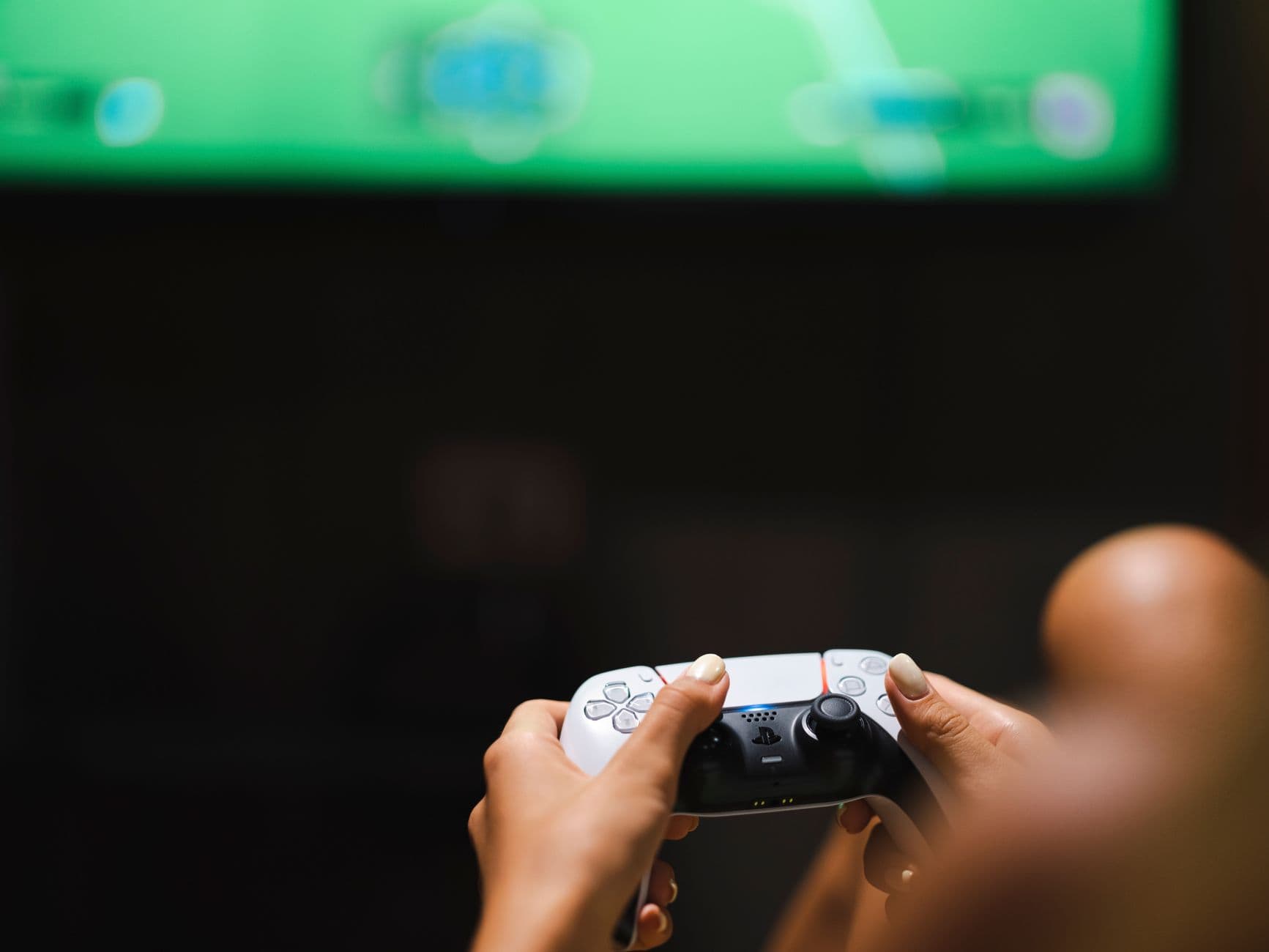
Activision published “Controller to Display Latency in Call of Duty” in November 2020 to map the shortest trip from a button press to the moment the result appears on screen. That path runs through the controller, the game client, the render pipeline, and the display itself. The game can feel off even when the ping looks fine because the delay you notice most in Call of Duty is not always internet lag.
What Activision means by controller-to-display latency
The piece is credited to Akimitsu Hogge, a software engineer at Activision Central Technology. Hogge works with a small team in Portland, Maine, and it covers only the game client, not networking or server-side latency.
Latency is a chain rather than a single number. Input has to be sampled, the game has to process the action, the engine has to render the frame, the GPU may queue work, and then the monitor has to scan the image out to the panel. Two players can share the same controller, the same sensitivity, and the same ping, yet one setup can still feel much snappier because of what happens locally between the button press and the screen response.
Why “my ping is fine” is not the full story
Ping measures round-trip network delay, but the sluggish feel people complain about can come from everything after the button leaves your thumb and before the frame reaches your eyes. If the frame is not ready yet, or if the display is slow to show it, the gunfight can feel late even though the online connection is behaving.
Call of Duty is especially sensitive to that difference because the series lives on fast peeks, snap aim, and tiny timing windows. A one-frame delay can decide whether you win a close-range duel or lose it, and that is why players often describe the game as “heavy,” “sticky,” or “off” even when the scoreboard says the connection is clean.
The parts of your setup that actually change feel
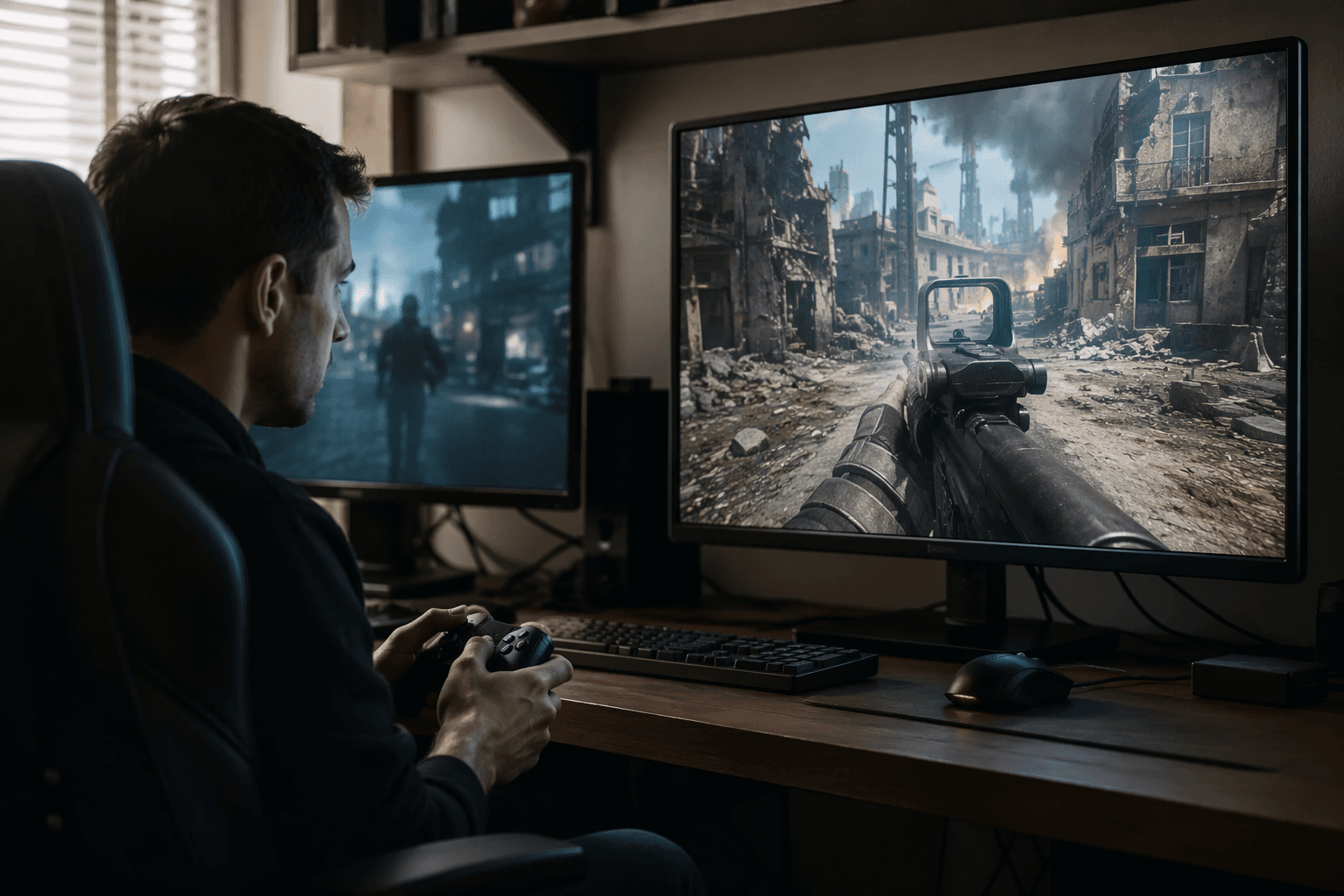
Responsiveness is a system issue. A higher-refresh monitor can reduce scan-out delay, a stable frame rate can make input feel more immediate, and reducing unnecessary buffering can improve how quickly the game responds. Those factors do not just change how smooth the game looks, they change how soon the result of your input reaches the panel.
Frame rate matters because it shapes the whole chain. When the game holds a steady pace, each step in the pipeline is easier to predict, but when frame timing swings around, the delay can feel inconsistent from one fight to the next. Controller connection quality and display refresh rate are part of the feel of the game, which is why two setups with similar in-game settings can still play very differently.
Settings matter for the same reason. Anything that increases rendering delay can make the game feel less responsive, so visuals and performance are always in tension. That is why players chasing the cleanest possible gunfights usually care less about raw image quality and more about whether the system can keep frames moving without building up extra work.
What you can test on your own setup right now
The easiest way to debug the “off” feeling is to change one part of the chain at a time. Start with the display, then the frame rate, then the game settings, because those are the variables most likely to change what your hands feel.
- Try a higher-refresh monitor or a higher refresh-rate mode if your display supports it.
- Check whether your frame rate stays steady in the situations where the game feels worst, especially in busy fights.
- Lower settings that add rendering load and see whether the game responds more quickly.
- Look for buffering or display processing that may be adding extra delay between frame output and what you see.
- Pay attention to controller connection quality, because the input path is part of the full response chain.
Test for feel, not just for averages. A small change in frame timing can have a bigger impact than it seems on paper, especially in a shooter where reaction windows are extremely tight.
How Activision’s broader technical work fits around it
Activision Research has also published technical pieces on HDR in Call of Duty, Dynamic Temporal Antialiasing and Upsampling in Call of Duty, and Software-based Variable Rate Shading in Call of Duty: Modern Warfare.
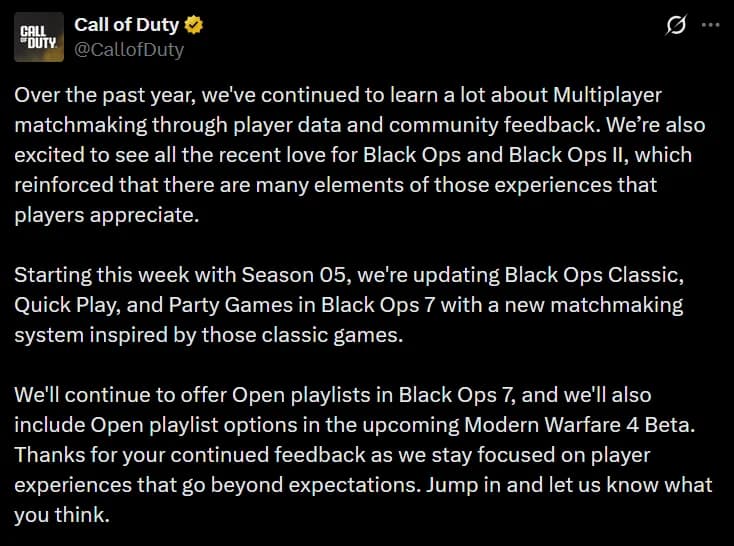
That broader effort continued in 2024 with the Call of Duty Matchmaking Intel series. Activision Research launched Call of Duty Matchmaking Intel in April 2024, followed by Call of Duty Matchmaking Intel - White Paper #2 in July 2024 and Call of Duty Matchmaking Intel - White Paper #3 in December 2024. Those later papers focus on matchmaking and ping, while the 2020 latency piece stays locked on the client-side delay that can make the game feel wrong even when the network is behaving.
This article was produced by Prism’s automated news system from verified source data, official records, and press releases, then run through automated quality and moderation checks before publishing. The system is built and supervised by the people who set the standards it runs under. Read our full AI policy.
Did this article answer your question?