Call of Duty Black Ops 7 players hit by crashes and FPS drops after patch
A Season 5 Reloaded hotfix is knocking Black Ops 7 PC players offline, with crashes, full restarts, and FPS plunging from 160-190 to under 100. The first fixes are file repair and shader resets.
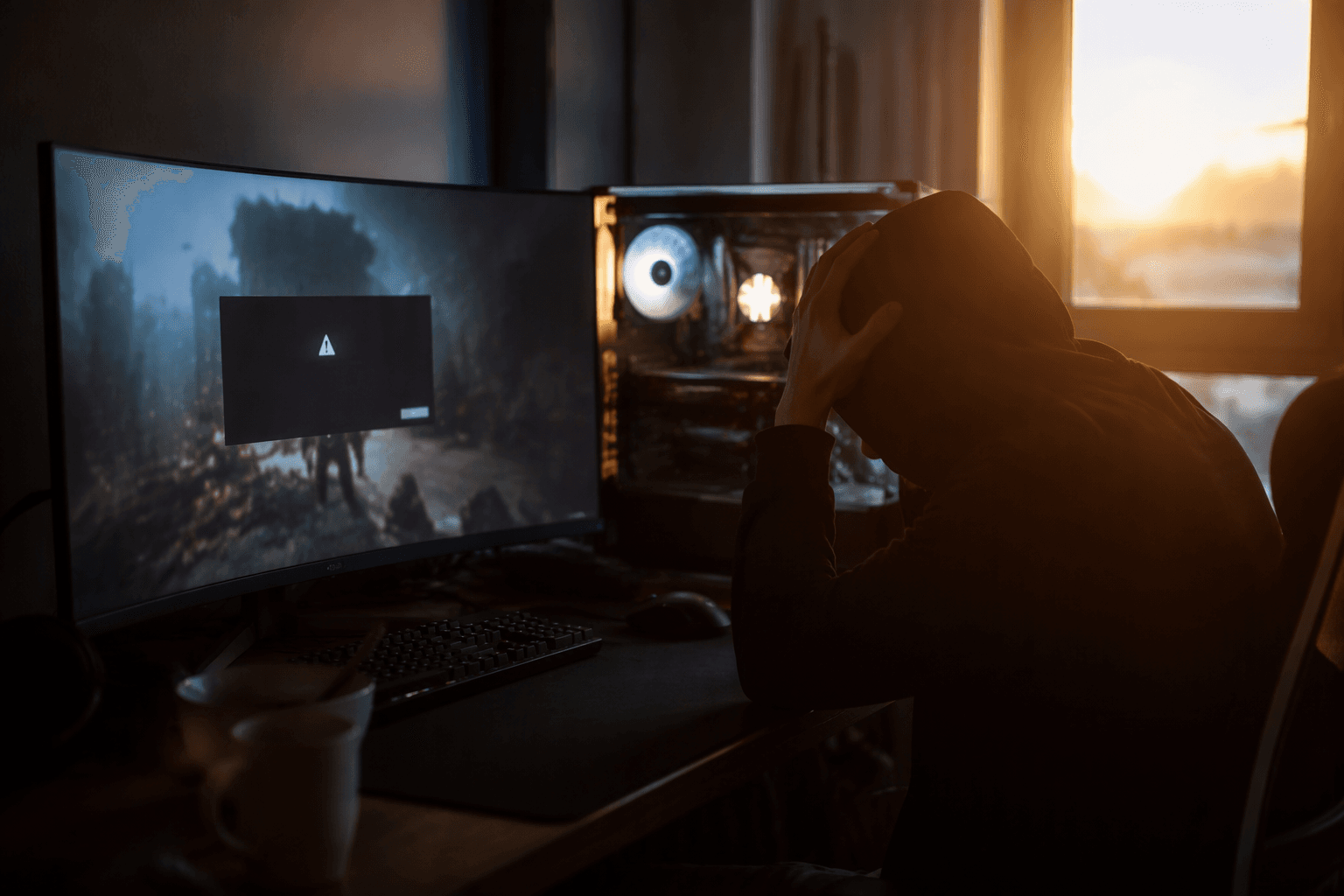
The Season 5 Reloaded hotfix left some Call of Duty: Black Ops 7 PC players dealing with more than a bad session. After the August 1 update, reports ranged from hard game crashes to full system restarts mid-match, and some players who usually sat around 160 to 190 FPS saw frame rates sink below 100. If you are trying to get back into matches fast, the smartest move is to work the fixes in order instead of chasing random settings changes.
What the patch seems to break on PC
This is not just a generic stutter complaint. The trouble shows up in two ugly ways: stability losses and frame pacing losses. For some players, the game closes outright; for others, the whole PC reboots during a match, which is a much harsher failure than a normal desktop crash.
The other symptom hits harder if you run a high-refresh monitor or play anything competitive. A setup that had been holding 160 to 190 FPS suddenly dropping below 100 is the kind of change you feel immediately in aim, tracking, and input timing. That makes the post-patch mess a problem for everyone, but especially for ranked players, streamers, and anyone who notices frame-time spikes the second they happen.
Start with the fixes in the right order
The fastest way to narrow this down is to begin with the repair steps that can clean up broken game data before you start changing performance settings. Corrupted or incomplete files can make a fresh patch look worse than it should, so scanning and repairing the game, or verifying files, belongs at the top of the list.
1. Scan and repair, or verify files
Let the launcher check the install first. If the hotfix left anything incomplete or damaged, this is the cleanest way to catch it before you waste time on deeper changes.
2. Clear the shader cache
Patches often change rendering behavior, and old compiled shader data can fight with the new build. Clearing the cache forces Black Ops 7 to rebuild that data instead of leaning on stale files.
3. Update GPU drivers
Driver conflicts are a classic cause of launch-day and post-hotfix crashes. A current driver removes one of the most common variables when the game suddenly starts acting unstable.
4. Restart shader compilation and trim expensive settings
If the game is rebuilding shaders anyway, let it finish, then back down the settings that hit hardest on performance. Heavy options can turn a patch-induced dip into a much bigger frame-rate problem than it needs to be.
5. Disable overlays and back out unstable overclocks
Overlays can hook into the game at runtime and add another layer of instability. The same goes for aggressive CPU or GPU overclocks, which often look fine until a new patch pushes the system harder than before.
6. Check Windows system files
If crashes keep repeating after the game-level fixes, move outside the game and look at Windows itself. Corrupted system files can keep a problem alive even after you have cleaned up the install and drivers.
7. Reinstall cleanly if nothing else works
This is the last stop, not the first one. A clean reinstall is heavier than a verification pass, but it clears out the mess when the update has left the install in a bad state and nothing else sticks.
Why Activision’s own support pages point the same way
The advice here lines up with the official support structure Activision already uses for Black Ops 7. The company maintains separate help pages for crashes and freezes, lag and performance, and updating video card drivers on PC, along with a dedicated known-issues page for Black Ops 7. There is also a Warzone known-issues tracker dated 07/29/26, which shows that this is the normal place Activision uses to track recurring technical problems and workarounds.
That matters because it explains why the usual troubleshooting advice keeps circling back to the same handful of steps. File verification, shader resets, driver updates, and overlay cleanup are not guesswork, they are the standard fixes Activision builds its technical support around when a patch changes something under the hood.
What this means if you play for speed or competition
A crash that dumps you back to desktop is bad enough. A full PC restart during a match is worse, because it wipes out the round, the momentum, and usually your patience too. The FPS drop is just as rough in a different way, because a sudden slide from 160 to 190 FPS down below 100 can turn a comfortable setup into one that feels muddy and inconsistent.
That is why this patch is more than a cosmetic annoyance. It can break matchmaking flow, interrupt broadcasts, and cost you the kind of round where a single frame-time hitch decides the fight. Until the hotfix is no longer poisoning stability and performance, the practical answer is to treat the problem like a troubleshooting ladder, starting with file repair and shader cleanup, then moving down the list only if the crashes and FPS drops keep coming.
This article was produced by Prism’s automated news system from verified source data, official records, and press releases, then run through automated quality and moderation checks before publishing. The system is built and supervised by the people who set the standards it runs under. Read our full AI policy.
Did this article answer your question?