How to Safely Navigate Call of Duty Updates, Patches, and Surprise Downloads
A Season 2 Reloaded patch tanked Black Ops 6 frame rates on PS5 for days with no official fix in sight. Here's the exact protocol to protect your account and playtime when the next one hits.
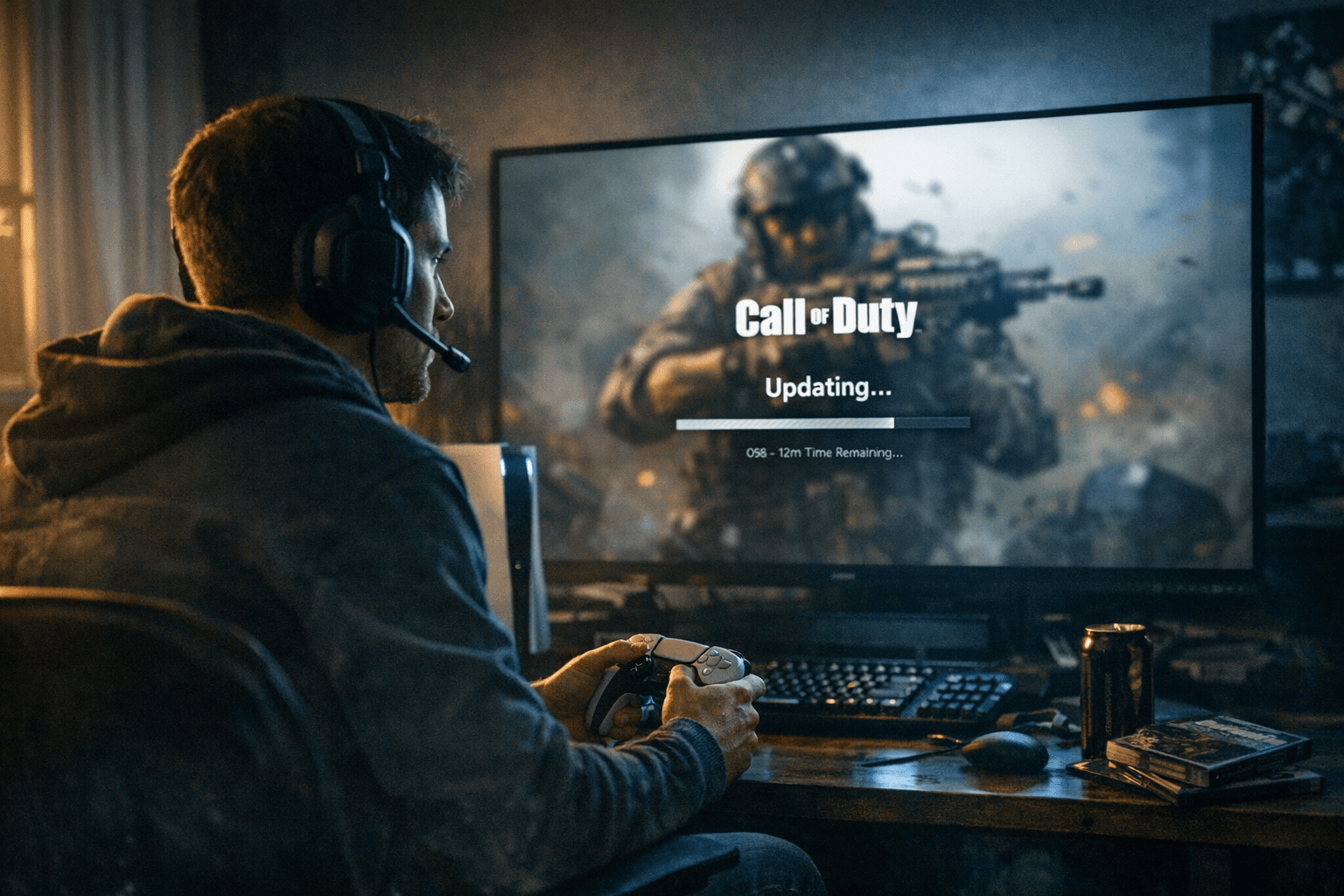
When Black Ops 6's Season 2 Reloaded update landed, PS5 players noticed the problem almost immediately: nearly every match came with stuttering frames, the kind that turns a confident gunfight into a slideshow. Treyarch had not acknowledged the issue even after a hotfix went out. Players who jumped straight into ranked play burned SR chasing a fix that wasn't coming yet. The ones who came out ahead were those who paused, checked the right sources, and knew exactly what to do while the studio caught up.
That sequence pause, diagnose, protect, then play is the update survival kit this guide is built around.
Check Official Sources Before You Touch the Game
The single biggest mistake after a large update is loading straight into a match. Before you do anything, check Activision Support's "Known Issues" page for your title and Treyarch's public Trello board. Treyarch uses the Trello board as a live status tracker: it's where the Frank Woods "Numbers" operator skin was officially flagged as disabled after Season 4's update caused it to glow far brighter than intended. That skin was pulled from Black Ops 6 and Warzone entirely while the studio investigated. Players who saw the Trello update stopped trying to equip it; players who didn't spent twenty minutes troubleshooting a problem the developer had already acknowledged and resolved on their end.
The same logic applies to the official Call of Duty X account and Activision's service-status pages. If official channels are silent after a suspicious download, treat community posts and dataminer findings as early signals, not confirmed facts. Panic spreads faster than patch notes, and reacting to unverified Reddit threads has cost players hours they won't get back.
Platform-Specific Fixes That Actually Work
Once you know an issue is affecting your platform, run the correct diagnostic for your hardware rather than a generic "restart and hope."
On PS5, the most effective post-patch intervention for crashes or severe frame drops is a database rebuild. Power the console fully off, then hold the power button until you hear a second beep (roughly seven seconds). From Safe Mode, select "Rebuild Database." This does not delete your save data, but it forces the system to reindex all installed content, clearing corrupted install metadata that large patches frequently leave behind. Players dealing with the Season 2 Reloaded frame drop issue who ran this step reported more stable frame delivery than those waiting on a hotfix alone.
On PC, use your launcher's file verification tool (Battle.net and Steam both have this) before anything else. A partially downloaded patch is often the actual culprit behind crash behavior after an update. From there, check the in-game Texture Cache setting: reducing the "Allocated Texture Cache Size" forces the engine to prioritize active-scene assets over pre-loaded ones, which measurably reduces stutter on mid-range setups. If you're on a GPU with less than 10GB VRAM and the update touched texture streaming, this toggle is worth hitting immediately.
Preloading deserves a mention here. When Call of Duty pre-stages a major update (Season drops typically allow pre-download 24 to 48 hours in advance), grab it before the launch window. Launch-day server congestion turns a 30GB download into a multi-hour process that eats directly into peak playtime.
RICOCHET and the Third-Party Software Risk
Every large Call of Duty update is potentially an anti-cheat update, and since RICOCHET's kernel-level driver operates at a system level on PC, any third-party software that injects overlays or modifies input handling can suddenly become a problem after a patch. The RICOCHET system is active in Black Ops 6 and Warzone, with Day One deployment confirmed for Black Ops 7. It runs a kernel-level driver that loads when you launch the game and unloads when you close it, backed by TPM 2.0 and Secure Boot enforcement alongside server-side behavioral analysis.
The practical implication: if you use a controller converter, a macro utility, or any input-spoofing software, a post-update RICOCHET patch may flag that software even if it didn't before. Activision has banned more than 500,000 Warzone accounts since the game launched, and some wrongful enforcement actions have occurred. If you get flagged, the appeal path runs through Activision's official support portal, but the far easier move is consulting the RICOCHET overview page before running any non-standard software after an update. The system is specifically designed to detect "suspicious integrations," and the definition of suspicious can shift with each new driver version.
Secure Your Account Before You Spend Anything
Large updates frequently coincide with new store rotations and limited-time bundles. Before buying anything, confirm your account's two-factor authentication is active and check that your existing COD Points balance and previous purchases display correctly in the account portal. Activision's support guidance is explicit that most in-game purchases are final. If a bundle goes missing after an update, the correct move is filing a ticket with timestamps and purchase receipts, not re-buying. And if a service change is announced (as happens with older titles cycling out of active support), read the publisher's FAQ first for any spending windows or exceptions before your balance becomes inaccessible.
Document, Then Report
If you hit a new bug post-patch a crash, a missing cosmetic, an anomaly in your SR or stat tracking document it before doing anything else. Screenshot the error code, note the timestamp, and save the match ID. These specifics are what move a support ticket from the generic queue to active triage. Treyarch and Activision both use community bug reports to prioritize hotfixes, and the clearer the submission, the faster the public fix arrives. The Frank Woods skin issue reached the Trello board quickly precisely because players provided specific reproduction details rather than vague complaints.
The 10-Minute Post-Patch Checklist
Run through this before your first match after any major download:
- Check Activision Support's Known Issues page for your title
- Check Treyarch's Trello board for any disabled or flagged content
- Verify your COD Points balance and recent purchases in the account portal
- Confirm two-factor authentication is still active on your Activision account
- Run file verification (PC) or a database rebuild in Safe Mode (PS5) if the update was large or mid-season
- Reduce your Texture Cache size in settings if the update touched graphical assets
- Confirm no flagged third-party software is running alongside the game
- Load into a private match or training mode before ranked play to confirm frame stability
- If something is wrong, screenshot and timestamp before filing a support ticket
The next surprise update will land with little warning they always do. The gap between players who lose hours to preventable issues and those who don't comes down almost entirely to this sequence. Fifteen minutes of prep is worth more than two hours of frustrated troubleshooting.
This article was produced by Prism’s automated news system from verified source data, official records, and press releases, then run through automated quality and moderation checks before publishing. The system is built and supervised by the people who set the standards it runs under. Read our full AI policy.
Did this article answer your question?