Warzone audio settings that make enemy footsteps easier to hear
Footsteps in Warzone are won by killing noise first, then sharpening effects, not by chasing fancy audio tricks. Start with Treyarch Mix, mute music, and test platform features before you trust them.
Change these first
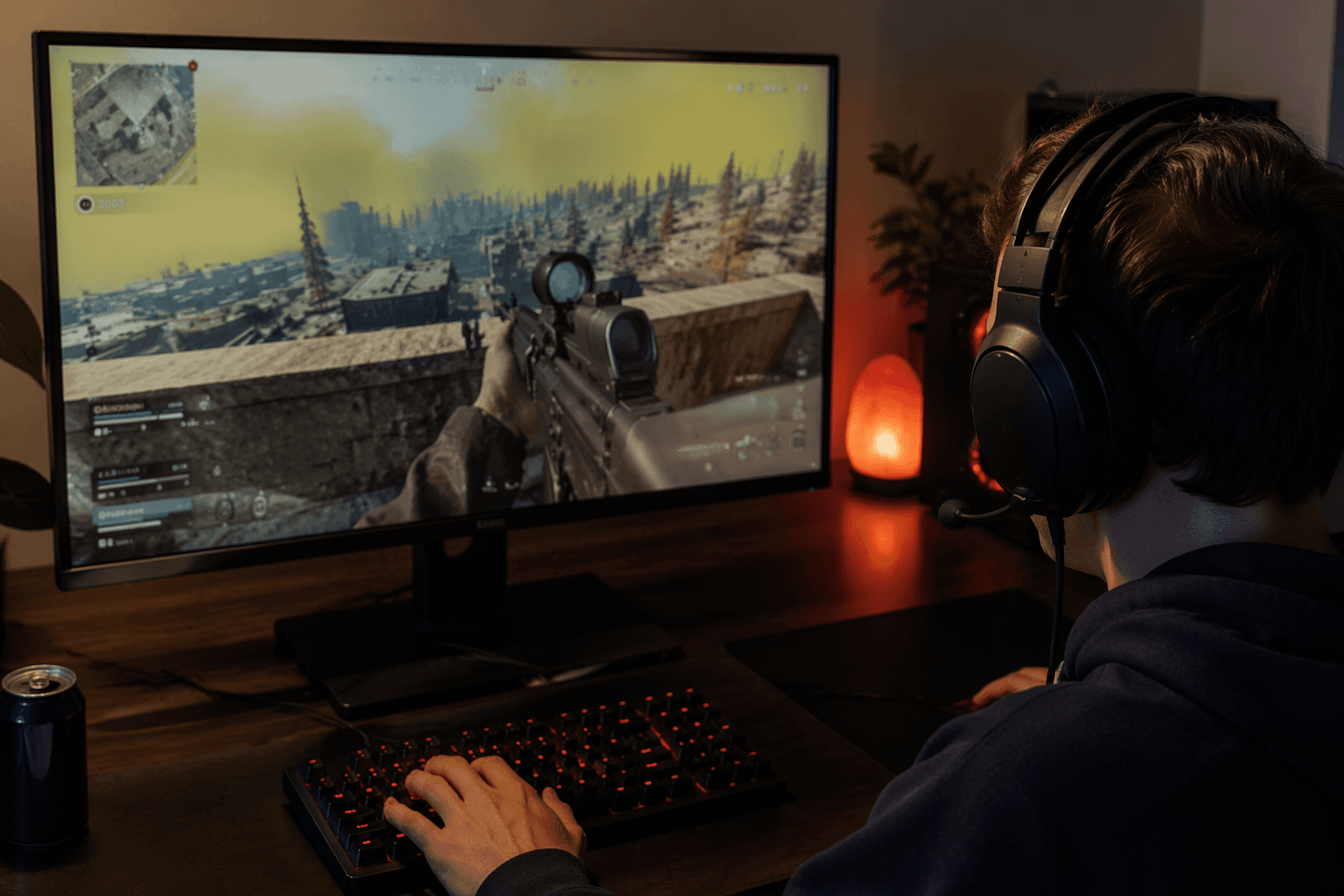
If you want cleaner Warzone audio fast, start with the settings that actually move the needle: Treyarch Mix, mono audio off, licensed music muted, effects turned up, and voice chat kept at a level where you can hear callouts without burying combat cues. That combination is built around one simple competitive advantage: the player who catches a sprint, a reload, or a stairwell push first usually gets to dictate the fight.
The practical baseline is not complicated. Keep master volume high enough to preserve directional detail, push effects high so footsteps and nearby movement stand out, and leave music out of the mix entirely. Voice chat should stay usable, not dominant, and mic input should be set high enough that your squad can communicate cleanly without turning every firefight into a wall of noise.
Why this setup works
The best Warzone audio advice is really about information hygiene. Call of Duty’s own Black Ops 6 audio materials say Treyarch is enhancing the 3D soundscape so players can better sense the location, speed, and direction of nearby activity. That matters because footsteps are not just volume, they are placement, distance, and movement pattern. A good mix gives you that read before you ever see the enemy.
Warzone Season 01 patch notes pushed in the same direction with adaptive audio, spatial reverb, physics-based acoustics, game sound prioritization, HRTF support, and asymmetrical hearing compensation technology. That tells you where the game is headed: better separation between useful sound and background clutter. If your settings drown that work in music, chat noise, or a bad output device, you are making the game harder than it needs to be.
The stuff that helps, and the stuff that just feels helpful
This is where a lot of players waste time. Cranking random enhancement features without checking whether they actually improve the mix is usually overkill, and sometimes it makes things worse. Charlie INTEL’s guide lands in the same place as Dexerto’s: focus on footstep clarity, keep music down, keep effects up, and tune voice chat so it stays readable instead of intrusive.
The biggest mistake is assuming every “enhanced” audio mode is an upgrade. Some headset presets, virtual surround options, or platform features can sound impressive in a menu and muddy in a gunfight. Test them in real matches or at least in a controlled setting where you can hear whether they help you separate a player on a roof from one below you in a stairwell.
Headset matters more than people admit
The cleanest in-game settings still fall apart if you are listening through weak speakers. Dexerto is blunt about this: use the right headset instead of TV speakers or monitor audio. That is not a snob move, it is about separation. Footsteps, reloads, parachutes, and enemy movement cues are all easier to isolate when the driver can keep those sounds from collapsing into one flat layer.
Charlie INTEL points to the same practical reality and specifically suggests testing whether enhanced headphone modes or platform-specific features actually improve your setup. That is the right mindset. Some headsets and console features do help, but only if they match your ears, your room, and the way your game audio is being output.
Platform caveats that change the result
PlayStation’s Audio Focus feature is worth testing on PS5 because it is designed to make quiet sounds clearer through headphones, and it can be used with games, voice chat, and media apps. PlayStation also warns that headphones are required and that Audio Focus may produce loud headphone sounds, which is a good reminder that useful clarity can come with a volume spike if you are careless.
That makes Audio Focus a legitimate option, not a default answer. If it sharpens faint cues without flattening everything else, it can be a real advantage. If it makes the mix harsh or fatiguing, back off and keep the in-game settings doing the heavy lifting.
PC players have their own trap to avoid. Call of Duty acknowledged in a January 2023 Warzone 2.0 community update that some audio problems could come from discrepancies in the number of output channels being used, and it added an option to force PC to stereo output. That is the kind of issue that can make a perfectly good headset sound strangely off. If your audio feels smeared, hollow, or inconsistent, check the output path before blaming the game’s mix.
Noise reduction outside the game still matters
Warzone audio is not only about the menu. If your desk is loud, your room is loud, or your mic is picking up everything around you, you are feeding garbage into the same system you are trying to optimize. Reducing ambient distractions around your setup makes those tiny audio tells easier to catch, and in a battle royale that can be the difference between hearing a push and getting boxed in by a third party.
That is why this should be treated like a workflow, not a one-time preset. Set the game up to foreground combat sounds, then make sure your headset, output mode, and physical environment are not undoing the work. Call of Duty’s modern settings guidance also reinforces that audio is a customizable category you can preview in-game before saving, which is exactly how it should be handled: test, listen, adjust, repeat.
The real takeaway
There is no magic slider that turns Warzone into a footstep-only simulator. What actually works is quieter music, stronger effects, a clean output path, and a headset or PS5 audio feature that genuinely improves separation instead of just sounding bigger. The point is not to make the game louder, it is to make the important sounds easier to place.
If you strip out the hype, the winning setup is the one that helps you hear a player sprinting up a stairwell, parachuting onto a roof, or sliding into your lane a half-second sooner. In Warzone, that half-second is the difference between reacting and getting deleted.
This article was produced by Prism’s automated news system from verified source data, official records, and press releases, then run through automated quality and moderation checks before publishing. The system is built and supervised by the people who set the standards it runs under. Read our full AI policy.
Know something we missed? Have a correction or additional information?
Submit a Tip