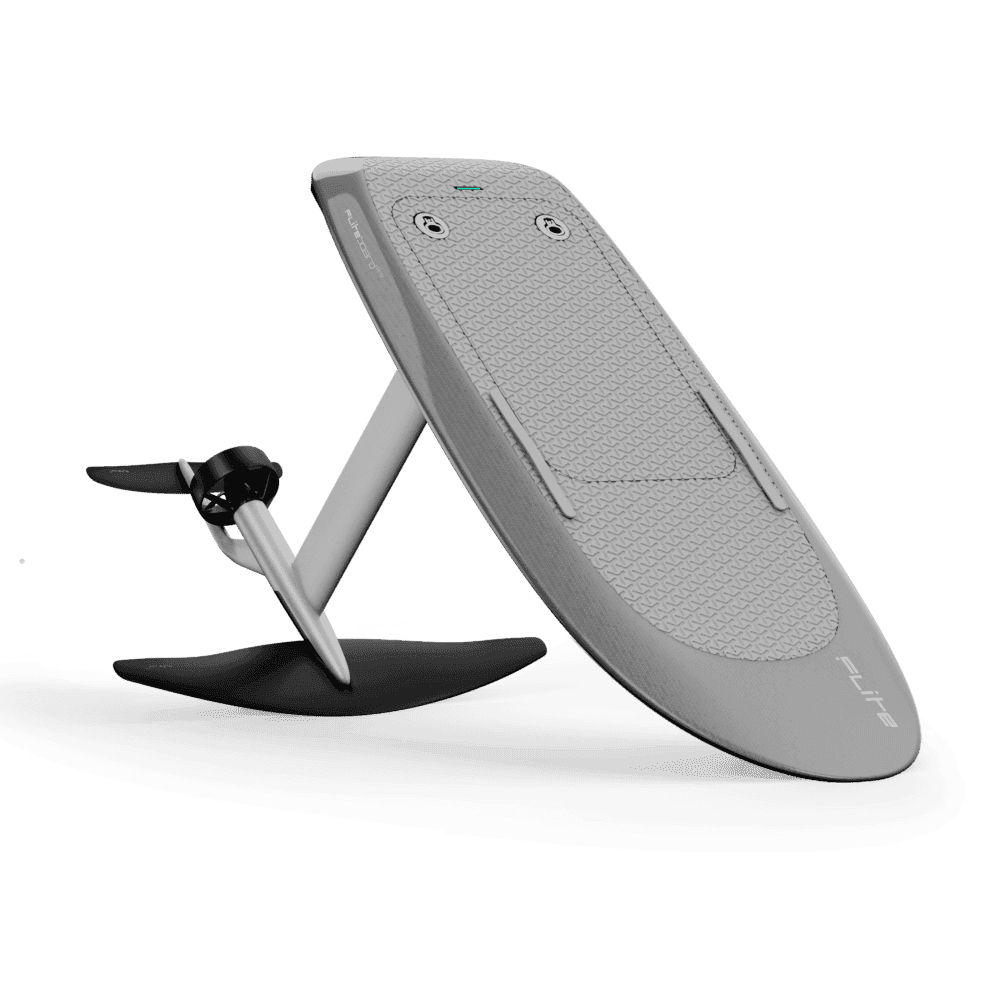
LIFT eFoil Firmware Updates Posted for Controllers, Boards, Motors and Batteries
XLKITES posted current firmware builds for Lift5 and Lift4 eFoils on March 21, covering hand controllers, boards, motors, and battery management systems.
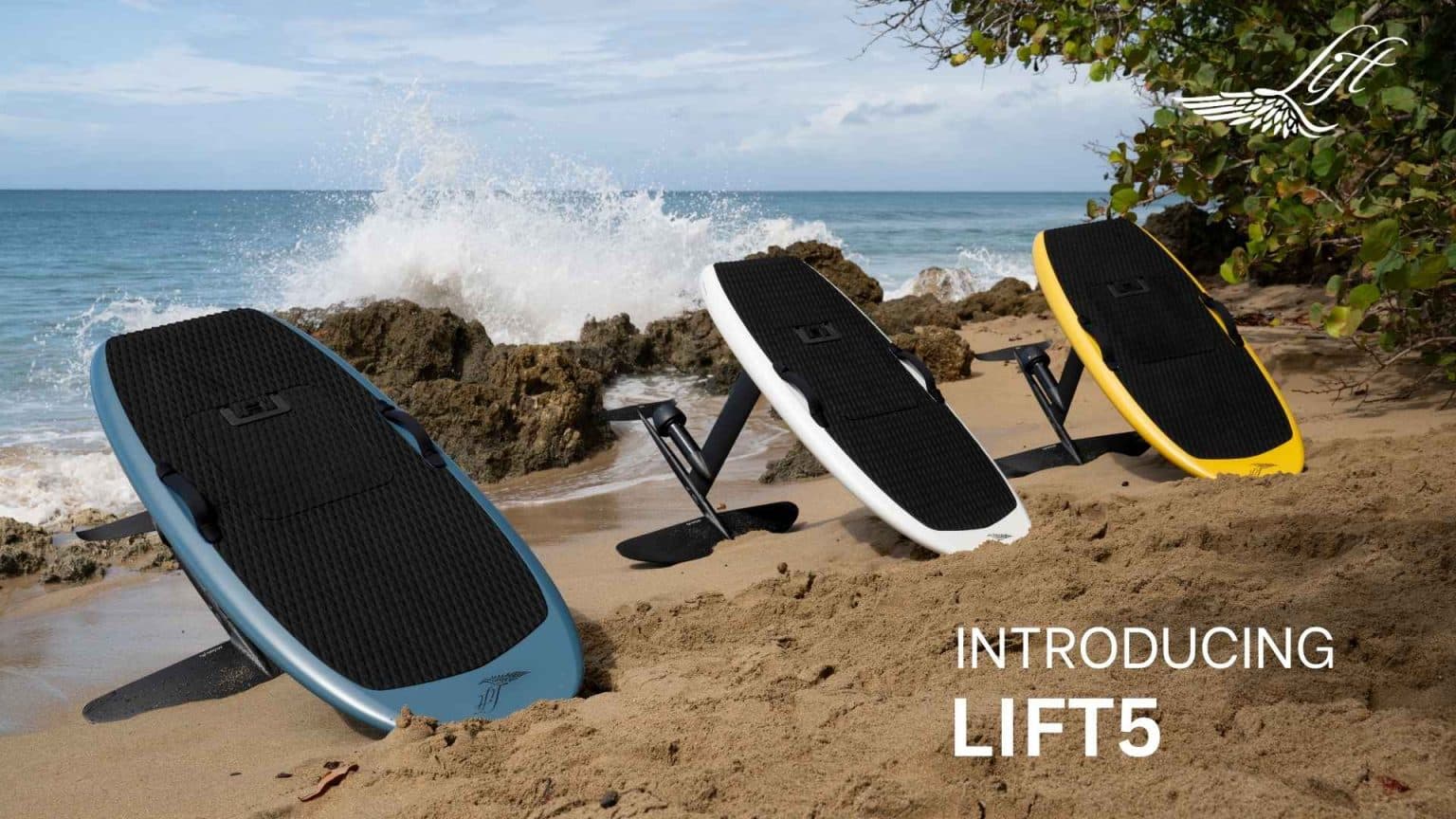
XLKITES posted a firmware version update on March 21 covering the full component stack of LIFT eFoil platforms, listing current builds for hand controllers, board firmware, motor firmware, and battery management firmware across both Lift5 and Lift4 variants.
The update catalogues firmware numbers for each component separately, reflecting the layered architecture of the LIFT system where the board, motor, battery, and remote controller each run independent software that can fall out of sync if updates are skipped. The XLKITES post covers variant-specific details for Lift5 and Lift4, which matters for riders who are deciding whether their current build matches the latest release for their specific board generation.
For anyone whose firmware is behind, the update process runs entirely through the Lift Quickstart App, available on both the Apple App Store and Google Play Store. Mark Cafero of Luxury-surf laid out the standard procedure in a June 2024 guide that remains the clearest public walkthrough of the process. The sequence matters: update the board first, then the battery, then the remote controller.
Connecting each component to the app in that order and following the on-screen prompts handles the actual download and installation. The board needs to be powered on with sufficient charge before starting. The battery should be fully charged or close to it before connecting for its update. The remote needs to be powered on and carrying enough charge to complete the process.
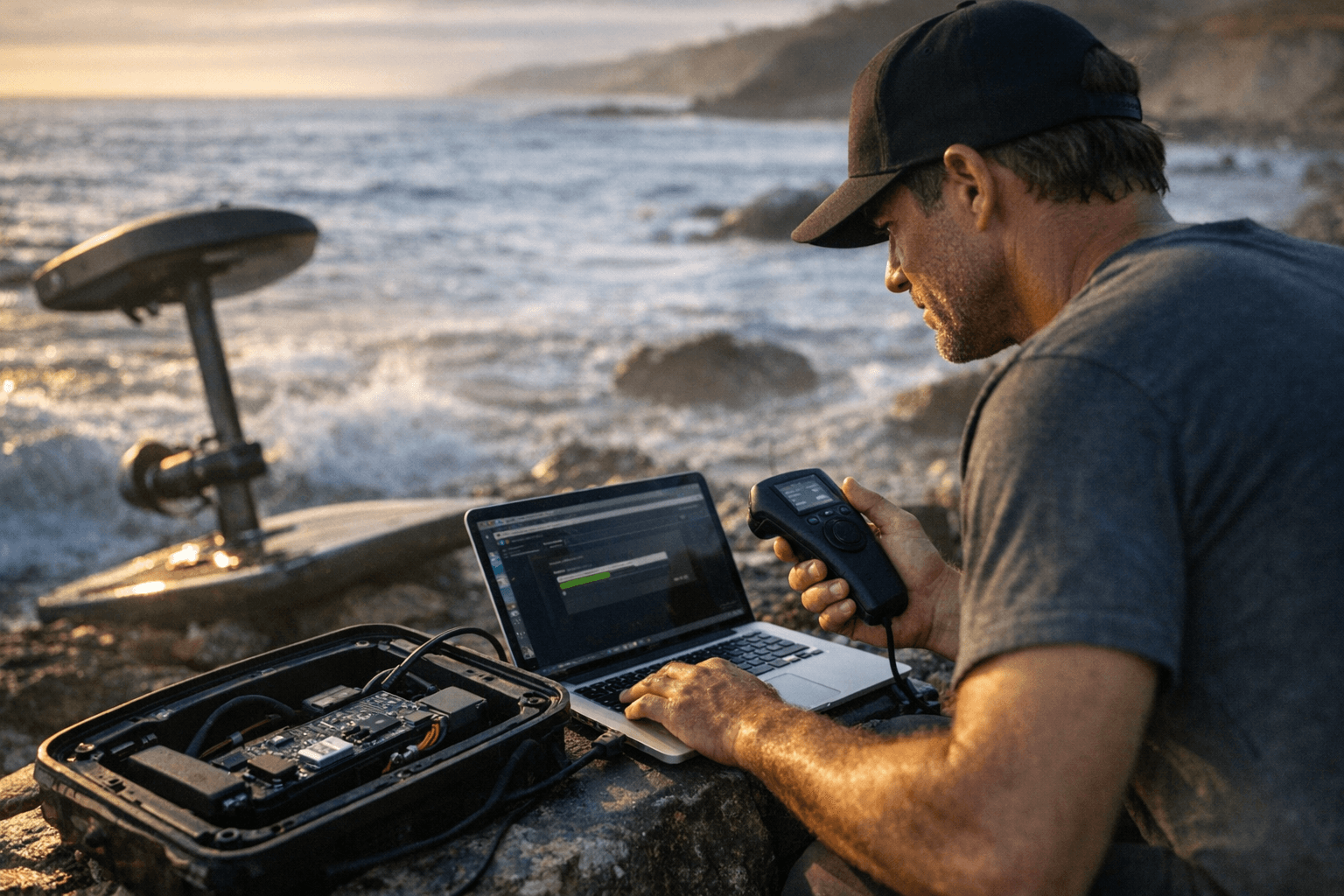
Cafero's tips for avoiding a failed update are straightforward: stable internet connection throughout, all three components charged to full capacity before beginning, and no interrupting the process once it's running. A dropped connection or a dead remote mid-update is the kind of thing that turns a routine maintenance task into a support ticket.
The specific firmware build numbers listed in the XLKITES post were not included in the available excerpt, so riders should check the full XLKITES listing directly to confirm whether their current installed versions match the posted builds for their Lift4 or Lift5 variant. Whether any of the component updates address specific bugs, safety improvements, or performance changes also remains to be confirmed from the full release notes.
Know something we missed? Have a correction or additional information?
Submit a Tip