GTA V mod fixes rapid-fire combat bug in rifle encounters
A tiny animation-file fix stops the rifle rapid-fire bug that can erase health in seconds. It is aimed at story shootouts and modded combat where the vanilla glitch hits hardest.
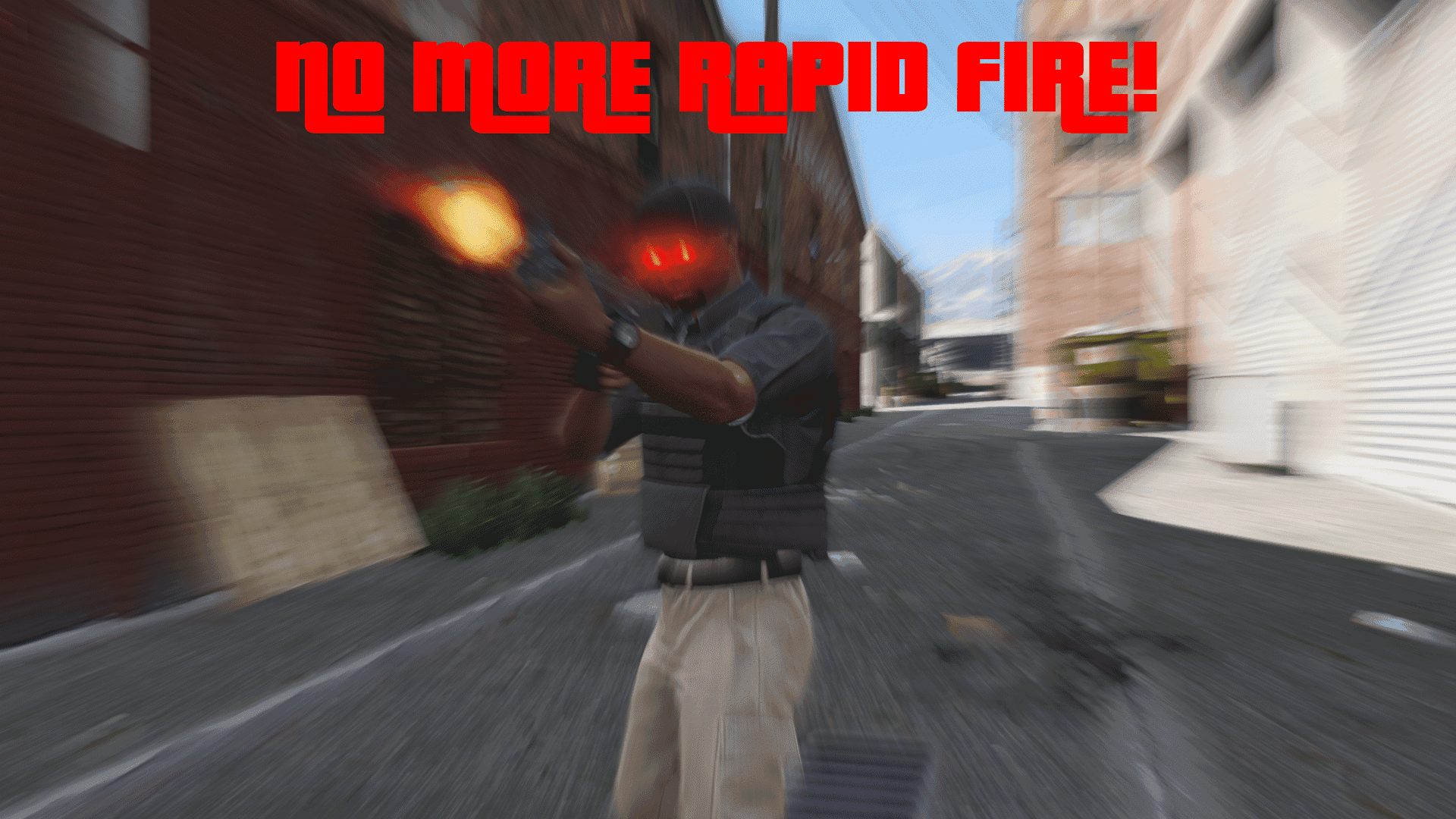
The bug it fixes is the one that turns a normal rifle fight into a health drain
The problem is brutally specific: NPCs can suddenly shred your health from full to zero in what feels like a blink, and rifle encounters stop behaving like balanced firefights. That is why this mod matters. It is built to stop the exact rapid-fire glitch players have been running into for years, especially when assault-rifle behavior goes off the rails and combat starts looking unfair instead of tense.
Rockstar Games’ combat system is not being rebuilt here. The fix is aimed at a broken animation path inside `combat@fire_variations@rifle.ycd`, where fire-rate behavior gets corrupted and causes the runaway burst effect. In other words, this is not a weapon rebalance or a broader AI rewrite. It is a direct repair for a very common bug in GTA V, and it targets the symptom players notice most: the moment their health bar melts with no obvious reason.
What the mod actually changes
This fix takes a surgical route. Rather than adding new mechanics or trying to soften the problem with a gameplay tweak, it removes two offending animation entries from the rifle combat clip dictionary. That matters because the bad behavior is coming from animation data, not from a script layer or a graphics setting. The mod page says the issue is a “very common bug in GTA V,” and the chosen solution is to delete the broken entries outright.
That narrow approach is also why the fix feels so clean. It does not alter the rest of rifle combat, and it does not try to rework weapon balance across the board. The intended result is simple: restore the firing behavior the game was supposed to have and eliminate the sudden rapid-fire spike that makes certain encounters feel unwinnable.
Why this helps the players who feel the bug most
The biggest audience for this fix is anyone spending real time in story mode shootouts, challenge runs, or heavily modded combat setups. Those are the situations where a vanilla bug is hardest to ignore because you are paying closer attention to fairness, pacing, and how enemy behavior stacks up from one fight to the next. When a fight gets decided by a corrupted animation entry instead of your aim or positioning, the whole encounter feels broken.
Steam Community discussion backs up how visible the issue is in practice. Players describe NPCs that “rapidly shred your health from full to zero,” which is exactly the kind of combat failure this mod is trying to remove. Another late-2023 discussion links the glitch to assault-rifle behavior, reinforcing that this is not some obscure edge case buried in the engine. It is a long-running combat problem that players can actually reproduce and recognize.
Why the file type matters
The fix targets a `.ycd` file, and that detail is important if you want to understand how focused this mod is. `.ycd` files are Clip Dictionary animation files in GTA V, typically used for animation data stored in the game’s archives. Because the bug lives in a clip dictionary, the mod works at the same level the problem exists: core combat animation behavior.
That is good news for anyone who wants a low-drama repair. A `.ycd`-level fix is not a script workaround and not a broad overhaul package. It is a direct correction to game asset data, which is why it is so narrowly scoped and why it should feel more like a repair than a redesign. If your goal is to keep the game close to stock while removing one punishing combat bug, this is exactly the kind of mod you look for.
How hard it is to live with, and what to check first
Because the fix is file-level and narrowly targeted, it should be straightforward to install compared with larger combat mods. The tradeoff is that it touches a specific rifle animation file, so you should treat it as a compatibility check before anything else. If you are already running mods that edit `combat@fire_variations@rifle.ycd`, or anything else that changes rifle combat animation assets, that is the first place to look for conflict.

The practical rule is simple: this mod is best for setups that want a clean correction to vanilla behavior, not a stack of overlapping combat edits. If your load order already changes assault-rifle animations, enemy combat pacing, or rifle fire behavior, this fix may overwrite or be overwritten by another file that uses the same asset path. The mod’s narrow scope is its strength, but that same narrowness means you should know whether another mod is touching the same animation dictionary.
Will it change balance or other animations?
The available details point to a very limited impact. The mod removes the broken entries instead of rebalancing weapons, and there is no sign that it introduces new animations or changes the rest of the game’s combat system. That makes it attractive to players who want the bug gone without turning rifle fights into something unfamiliar.
At the same time, any animation-file fix can have ripples if another mod depends on the same data. That is less about this fix changing balance on purpose and more about shared-file conflicts in a modded GTA V setup. If you are running a heavily altered combat overhaul, check whether it uses the same rifle clip dictionary before you drop this in. For vanilla story combat, the mod’s narrow focus is exactly why it should feel safe and practical.
A small fix with a big impact on rifle fights
This is the kind of GTA V mod that earns attention by doing one job well. The rapid-fire bug has been turning rifle encounters into instant punishment, and the fix attacks the problem where it lives: two broken animation entries inside a rifle combat clip dictionary. For players who are tired of watching NPCs shred their health in seconds, that is the difference between a fight that feels broken and one that finally plays the way it should.
This article was produced by Prism’s automated news system from verified source data, official records, and press releases, then run through automated quality and moderation checks before publishing. The system is built and supervised by the people who set the standards it runs under. Read our full AI policy.
Did this article answer your question?


