How to Use Archidekt for Commander Deckbuilding and Testing
Learn practical steps to build, test, and share Commander decks using Archidekt's integrated tools. This guide covers account basics, deck creation, playtesting, and community features.
1. Account basics and navigation
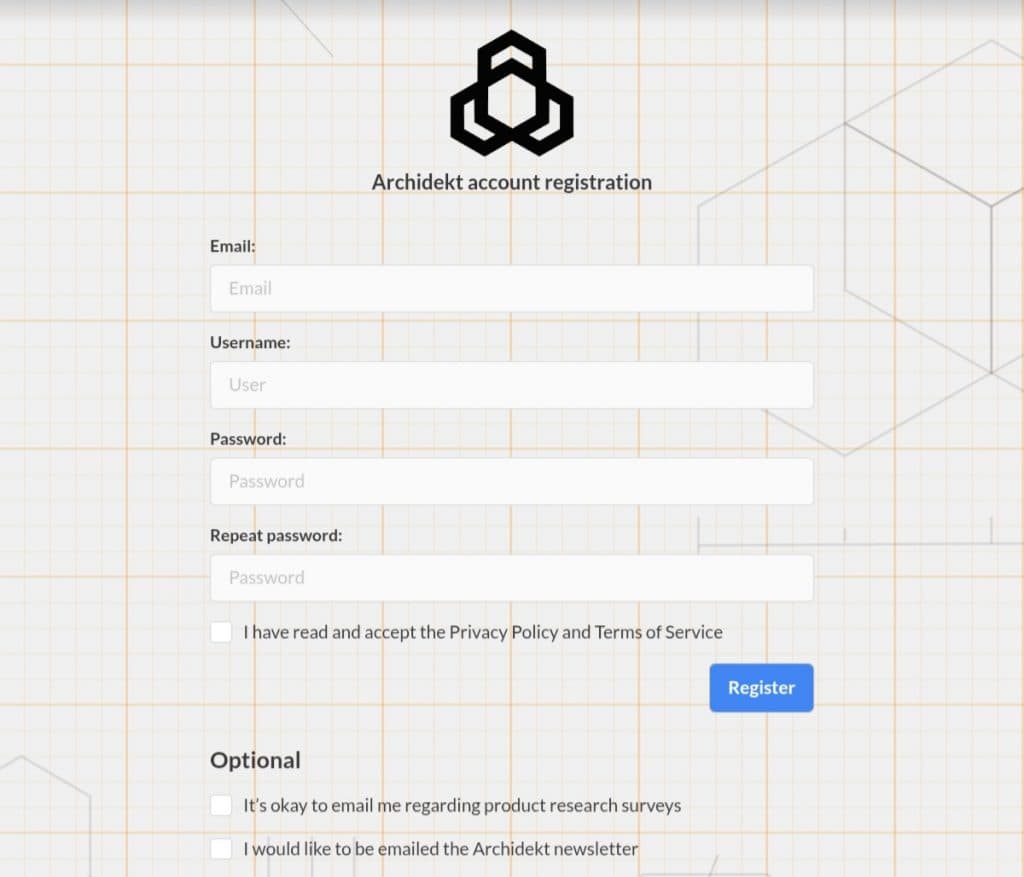
Creating an account gets you access to private lists, collections, and collaboration tools; sign-up is straightforward and unlocks the My Stuff area where your decks live. The homepage layout separates My Stuff (private decks, collections) from Community Stuff (public lists, trending decks), letting you switch modes depending on whether you're drafting solo or scouting meta ideas. Knowing where to start saves time, bookmark your favorite decks, and use the dashboard to jump into editing or testing without hunting through menus.
2. Creating new decks and cloning public decks
Start a deck from scratch with the New Deck flow to set commander, colors, format, and tags, this scaffolding helps Archidekt suggest relevant cards and packages. If you want to iterate quickly, clone a public deck to make a private copy you can tune; cloning preserves card choices, sideboard notes, and the original list so you can A/B test changes. Cloning is a fast way to leverage community tech and then adapt it to your playgroup or meta.
3. Deck page dashboard and the Extras menu (importing cards/text)
The deck page dashboard is your control center: see card counts, mana curve, and key statistics at a glance while editing the list. Use the Extras menu to import cards via text or paste a decklist from other sites, Archidekt intelligently parses entries and flags missing or invalid names. Extras also houses tools for notes, tags, and printing/export options, so building a polished, shareable list is a few clicks instead of a copy-paste headache.
4. Card search, add modes, and card packages
Card search is powered by Scryfall, so expect up-to-date oracle text, images, and legality info right inside Archidekt; use the quick add for one-click additions or advanced add to filter by cost, type, or text. Card packages accelerate assembly, prebuilt groups like "ramp package" or "removal suite" let you drop a workable chunk into a deck and then tune it. Use packages to bootstrap archetypes quickly, then swap individual slots as testing reveals weaknesses.
5. Commander-specific tools: EDHREC, landbases, and combo-finders
Archidekt integrates EDHREC recommendations so you can pull statistically popular inclusions for your commander and compare how your list diverges from meta norms. Landbase helpers propose mana-fixing and distribution based on your curve and color profile, this is invaluable when juggling three to five colors. Combo-finders scan your list for common synergies and shared combo pieces, helping you spot unintended kills or missing support pieces before a game.
6. Playtester functionality: run virtual playtests, hotkeys, mulligan tracking, and zones
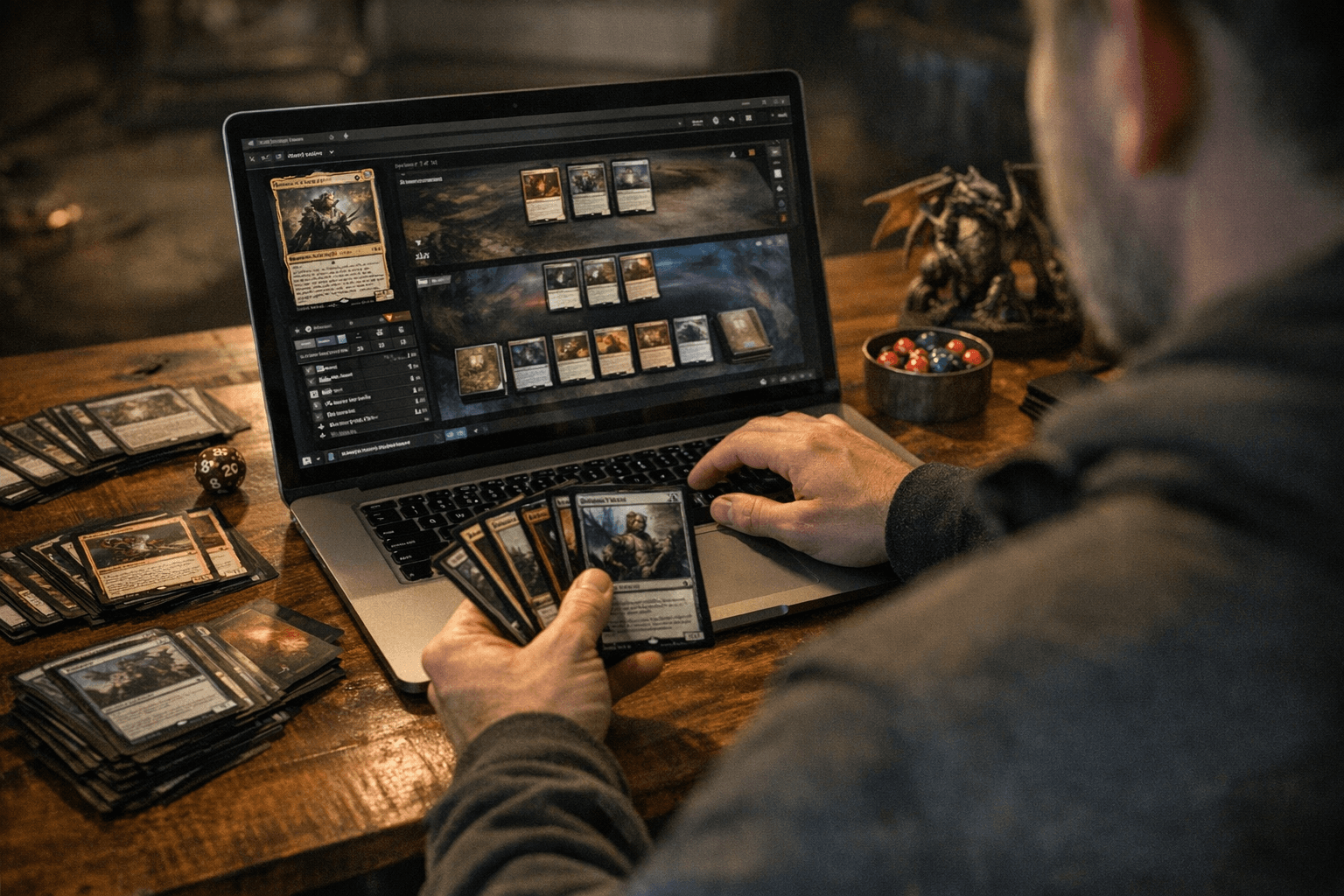
The Playtester simulates turns, zones, and interactions so you can sequence lines and practice mulligans without scheduling a table. Hotkeys speed navigation, basic actions like drawing, shuffling, and moving cards between zones are keyboard-accessible so playtests feel fluid rather than clunky. Mulligan tracking records starting hands and changes so you can analyze consistency, and basic zone interactions (graveyard, exile, battlefield) behave predictably enough to validate key lines.
7. Collection management, CSV export/import, and custom cards
Archidekt’s collection manager lets you map owned cards to your lists so you can see what to buy or swap, and the CSV export/import feature makes bulk migration or backup straightforward. Import a CSV to update multiple decks or to move lists between platforms, and export when you want a spreadsheet view for price tracking or trade planning. Custom cards can be added for proxies or homebrew commanders, letting you test before you commit to paper.
8. Social features: following, collaboration, and community interaction
Follow builders you like to get notified when they update lists, and invite friends to collaborate on a deck for real-time edits, great for group brewing or delegation when you want someone to tune the mana base. Public decks get visibility in Community Stuff where comments and feedback can spark improvements or sideboard ideas. Forums and tagging help discover niche tech and local meta adjustments; Archidekt’s social layer turns solitary tuning into group-driven refinement.
9. Practical benefits: streamlining iterative deckbuilding and tuning
Archidekt centralizes deck versions, testing, and community input so iteration becomes measurable: tweak, playtest, export results, and repeat. That workflow reduces friction, no more juggling spreadsheets, screenshots, and table notes, so you can focus on decisions (which cards to cut, how to change the curve). For groups, collaboration features mean tuning happens across players, not in isolated vacuum; lists evolve faster and with better feedback.
- Start by creating a new deck and setting the commander and color identity to trigger relevant suggestions.
- Drop a card package to establish an initial skeleton, then replace weak slots with EDHREC recommendations or personal tech.
- Use the Playtester for at least three simulated games, focusing on mulligan consistency and critical lines; track outcomes to guide cuts.
- Sync your collection or import a CSV to see missing pieces, then iterate again after playtests to refine the landbase and interaction density.
10. Workflow tips to build, test, and finalize a Commander deck
These steps create a tight loop from concept to playable list, preventing scope creep and ensuring every change has a test behind it.
11. Closing practical wisdom for commanders and cEDH pilots alike
Treat Archidekt like a lab bench: build reproducible experiments, track outcomes, and version your lists so you can rollback if a change underperforms. Lean on community clones for inspiration but use playtesting and your collection data to make them your own, speed matters, but so does intentionality. With these tools and a steady loop of edit-test-refine, you’ll spend less time wrestling spreadsheets and more time casting the combos you tuned into victory.
This article was produced by Prism’s automated news system from verified source data, official records, and press releases, then run through automated quality and moderation checks before publishing. The system is built and supervised by the people who set the standards it runs under. Read our full AI policy.
Did this article answer your question?