10 ergonomic mechanical keyboards tested for comfort, build and value
Split, Alice and contoured boards all promise relief, but the best ergonomic picks still have to feel like real mechanical keyboards.
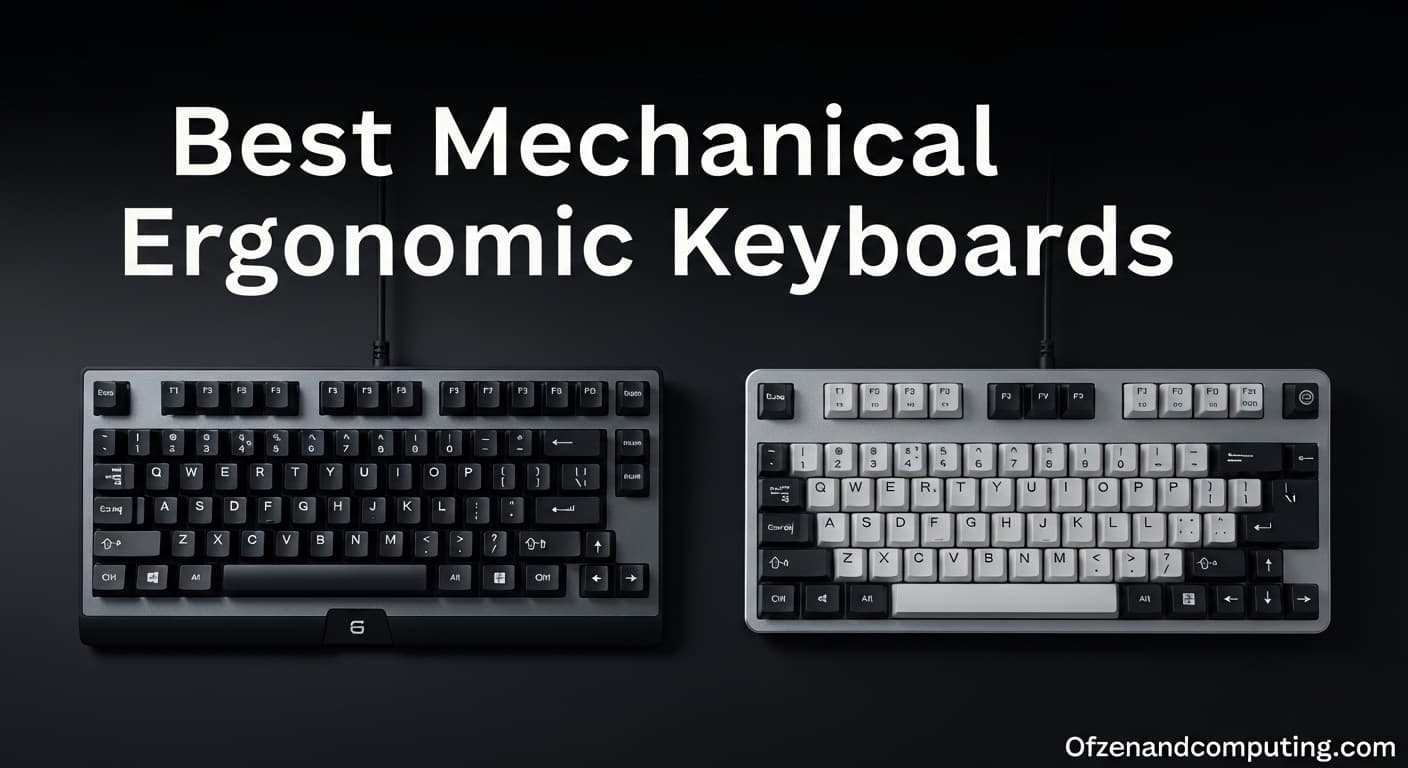
The real test of an ergonomic keyboard is whether it saves your wrists without sanding off the parts that make mechanical boards worth owning. This category now has enough depth to reward a buyer who cares about posture, switch feel, build quality and the learning curve all at once.
Split fixed-angle boards
The strongest medical case in the group comes from split layouts, especially fixed-angle designs that let each hand sit in a more neutral position. In a CDC and NIOSH study of 90 experienced office workers, commercially available split keyboards brought mean ulnar deviation in both wrists to within about 5 degrees of neutral compared with a conventional keyboard. That is the kind of number that explains why split boards remain the benchmark when wrist relief is the main goal.
What matters for enthusiasts is that a fixed split still feels like a keyboard, not a rehab device. You keep the familiar QWERTY map, but the hands stop fighting the board, which makes the layout easier to live with over long typing stretches.
Split adjustable-angle boards
Adjustable split boards keep the same basic logic but add another layer of tuning, which is why they often appeal to tinkerers. The CDC and NIOSH study compared split fixed-angle, split adjustable-angle and vertically inclined QWERTY keyboards, all in service of the same question: whether alternative designs improve wrist and forearm posture in work that depends on long typing sessions.
That adjustability matters because no two desks, shoulders or mouse positions feel the same. For buyers who want ergonomic correction without locking themselves into one posture, this is the version of split that most closely matches the mechanical keyboard hobby’s love of personalization.
Vertically inclined boards
Vertically inclined keyboards sit in the same medical conversation as split designs, but they solve the problem by changing angle rather than fully separating the halves. The CDC landing page describes them as commercially available alternative QWERTY keyboards studied for their effect on upper-extremity musculoskeletal risk, which puts them firmly inside the serious ergonomic category rather than the novelty aisle.
For a buyer who wants less wrist twist without committing to a radically altered desk setup, this design can feel like the calmer option. It still asks for adaptation, but it preserves more of the standard keyboard silhouette than a true split.
Kinesis Advantage2
Kinesis is the name that keeps coming up when people talk about premium ergonomic boards with a long memory. The company says it has been designing and building ergonomic keyboards for more than 25 years, and the Advantage2 sits at the center of that legacy with a patented contoured design, low-force mechanical switches, tenting and palm supports.
This is the board for someone who wants ergonomics to feel engineered, not improvised. Kinesis says the hands are positioned at shoulder width to help keep wrists straighter and reduce ulnar deviation, which is exactly the kind of promise contoured boards have made for decades.
TGR Alice
The Alice layout is the modern enthusiast’s bridge between familiar typing and real ergonomic ambition. It is commonly associated with the original TGR Alice custom keyboard introduced in 2018, and that origin story matters because it explains why the layout feels at home in hobby circles instead of clinical offices.
Alice boards do not separate the hands the way a split does, but they reshape the typing angle enough to feel intentional. That makes them especially attractive if you want an ergonomic benefit without giving up the visual unity and desk presence that many mechanical keyboard fans still prefer.
Alice-style customs
If the original TGR Alice opened the door, Alice-style customs turned the layout into a category. The appeal is obvious: you get a newer compromise between a standard board and a true split keyboard, which lowers the psychological barrier for anyone worried about muscle memory or a steep transition.
This is where the hobby side of ergonomics really shows up. Alice boards often feel like the place where comfort, aesthetics and mod potential meet in the middle, which is why they have become such a durable enthusiast answer to wrist fatigue.
Microsoft Natural Keyboard
Microsoft’s ergonomic lineage starts far earlier than most hobbyists remember, with the Natural Keyboard in 1994. That matters because it shows how long the company has been shaping mainstream expectations around comfort, not just chasing a niche enthusiast audience.

The Natural Keyboard belongs in this conversation because it helped normalize the idea that a keyboard could be visually different for the sake of posture. Even today, its place in the lineage makes it a useful reference point for anyone comparing modern split and contoured designs against the mainstream ergonomic roots of the category.
Microsoft Sculpt Ergonomic Keyboard
The Sculpt Ergonomic Keyboard, introduced in 2013, shows how the category kept evolving after the Natural Keyboard era. It sits in a line of Microsoft boards that made ergonomic shapes feel less like a specialist purchase and more like a familiar office upgrade.
That history matters to buyers because it proves there has been sustained demand for ergonomic layouts outside the custom scene. When a board survives in memory for years, it usually means it solved enough of the comfort problem to become a real point of reference.
Surface Ergonomic Keyboard
Microsoft kept the concept moving with the Surface Ergonomic Keyboard in 2016, another marker that ergonomic design was no longer a one-off experiment. The important takeaway is not just the date, but the continuity: the company kept returning to the same basic idea because there was still an audience for it.
For enthusiasts, that continuity is a reminder that ergonomic keyboards do not have to be obscure or purely medical. They can also be polished office tools that fit into a broader desktop setup without feeling like a compromise in build or presentation.
Microsoft Ergonomic Keyboard
By the time Microsoft released the Ergonomic Keyboard in 2019, the category had become a recognizable product family rather than a design curiosity. That long arc from 1994 through 2019 helps explain why so many users still come back to ergonomic boards when they start feeling the strain of long typing sessions.
This is where the buyer’s decision finally comes back to the opening tension: if your wrists hurt, the answer is not just “get an ergonomic keyboard,” but “choose the kind of ergonomic keyboard that still feels like your kind of mechanical keyboard.” Split designs bring the strongest posture argument, Alice boards preserve more of the hobby experience, and contoured boards like the Advantage2 push hardest toward comfort without pretending the learning curve does not exist.
This article was produced by Prism’s automated news system from verified source data, official records, and press releases, then run through automated quality and moderation checks before publishing. The system is built and supervised by the people who set the standards it runs under. Read our full AI policy.
Know something we missed? Have a correction or additional information?
Submit a Tip