Hand-Wired Mechanical Keyboard Powers Quirky Split-Flap Calculator Build
A 24-key hand-wired board, a six-digit split-flap display, and a four-week deadline make this calculator feel like a love letter to tactile design.
Why the Flapulator matters to keyboard people
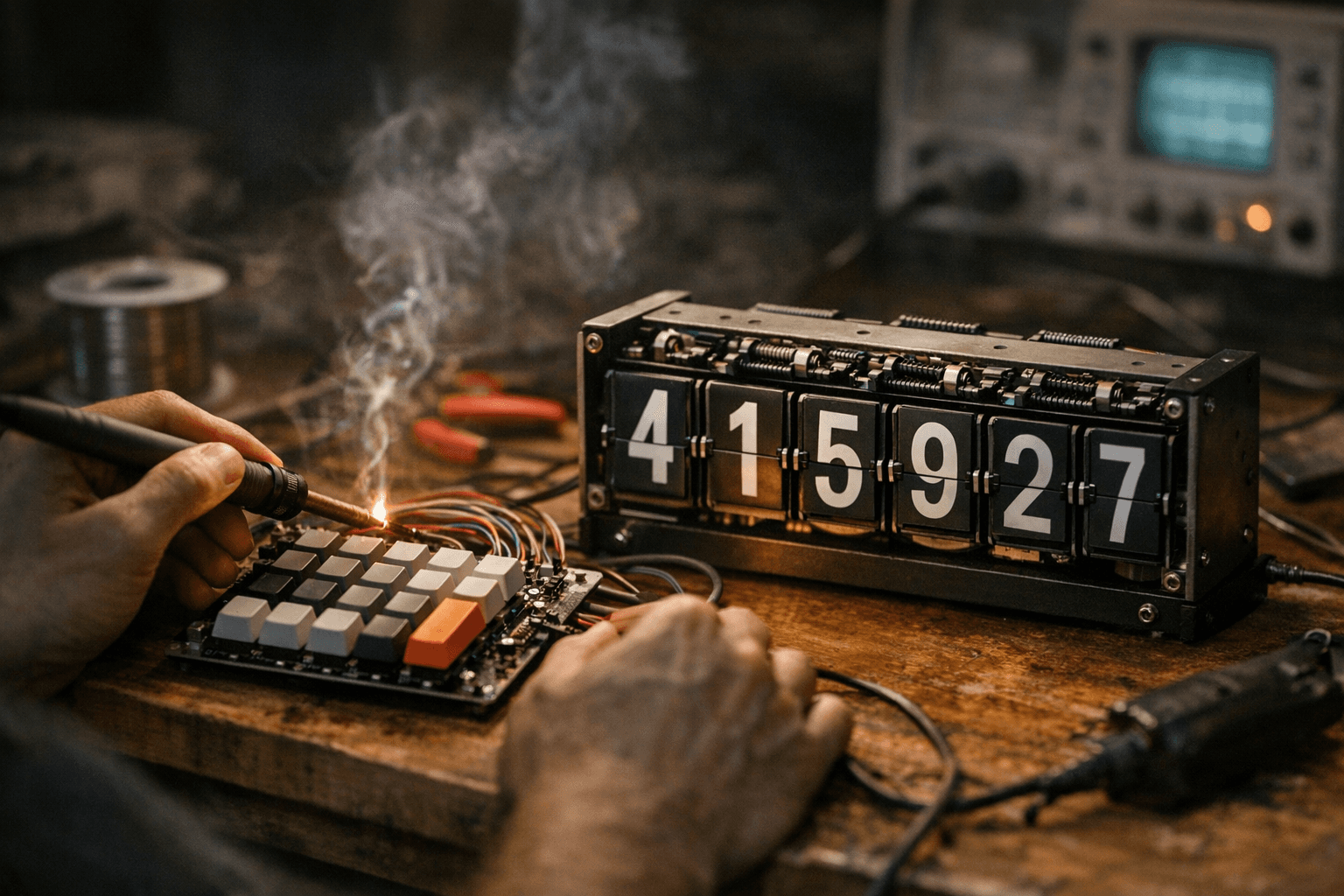
The Flapulator is the kind of build that reminds you why custom keyboard culture keeps drifting into adjacent maker rabbit holes. It is a calculator, yes, but the part that matters to anyone who cares about switches, wiring, and feel is the 24-key hand-wired mechanical keyboard tucked into a split-flap shell. That choice turns arithmetic into a physical performance, not just a utility.
What makes it stick is the intent. Applepie1928 built it in about four weeks for a mathematician-comedian-pi-lover who signs calculators, and that deadline-driven origin gives the project real personality. This is not a generic gadget dressed up for clicks. It is a deliberately odd, highly specific object that sits at the intersection of retro display nostalgia, modding culture, and the keyboard hobby’s obsession with turning input devices into something you can hear, feel, and remember.
The keyboard is the point, not an afterthought
If you build keyboards, you already know why a hand-wired matrix matters. It says the maker wanted control over the layout, the wiring path, and the feel of the whole interaction. In the Flapulator, that 24-key board is not trying to imitate a standard desktop keyboard. It is a compact input surface designed for a calculator workflow, and that makes the mechanical part of it feel intentional rather than decorative.
That matters because the hobby is full of projects where “mechanical” is just a label. Here, the switch-based interface is the experience. The key feel, the hand wiring, and the compact form factor all reinforce the same idea: pressing a key should feel like participating in the machine, not just commanding it. For keyboard enthusiasts, that is the payoff. The calculator becomes a tactile object with a rhythm, and the typing experience becomes part of the joke and the craft at the same time.
Split-flap display nostalgia does a lot of heavy lifting
The other half of the build is the display, and this is where the project really leans into retro-tech theater. The Flapulator uses a six-digit split-flap display, with the decimal point and negative sign each taking up a full character slot. That is a wonderfully stubborn design choice, because it sacrifices convenience for the visual character that split-flap mechanisms have always delivered.
Split-flap displays were everywhere in airports and railway stations from the 1960s through the 1990s, and that history is the reason they still hit so hard now. They carry the sound, motion, and anticipation of old transit boards, which makes them perfect for modern maker projects that want more than a screen. A calculator that ticks, flips, and settles into place feels like a tiny stage production for numbers.
The tradeoff is obvious, and that is part of the charm. This is not a faster way to calculate. It is a more expressive one. The device treats the display as a mechanical event, not a passive output surface, and that makes it a better fit for the keyboard world than a flat touchscreen ever could.
The guts are straightforward, but the engineering is clever
Under the hood, the Flapulator runs on a Raspberry Pi Pico. The display is driven by six continuous-rotation servos, with automated calibration and homing handled by hall sensors. LEDs show the current mathematical operation, which is the sort of small usability detail that keeps a build like this from becoming pure spectacle.
There is also a practical edge to the engineering. The project documentation notes that display accuracy can vary depending on temperature, friction, and servo thermals. It also warns that the device cannot accept new keyboard input while the display is updating. That is the kind of limitation you only appreciate if you have actually built or repaired physical input hardware: moving parts are beautiful, but they make timing, calibration, and feedback matter in a way software-only interfaces never do.
The reported battery life is about four hours on a full charge, which is impressive for a device combining a microcontroller, a battery-powered display, and moving mechanical parts. It is also enough to keep the object practical as a demo piece without pretending it is meant to replace a desktop calculator on all-day duty.
Fully 3D-printable, proudly “form over function”
The build notes call the Flapulator fully 3D-printable and “form over function,” which is exactly the right frame for understanding it. That phrase is not an insult here. It is a design philosophy, and one that fits the keyboard hobby better than people outside the scene usually realize. A lot of the best custom input devices are not chasing efficiency first. They are chasing a specific feel, a specific shape, and a specific kind of delight.
That is why this project lands so well. It does useful work, but its main value is experiential. You watch the display move, hear the mechanism settle, and then hit the next key. The object asks you to slow down and notice the interaction itself. For people who spend time building and tuning keyboards, that is familiar territory.
Why the backstory makes it more than a gimmick
The human angle matters here. The build was made for Matt Parker, the stand-up comedian, recreational mathematician, and science communicator known as the Stand-up Mathematician. His official site says he is touring across 2025 and 2026, and public bios note that his YouTube channel has more than one million subscribers and over 100 million views. That makes him exactly the kind of person whose calculator could inspire a joke-heavy, hyper-engineered tribute that still feels sincere.
Parker’s work sits right at the overlap of math, performance, and internet-friendly explanation, which is why a signed calculator for him becomes such a good target for a bespoke build. The Flapulator is funny, but it is also precise in its fandom. It treats the calculator as a stage prop, a science object, and a personal gift all at once.
What the Flapulator says about the hobby
This is the larger lesson: mechanical keyboard culture is no longer just about typing faster or sounding better. It is about building interfaces that feel alive. The Flapulator shows how hand wiring, compact layouts, and tactile switches can escape the usual desktop context and become part of a larger object with personality, motion, and narrative.
That overlap with retro tech is not accidental. Split-flap displays, hall sensors, servos, and 3D-printed shells all speak to the same maker instinct: make the machine visible, make the mechanics part of the charm, and let the interface be something worth looking at before you even use it. The Flapulator does exactly that, and it ends up feeling less like a calculator with a keyboard attached and more like a tiny, clever argument for why tactile design still matters.
This article was produced by Prism’s automated news system from verified source data, official records, and press releases, then run through automated quality and moderation checks before publishing. The system is built and supervised by the people who set the standards it runs under. Read our full AI policy.
Did this article answer your question?