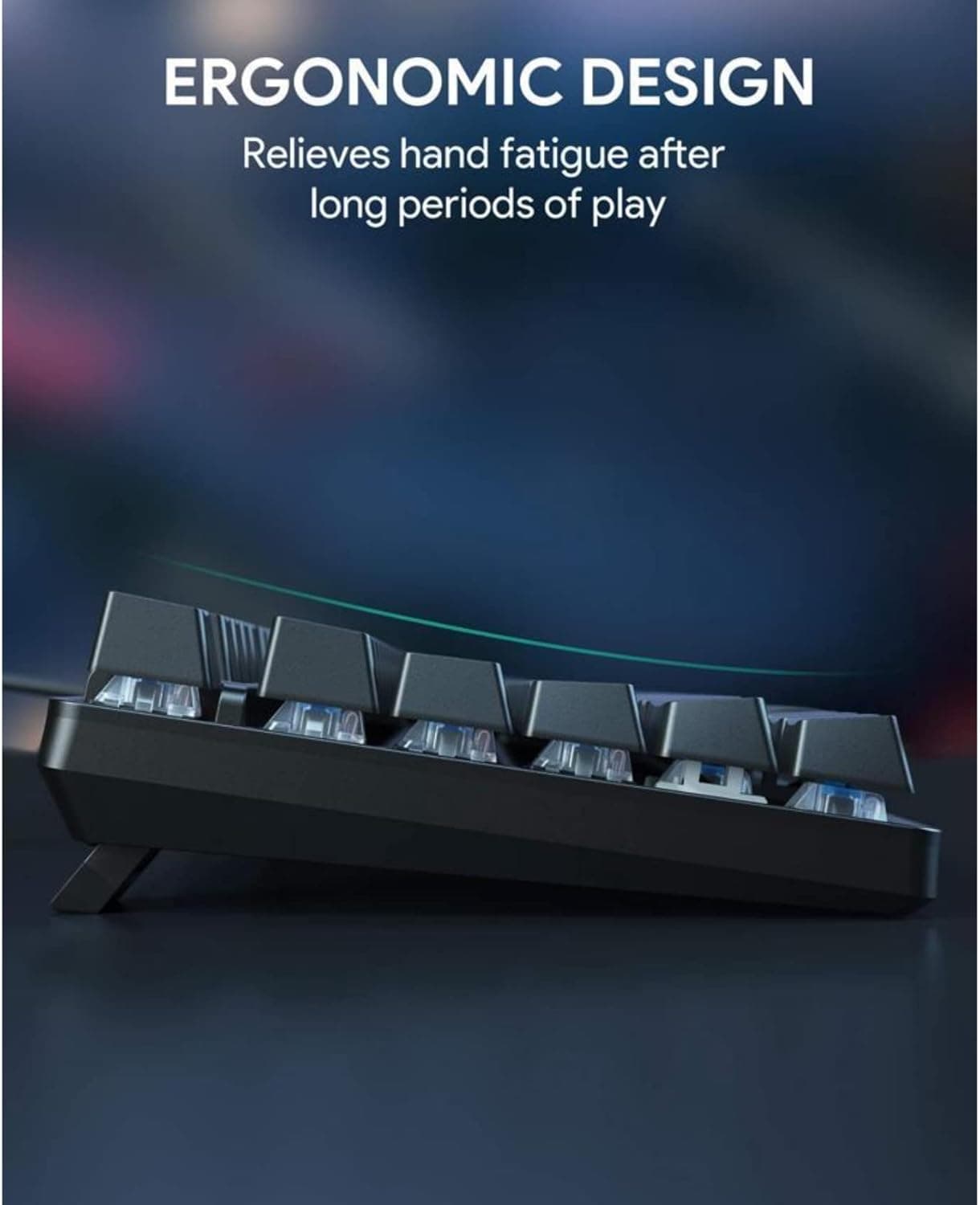
Logitech Alto Keys K98M Earns Praise as a Wireless Mechanical Breakthrough
WIRED hands the Alto Keys K98M a 9/10, calling it Logitech's best mechanical keyboard yet, with gasket mount feel and hot-swap switches at a mainstream price.
Logitech has spent years perfecting the productivity mouse. The MX Master line became the benchmark other manufacturers chase, and that design discipline, the obsession with feel and function over flash, has now landed in a mechanical keyboard. WIRED called the result "a breakthrough wireless mechanical low-profile keyboard" and gave it a 9/10, with reviewers noting that "Logitech has managed to translate the same solution-oriented designs and attention to detail from the MX Master line into a mechanical keyboard." For a brand that has historically played it safe in the mechanical space, that's a meaningful statement.
The keyboard goes by a few names depending on where you look. Logitech's own product pages use "Alto Keys K98M," PCMag reviews it as the "Logitech Alto Keys K98M," and WIRED refers to it as the "Logitech K98M." The "Alto Keys" branding appears to function as a product line identifier within Logitech's lineup, though the company hasn't made the sub-brand hierarchy entirely clear in its marketing materials. For the purposes of this guide, it's the same board regardless of what the storefront calls it.
What you're actually getting in the box
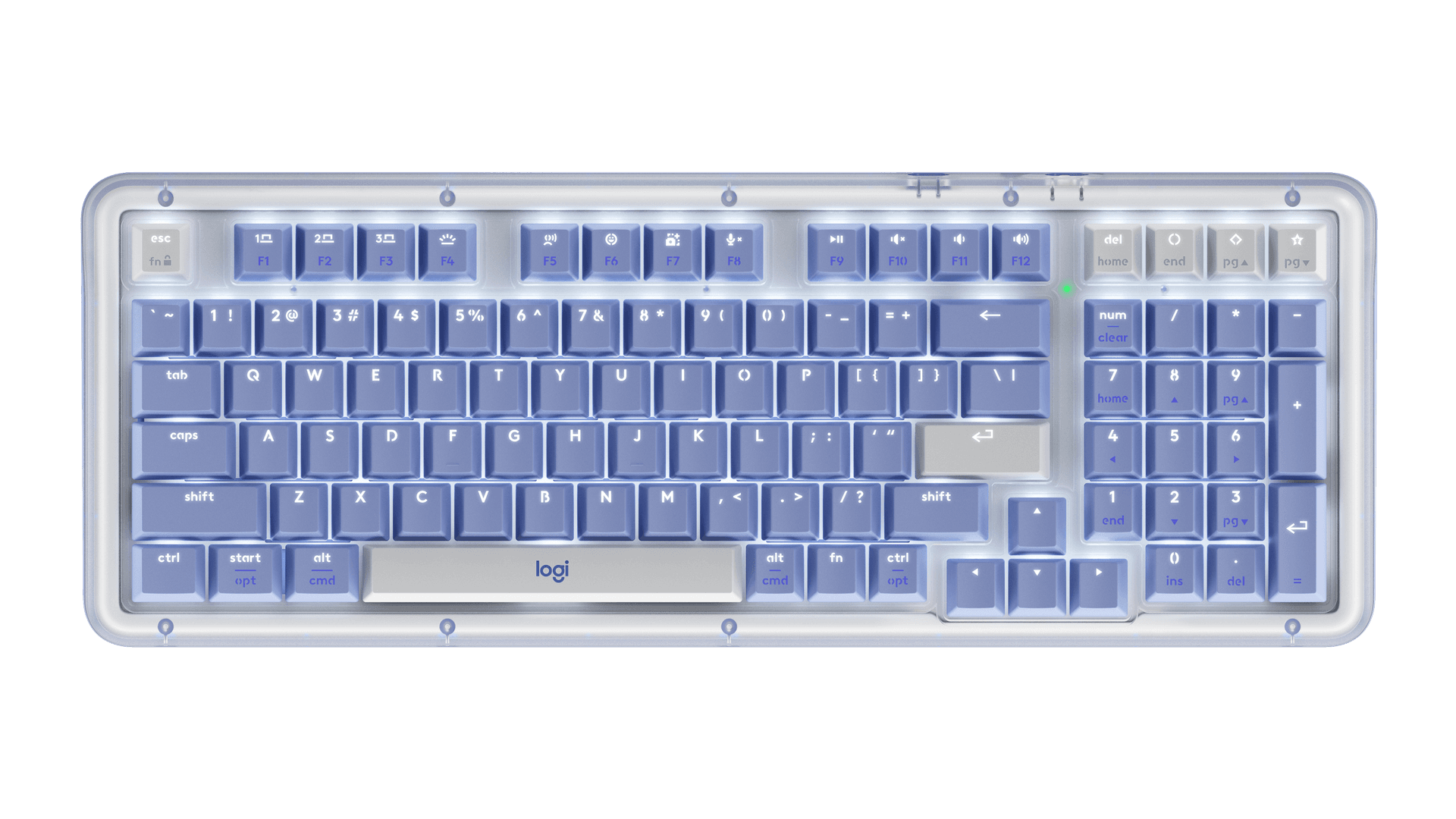
The Alto Keys K98M is a 98-key layout with a numeric keypad, sitting at 1.6 by 15.8 by 5.8 inches and weighing a substantial 2.43 pounds. That's trimmer than most full-size wireless boards but heavier than you might expect for a keyboard without a metal case. The build is plastic throughout, which WIRED acknowledges directly: "It may not have all the bells and whistles of some other keyboards we've looked at, no metal cases or customizable screens to be seen here, but it still has everything necessary to be a solid productivity tool while also being enjoyable and comfortable to use."
One design detail worth flagging immediately: Logitech left the underside screws fully exposed. WIRED frames this as a deliberate repairability choice, drawing a direct parallel to the MX Master 4, and the reviewer was enthusiastic about it: "I will never complain about it when so many devices today take active steps to hide any evidence of assembly, covering screws and obscuring seam lines to create something seemingly impenetrable and nearly unrepairable for the average person." Combined with Logitech's stated use of recycled plastic in the construction, there's a genuine sustainability ethos here, not just marketing copy.
The UniCushion gasket mount and Marble Switch typing experience
The standout internal feature is what Logitech calls the UniCushion, a full-frame gasket mount designed to absorb vibration across the entire board rather than just at mounting points. Logitech describes it as delivering "a more refined and elevated typing sound and feel," which is exactly what gasket mounts are supposed to do, but the execution here earns real praise from independent reviewers.
PCMag put it plainly: "The result, combined with custom linear switches, is a typing experience that's surprisingly elevated. It's both satisfying and soft with a bit of bounce." That "bit of bounce" is the gasket flex you're feeling, and on a board at this price point, that's not a given. PCMag also acknowledged the ceiling: "Don't get me wrong, this won't compete with a super-premium keyboard at a much higher price. But it's definitely the best Logitech mechanical keyboard I've ever tested for typing, both in standard 'office' flair and on the gaming side."
The switches are Logitech's proprietary Marble Linear Mechanical, marketed under the name "Marble Switch." They're linear, designed for smooth and stable actuation, and the sockets are hot-swappable. That last point matters a lot for anyone who wants to tune the feel over time, since hot-swap support at this tier means you're not locked into the stock switches forever. Logitech doesn't specify in its marketing copy whether the sockets support 3-pin or 5-pin MX-style switches, which is something you'd want to confirm before ordering replacement switches in bulk.
Keycaps are PBT, which is the right call for a board in this price range. Doubleshot ABS would have been a letdown; PBT resists shine and feels better under fingers over months of use. Backlighting is single-color white, functional rather than flashy. Media controls share keys with other functions rather than being dedicated, which is a minor workflow friction for anyone who relies on quick playback control without looking down.
The layout quirk that costs it a star
PCMag knocked a rating point specifically because of how Logitech handled the navigation cluster. The 98-key layout drops the traditional six-key block (Insert, Delete, Home, End, Page Up, Page Down) that sits above the arrow keys on a full-size board. Instead, those functions are consolidated into four keys above the numpad, labeled Home, End, Page Up, and Page Down. The problem is that the Home key doubles as Delete and is labeled as both. To access the plain Home function, you have to press Fn combined with the right-side spacebar Fn key. For anyone who uses Home and Delete regularly in different workflows, this will require muscle memory adjustment. It's a real-world friction point, not just a spec complaint.
For those who want a tenkeyless form factor instead, PCMag notes that Logitech sells a K75M variant in Asia that may eventually reach the US market, but no confirmed release timeline exists for that.
Connectivity: one thing to verify before buying
Here's where the research hits a genuine conflict. PCMag's spec table lists the interface as "Bluetooth, RF Wireless, USB Wired." The New York Times review explicitly states the K98M "lacks a wired connection." Logitech's own marketing consistently calls it a "wireless mechanical keyboard" without clarifying whether a wired mode exists. Until Logitech's official spec sheet is checked against the physical hardware, particularly whether a USB-C port supports data and not just charging, this remains unresolved. If wired fallback matters to your workflow, it's worth confirming with Logitech directly before purchase.
Software and customization: the weakest link
Both PCMag and the New York Times flag the Options+ software as a limitation. PCMag lists "Few software options" as a direct con, and the New York Times states plainly that "customization options in the Options+ software are limited." Logitech's marketing leans on the hot-swap sockets as the primary customization vector, which is fair, but if you're coming from a QMK-programmable board expecting per-key remapping, macro layers, and onboard profile storage, you'll likely find Options+ disappointing. PCMag's spec table leaves the onboard profile storage field blank, suggesting the board doesn't store profiles on the hardware itself.
Pricing and the "wait for a sale" verdict
The Logitech product page shows $119.99 in graphite. PCMag's price widget captured $99.99 at the Logitech US store at time of review, and PCMag's verdict explicitly includes "just wait for a sale." The $20 spread between those two numbers is meaningful at this tier, and PCMag's measured recommendation signals that the board's value proposition improves noticeably once it dips below full retail. For context, PCMag considers it "a little pricey" at full price even while praising it as a great upgrade for Logitech loyalists and a solid entry point for anyone new to mechanical designs who wants hot-swap and PBT keycaps without building from scratch.
The bottom line
A 9/10 from WIRED and "definitely the best Logitech mechanical keyboard I've ever tested for typing" from PCMag are not light endorsements. The Alto Keys K98M lands gasket mount feel, hot-swappable linear switches, and PBT keycaps in a wireless package from a brand with mainstream distribution and warranty support. The software is thin, the layout compromise above the numpad is real, and the spacebar sports a Logitech logo that at least one major outlet found visually distracting. But for a Logitech user ready to graduate into mechanical territory, or for someone who wants a capable wireless board without sourcing parts and assembling a custom, this is the most complete package the brand has shipped in this category. Just watch the price before pulling the trigger.
This article was produced by Prism’s automated news system from verified source data, official records, and press releases, then run through automated quality and moderation checks before publishing. The system is built and supervised by the people who set the standards it runs under. Read our full AI policy.
Did this article answer your question?