Mechanical keyboard stabilizers explained, plate-mount vs screw-in and why they matter
Stabilizers are the first hidden part to inspect when a spacebar or Enter key sounds off. Plate-mount and screw-in choices shape fit, feel, and how far your build can be tuned.

If your spacebar rattles, ticks, or feels mushy, the stabilizers are usually the first place to look, not the switches or keycaps. They carry the biggest keys on the board, especially the spacebar, Enter, Backspace, and the left and right Shift keys, and anything larger than 2U is far more likely to wobble or bind without them.
What stabilizers actually do
Stabilizers keep wide keys moving straight and landing cleanly. On a typical custom layout, that means more than just the spacebar, because a build may need 2U stabilizers alongside a 6.25U or 7U spacebar wire, depending on the board.
The difference shows up in use, not just in spec sheets. On larger keys, 2U and above, stabilizers can make or break the feel of the board, which is why newer builders often notice the spacebar before they notice anything else. A clean switch can still feel expensive on a board with well-tuned stabs, while a premium switch will not save a rattly spacebar.
Plate-mount vs screw-in
On Cherry-style MX-compatible boards, the two common mounting styles are plate-mount and PCB-mount, which are also called screw-in. That small distinction changes how the stabilizer fits into the build, how easy it is to install, and how the key bottoms out.
Plate-mount stabilizers clip into the plate, which keeps the install straightforward on many boards. CannonKeys sells Cherry clip-in housings for longer keys, with 2U stabilizers and separate 6.25U and 7U wires to match different layouts. PCB-mounted screw-in stabilizers, by contrast, fasten to the PCB itself and are used for larger keys like the spacebar, Enter, Shift, and more.
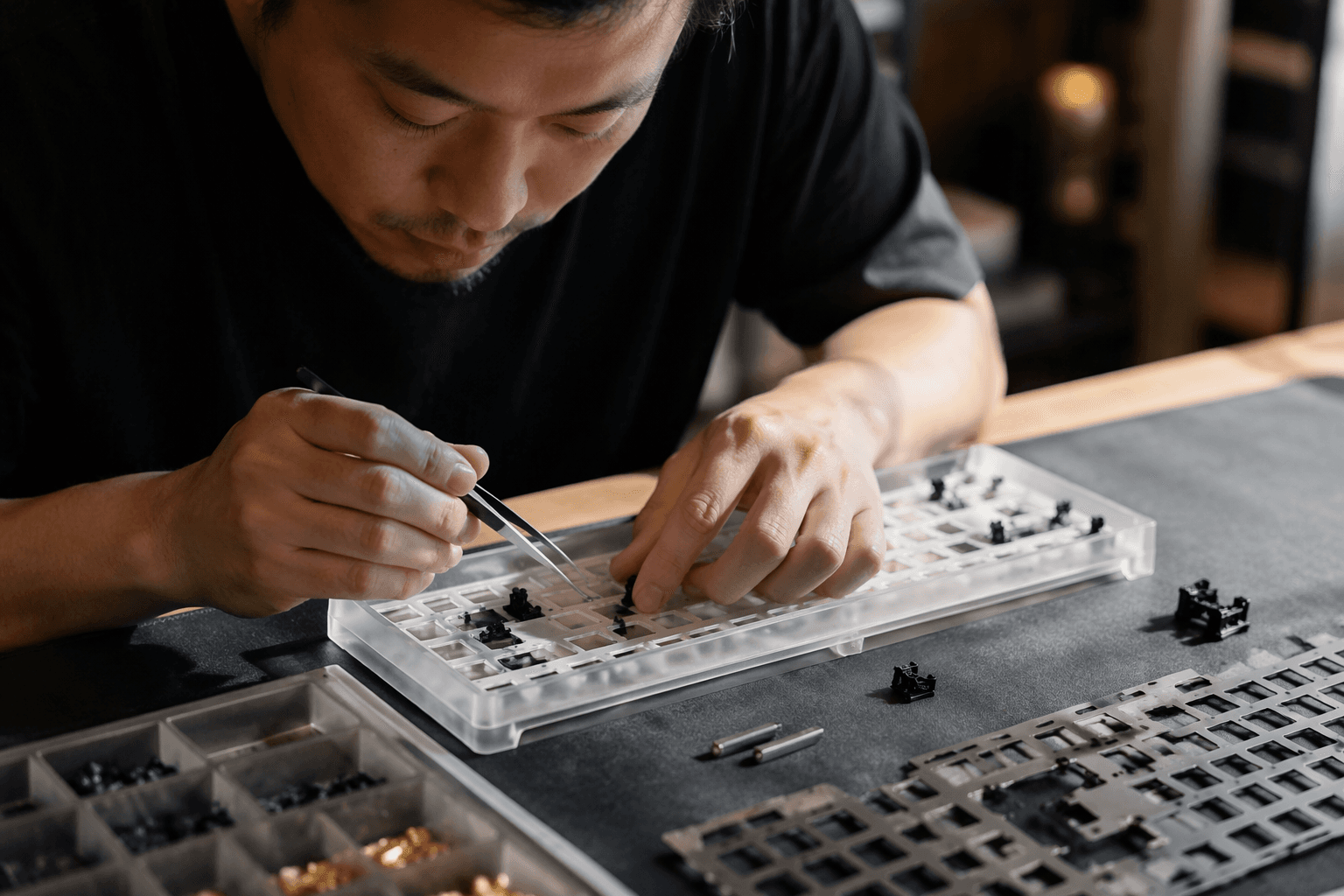
That compatibility difference matters early. A board’s plate, PCB thickness, and layout determine what will fit, and some aftermarket stabilizer kits are even sold with separate 2U, 6.25U, and 7U wires so you can match the exact key sizes on the board. Some products also call out compatibility with 1.6 mm and 1.2 mm PCBs.
Why stock stabilizers often disappoint
The reason stabilizer tuning has become its own hobby skill is that stock parts often arrive with rattle, tick, or a slightly mushy bottom-out. Drop identifies stabilizer rattle as a common stock-state issue on larger keys, and that lines up with what builders see in real boards.
Once you start paying attention, the symptoms are easy to spot. A key may return sluggishly, feel uneven from left to right, or make a ticking sound when it bottoms out. The switch may be perfectly fine, while the wire, housing, or mounting method is doing the damage.
How tuning changes the sound and feel
The job breaks into a few concrete fixes. Clipping the protruding stem legs removes the bits that can interfere with a clean bottom-out, balancing the wire on a flat surface helps keep one side from ticking more than the other, and lubing the contact points smooths the whole path the key takes.
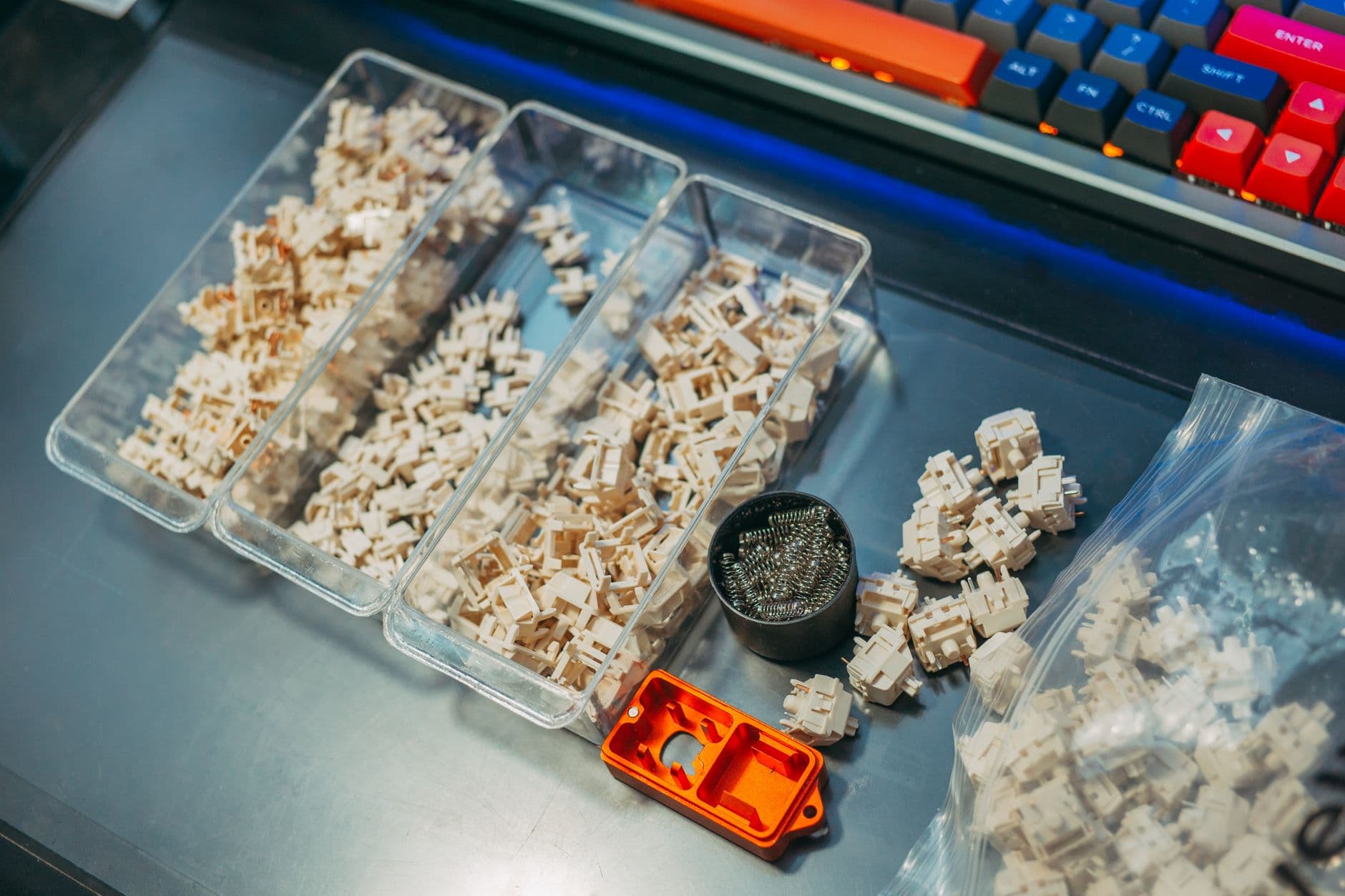
The lubes that show up most often in this work are Krytox 205g0 and dielectric grease. Those choices matter because stabilizer tuning is not about drowning the parts in grease, it is about reducing friction at the points where the wire and housing touch. When the balance is right, the result is less noise, less wobble, and a spacebar that feels controlled instead of hollow.
Builders also reach for the Holee mod, the bandaid mod, tape adjustments, and stabilizer twisters when they want to push further. Geekhack community posts use those techniques specifically to fight sluggish return, ticking, and rattle. Kinetic Labs published its guide on May 8, 2023, with clipping, balancing, and lubrication as the core moves.
What to check before you buy or mod
Start with layout, because stabilizer size follows the board. A compact custom build might need only 2U parts, while a full setup often needs 2U stabilizers plus a 6.25U or 7U spacebar wire. If the board uses a nonstandard bottom row, or you are mixing PCB and plate parts, check the exact wire lengths before you buy anything.
Then check the mount. If the board expects screw-in stabilizers, a plate-mount kit will not solve the problem, and the reverse is just as true. PCB thickness matters too, since some aftermarket kits are built around specific 1.6 mm or 1.2 mm PCBs, and a mismatch can turn a simple install into a loose or noisy one.
Finally, decide whether you want to tune stock parts or start with an aftermarket design. CannonKeys’ TX stabilizers are marketed with a patented doubleshot stem, using POM outside and TPU plus POM inside to reduce wire rattle and unwanted noise. AEBoards Staebies, created by Zambumon in collaboration with AEBoards, were built for the same reason: to solve the frustrations that keep showing up in standard stabilizers.
This article was produced by Prism’s automated news system from verified source data, official records, and press releases, then run through automated quality and moderation checks before publishing. The system is built and supervised by the people who set the standards it runs under. Read our full AI policy.
Did this article answer your question?