Wooting beta adds per-app profile switching to Hall-effect keyboards
Wooting’s beta now swaps Hall-effect profiles by app, making one board feel like a game rig, office keyboard, and macro tool at the same desk.

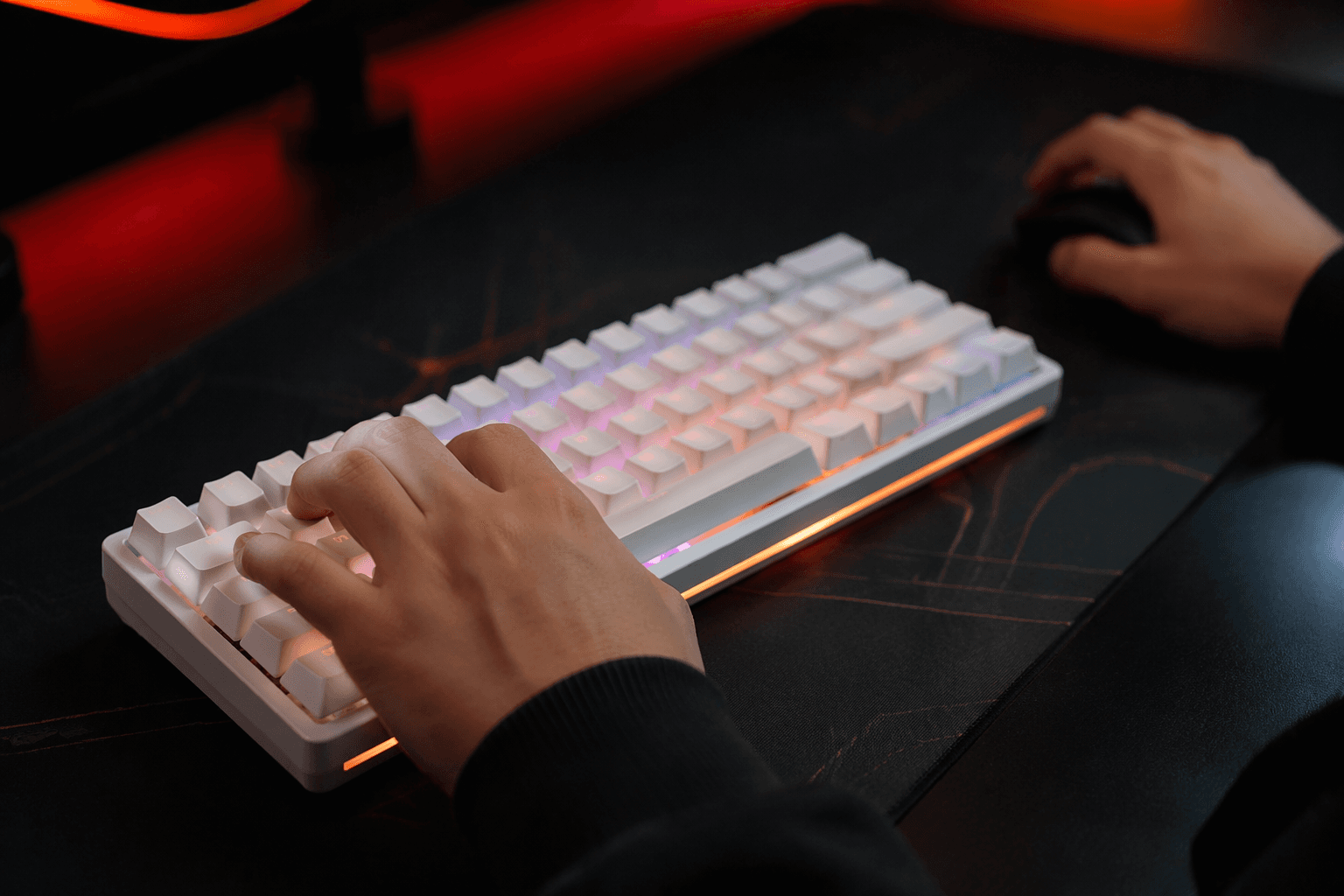
Wooting’s latest beta makes a strong case that Hall-effect boards are no longer just gaming hardware with a few extra tricks. In Wootility v5.4.0-beta.0, released April 22, 2026, App Linking can switch a keyboard to a different profile automatically when a specific application opens, using the Background Service to watch what is in focus.
That matters because Wooting’s profiles are not shallow presets. They control actuation points, Rapid Trigger behavior, SOCD, analog input, key mapping, and RGB, so one board can be tuned very differently for a game, a spreadsheet, or a creative app. In practice, the shift is easy to picture: an aggressive gaming profile for a competitive shooter, a calmer typing setup for browser and word-processing work, and a macro-heavy layout for CAD or editing software. Wooting says each profile can link to up to eight apps, which gives the feature enough range to cover a full mixed-use desk without constant manual switching.

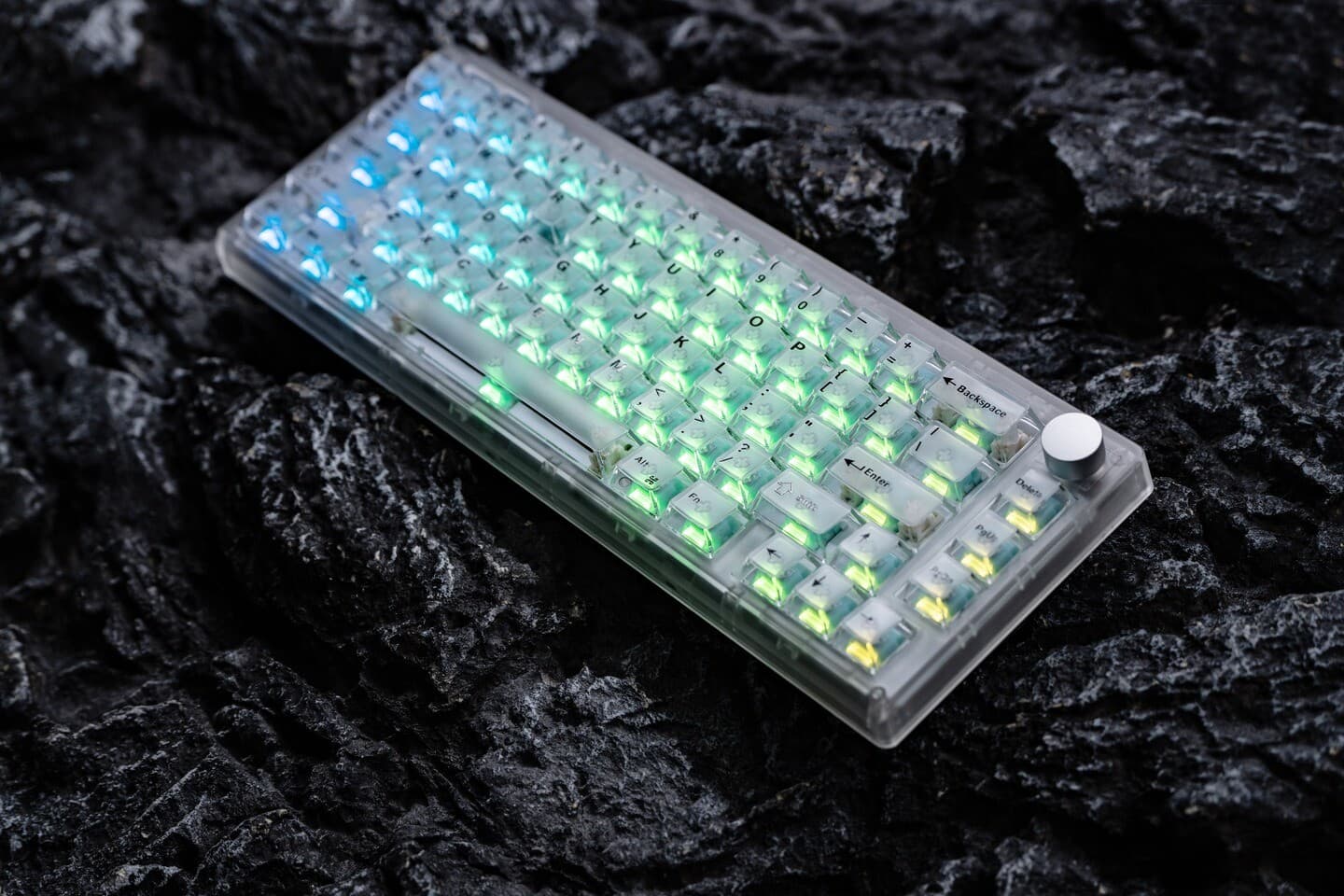
The hardware side already had the profile depth to make that useful. Wooting says the 60HE+, 60HE v2, and 60HE+ Module support up to four onboard profiles saved on the keyboard, and the company says those profiles load instantly on any device without opening Wootility. The 60HE v2, which Wooting says was designed with years of customer feedback and technological changes in mind, fits neatly into that software-first pitch. The 80HE pushes the same idea from the other direction, with Wooting describing it as its fastest, most competitive keyboard yet, built around Rapid Trigger, True 8kHz polling, and Rappy Snappy.
The new beta also lands after a steady run of software work. Wootility v5.3.0-beta.5 renamed profile bindings from A0-A3 to P1-P4, and the new build also polishes the RGB sleep timer interface and lets users edit profiles directly from the tray icon. Those details may sound small beside app-based switching, but they are exactly the kind of quality-of-life changes that turn a flashy keyboard into a daily tool.
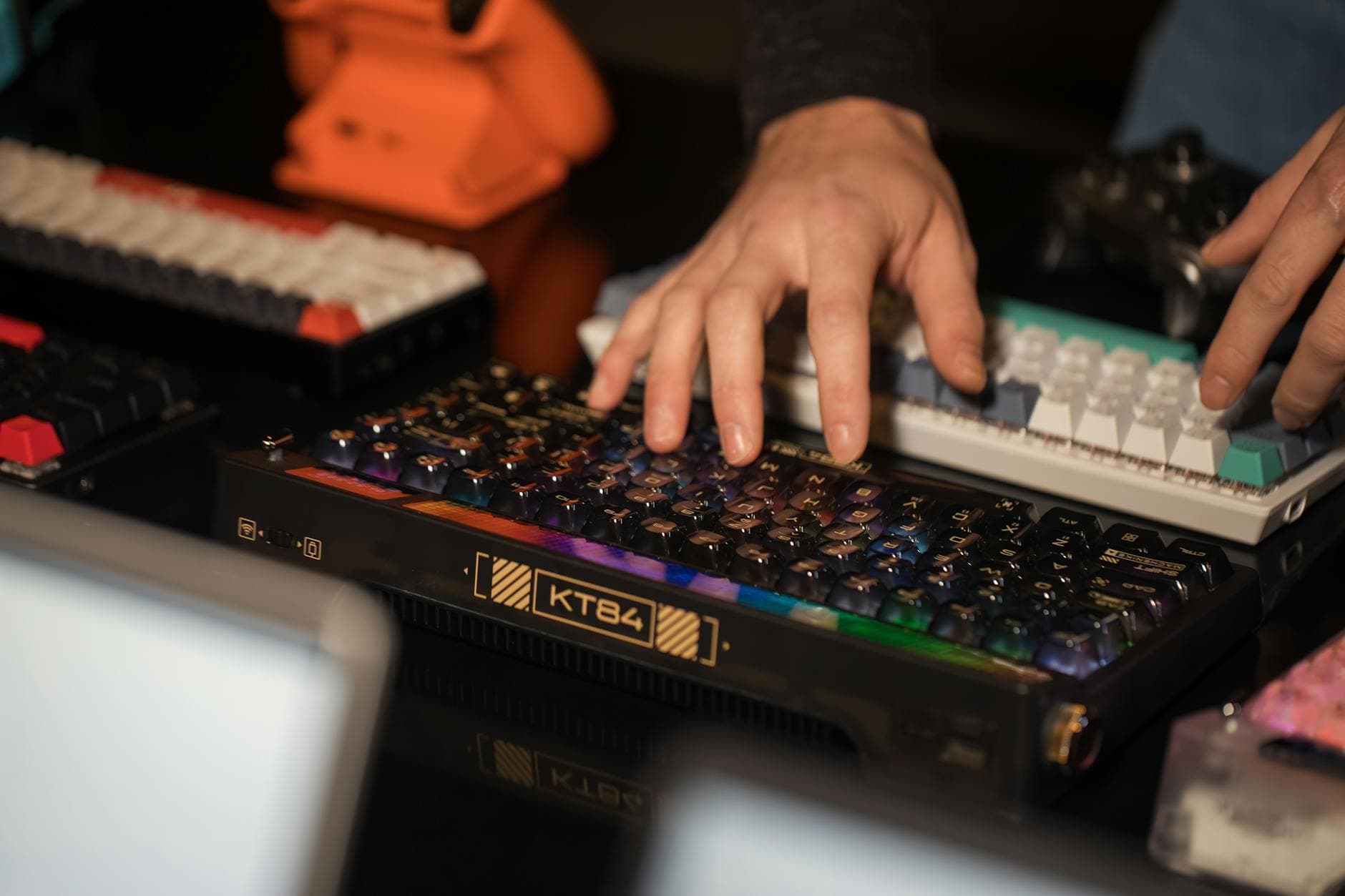
There is still one clear limitation: App Linking does not currently work on Wayland. Wooting says it is discussing support with the community and looking into desktop environments including KDE, which leaves Linux users on the outside for now. Even so, the direction is obvious. Wooting’s Discord community now tops 100,000 members, and with that kind of audience, the software layer may end up mattering as much as the switches themselves.
This article was produced by Prism’s automated news system from verified source data, official records, and press releases, then run through automated quality and moderation checks before publishing. The system is built and supervised by the people who set the standards it runs under. Read our full AI policy.
Know something we missed? Have a correction or additional information?
Submit a Tip