MeshMonitor v4.6.2 fixes channel labels and unifies MQTT telemetry
MeshMonitor v4.6.2 stops slot 0 from masquerading as “Primary” and pulls MQTT into unified views, cutting down on duplicate-looking channels and messy dashboards.
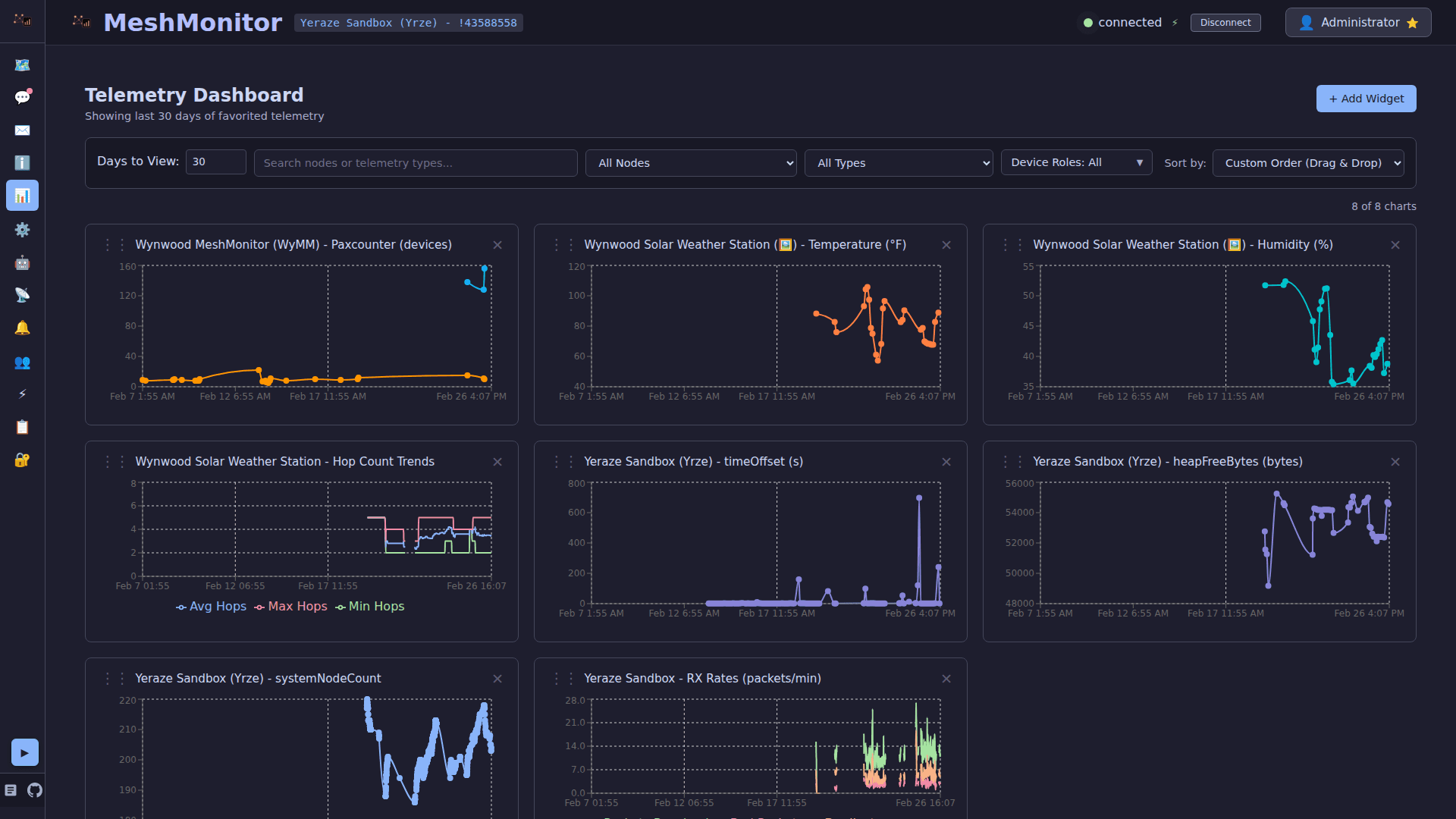
MeshMonitor v4.6.2 fixed a problem that has been wasting operator time for months: one mesh path could look like two. The release replaced the synthetic “Primary” fallback on slot 0 with the device’s real preset-derived name, so a LongFast radio now shows LongFast instead of a generic label, while the star marker still stays in place to show the PRIMARY role.
That change matters most if you run a dashboard, bridge, or mixed-source monitor. MeshMonitor now reads the radio’s persisted LoRa configuration and labels slot 0 from the preset itself, which makes the display line up with how Meshtastic actually works. A factory-reset radio still comes up on LongFast with Frequency Slot 0, and Meshtastic’s documentation says LongFast offers 104 frequency slots in North America. For anyone trying to sort out whether two nodes are on the same logical channel, that clearer naming removes a real source of confusion.

The other major payoff is MQTT. In v4.6.2, MQTT sources now feed Unified Messages and Unified Telemetry, so packets heard over the network finally appear in the same combined views as local RF traffic. MeshMonitor also deduplicates the same mesh packet when it is seen by TCP and one or more MQTT sources, collapsing it into a single entry with a multi-reception array. For day-to-day monitoring, that means fewer repeated rows, cleaner telemetry panels, and faster troubleshooting when a packet path is duplicated across ingest methods.
MeshMonitor also moved the Channel Database into Global Settings, which better matches the way Meshtastic handles encryption. The decryption PSKs are global under the hood, and migration 063 removes the dead sourceId column. That is a small interface cleanup on paper, but it makes multi-source management easier to reason about when several feeds share the same trust material.
There is one more practical detail for MQTT users: MeshMonitor now auto-seeds the default LongFast PSK into the Channel Database when an MQTT source starts. That helps encrypted public traffic show up correctly without extra handholding, especially on Meshtastic’s public MQTT service, which is restricted with a zero-hop policy, location-precision filtering on default-PSK traffic, and a limited set of portnums including NodeinfoApp, TextMessageCompressedApp, TextMessageApp, PositionApp, TelemetryApp, MapReportApp, and RoutingApp.
For dashboard operators, bridge maintainers, and anyone watching both radio and internet-relayed data, the update is worth taking. It does not add flashy new mesh powers, but it removes the kind of label drift and duplicate noise that makes a healthy network look broken.
This article was produced by Prism’s automated news system from verified source data, official records, and press releases, then run through automated quality and moderation checks before publishing. The system is built and supervised by the people who set the standards it runs under. Read our full AI policy.
Did this article answer your question?