Meshtastic Apple client refines navigation and firmware update flow
Meshtastic-Apple is trimming tap friction on the map and fixing a firmware sheet bug, making Bluetooth updates and live mesh navigation less brittle.
Meshtastic’s Apple client is getting the kind of cleanup that users feel immediately: smoother map navigation and a firmware-update flow that does not disappear the moment it opens. The repo activity over the last 12 to 21 hours shows a merged fix for a firmware update sheet that was dismissing immediately, alongside navigation performance work and query optimizations.
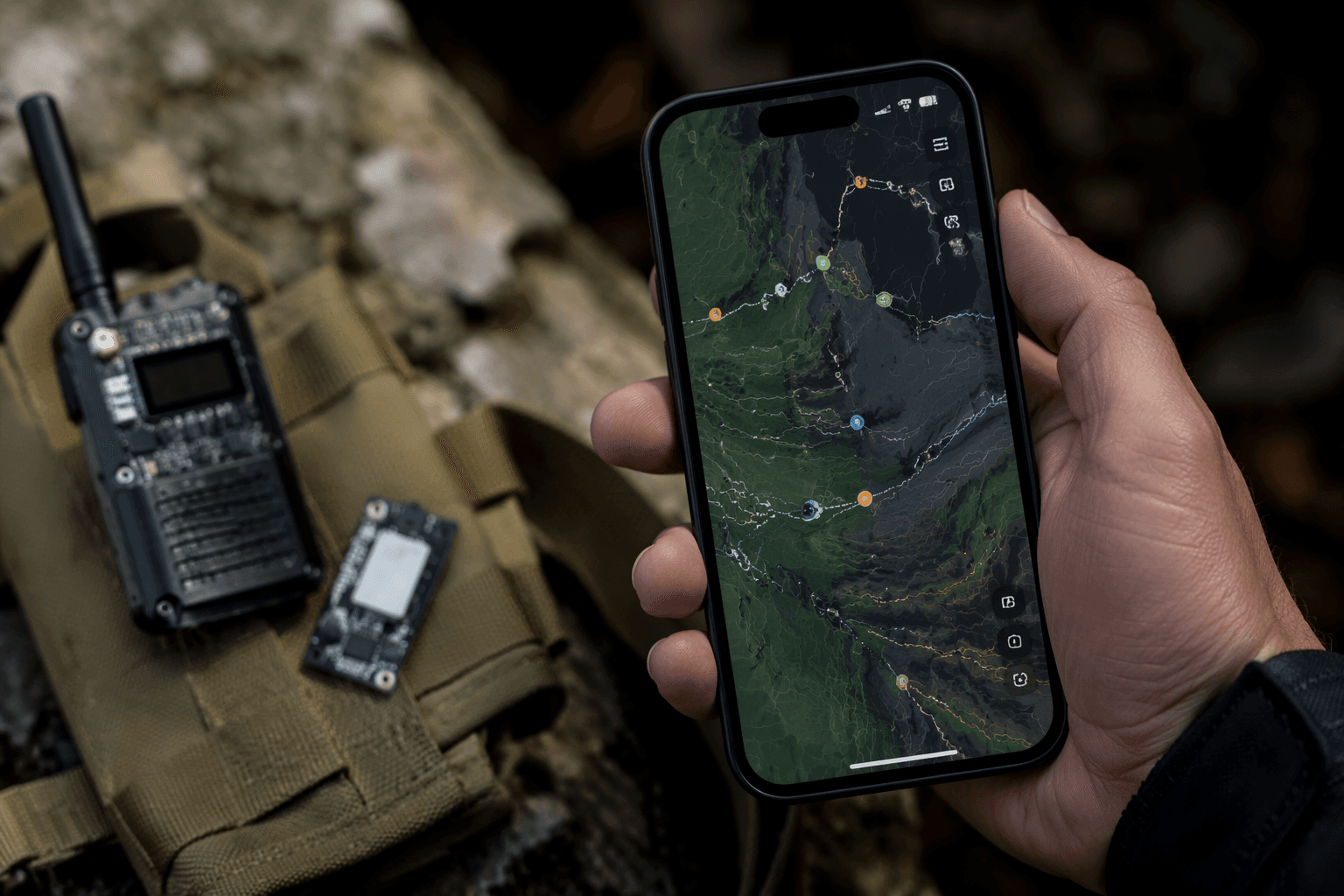
That matters because the Apple client is not just a side project. Meshtastic lists it as its public app for iOS, iPadOS, macOS, watchOS and visionOS, and the app is built around live mesh use on the move. The current work strips out dead code such as lastNodeNum and an unused selectedNode state, simplifies PositionPopover so it works as a popover only, and opens the NodeDetail sheet in a large detent on the mesh map. The repo also shows work to restore or hide Node Map links depending on how the detail sheet was opened. Taken together, those are small interface changes with a clear goal: make tapping through a busy mesh feel predictable instead of fiddly.
That lines up with Meshtastic’s own Apple documentation, which uses deep links for messages, nodes and the mesh map, including meshtastic:///map?nodenum={nodenum}. In other words, navigation state is part of the client’s core job. When a map link lands in the wrong place, or a node sheet opens with the wrong behavior, the user loses the thread of the mesh they are trying to inspect.
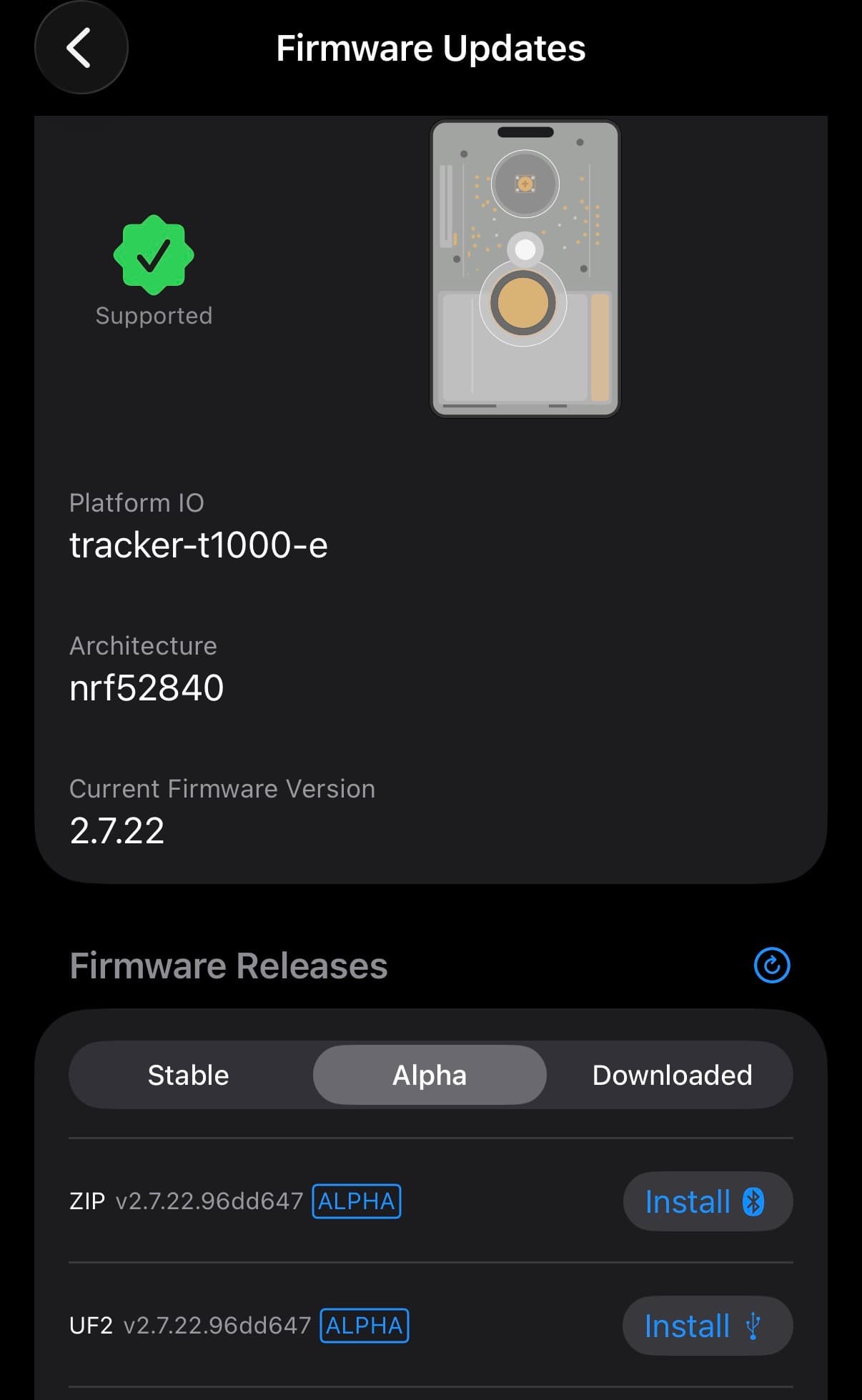
The firmware side is even more sensitive. Meshtastic says the Apple app can check for and install firmware updates directly over Bluetooth, and it warns that iPhone auto-lock can interrupt the upload. A failed OTA update can leave a device non-working until it is physically recovered. That makes the fix for a sheet that vanished instantly more than a cosmetic patch. It removes a point of failure from a process that already has a narrow margin for error.
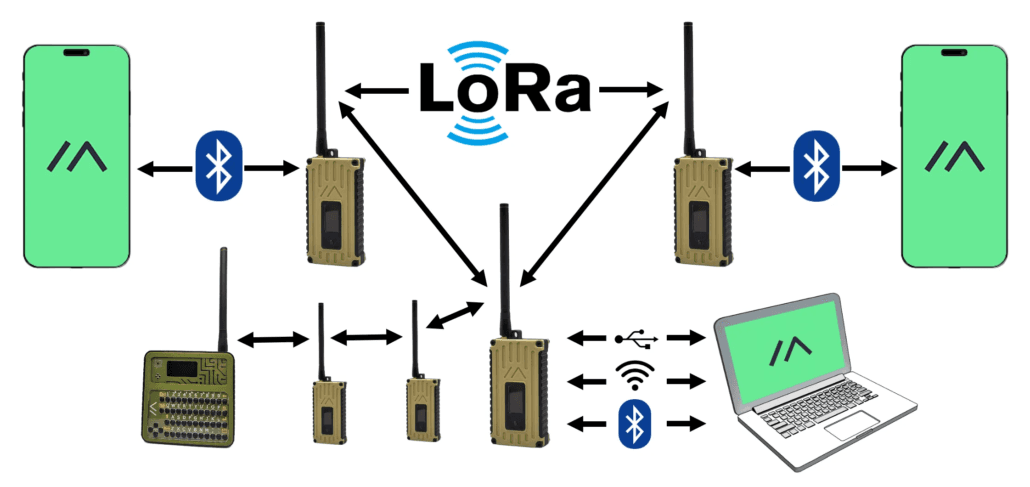
Meshtastic describes itself as an open-source, off-grid, decentralized mesh network built on affordable, low-power devices, and the Apple apps are meant to manage that network on the go. With the latest round of work, the Apple client is looking less like a secondary companion and more like a credible primary control surface for live mesh navigation and firmware handling.
This article was produced by Prism’s automated news system from verified source data, official records, and press releases, then run through automated quality and moderation checks before publishing. The system is built and supervised by the people who set the standards it runs under. Read our full AI policy.
Did this article answer your question?