Meshtastic range explained, what distance to really expect
Meshtastic range is won or lost by terrain, antennas, presets, and placement, not by headline claims. The official Site Planner helps you predict what a real deployment can do.
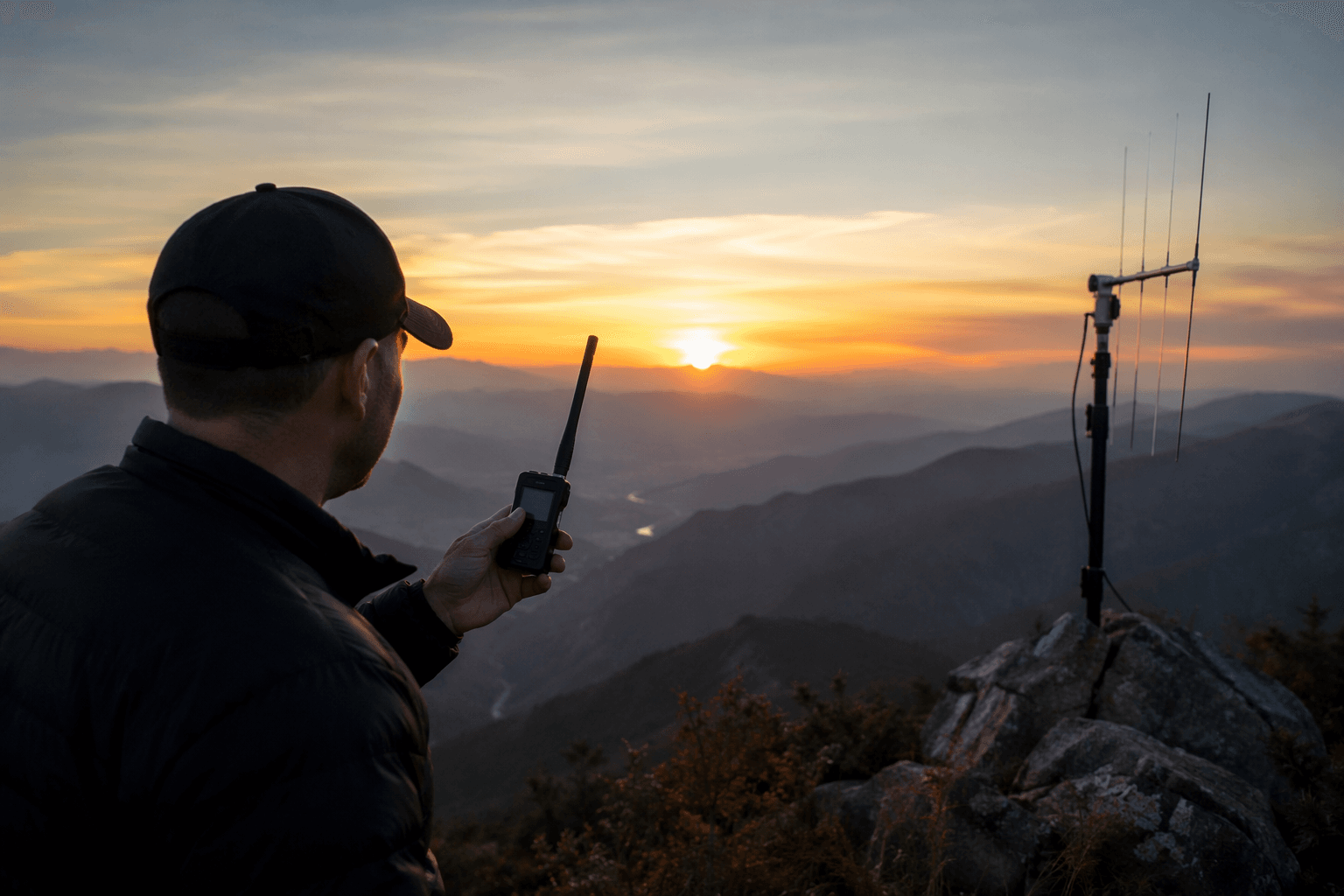
The hardest Meshtastic lesson is that range is not a spec sheet number. A node on a ridge with the right antenna can go astonishingly far, while a bad preset, the wrong band, or a cluttered valley can cut that promise down fast. That is why the smartest way to think about Meshtastic is not “how far can it go,” but “what would I need to change to make my deployment work where I actually use it?”
Start with the environment, not the headline
Meshtastic describes itself as an open-source, off-grid, decentralized mesh network built to run on affordable, low-power devices, and it is used for hiking, skiing, paragliding, and other places where internet access is unreliable or unavailable. That use case matters because real-world range is shaped by the landscape around you more than by any one radio chip. Terrain, obstructions, antenna quality, transmit settings, and node placement can all swing coverage dramatically, so the answer to “how far?” is often “it depends on where the signal has to travel.”
That is also why long-distance bragging rights can be misleading. A record link proves possibility, not practicality. For most builders, the useful question is whether a node will cover a trail, a summit-to-valley hop, a neighborhood mesh, or a repeater chain that keeps traffic moving without forcing every message to depend on a perfect line of sight.
Use the Site Planner before you buy more hardware
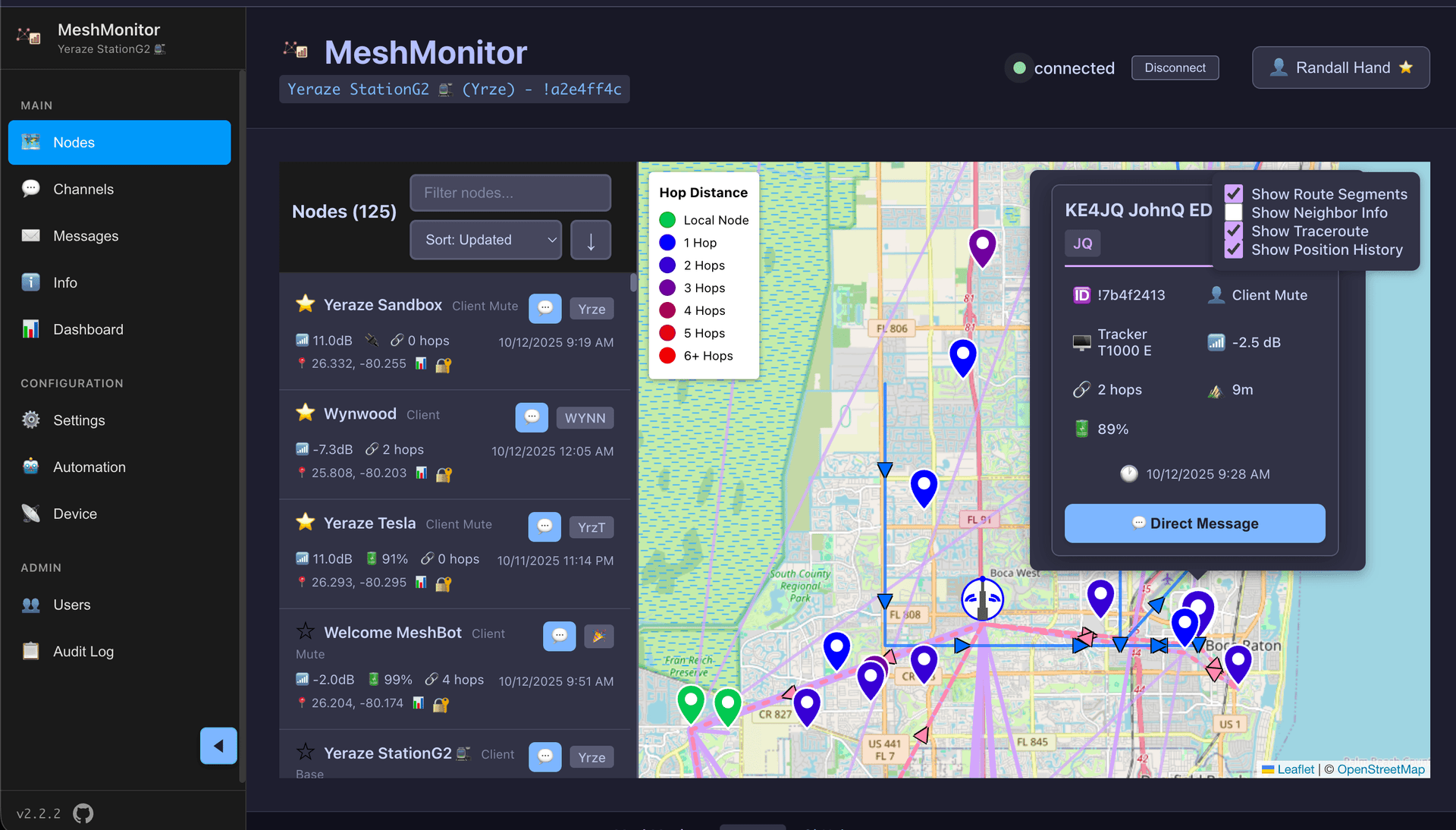
Meshtastic’s official Site Planner is built to make range predictions that account for physics and terrain. It uses the ITM/Longley-Rice model and SPLAT! software, the long-running propagation toolchain built around work by amateur radio operator John Magliacane, to produce a color-coded map that helps estimate coverage and plan repeater deployments. In practice, that makes it a deployment tool, not just a visualization tool.
The planner asks for the details that actually change a link budget: transmitter coordinates, antenna height, transmit power, frequency, antenna gain, receiver sensitivity, receiver height, and receiver gain. If the map shows strong predicted service above about -110 dBm, you are not looking at a guess, you are looking at a terrain-aware estimate of where the mesh is likely to breathe and where it is likely to struggle. The same documentation notes that simulations above 50 kilometers take longer to compute, and that 90% situation and time fractions have been found practical in real-world applications.
What that means for your build
- a higher mount point
- a better antenna
- a different preset
- a repeater or relay node
- fewer expectations from a dead zone
If you are planning a first deployment, start with the map and the landscape, then decide whether you need:
That order matters. Too many weak links get blamed on firmware when the real problem is that the radio never had a fair path to work with.
Presets, bandwidth, and regional limits change the result
LoRa presets are not just convenience settings. Meshtastic’s radio docs and later guidance on better presets make clear that presets bundle bandwidth, spreading factor, and coding rate into one operating profile. The default LongFast preset uses 250 kHz bandwidth with spreading factor 11, and Meshtastic says it delivers about 1 kbps of throughput. That is enough to keep a mesh moving, but it is not magic, and it is not the same thing as raw distance.
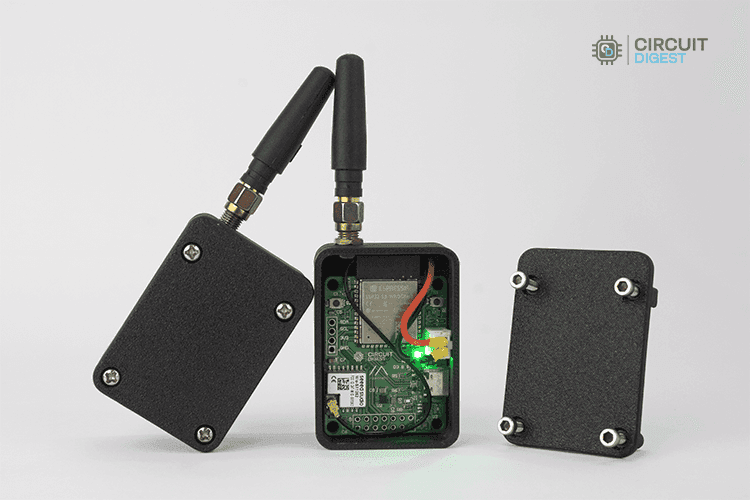
Regional rules matter too. Meshtastic’s regional configuration docs note different legal power limits and frequency bands in Europe and North America, so the “best” setting depends on what your hardware is allowed to do where you are deploying it. The project also stresses that the antenna must match the transceiver frequency, and that stock antennas often come from mixed bags and may not be tuned for the band you actually intend to use.
The fastest range fixes usually come first
- move the node higher
- get the antenna outside or above obstructions
- match the antenna to the band
- verify the preset makes sense for the network size
- place a relay where it can see more of the mesh
Before you buy a bigger radio, the most effective changes are usually the least glamorous:
Those steps often buy more usable range than simply chasing more transmit power.
Records show what is possible, not what is typical
Meshtastic’s range-tests page gives the clearest reality check. The current ground-to-ground record is 331 km, with prior ground records listed at 254 km and 166 km. The current ground-to-air record is 206 km. The page ties those results to specific hardware, modem settings, and record holders, which is exactly the point: the numbers are exceptional, carefully engineered, and highly dependent on conditions that most daily deployments will never see.
That gap between records and normal use is where new builders often get tripped up. A 331 km ground link does not mean a handheld in a neighborhood mesh will magically cover a county. It means that with the right elevation, propagation path, hardware, and settings, Meshtastic can stretch far beyond what a casual first test might suggest. The challenge is translating that possibility into a mesh that actually helps people on the ground.
Test range, but do not hammer the mesh
Meshtastic’s range-test module is useful, but it is not free. The documentation warns that range testing can consume a lot of time on air, slow the mesh, and spam the channel, and the module automatically turns off after 8 hours. That is a good reminder that even diagnostics carry operational cost. If you are testing in a live mesh, you are sharing spectrum with everyone else on it.
A cleaner approach is to test in stages. Check the antenna first, then the preset, then the site, then the hop plan. If you still need more coverage, add a repeater or move the node before you start treating the network like a lab bench. Meshtastic’s own tools point you in that direction: predict the path, inspect the weak spots, and build for the terrain in front of you.
The real answer to “how far can Meshtastic reach?” is the same one the project keeps returning to: farther when the path is good, much less when it is not. Once you stop chasing a single distance number, range becomes something you can design for, and that is where a mesh starts to feel dependable.
This article was produced by Prism’s automated news system from verified source data, official records, and press releases, then run through automated quality and moderation checks before publishing. The system is built and supervised by the people who set the standards it runs under. Read our full AI policy.
Know something we missed? Have a correction or additional information?
Submit a Tip