Google's April Pixel Update Fixes Game Crashes on Pixel 10 Devices
Pixel 10 owners have been crashing out of mobile games for weeks. Google's April update now patches the underlying display driver bug across the Pixel 10, Pixel 10 Pro, Pixel 10 Pro XL, and Pixel 10a.

Pixel 10 owners who have been getting kicked out of Genshin Impact or watching other demanding mobile titles crash without warning got concrete relief on April 7: Google's April 2026 Pixel update, build CP1A.260405.005, patches a display and graphics bug causing certain games to crash on the Pixel 10, Pixel 10 Pro, Pixel 10 Pro XL, and Pixel 10a. The same release also addresses a banking and third-party app crash problem spanning a much wider device range, from the Pixel 6 all the way through the Pixel 10a. Both fixes are part of the Android 16 QPR3 maintenance series.
The game crash fix is specifically logged under the Display and Graphics section of Google's Pixel Update Bulletin, pointing to a driver or rendering-layer problem rather than anything in the games themselves. The Pixel 10 runs on the Tensor G5 processor, whose PowerVR GPU has been the source of compatibility friction since launch. Viral videos emerged showing the Pixel 10 Pro XL completely glitching out while running Genshin Impact, with the problem potentially tied to the PowerVR GPU, for which game makers had dropped support. The April patch addresses game crashes in general conditions on that hardware, though Google does not name specific titles in the changelog.
The banking app fix covers a wide list, including the Pixel 6, Pixel 6 Pro, Pixel 6a, Pixel 7, Pixel 7 Pro, Pixel 7a, Pixel 8, Pixel 8 Pro, Pixel 8a, Pixel Fold, Pixel Tablet, Pixel 9, Pixel 9 Pro, Pixel 9 Pro XL, Pixel 9 Pro Fold, Pixel 9a, Pixel 10, Pixel 10 Pro, Pixel 10 Pro XL, and Pixel 10a. Google also used the April release to restore a missing Backup menu in System settings on older Pixel models, patch a disappearing quick search bar on the home screen, and stop Quick Share from crashing during file transfers on Pixel 9 devices.
To grab the update now, open Settings, tap System, then System update. The April 2026 update also includes a fix for Quick Share crashing during file transfer on the Pixel 9 and its Pro siblings. Google's phased OTA rollout means not every device will see the prompt on the same day; distribution spreads over roughly one week, but manually checking can sometimes trigger the download early.
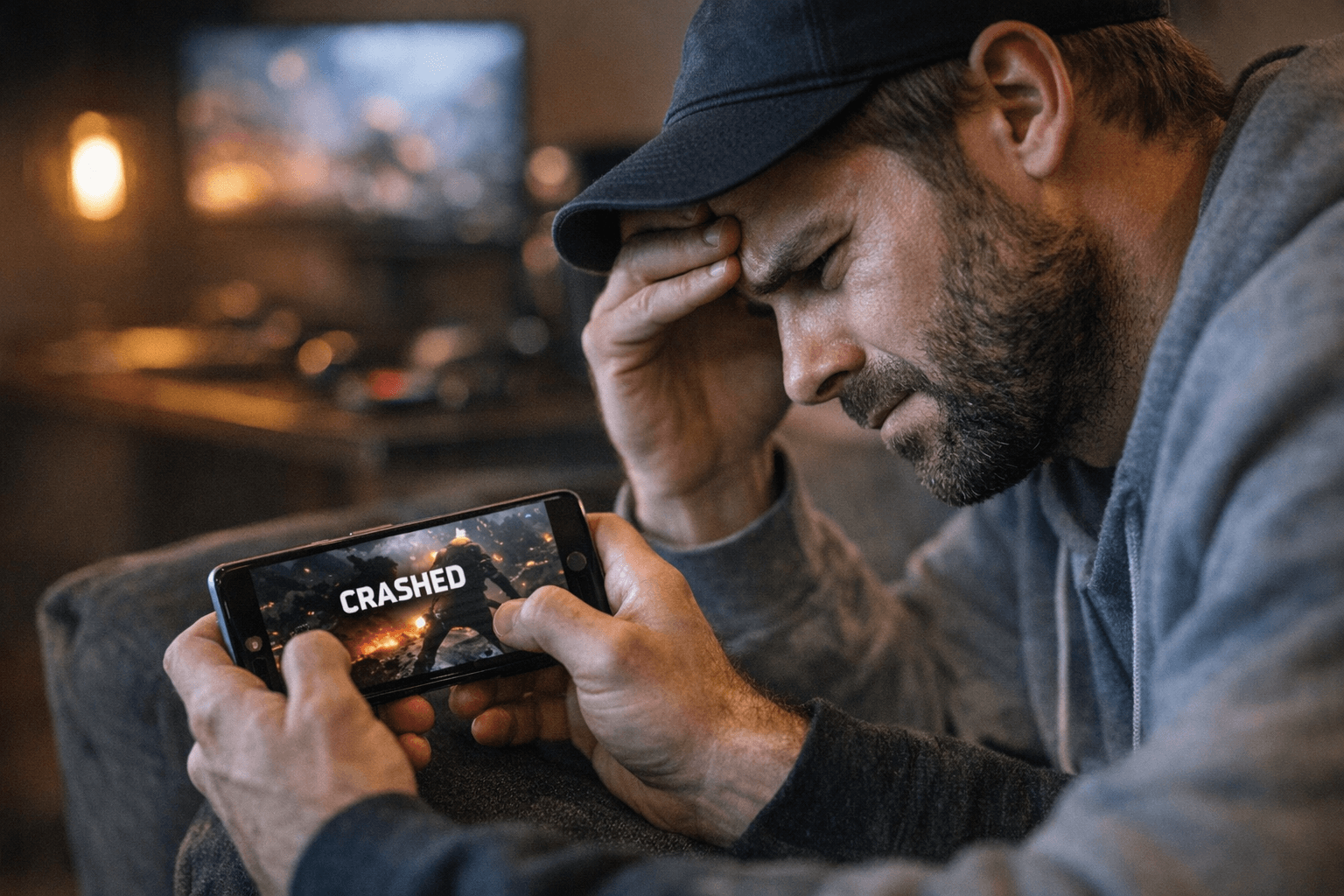
If the April patch installs and games still crash, run through these steps. First, clear the cache partition via recovery mode to clear out any stale data from previous builds. Second, toggle Game Dashboard off and back on inside Settings under Digital Wellbeing, since a misconfigured overlay has been known to interfere with GPU-intensive titles. Third, open the Play Store, go to Manage apps and devices, and check for Play system updates: GPU driver packages for Pixel devices sometimes arrive separately from the main OTA and can close compatibility gaps for specific titles faster than waiting for the next monthly patch.
The April update disappointed some users because it does not address the bricked or boot-looped devices that stemmed from the March Pixel Drop. If your device was already struggling after March, contact Google Support before applying any new OTA. Back up your data first regardless, since phased rollouts occasionally surface edge-case issues that only appear after wide distribution.
This article was produced by Prism’s automated news system from verified source data, official records, and press releases, then run through automated quality and moderation checks before publishing. The system is built and supervised by the people who set the standards it runs under. Read our full AI policy.
Did this article answer your question?


