Minecraft Bedrock 26.1 Tiny Takeover Update Brings Bug Fixes to Mobile
A book-text crash finally patched and touch controls redesigned: Minecraft's Tiny Takeover drop is live on iOS and Android with fixes mobile players will actually feel.
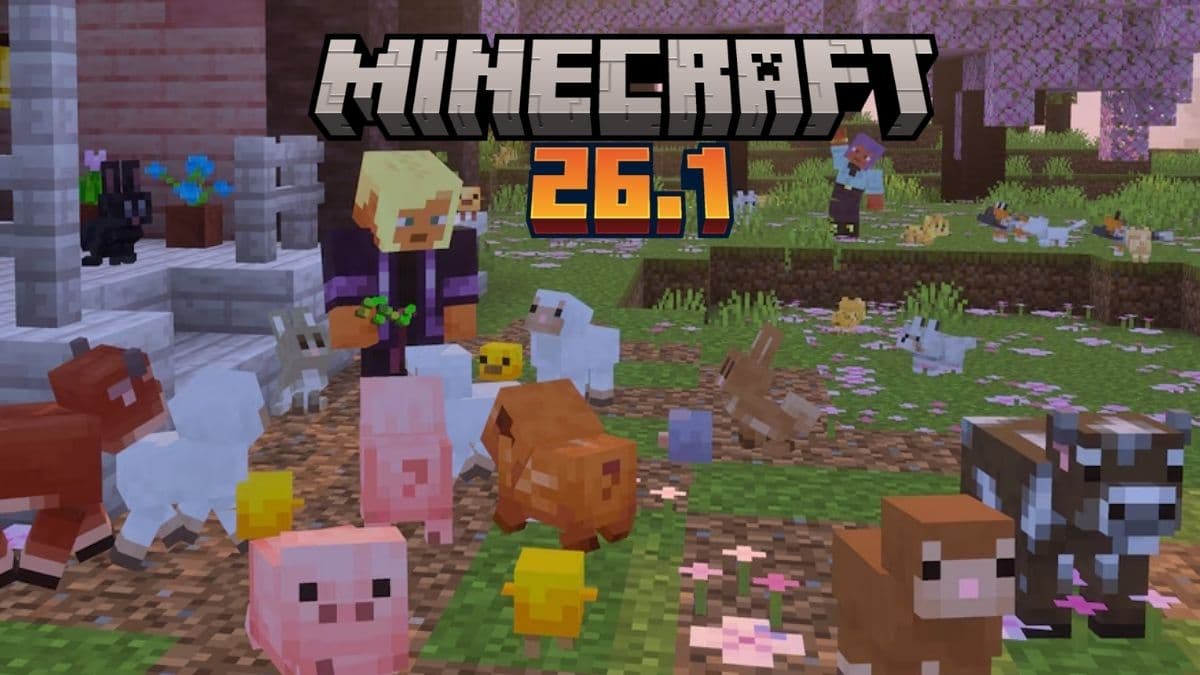
If your Bedrock worlds have been crashing every time someone fills a book with high-volume text, that pain ends with the Tiny Takeover drop. Mojang Studios pushed Bedrock Edition 26.10, the first game drop of 2026, on March 24, carrying crash patches, touch control tweaks, and a Realms overhaul alongside headline content: redesigned baby mob textures and models, the golden dandelion, and craftable name tags.
For mobile players, the fixes that matter most start with bug report MCPE-235419, the crash caused by high-data-volume text in Books. That one has been a quiet session-ender for survival players and server operators who use book-and-quill setups for in-game documentation. The interact button also received an updated design specifically for touch controls, addressing a longstanding complaint about cluttered screen space during close-quarters mob interactions. If you could never quite get the opacity of your pick block button where you wanted it, MCPE-191027 now covers that too.
The Pocket UI got direct attention. MCPE-235009 patched double item trades overlapping in the Trader Screen Pocket UI, which was making villager and wandering trader menus genuinely hard to parse on smaller phone displays. The back button that stopped responding after exiting a friend's profile, tracked as MCPE-232736, is also resolved, cutting off one of the more annoying soft-locks during multiplayer social navigation.
Realms players will notice the biggest structural change under the hood. The old Realms backup system has been removed and replaced by Realms Saves, which is now enabled at all times. Custom servers are now always visible on the Servers tab even when no featured servers could be found, meaning a Mojang CDN hiccup no longer wipes out your entire custom server list. The Marketplace button has also moved to the smaller secondary buttons when playing on a Realm, cleaning up the main HUD for players who are not browsing the store mid-session.

On the content side, the golden dandelion prevents baby animals from aging, keeping them permanently young, while name tags are now craftable using paper and any metal nugget at a crafting grid. New audio variants were added for baby wolves, cats, pigs, horses, and chickens as part of the broader baby mob overhaul.
To confirm you are running the updated build, open Settings then About in-game; the Bedrock version should read 1.26.10. On Android, Google Play shows the installed build under Manage Apps, and on iOS the App Store update history confirms it. If performance feels worse after updating, the first variable to adjust is render distance. The drop added static and colorized block light shading to particles in Vibrant Visuals, which can stress the GPU on older Android and iOS hardware. Pulling from 12 chunks down to 8 typically recovers frame rate without meaningfully shrinking your visible world.
For a focused 10-minute post-update check: open a survival world and fill a book to confirm the MCPE-235419 crash is gone, visit a villager to verify the Pocket UI trade screen no longer overlaps, spawn a baby animal and test the golden dandelion mechanic, pull up the Servers tab and confirm custom entries appear, then if you run a Realm, open the backup menu and verify Realms Saves has replaced the legacy system. Content creators and server operators should confirm compatibility before scheduling events on the updated build.
This article was produced by Prism’s automated news system from verified source data, official records, and press releases, then run through automated quality and moderation checks before publishing. The system is built and supervised by the people who set the standards it runs under. Read our full AI policy.
Did this article answer your question?


