NBA 2K26 Crews let up to 50 players team up online
NBA 2K26’s Crews can hold 50 players, but the real trick is setup: add friends by 2K username, enable crossplay only on PS5 or Xbox Series X|S, and avoid platform dead ends.

Crews in NBA 2K26 can hold up to 50 players. The fast path to making one work is simple: get everyone into the same Crew, add them through the Social menu, and confirm that crossplay is only in play on PlayStation 5 and Xbox Series X|S.
Start with the friend list, not the lobby
Add people the clean way
The quickest way to build a Crew is to start in the Social menu and move straight to the Friends tab. From there, search by 2K username and send the request, which is the cleanest way to line up your first wave of players before anyone starts hopping into games.
This avoids the most common setup drag. If the username is wrong, if the request never went through, or if one player is trying to join from outside the supported crossplay pair, the whole process bogs down before the Crew even exists.
Match the hardware before you match the squad
NBA 2K26 keeps crossplay locked to PlayStation 5 and Xbox Series X|S. If you want those players to compete together, crossplay has to be enabled first.
NBA 2K26 Gen 9 versions also exist on Steam for PC and Nintendo Switch 2, but the crossplay promise does not extend there, so a mixed-platform group needs to plan around that before anyone starts inviting.
Build the Crew around how your group actually plays
Crew setup is more than a nameplate
NBA 2K26’s Crew creator lets you set a Crew Name, abbreviation, bio, logo, background, privacy setting, focus, active times, vibe, mic requirement, and region.
If your group is casual, you can keep the tone loose and open. If you want a disciplined run, the settings let you signal exactly who belongs and when the group is usually online.
Choose the right privacy setting
Crews in NBA 2K26 can be Open, Invite Only, or Private.
Open works best when you want a broad circle of regulars and you do not mind new people filtering in. Invite Only is the safer middle ground for a stable friend group. Private keeps the Crew tightly controlled, which is useful if you want a fixed roster and fewer surprises.
Logo choices give the Crew a real identity
NBA 2K26 also lets you choose from Historic, Primary, and Secondary NBA team logos.
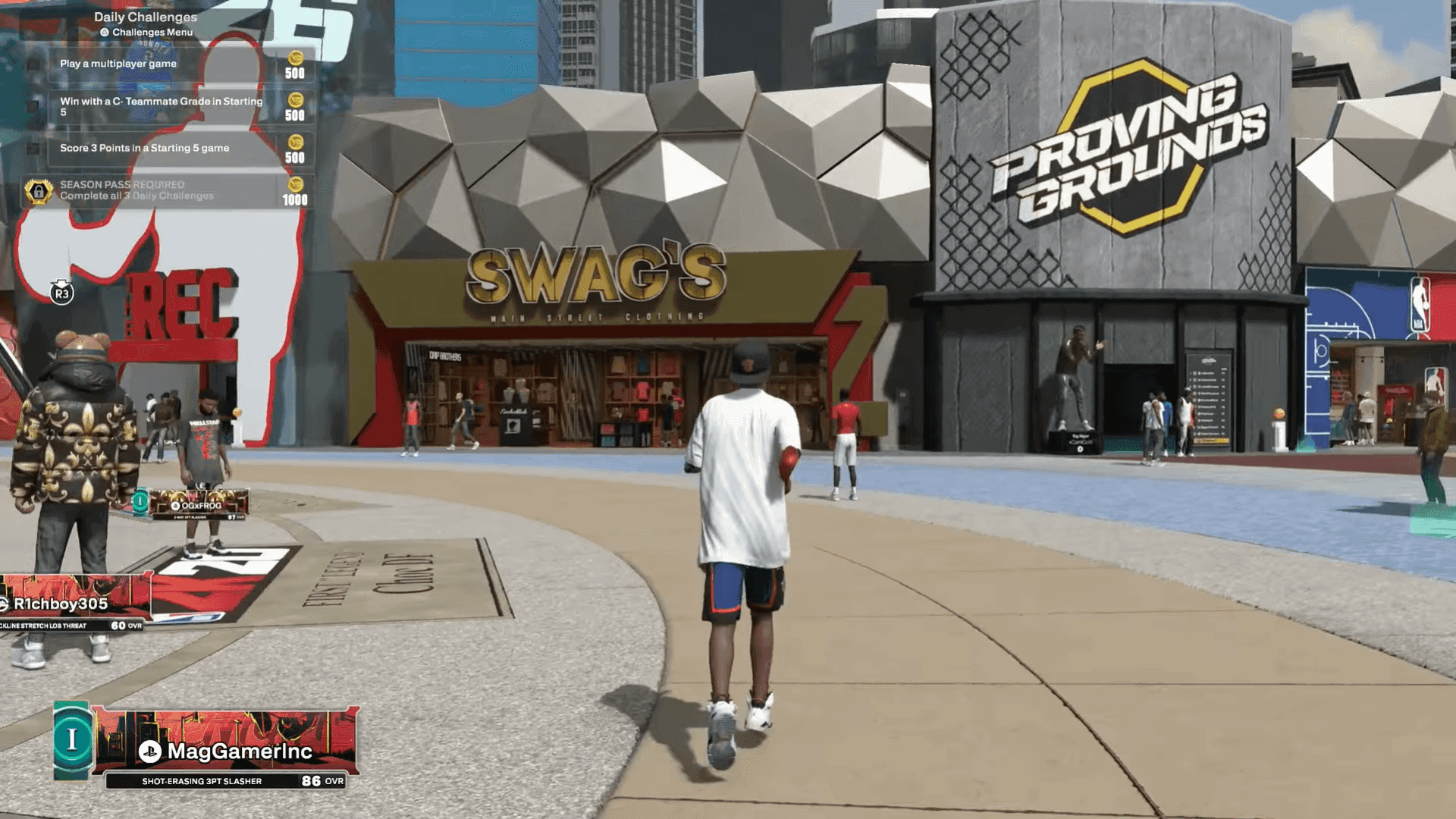
Each Crew has its own logo and Crew level displayed in the MyPLAYER nameplate. It follows the group into The City, where other players can see the Crew’s status while you are out running games.
Know what the rewards are actually doing
Crew progression runs through 30 levels
Crews are tied to all 30 Crew levels. Weekly Goals help push the group forward, and the unlocks keep escalating as the Crew levels up.
The rewards are not just cosmetic. Crew play can unlock Crew Backgrounds, Crew Outfits, Teammotes, custom logo upload access, REP bonuses, VC bonuses, Cap Breakers, Unlimited Skill Boosts, and Unlimited Gatorade Boosts.
Why the system is built this way
The City has been 2K’s basketball-social hub since the Park arrived in NBA 2K14. The series has delivered basketball video games for more than 20 years.
NBA 2K26’s City runs at 60 frames per second on PlayStation 5 and Xbox Series X|S for the first time, and the layout is built to feel more accessible. The game also brings back seasonal Parks and remasters all four NBA 2K16 MyPARKs in HD.
Use the right mode for the right kind of group
Crews are the main social layer, but not the only one
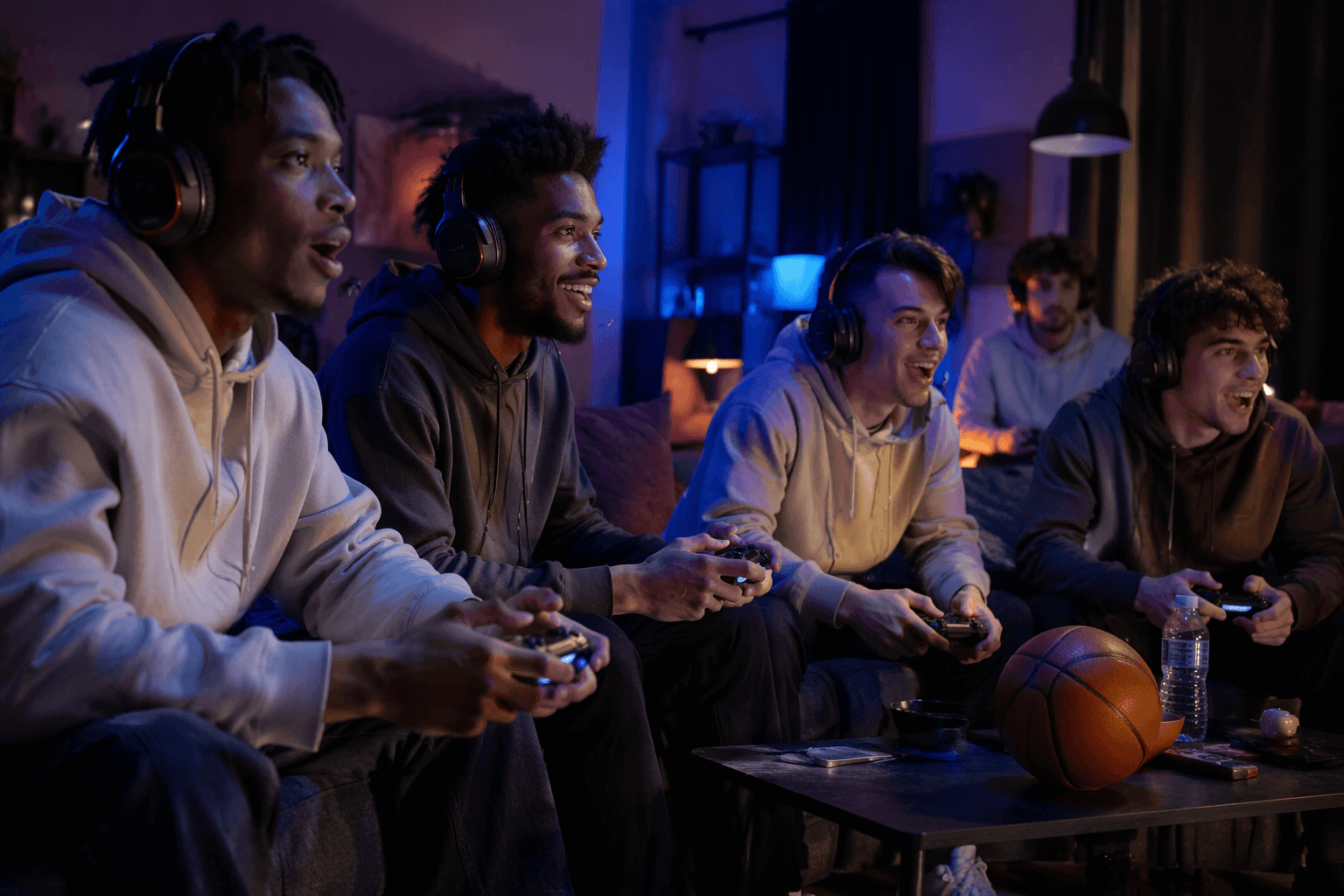
Players can team up online in The City, Play Now, and MyTEAM. Crews sit at the center of that system because they are the most structured way to keep a group together, especially if the goal is to play repeatedly instead of just once.
If your group wants a repeatable home base, Crews are the cleanest answer. If you only need a one-off session, the other modes still work, but they do not give you the same organization, identity tools, and reward ladder.
What usually breaks first
The most common failure point is trying to build a cross-platform plan without checking the platform wall first. PS5 and Xbox Series X|S can meet through crossplay once it is enabled, but that does not mean every NBA 2K26 platform joins the same pool.
The second failure point is more ordinary: people skip the Social menu, never search by 2K username, and then wonder why the invite never lands. In NBA 2K26, the fix is usually not mystery troubleshooting. It is the boring setup work done in the right order.
This article was produced by Prism’s automated news system from verified source data, official records, and press releases, then run through automated quality and moderation checks before publishing. The system is built and supervised by the people who set the standards it runs under. Read our full AI policy.
Did this article answer your question?