NBA 2K26 mod adds realistic broadcast look to all 30 home courts
RuFi Gaming’s new 2K26 ReShade sharpens every home court into a more broadcast-ready stage, but it works best if you follow the mod stack and accept the extra visual overhead.
What this ReShade changes on the floor
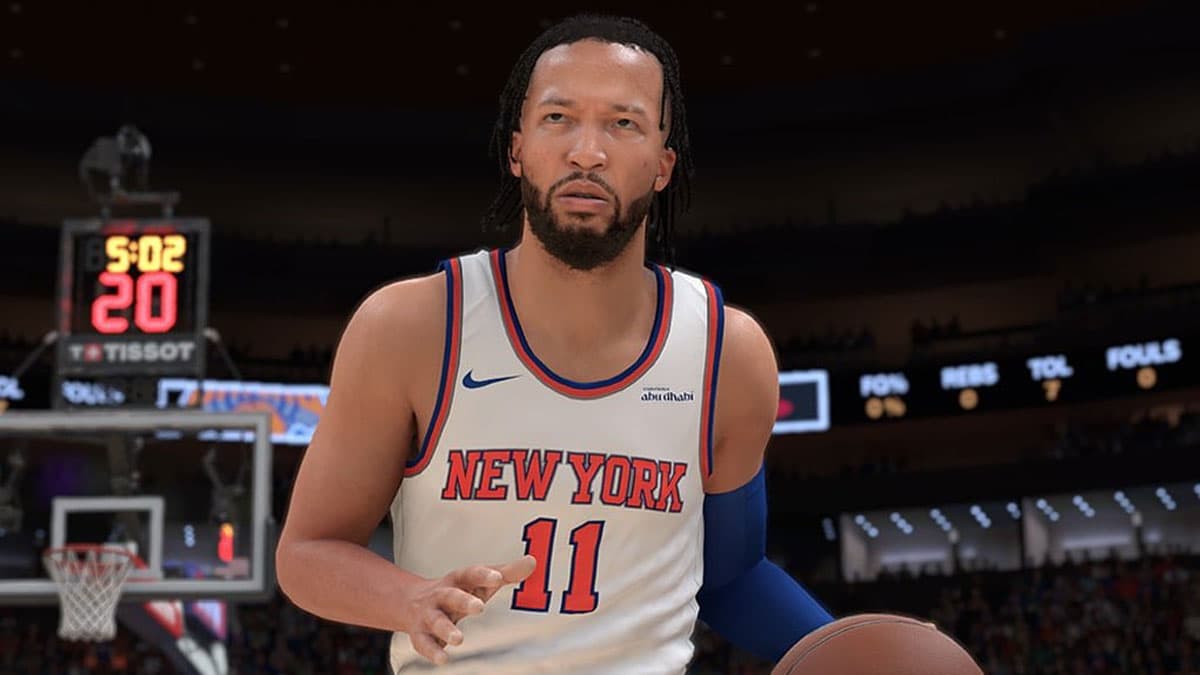
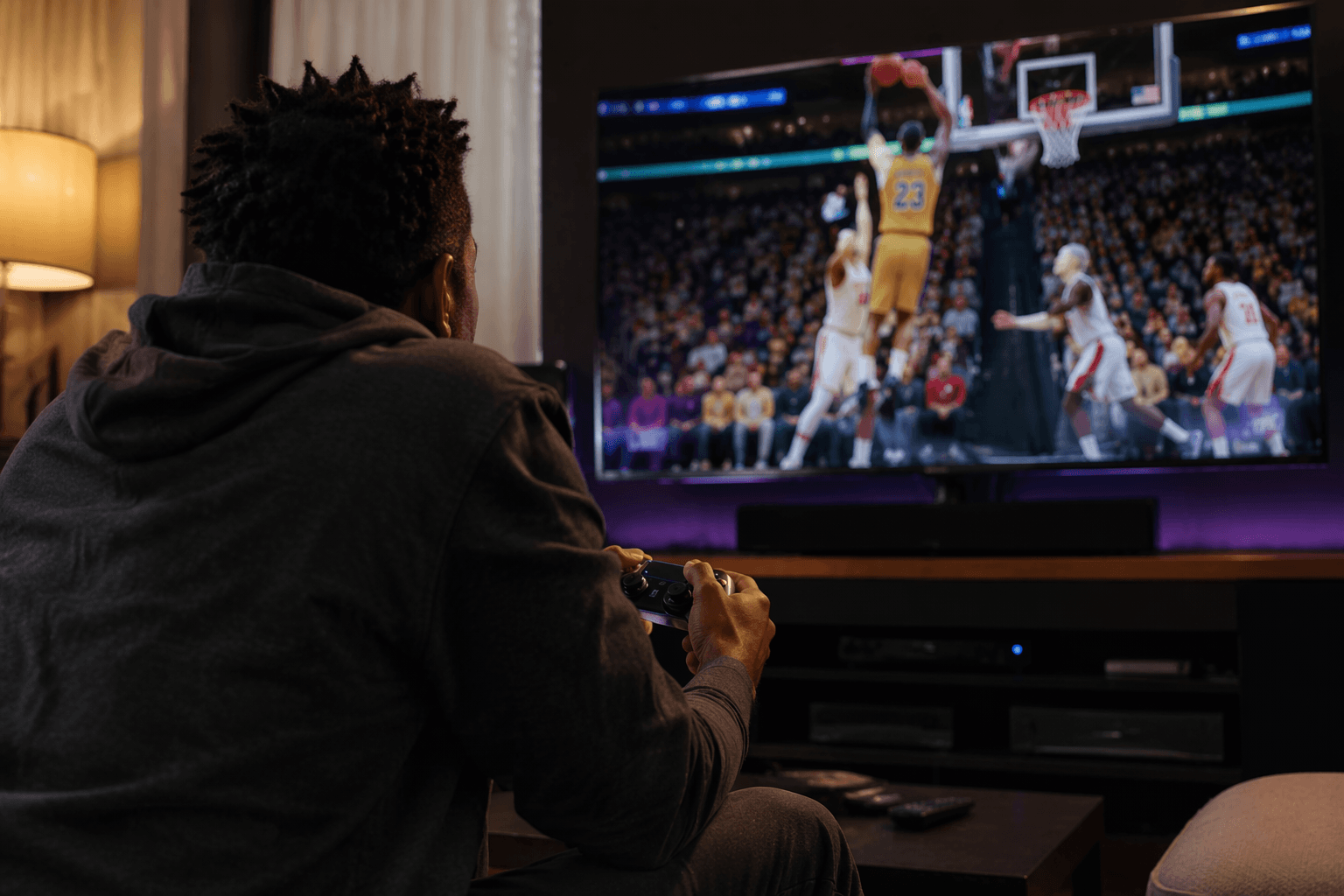
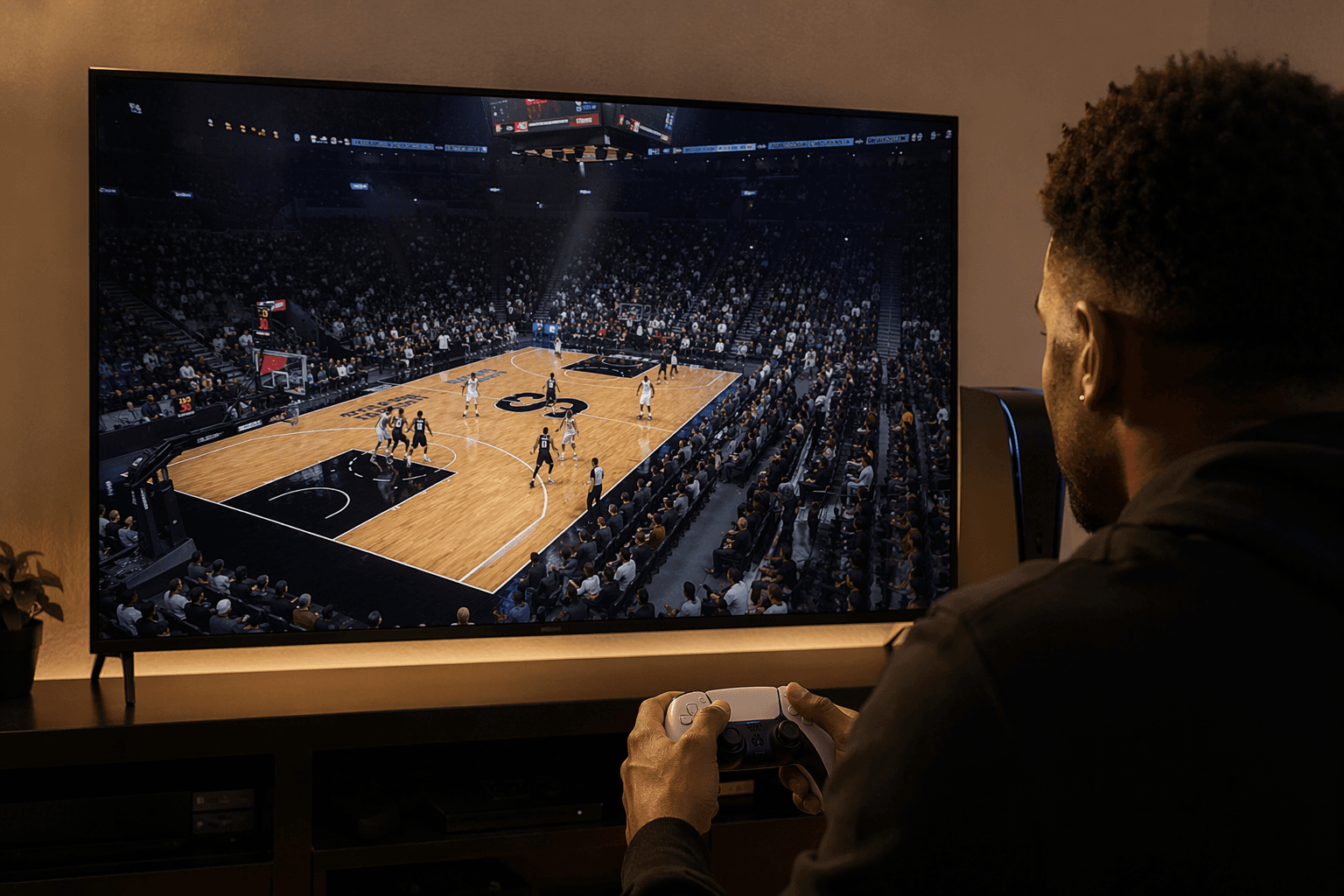
RuFi Gaming’s NBA 2K26 30 Team Home Court Realistic Reshade is built for one job: make every arena feel less like a shared PC preset and more like a real NBA broadcast. Instead of the flat, one-note look that can make home games blur together, this preset leans into richer reflections, deeper color, and a stronger sense that each building has its own lighting personality.
That matters in a game like NBA 2K26, where presentation is part of the fantasy. 2K’s own marketing leans hard into hyper realism and broadcast-style presentation, so this kind of community mod feels less like a detour and more like a sharper version of what the game is already chasing. The difference is in the details: brighter floor pops, more dramatic arena light, and a court identity that stands out when the camera cuts from baseline to broadcast angle.
Why the mod stack matters
This is not a simple filter drop. RuFi Gaming’s listing tells buyers to read the folder instructions carefully and install the base mods first, which signals a layered setup rather than a one-click visual tweak. The required pieces include Big Ice’s 30 Team Courts Live Broadcast, Bratnalboli’s Magic Arena and Court, and Bongo88’s Utah Jazz court.
That layering is the real story here. The ReShade is doing presentation work on top of arena work that already exists, so the final look depends on the underlying court mod setup being in place. If you skip the base pieces, you are not getting the intended broadcast look, and the whole point of the pack is to make the home-floor identity feel specific instead of generic.
How to install it without breaking the look
The cleanest way to approach this pack is to treat it like a small project, not a cosmetic afterthought. The creator’s own instructions point you in the right direction: install the listed base mods first, then apply the ReShade preset, and make sure the folder instructions are followed exactly.
A practical order looks like this:
1. Install the base court mods named in the pack.
2. Confirm the arenas load correctly in game before touching the preset.
3. Add the Realistic Reshade files from RuFi Gaming.
4. Load into a few different home courts, not just one, because the whole point is to test how the lighting behaves across teams.
5. If one arena looks off, check the instructions again before changing anything else.
That process matters because this is meant to be a 30-team presentation pass, not a single-arena stunt. The listing’s update note dated 5/25/26, which adds a Lakers home-court v2 preset, also shows that the project is actively being tuned, not left frozen after upload. For mod users, that is usually a good sign: it means the creator is still adjusting the pack to match how the game actually renders on PC.
What kind of performance hit to expect
Any ReShade-based visual overhaul carries a tradeoff, and this one is aimed squarely at players who care more about the picture than the last bit of smoothness. Because it sits on top of existing arena mods and reshade effects, it can add more work for your system than a vanilla install.
That makes the decision pretty simple. If you are chasing stable FPS, clean input timing, and the least possible friction during gameplay, this is the kind of mod you install with caution or skip entirely. If your priority is screenshots, clips, YouTube presentation, or a more TV-like broadcast feel, the overhead is easier to justify because the payoff is visible the second the camera hits the floor.
Who this is for, and who should pass
This pack is built for players who notice the atmosphere of a home court as much as the box score. If you care about arena lighting consistency, team color accuracy, and the subtle difference between a generic presentation and something that feels like a real home environment, this is exactly the sort of mod that gives NBA 2K26 personality.
It is less appealing if your PC is already working hard to keep the game smooth. The more you stack lighting mods and presentation presets, the more you are asking your system to juggle. Players who treat every frame as sacred should probably stay with stock presentation or use a lighter setup, especially if they are sensitive to dips during gameplay or if their machine is already near the edge on 2K26.
A sign of how alive the 2K26 PC mod scene is
The listing’s 41 copies sold suggest there is real appetite for presentation mods that make NBA 2K26 feel less like a default install and more like a tuned broadcast product. That lines up with the broader PC scene, where visual identity has become its own kind of fandom. People are not only modding for realism, they are modding for the specific feel of a franchise floor under television lights.
RuFi Gaming also sells a similar NBA 2K25 pack, the 30 Team Realistic Home Court Reshade, which shows this is not a one-off experiment but part of a continuing line of team-focused presentation work. John is in the same lane too, with NBA 2K26 team-wide ReShade packs built around lighting mods like AKA7 Lighting Mod and another paired with Giao’s Lighting. Put together, those releases show a clear trend: the PC community is treating court lighting as part of the sport’s storytelling, not just decoration.
NBA 2K26 launched into that environment with early access for the Superstar Edition and Leave No Doubt Edition beginning August 29, 2025 on PlayStation 5, Xbox Series X|S, and Steam for PC. That timing helped create the runway for modders to start reworking the game’s look almost immediately. RuFi Gaming’s latest update is the latest proof that, on PC, the arena is no longer just a backdrop. It is the whole opening shot.
This article was produced by Prism’s automated news system from verified source data, official records, and press releases, then run through automated quality and moderation checks before publishing. The system is built and supervised by the people who set the standards it runs under. Read our full AI policy.
Know something we missed? Have a correction or additional information?
Submit a Tip