NBA 2K26 packet loss guide targets stutter, delay, disconnects
Packet loss is wrecking shot timing, inputs, and disconnects in NBA 2K26. The fastest path back is still wired Ethernet, a router reset, and clean DNS.
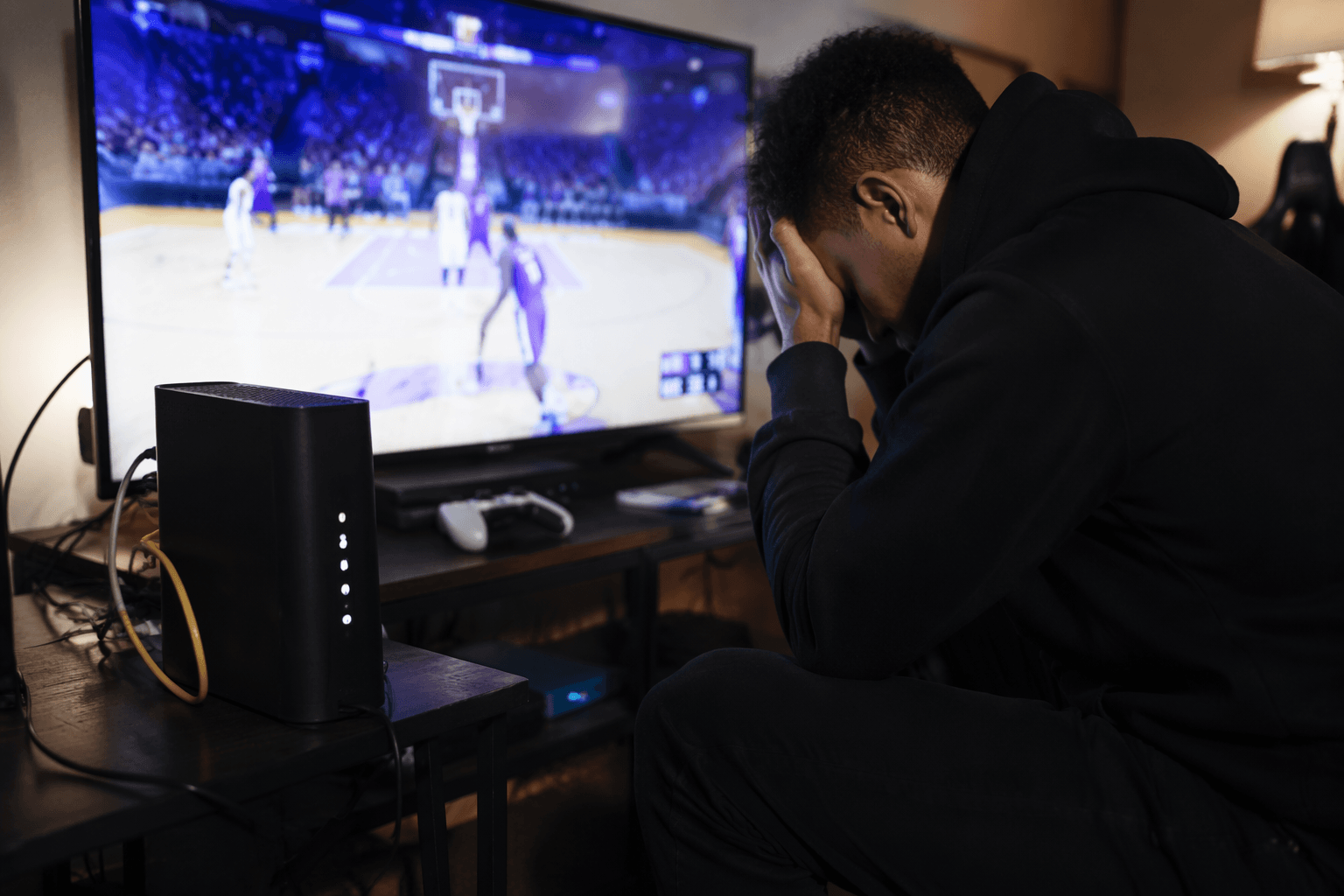
Packet loss is what makes NBA 2K26 feel broken in all the worst ways: late jumpers, swallowed passes, rubber-banding, delayed inputs, and the kind of random disconnect that ruins a good run before the box score even loads. If your player feels sluggish in MyCAREER or your shot timing keeps drifting in MyTEAM, this is usually a network problem first, not a skill problem.
Start with the symptom, not the slider
Packet loss happens when data does not travel cleanly between your console or PC and the game servers. Even a small amount can throw off timing, which is why the issue shows up as stutter, input delay, and a general sense that your controller is fighting you. In NBA 2K, that matters more than in most games because online play lives inside modes like MyCAREER, MyTEAM, Online Leagues, Play With Friends, MyPARK, and The City.
That is why the smartest fix-first approach is to treat the connection like a broken chain and test the links in order. If the game is stuttering, the pass meter feels late, or a possession suddenly lurches, you want to rule out the simple stuff before blaming servers, matchmaking, or the game itself.
Do these fixes first
The quickest useful triage is network-side, not cosmetic. Skip the placebo stuff and go straight to the parts that actually change how your data reaches the servers.
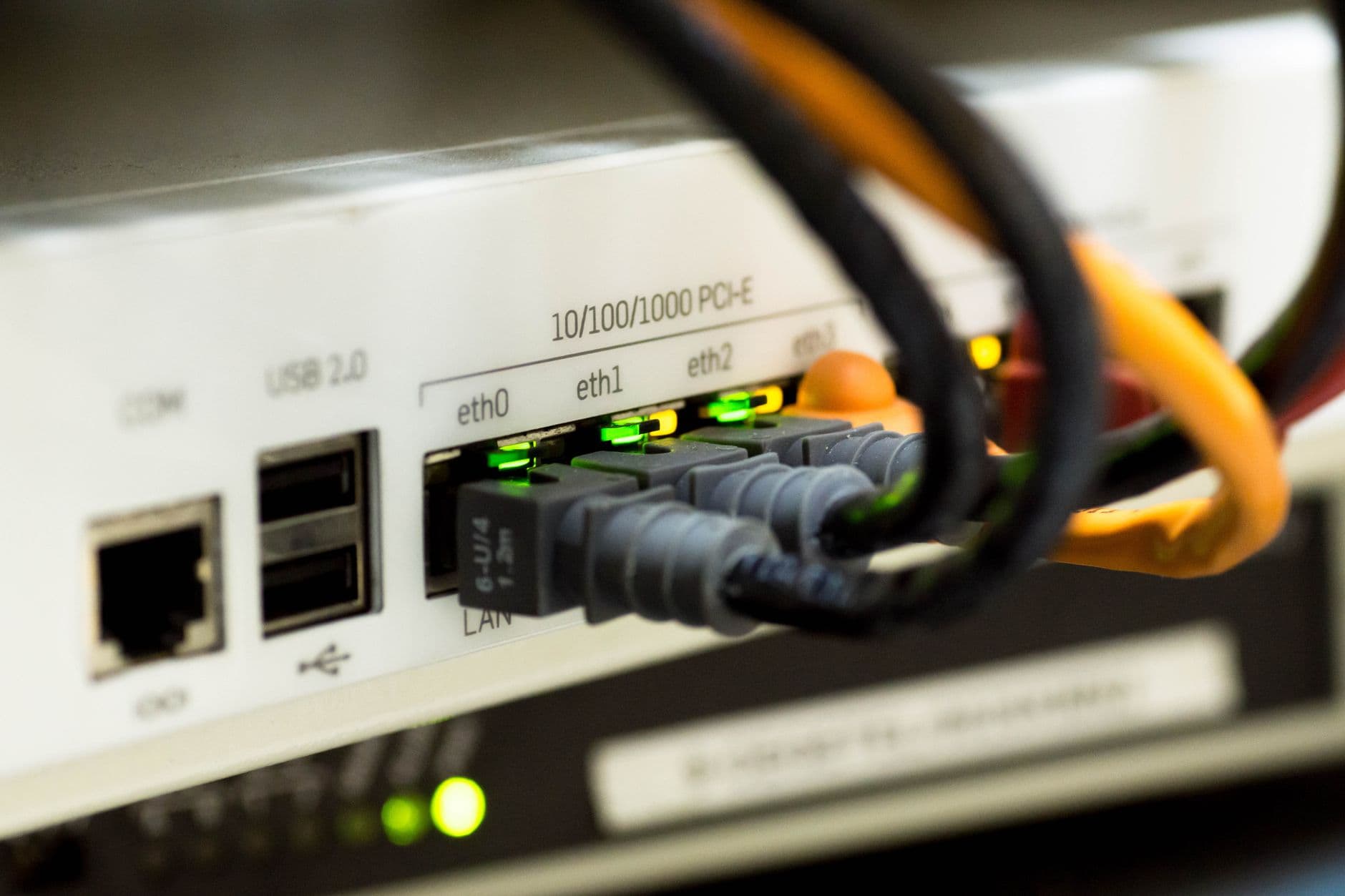
1. Use a wired Ethernet connection. If you are on Wi-Fi, move to a cable and connect directly to the router or, if possible, the modem.
Wi-Fi interference is one of the most common reasons online performance goes sideways, and 2K’s own support points players toward Ethernet for a reason.
2. Power cycle the whole setup. Unplug the router and modem for 60 seconds, then restart your console or PC.
LagoFast’s guide and 2K Support land on the same basic move because stale router states and bad sessions can create the kind of drag players feel as delay.
3. Cut the background load. Close downloads, streaming, cloud sync, and anything else chewing bandwidth in the background. 2K also notes that busy home networks can trigger lag, so if everyone in the house is hammering the connection, your shots will feel it.
4. Change DNS. 2K specifically recommends trying Google Public DNS, and LagoFast points to Google or Cloudflare DNS as practical options.
This will not fix every problem, but it is one of the cleaner changes to make when routing or name resolution is part of the mess.
5. If the problem persists, test another server region. That is the last step in the chain, not the first.
If your local line is stable but the match still feels off, region choice can matter more than most players realize.
Know what is actually causing the stutter
LagoFast’s breakdown lines up with the same culprits players run into across NBA 2K26: weak Wi-Fi, network congestion, ISP routing problems, server overload, older routers, and even damaged Ethernet cables. That list matters because it separates home-network problems from game-side problems. If you are fighting a bad cable or a congested household connection, changing a gameplay setting will do nothing.
2K’s troubleshooting page adds a few specifics worth keeping in mind. It calls out router features like QoS and UPnP, Wi-Fi interference, DNS configuration, and the value of checking whether other devices on your network can reach the internet. That last part is useful because it tells you whether you are dealing with a local outage, a house-wide slowdown, or something isolated to NBA 2K.
Check the server before you chase ghosts
If your connection is clean and the game still feels off across multiple modes, use NBA 2K Support’s server-status page. That page exists for exactly this scenario: checking whether there are known or ongoing issues with platforms or game modes before you keep tweaking your own setup. If the servers are having trouble, no amount of router fiddling will make your jump shot feel normal.
This is where NBA 2K26’s online structure makes packet loss especially annoying. The game is built around online modes that reward rhythm, spacing, and instant feedback. When those systems slip, you feel it immediately in MyCAREER, MyTEAM, and the rest of the online ecosystem, because the game is not just rendering basketball, it is judging timing in real time.
Why this matters in NBA 2K26 specifically
NBA 2K26 launched worldwide on September 5, 2025, with Early Access starting August 29, 2025 for certain editions. The cover athletes are Shai Gilgeous-Alexander, Carmelo Anthony, and Angel Reese, and the official homepage keeps the focus on the online modes players spend the most time in. That makes packet loss more than a technical nuisance. It is a direct threat to the parts of the game that define your record, your rep, and your patience.
So the practical read is simple: if your NBA 2K26 session is stuttering, delaying, or disconnecting, start with Ethernet, a hard router reset, lean DNS settings, and fewer devices on the line. Then check server status before you blame the game itself. When passes are getting swallowed and jumpers are landing late, the fix is usually not glamorous, but it is usually close to the cable.
This article was produced by Prism’s automated news system from verified source data, official records, and press releases, then run through automated quality and moderation checks before publishing. The system is built and supervised by the people who set the standards it runs under. Read our full AI policy.
Know something we missed? Have a correction or additional information?
Submit a Tip