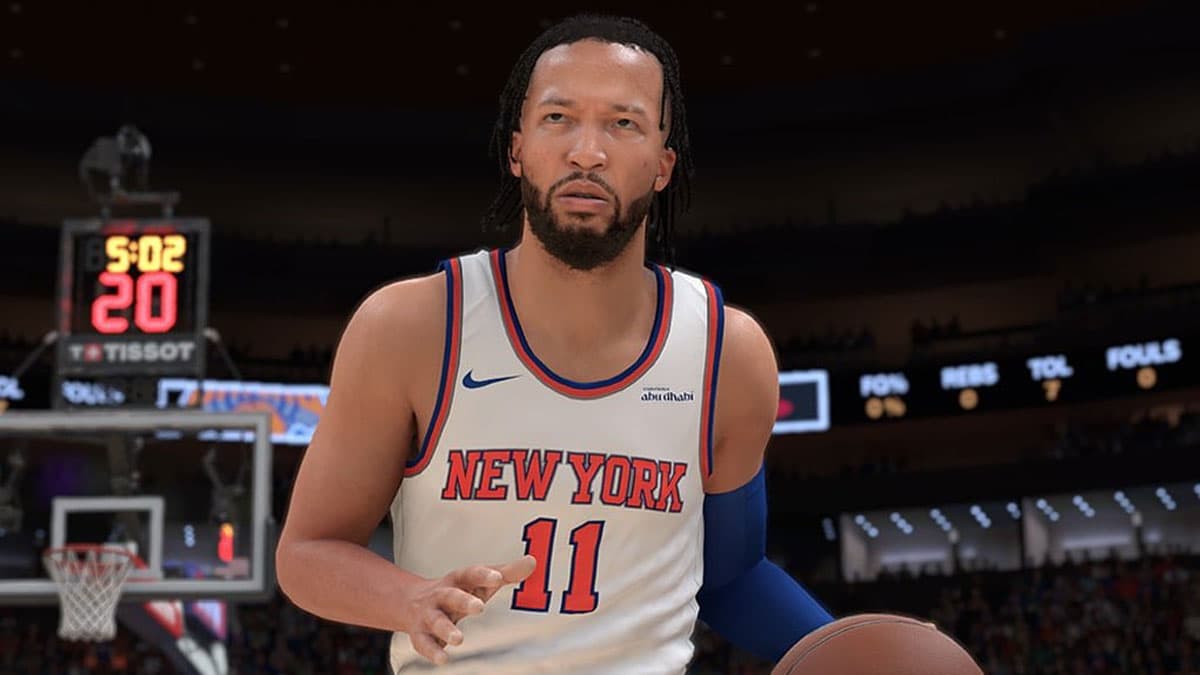
NBA 2K26 PC support page lists specs, fixes launch and crash issues
NBA 2K26 PC crashes? Check the spec line, clear cache, then sort network and account issues before you reinstall.
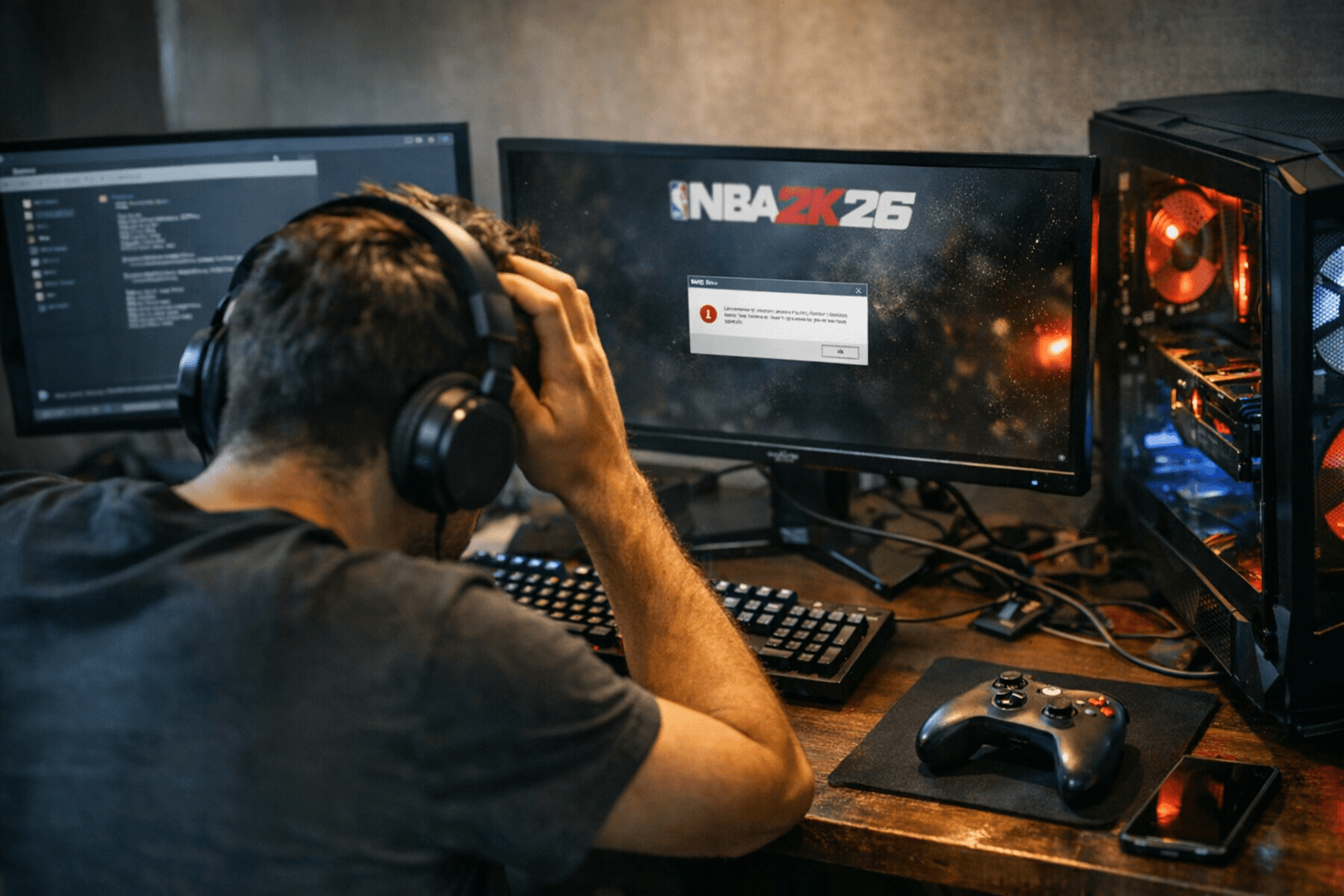
The fastest fix starts with the spec sheet
Official channels confirm the first stop for NBA 2K26 PC trouble is the NBA 2K Support page, and that matters because the minimum ask is not casual. The game wants a 64-bit processor and operating system, Windows 10 64-bit with the latest update, an Intel Core i3-9100 or AMD Ryzen 3 1200, 8 GB of RAM, an NVIDIA GeForce GTX 1060 5 GB, AMD Radeon RX 5500 XT 4 GB, or Intel Arc A580, DirectX 12, broadband internet, and 110 GB of available SSD space.
That 110 GB figure is the kind of detail people skip past and then regret later. If your PC is short on storage, or if you are still on an older 32-bit setup, you are not in troubleshooting territory yet. You are in readiness territory, and the official page treats that as the first filter for launch failures, crash loops, and compatibility headaches.
Start here if the game will not boot
When NBA 2K26 refuses to launch, the smartest move is to treat the problem like a hardware and OS checklist before you blame the install. If your machine misses the 64-bit requirement, the Windows 10 version, or the GPU floor, no amount of rebooting is going to turn a borderline setup into a stable one.
The same goes for storage. A system that is technically close to the requirement but starved for SSD space can create exactly the kind of launch behavior players describe as random, flaky, or cursed. In practice, that usually means the issue is less about a broken NBA 2K26 build and more about a machine that is simply not ready for the load the game expects.
When the symptom looks like a crash, think cache and local state
The support page does more than list specs. It points players to the broader NBA 2K troubleshooting library, including how to clear cache on console and PC, general troubleshooting for 2K games, and bug-report guidance. That is the part most players should hit next if the game gets past the first screen, then falls apart later.
Cache problems are the classic “it used to work” trap. If a game starts hanging at load, behaves strangely after a patch, or crashes in the same spot every time, the problem is often in the local state rather than the whole platform. That is why the official flow steers you toward cache-clearing before anything more dramatic, because it is faster than a reinstall and usually gets you closer to the real fault line.
For PC players, that makes the cleanest triage order look like this:
1. Confirm the machine actually meets the minimum specs.
2. Clear cache and run the general troubleshooting steps.
3. If the issue persists, move to a bug report with the problem reproduced as cleanly as possible.
That sequence keeps you from wasting an hour on a reinstall when the actual fix might be a stale local file or a corrupted setting.
If the problem is lag, input delay, or disconnects, stay in the network lane
NBA 2K26 also leans heavily on connectivity, which is why the official support page sends players to general network troubleshooting. The game asks for broadband internet up front, so if you are fighting lag, input delay, or unstable online sessions, the issue may have nothing to do with the graphics settings or the installation itself.
This is the lane where players should stop guessing and start separating symptoms. A game that crashes at boot is usually a local setup issue. A game that loads fine in MyCAREER but chokes online is usually a network problem. And if the same connection keeps causing online stutter or disconnects, the official network tools are the better first move than reinstalling a perfectly good copy of the game.
That distinction saves a lot of time. A reinstall can help if files are genuinely damaged, but it will not fix a weak connection, a bad router setup, or a network path that cannot keep up with the game. In other words, if the pain point is online play, the problem is likely outside the install and much closer to your connection than your SSD.
Cross-play is built in, but platform separation still matters
The Windows PC FAQ adds another wrinkle that matters when people think they have a bug and actually have a platform expectation problem. Windows PC users and Steam users can cross-play with each other, so that side of the ecosystem is connected.
Xbox and Windows PC are a different story. The two versions are treated as separate instances, progress does not carry over between them, and the VC wallet is not shared. If you are expecting your VC, saves, or progress to follow you from Xbox to Windows PC, that is not a launch issue and not a cache issue. It is simply how the versions are set up.
That separation is exactly why account state belongs in the troubleshooting conversation. A player who is missing progress or currency after switching platforms is not dealing with the same kind of problem as someone whose game hard-crashes on launch. The fix path is different, and the official FAQ makes that clear.
The support hub is built for more than one kind of problem
The NBA 2K26 support area is also sitting alongside newer guidance on parent/child accounts, age verification, and courtesy on the court, which tells you something about how 2K and Take-Two Interactive Software, Inc. are framing the game. This is not just a PC spec page. It is part of a broader live-service support structure that covers account management, conduct, troubleshooting, and bug escalation in one place.
That matters because PC problems do not always stay technical. A player might hit a login block, a family-account issue, an age verification snag, or a behavior-related restriction and assume the game is broken. The support hub is built to route those cases to the right article before they turn into a dead-end support ticket.
The practical order that wastes the least time
If you want the shortest path through NBA 2K26 PC trouble, use the support page the way it is clearly designed to be used. First, verify the machine meets the minimum spec. Then clear cache and run the general troubleshooting flow. After that, separate offline crashes from online instability, and use the network guide when the problem is really lag or disconnects.
If the game still fails after that on a machine that matches the listed requirements, you are past the quick-fix tier. That is the point where the official bug-report path makes more sense than another reinstall or another round of guessing. For PC players trying to get into MyCAREER, MyTEAM, or online play without losing a night to trial and error, that official hub is the cleanest place to start and the best place to stop wasting time.
This article was produced by Prism’s automated news system from verified source data, official records, and press releases, then run through automated quality and moderation checks before publishing. The system is built and supervised by the people who set the standards it runs under. Read our full AI policy.
Know something we missed? Have a correction or additional information?
Submit a Tip