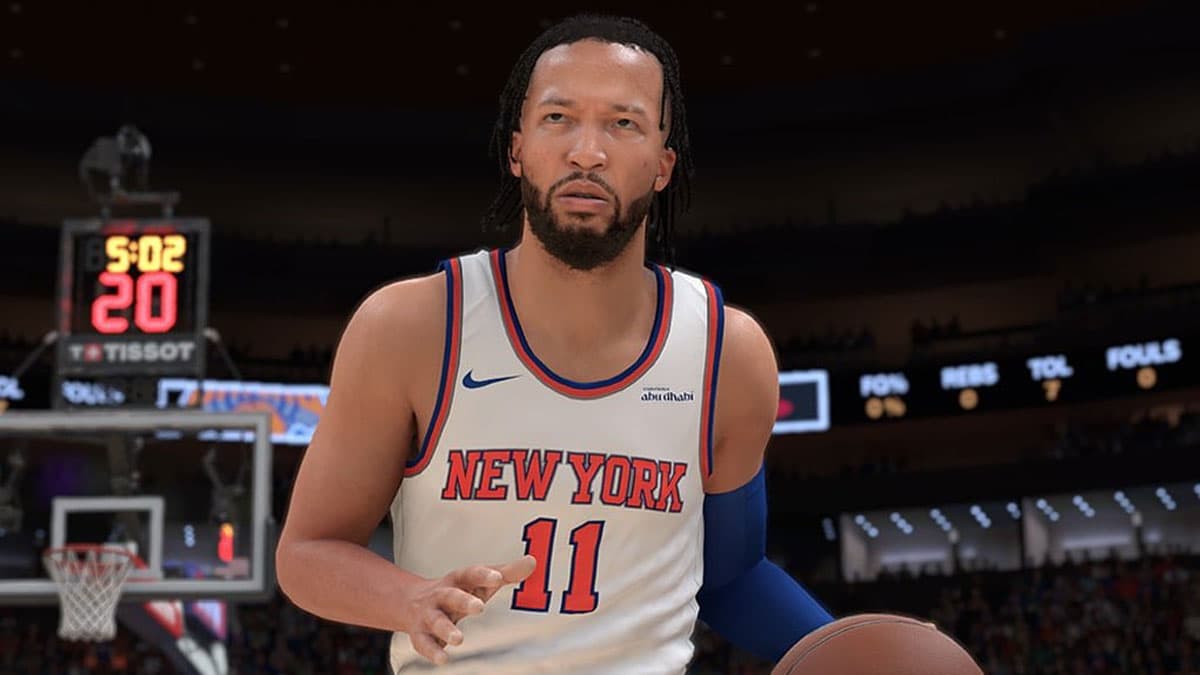
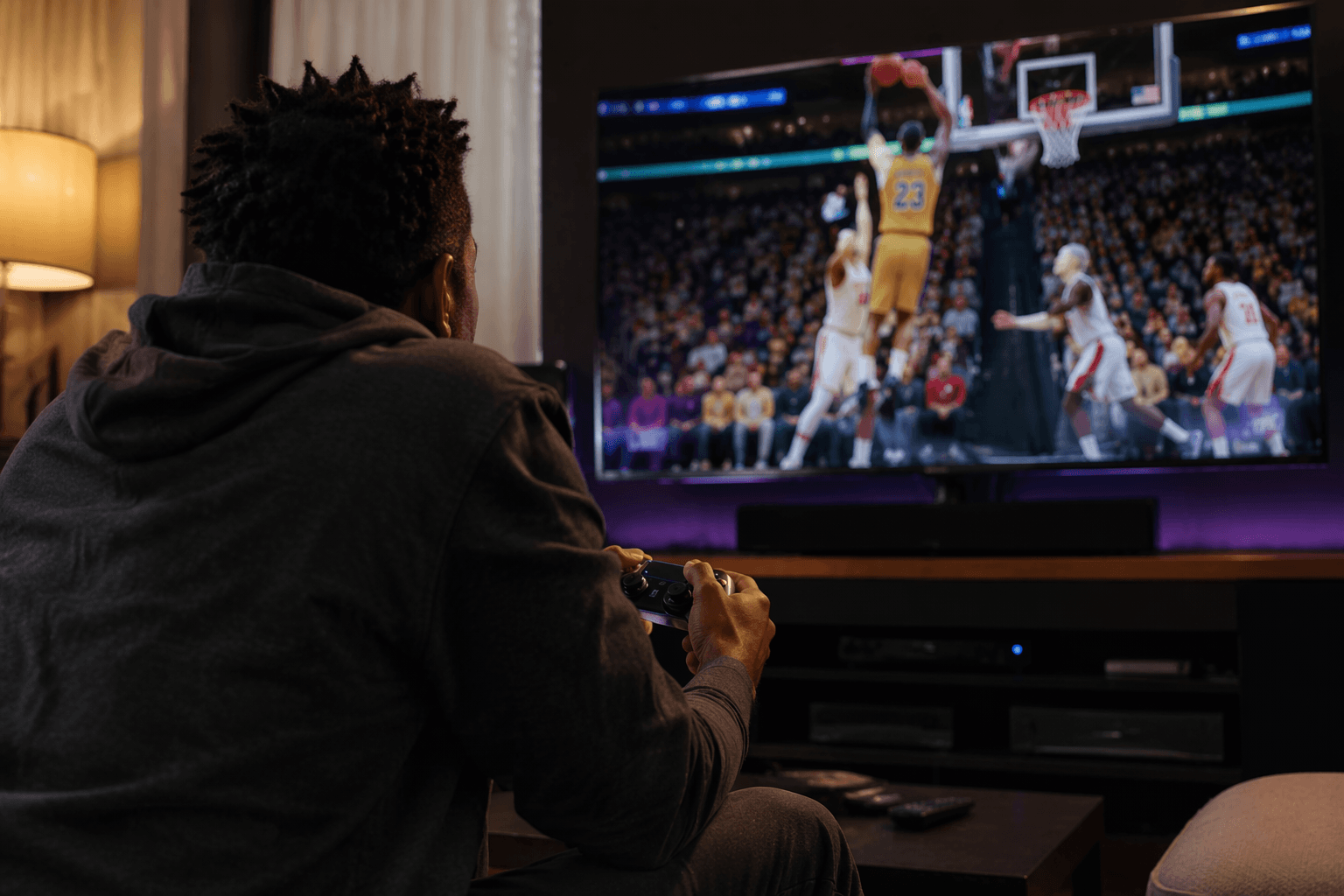
NBA 2K26 settings guide boosts performance with wired internet and graphics tweaks
A wired connection and a leaner PC graphics stack can make NBA 2K26 feel sharper, steadier, and far less punishing online.
Less input lag starts with the connection
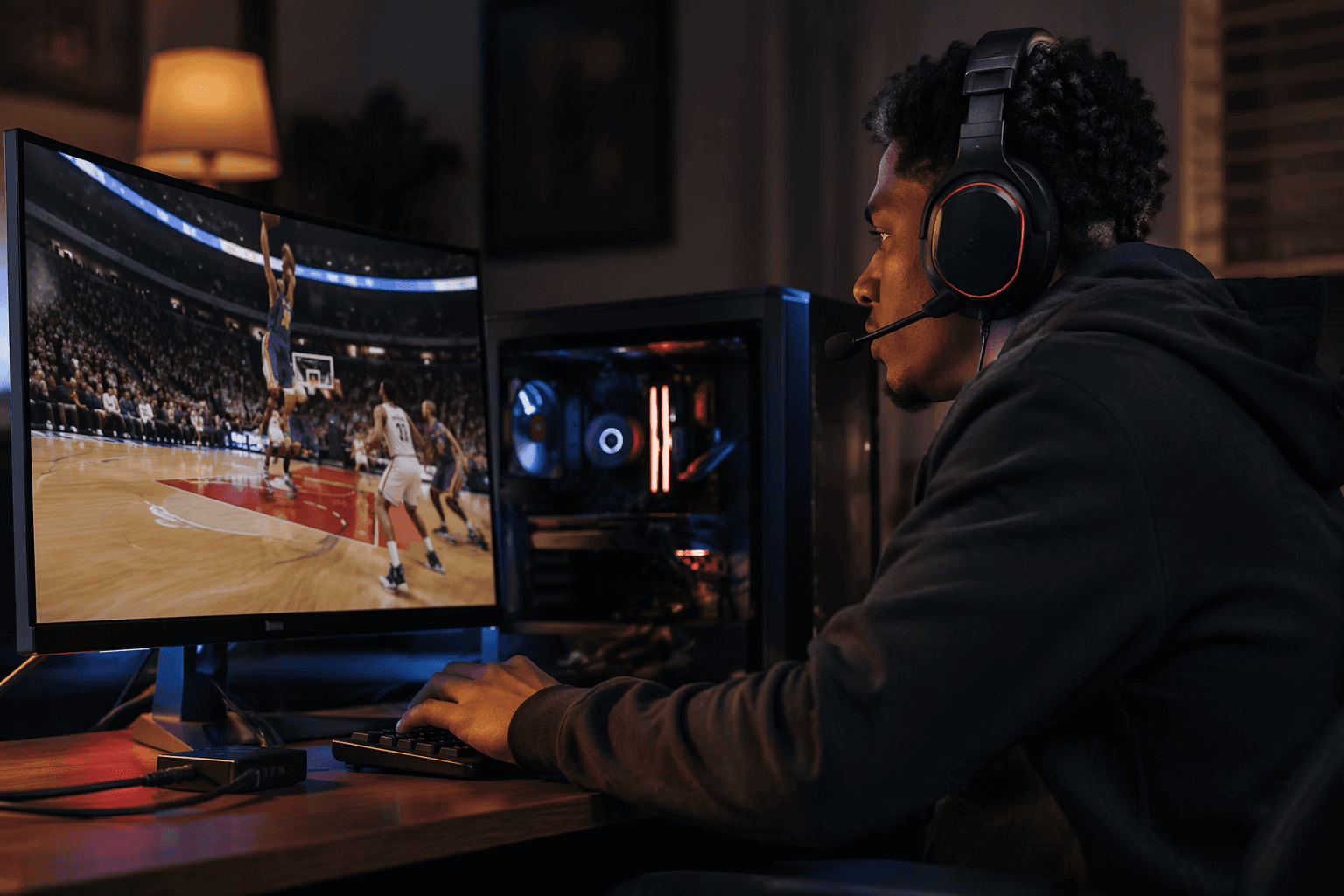
NBA 2K26 gets cruel fast when the game is even a little late. If two players are close in skill, the one with the cleaner setup often wins the first step, the jump pass, and the last-second release, which is why the smartest fix begins with the network and not the menus.
The strongest advice in Operation Sports’ settings guide is simple: use Ethernet instead of Wi-Fi. That matters because latency, jitter, and packet loss can turn a normal possession into a fight with timing, and 2K Support gives the same basic troubleshooting answer for connection problems on PC, telling players to plug the computer directly into the modem with an Ethernet cable and test from there. For online NBA 2K, that is not a luxury tweak, it is the difference between reacting to the play and reacting to the delay.
More reliable shot timing comes from removing instability
Once the connection is stable, the next goal is consistency. NBA 2K26 punishes frame dips and visual clutter because the game asks you to read gathers, catch animations, release windows, and dribble chains in real time. Operation Sports frames the whole problem around that reality: settings matter because the game rewards split-second reactions and punishes unnecessary input delay.
On PC, the guide pushes a performance-first setup rather than a prettier one. The core idea is to keep the game as close to a steady, readable presentation as possible so the timing of jumpshots and the rhythm of ball handling do not wobble from possession to possession.
PC settings that matter most
- Keep the game at native resolution, then use full-screen windowed mode with balanced resolution scaling. That combination is meant to preserve clarity without inviting extra instability.
- Leave V-Sync on if your priority is a steadier feel over raw visual flash. The guide treats smoothness as more valuable than chasing maximum spectacle.
- Turn ray-traced reflections off, and keep textures and shaders at medium. Those settings cut back on load while preserving enough detail to read the floor.
- Push shadows to low, crowd detail to low, NPC density to low, volumetric effects to low, reflections to low, and era filters to low. That is the cleanup pass that helps the image stay calm during live play.
- Keep player detail high, cloth simulation on, medium global illumination, and ambient occlusion on. Those are the settings that preserve player readability without flooding the screen with extra noise.
- Turn temporal anti-aliasing off, along with motion blur, depth of field, and bloom. Those effects can make the game softer or smudgier than it needs to be in a fast read.
- Turn half-rate online matches off, spectators off, and set max anisotropy to 4. Those choices are aimed at trimming distractions and keeping the competitive view clean.
That list is not about making NBA 2K26 ugly. It is about making the floor easier to trust, which is exactly what shot timing asks for. When your visual feed stays stable, your release point feels more predictable, and dribble sequences are easier to chain without second-guessing what the frame is doing underneath you.
Better defensive visibility is a settings job, too
The guide’s defensive payoff is easy to miss if you think of graphics as a cosmetic layer. Lower shadows, low crowd detail, and low NPC density do more than protect frame rate. They make it easier to spot cutters, read help defense, and track the ball when the floor gets crowded.
That matters in NBA 2K26 because defense is built on tiny reads. You need to see whether a cutter is slipping baseline, whether a ball handler is hesitating into a drive, and whether a help defender is actually rotating or just shading. A cleaner presentation gives those cues more space to breathe, especially in modes where one late rotation can decide a possession.
Clean online play depends on the mode you actually run
The official NBA 2K26 setup helps explain why this kind of tuning matters so much. The game is built around ProPLAY™ on Gen 9 platforms, including PlayStation 5, Xbox Series X|S, PC, and Nintendo Switch 2, and its biggest competitive spaces are MyCAREER, MyTEAM, MyNBA, and The City. In a game built around competitive modes and live timing, settings are not background noise, they are part of the matchup.
2K’s own game-guide hub also reinforces that idea by teaching gameplay, game modes, challenges, and controls. That is a useful reminder that NBA 2K mastery has always been partly about systems knowledge. Knowing your release cue matters, but so does knowing how to build a setup that does not fight you every possession.
For PC players, the full graphics checklist is the most important part of the guide. For console players, the first win is usually the wired connection and the discipline to keep the display clean. The advice is not one universal preset, it is a way to match the setup to the way you play.
Why the guide keeps getting revisited
The timing of the guide matters because NBA 2K26 has not stayed static. The official FAQ says early access for some editions began on August 29, 2025, and the game’s patch notes show repeated Gen 9 updates through April 20, 2026, including January 6, February 17, March 5, April 3, and April 20. That patch cadence is a reminder that a setup that feels perfect in one update can need a second look after the next one.
That also explains why the community keeps arguing about the finer points. Readers on Operation Sports’ forum pushed back on some of the graphics recommendations, especially where the advice seemed odd for high-end PCs. The debate is healthy, because it shows the real point of the guide: not to hand out one sacred setup, but to help players solve the exact problem they are feeling, whether that is lag, a shaky release, muddy defense, or an online match that just does not feel clean.
When a possession turns on one delayed pass or one late release, the answer is usually not more philosophy. It is a wired connection, a steadier frame, and a graphics stack stripped down enough to let NBA 2K26 play like the sport it wants to be.
This article was produced by Prism’s automated news system from verified source data, official records, and press releases, then run through automated quality and moderation checks before publishing. The system is built and supervised by the people who set the standards it runs under. Read our full AI policy.
Know something we missed? Have a correction or additional information?
Submit a Tip