TikTok guide helps PC players install NBA 2K26 mods safely
A July 20 TikTok guide gives PC players a safer way into NBA 2K26 modding: back up first, use the right archive tools, and match each mod to its folder.
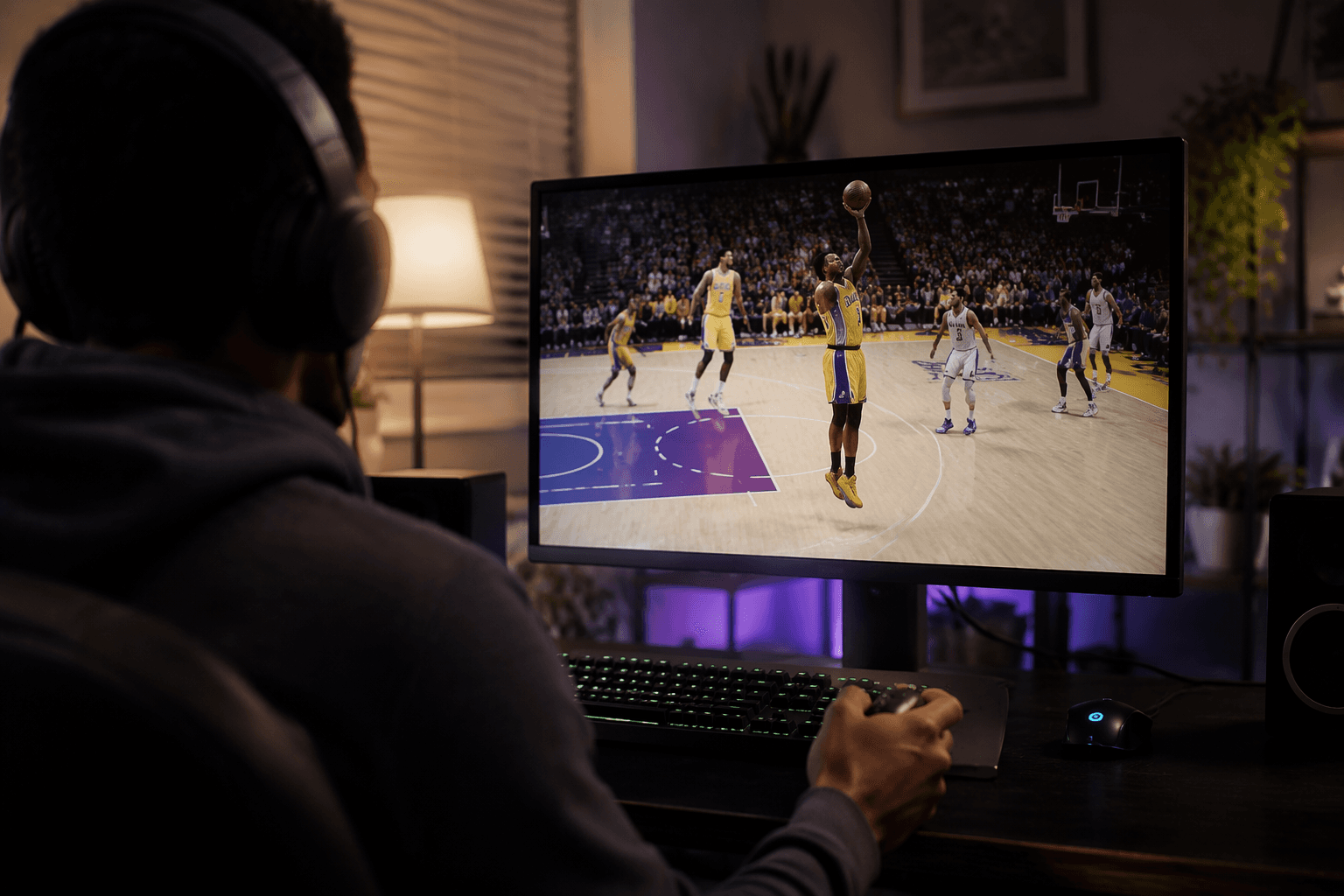
A cyberface, jersey, court edit, lighting tweak, or gameplay change can break a fresh NBA 2K26 install on PC if it goes into the wrong folder. The basics are simple: back up the game, use the right archive tool, and put each mod in the correct place before you launch anything.
Start with the safe order
The cleanest NBA 2K26 mod workflow starts before you touch the game folder. First, make a backup of the original files so you can recover quickly if a cyberface, jersey, court edit, lighting tweak, or gameplay change causes trouble. Second, confirm the mod is built for NBA 2K26. Colasco’s PC tutorial made the compatibility break clear: most NBA 2K25 mods will not work in 2K26, so modders had to start fresh or re-export their work.
After that, use an archive tool such as WinRAR. Colasco included it in a January 21, 2026 installation tutorial. Then extract the mod completely and follow the creator’s instructions to the letter. Some files go into the main NBA 2K26 directory, while others belong in a dedicated mods folder.
What you need before you install anything
The core toolkit is small. You need a current Windows PC install of NBA 2K26. 2K’s official support article for Windows PC is dated March 31, 2026. You also need archive software like WinRAR, enough free storage space to extract the files cleanly, and mod-specific instructions so you do not guess at folder placement.
The workflow also depends on community tools and instructions. 2KSpecialist is a source for free mods and tools. OkoDre’s May 1, 2026 showcase pointed players toward free mods through 2KSpecialist and paid links through Ko-fi.
Install one mod at a time, not the whole folder at once
The biggest mistake in a fresh NBA 2K26 setup is stacking several mods before you know the first one works. Test one change, boot the game, and verify that it loads cleanly before you add the next file set. Each category of mod lives in a different location, a point Colasco underlined in the January 21 tutorial on cyberfaces, courts, jerseys, lighting, and other mod types.
Step-by-step testing also protects you from buried errors. If you drop in a cyberface, a jersey pack, and a lighting tweak all at once, then get a crash or blank asset, you will not know which file caused it. A single-mod test keeps the install readable and makes troubleshooting much faster.
The 3 to 5 mistakes most likely to break a fresh install
- Using NBA 2K25 mods in NBA 2K26. Colasco’s September 16, 2025 tutorial made it plain that most older mods would not carry over, so compatibility has to be checked first.
- Ignoring folder instructions. Some mods belong in the main NBA 2K26 directory, while others need a separate mods folder, and that difference is where many first installs go sideways.
- Skipping the backup. If you overwrite a core file without keeping the original, a bad install can turn into a full reinstall instead of a quick restore.
- Extracting files incompletely. If WinRAR or another archive tool is not used properly, the mod may look installed when key assets are still buried in the archive.
- Installing after a game update without re-checking compatibility. NBA 2K26’s PC patch notes list a May 15, 2026 update for Gen 9 v7.0 and Season 7 preparations, and updates like that can change whether a mod still loads correctly.
Why version checks matter in NBA 2K26 PC modding
Game version can be the difference between a working mod and a broken install in NBA 2K26 on PC. Colasco’s September 16, 2025 tutorial also pointed to a newer game update blocking mods and mentioned using an older NBA2K26.exe file version. The game build itself can affect whether your install works. That is why the first compatibility check should always be the game version, not just the mod’s name.
2K’s March 31 Windows PC support article and May 15 PC patch notes document continued platform updates, which means modders have to watch for changes in file behavior after each build. A mod that worked one week can become unstable after the next update if you do not verify it against the current version.
Where the community is actually building and sharing mods
Machete Gaming’s December 13, 2025 showcase included arena, lighting, cyberface, animation, jersey, and broadcast-style mods. OkoDre’s May 1 video and Cota2K’s May 27 video both pointed players toward 2KSpecialist and Ko-fi shops, so the ecosystem includes both free and paid distribution.
NLSC adds another layer of support with a dedicated NBA 2K26 modding section and related setup, file extraction, cyberface ID, and resource threads. The forum structure gives players a place to compare file names, confirm setup steps, and learn how other players handle the same folder problems they are facing. 2KConnect and the NBA 2K26 File Explorer are also part of that shared toolset for locating and managing game files.
The fast path to a clean first install
If you want the shortest safe-start route, keep it simple: back up the original files, check that the mod is made for NBA 2K26, extract it with WinRAR, place it exactly where the creator says, and test it alone before adding anything else. That is the same sequence shown in the TikTok guide updated July 20, 2026.
This article was produced by Prism’s automated news system from verified source data, official records, and press releases, then run through automated quality and moderation checks before publishing. The system is built and supervised by the people who set the standards it runs under. Read our full AI policy.
Did this article answer your question?