How to Run Pathfinder 2e on Virtual Tabletops in 2026
Foundry VTT's official Paizo partnership, free PF2e system pack, and companion modules like PF2e Toolbelt make 2026 the best year yet to run Pathfinder 2e online.

Running Pathfinder 2e remotely used to mean a lot of compromises: clunky character sheets, manual dice math, maps that didn't quite fit. In 2026, that's no longer the table's problem. A volunteer-developed PF2e system for Foundry VTT, backed by an official partnership with Paizo, brings robust mechanical support that seamlessly enhances gameplay. Across every major platform, the tooling has matured enough that a well-organized GM can run a Society scenario or a homebrew campaign with roughly the same efficiency online as at a kitchen table. This guide covers how to make that happen, from choosing the right platform to backing up your work after the last session ends.
Choosing Your Platform
The platform you pick shapes every other workflow decision, so it's worth being deliberate here. Foundry's Pathfinder 2e system is programmed as part of an official Paizo partnership, and companion modules like PF2e Toolbelt and PF2e Workbench have created a holistic, highly automated system for processing many of the more mundane aspects of Pathfinder. The trade-off is hosting: Foundry requires a one-time $50 license and a server to run it on, either self-hosted or through a service. Foundry also makes use of the entire Pathfinder Second Edition compendium, so every monster, player option, and item from every officially published source can be dragged and dropped directly into a game.
Fantasy Grounds takes a different approach: its official store carries licensed Paizo modules with heavy out-of-the-box automation, making it a strong pick for GMs who want commercial polish without building their own toolchain. The UI has a steeper learning curve than Foundry, but it rewards the investment. Roll20 remains the most accessible entry point, running entirely in a browser with no GM software purchase required, though its PF2e automation is thinner by default and some advanced features sit behind a subscription paywall.
For one-shots, demo sessions, or groups that just need a shared map without mechanical overhead, Owlbear Rodeo covers the basics elegantly. It has no PF2e sheet or automation but handles tokens and maps with minimal friction, which is exactly what a convention game or a pickup session needs.
Official Modules: Buy Them When You Can
The fastest route to a functional VTT session is purchasing an officially licensed module rather than building from scratch. Paizo's Organized Play modules for Foundry include detailed, high-resolution maps pre-rigged with walls, lighting, and ambient sound effects, as well as custom battle tokens for every monster and NPC in the scenario, even those without published art. A suite of powerful macros automates hazards, scene transitions, and audio triggers; the Organized Play modules even include macros that automatically place tokens and scale encounters to challenge parties of any size and level, with full support for Society boons and printable Chronicle Sheets.
Each Organized Play Foundry module is a single purchase that grants support for every adventure released so far in the season, with more adventures added in free updates as they release in PDF format. Community conversions exist for adventures without official VTT versions and vary considerably in quality, so treat them as a stopgap rather than a first choice.
Asset Management and Token Hygiene
A tidy asset library is the unglamorous backbone of a smooth session. Keep tokens, battle maps, handout PDFs, and ambient audio organized with consistent naming conventions: a prefix system like `P2E_Goblin_01` or `P2E_NPC_Harbormaster` means you can find what you need mid-encounter without digging through a cluttered uploads folder. Store tokens as square PNGs with transparent backgrounds so they sit cleanly on any map tile, and sync your library to cloud storage or the VTT's compendium system so nothing lives only on a single hard drive.
For unique monsters or major set-piece encounters, spend the pre-session time to pre-program special abilities and condition macros directly into the creature's sheet. A few minutes of prep eliminates the mid-combat rule lookup that breaks pacing for everyone at the table.
System Setup and Macro Testing
Installing a PF2e system module is step one. On Foundry, the free community system installs directly from the module browser and covers the full core ruleset including conditions, actions, and attack macros. The PF2e system automates character sheets, actions, spells, and combat tracking, saving GMs time and cutting bookkeeping errors.
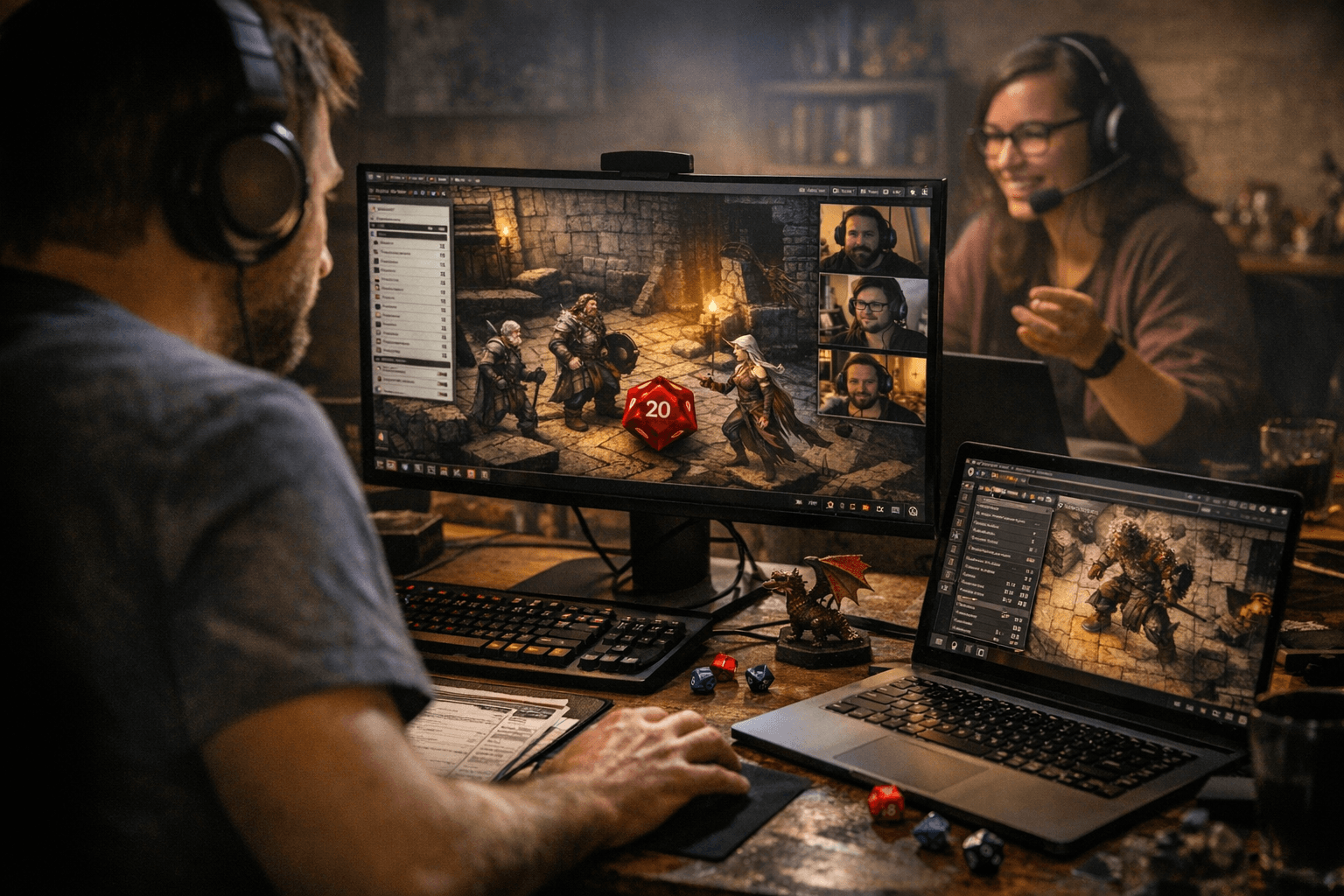
Before session zero, run through the key mechanical interactions: attack rolls, damage calculations, skill checks, and the most common condition applications like Frightened, Flat-Footed, and Grabbed. Build a short macro cheat-sheet for your players covering their key skills, spells, and action economy. Pathfinder 2e's three-action system is intuitive once players know where to click; getting them there before the first encounter means combat flows instead of stalling.
Map Building and Scene Structure
Build maps with your encounter zones in mind rather than decorating first and placing enemies second. Use the GM-only layer for secret triggers, hidden doors, and notes that players should never see. Foundry and Fantasy Grounds both support dynamic lighting and vision systems: set up a handful of reusable presets for indoor torch-lit corridors, outdoor daylight, and underground darkness, and you'll spend far less time reconfiguring each new scene.
Not every scene needs a battle map. For travel montages, social encounters, or narrative moments, a small library of generic location tokens and a clear description does the job without over-engineering. Save the detailed scene-building time for fights that deserve it.
Organized Play and Store Events
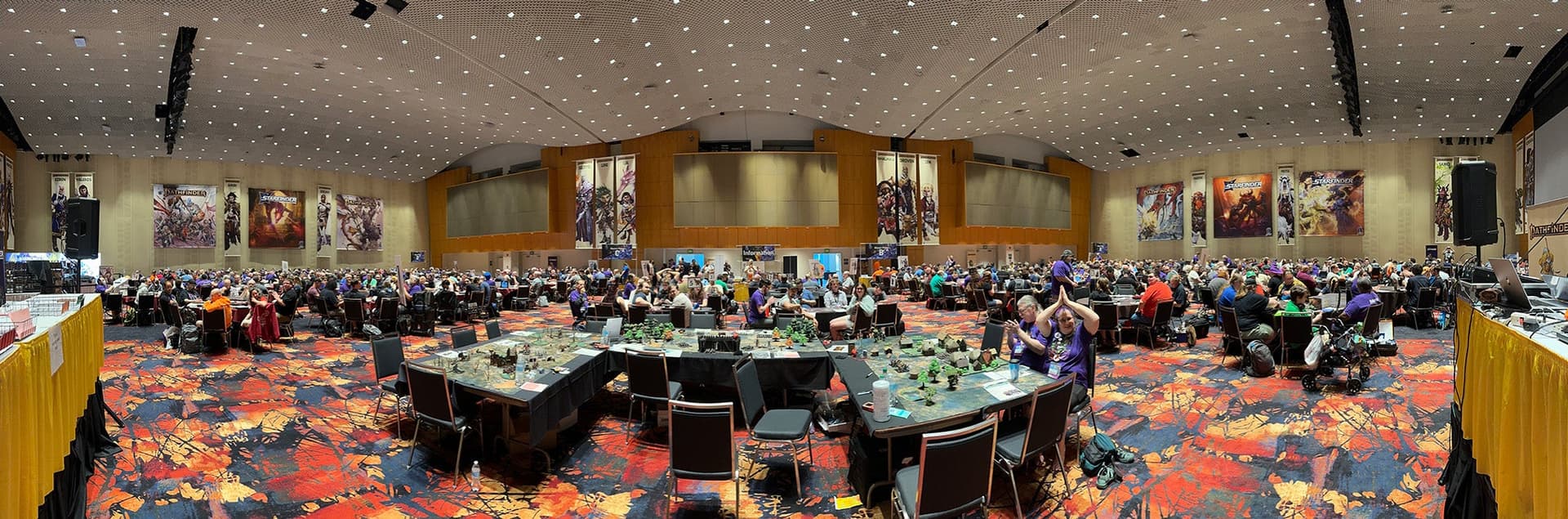
Paizo's Pathfinder Society has embraced VTT play at scale. Beginning in January 2026, Paizo releases two Pathfinder Society scenarios per month, each running two to three hours with a single band of levels such as levels 1-2 or 3-4. Each scenario still awards 4 XP, 10 Treasure Bundles, and 4 Reputation with a faction. The shorter, tighter format suits online play particularly well, fitting cleanly into a single evening session.
Before running a public or paid event on any VTT, confirm your platform license and module purchase permit that use. Foundry's personal license covers private group play; commercial or public-facing events may require a different license tier. Use your VTT's scheduling or event tools to publish sign-ups and share scenario logistics with players in advance. Keep a copy of the scenario's adjudication rules accessible during play so edge cases don't stall the session.
Player Onboarding and the Tech-Check Session
A short tech-check session before the first real game pays for itself immediately. Confirm that every player can hear audio, see their token, and execute their most common macros. Encourage players to build or import their character sheets in advance and share a one-page reference covering key skills, top-slot spells, and the three actions they'll use most often in combat. Scene snapshots and shared compendia give players fast access to rules references without requiring a book at the table.
Backing Up Your Campaign
After every session, export scene states, session notes, and a snapshot of your character and encounter compendia to a local backup. If you ever need to migrate between platforms or rebuild after a server issue, a migration checklist covering maps, tokens, and NPC compendia makes the process manageable rather than catastrophic. VTT data is surprisingly fragile when it lives only in one place; the backup habit costs five minutes per session and saves hours of reconstruction.
The investment in a consistent workflow, whether you're running a weekly campaign or a store event series, is what separates sessions that flow from sessions that grind. The tooling in 2026 is genuinely excellent; the GMs who get the most out of it are the ones who treat setup as part of the prep, not an afterthought.
Know something we missed? Have a correction or additional information?
Submit a Tip