Commercial photographer Xiaopeng Zhan explains where AI fits in workflow
Xiaopeng Zhan treats AI as a pre-production ally, not a replacement. The line is clear: use it to align clients and speed decisions, avoid it where it erodes authorship.
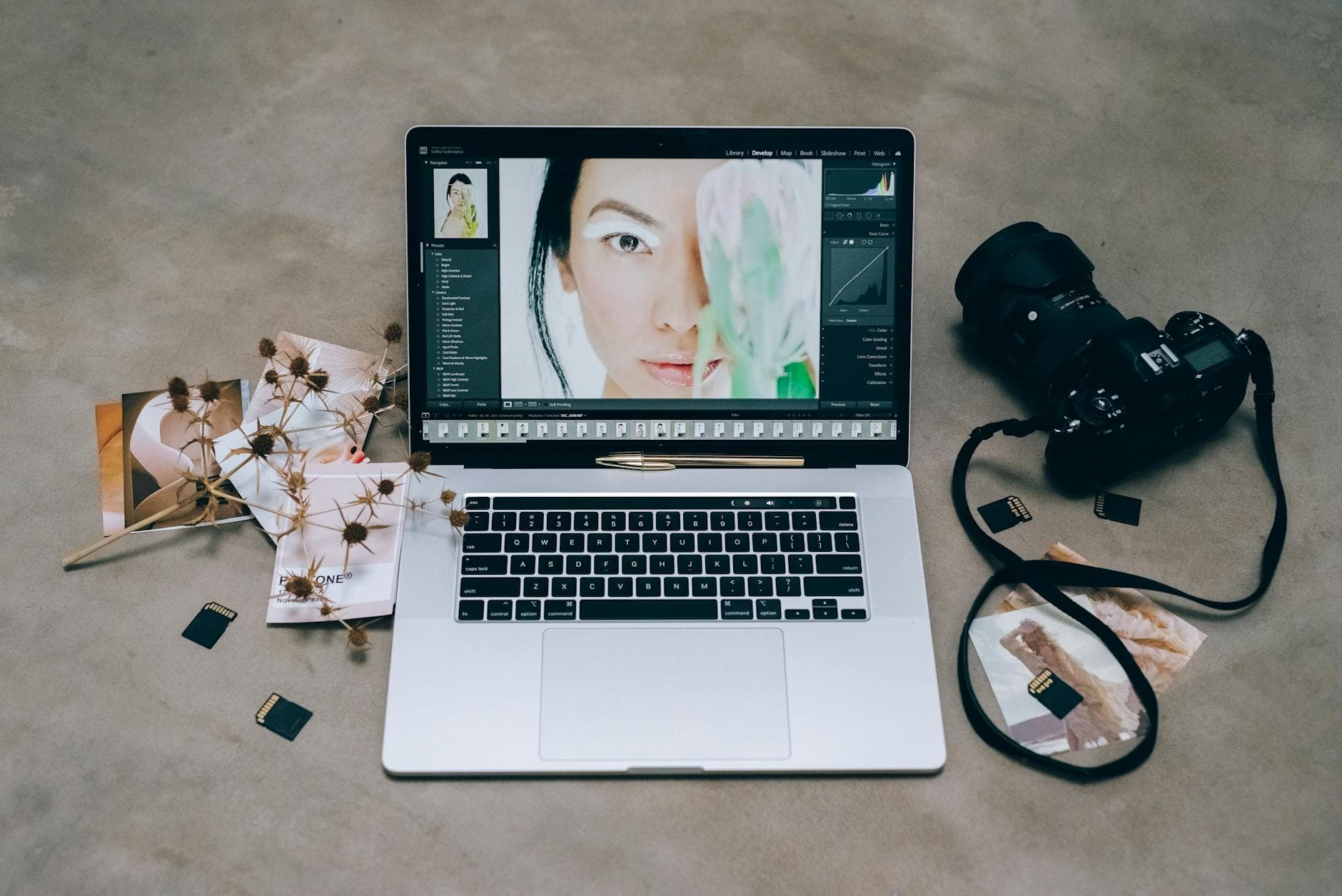
AI belongs in the planning room first
Xiaopeng Zhan’s most useful insight is not that photographers should embrace AI, but that they should place it with intent. In his commercial and fashion work, he treats AI as a workflow tool that can speed up the parts of a job where clarity matters most, while leaving the photographer’s eye and authorship intact.
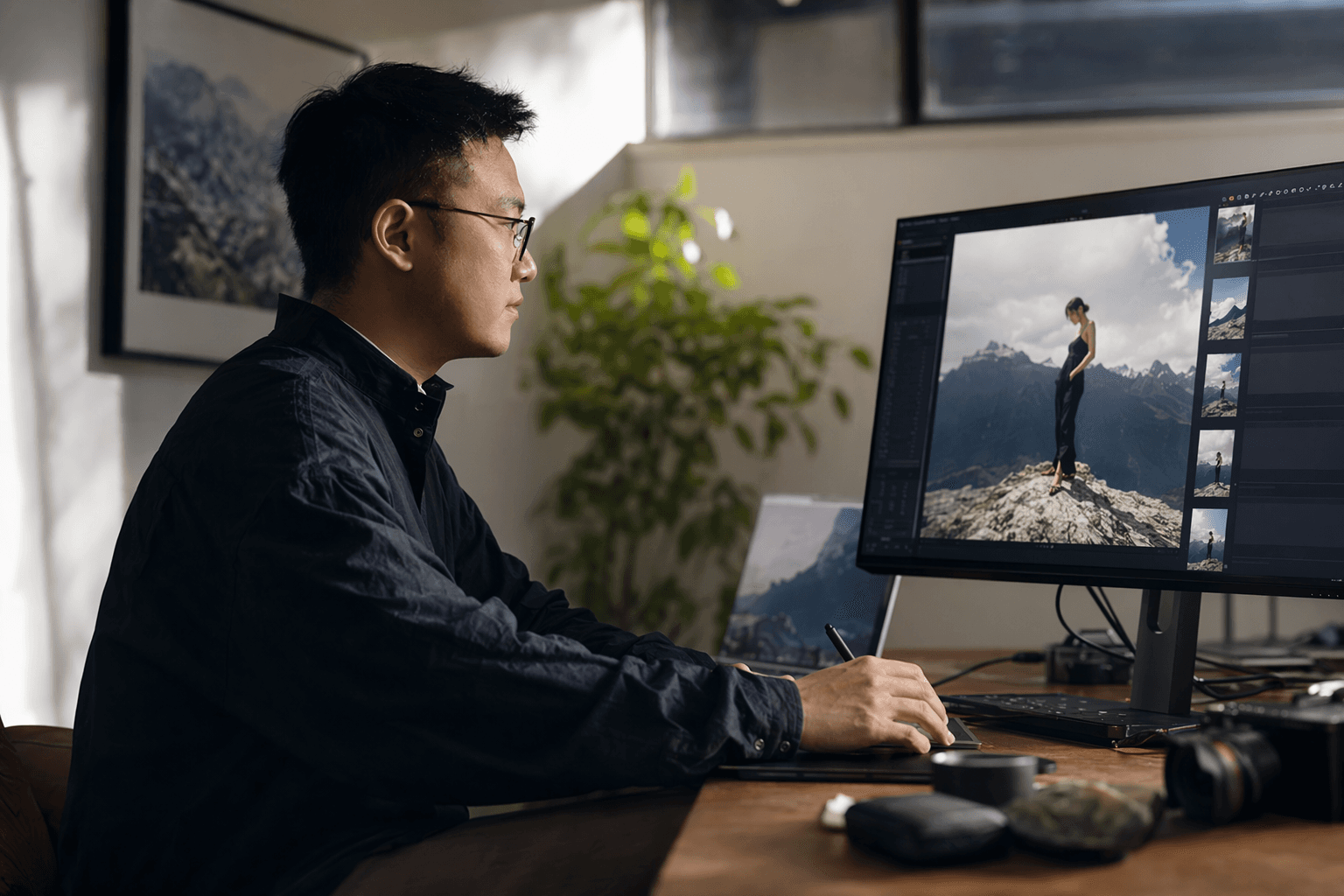
That perspective comes from someone who has been shooting commercial and fashion work for six years, runs a multidisciplinary creative studio between Shanghai and New York, and works with global brands across fashion, beauty, and lifestyle. He also came into photography from 3D and CGI, which meant he was already used to thinking in layers, environments, and built visuals. For him, AI did not feel like a foreign intrusion. It felt like another production tool in a stack that already includes concepting, testing, approval, and final execution.
Idea generation is where AI saves the most time
Zhan says he started integrating AI into his production workflow two years ago, and the first place he uses it is before the shoot. Instead of leaning only on mood boards assembled from other photographers’ work, he generates custom visual concepts tied directly to the client brief. That shift matters because it moves the conversation away from vague references and toward a shared target.
In commercial work, especially fashion and beauty, the real bottleneck is often not pressing the shutter. It is getting everyone to agree on what the image should feel like before anyone books the crew, sets the wardrobe, or lights the set. Zhan’s approach lets the client review variations of their own vision instead of trying to interpret text or borrow someone else’s aesthetic language.
- building bespoke concept frames from a written brief
- testing visual directions before booking a shoot
- speeding up client approval by showing options, not just describing them
Use AI here:
- replacing your own art direction with generic prompts
- using scraped references as a shortcut for taste
- presenting a generated concept as if it were the final creative answer
Avoid AI here:
The practical advantage is simple: by the time the team arrives on set, everyone is already aligned on the intended look. Zhan says that once took multiple rounds of back-and-forth; now approvals happen faster.
Retouching is useful, but only when it stays honest
The strongest case for AI in post is not fantasy replacement or fully automated perfection. It is removing the low-value friction that keeps photographers away from the work that actually requires judgment. That lines up with the wider industry conversation around AI-assisted culling, editing, and planning, where the promise is time saved without surrendering creative control.
PetaPixel reported in April 2026 that Adobe rolled out Lightroom 15.3, 9.3, and Mobile 11.3 with faster AI edits, new presets, and workflow improvements. That kind of update points to the same basic truth Zhan is describing: AI is proving most helpful in the repetitive, technical layers of the job, not in the act of defining the image itself.
- culling and file organization
- routine cleanup and efficiency editing
- accelerating repeatable retouching tasks that do not change the story of the image
Use AI here:
- retouching that alters body shape, identity, or product truth without disclosure
- “fixing” images so aggressively that they stop looking like photographs
- using automation to mask weak lighting, weak styling, or weak direction
Avoid AI here:
The more commercial the assignment, the more important this boundary becomes. Beauty and fashion clients expect polish, but they also expect reliability. If AI helps you move faster without changing the visual contract, it earns its keep. If it starts inventing details that were not there, it stops being a workflow aid and becomes a trust problem.
Compositing is powerful when the brief already calls for construction
Zhan’s background in 3D and CGI makes this part of the workflow feel especially natural. He is already thinking in terms of layers and constructed scenes, which is exactly where AI can be most useful when the goal is to build a visual rather than merely document one. For lookbooks, campaign concepts, and other commercial composites, AI can help visualize combinations that would be expensive or slow to mock up by hand.
That said, this is also the zone where the craft line matters most. Once a composite starts substituting invented elements for photographed reality, the photographer has to decide whether the result still serves the brief. In fashion and lifestyle work, that answer often depends on whether the final image is meant to sell a mood, a garment, or a fantasy. The closer the deliverable is to a commercial promise, the more important it is that the construction process stays transparent and intentional.
- visualizing set extensions or concept environments
- prototyping impossible or expensive ideas before committing resources
- building alternate versions of a campaign direction for client review
Use AI here:
- creating composite elements that misrepresent the product
- blending sources so loosely that you can no longer defend the image’s authorship
- using synthetic construction when a real-world setup would better preserve credibility
Avoid AI here:
ASMP Colorado has argued that ethical generative AI use should start from a photographer’s own ideas and assets rather than scraping other people’s work. That is a useful line for anyone doing commercial composite work: build from your own visual language first, then use AI as an amplifier, not a scavenger.
Delivery is where trust gets won or lost
The last stage is the one clients remember. After the shoot, AI can help keep the pipeline moving, especially when the assignment involves large volumes of files, deadlines, and repeated touchpoints. But delivery is also where overuse becomes most visible. If the final selects feel over-processed, generic, or suspiciously disconnected from the shoot, the client will feel that gap immediately.
The broader data explains why this tension is becoming so central. Aftershoot’s 2025 photography industry report says 81% of photographers reported improved work-life balance from AI-powered workflows. PetaPixel also reported in April 2026 that nearly 90% of surveyed working photographers are using AI, and that many spend substantial time on tasks with little creative satisfaction, including file organization, planning, communication, and promotion. Zenfolio’s 2025 State of the Photography Industry survey added more than 4,500 photographers from more than 70 countries to that same conversation, showing that AI is no longer a fringe experiment.
PetaPixel also reported in March 2026 that Aftershoot says it is used by nearly 250,000 photographers worldwide. Taken together, those numbers point to a broad shift: photographers are not only adopting AI, they are assigning it to the parts of the job that drain time without deepening the image.
The cleanest workflow rule is also the simplest
Zhan’s example offers a useful boundary for the whole profession. Let AI speed up the thinking, not replace the thinking. Let it sharpen client communication, not blur creative responsibility. Use it where the job is about alignment, variation, and efficiency. Hold the line where the job is about trust, taste, and the photographer’s own eye.
That is the real workflow lesson in his approach: AI is strongest in the space before the camera opens, and most dangerous the moment it starts pretending to be the camera.
This article was produced by Prism’s automated news system from verified source data, official records, and press releases, then run through automated quality and moderation checks before publishing. The system is built and supervised by the people who set the standards it runs under. Read our full AI policy.
Did this article answer your question?


