DaVinci Resolve 21 adds photo editing, but is it worth it?
Resolve 21’s new Photo page can handle RAW stills, but only if you already live in Blackmagic’s ecosystem. For everyone else, Lightroom still feels faster.
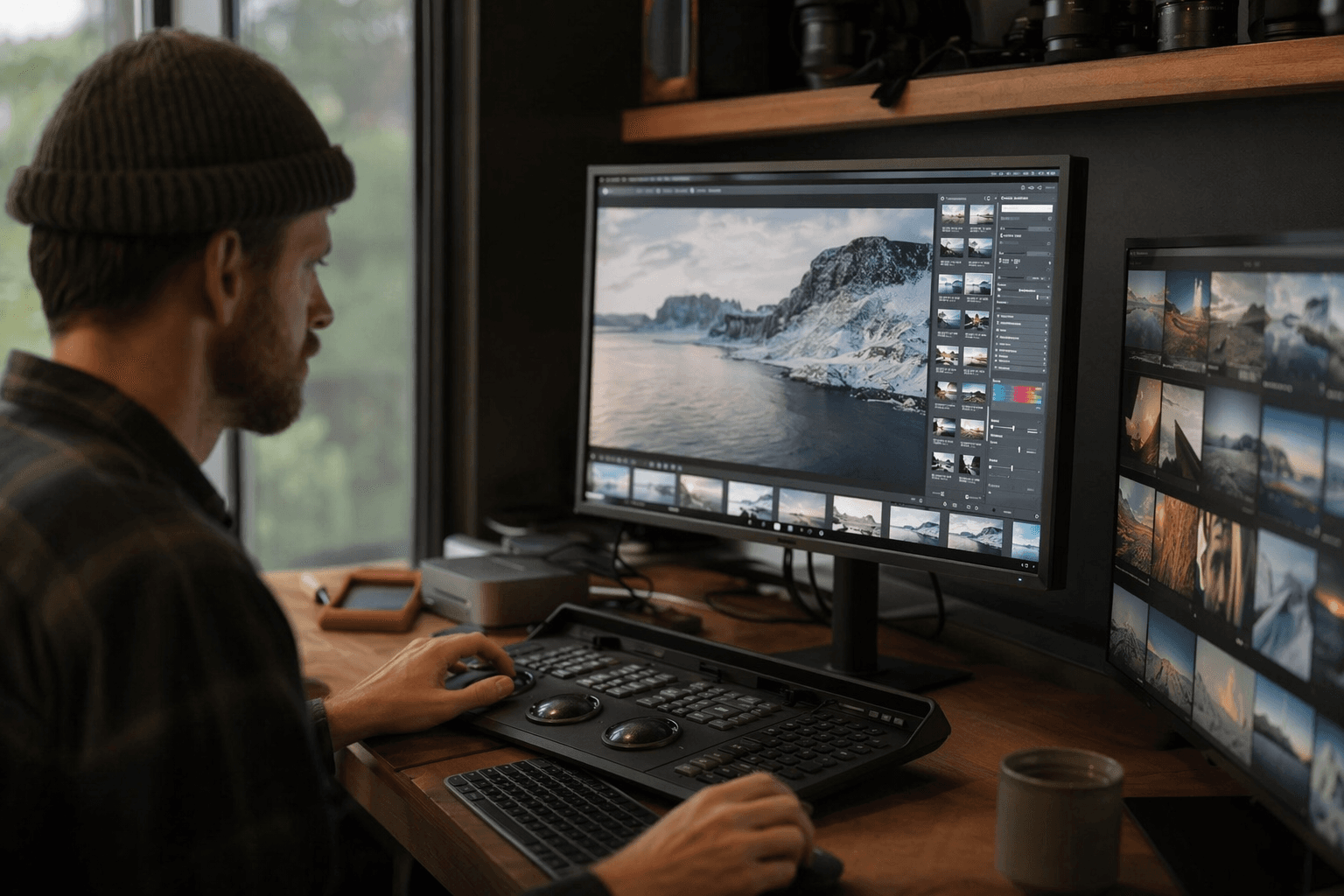
Blackmagic Design has turned DaVinci Resolve 21 into a place where stills can sit beside timelines and grades, but the real question is not novelty. It is switching cost. For hybrid shooters already cutting video and color inside Resolve, the new Photo page could shave friction off a familiar workflow. For everyone else, Lightroom, Capture One, or Photoshop may still win on speed and comfort.
Blackmagic’s launch materials frame the feature as a bridge between video post-production and still photography. The Photo page lets photographers import and manage images, then work with controls they already understand, including white balance, exposure, and primary color adjustments. From there, they can move into Resolve’s deeper grading tools when a file needs more than a quick correction. That is the pitch: one app, one library, one color pipeline.
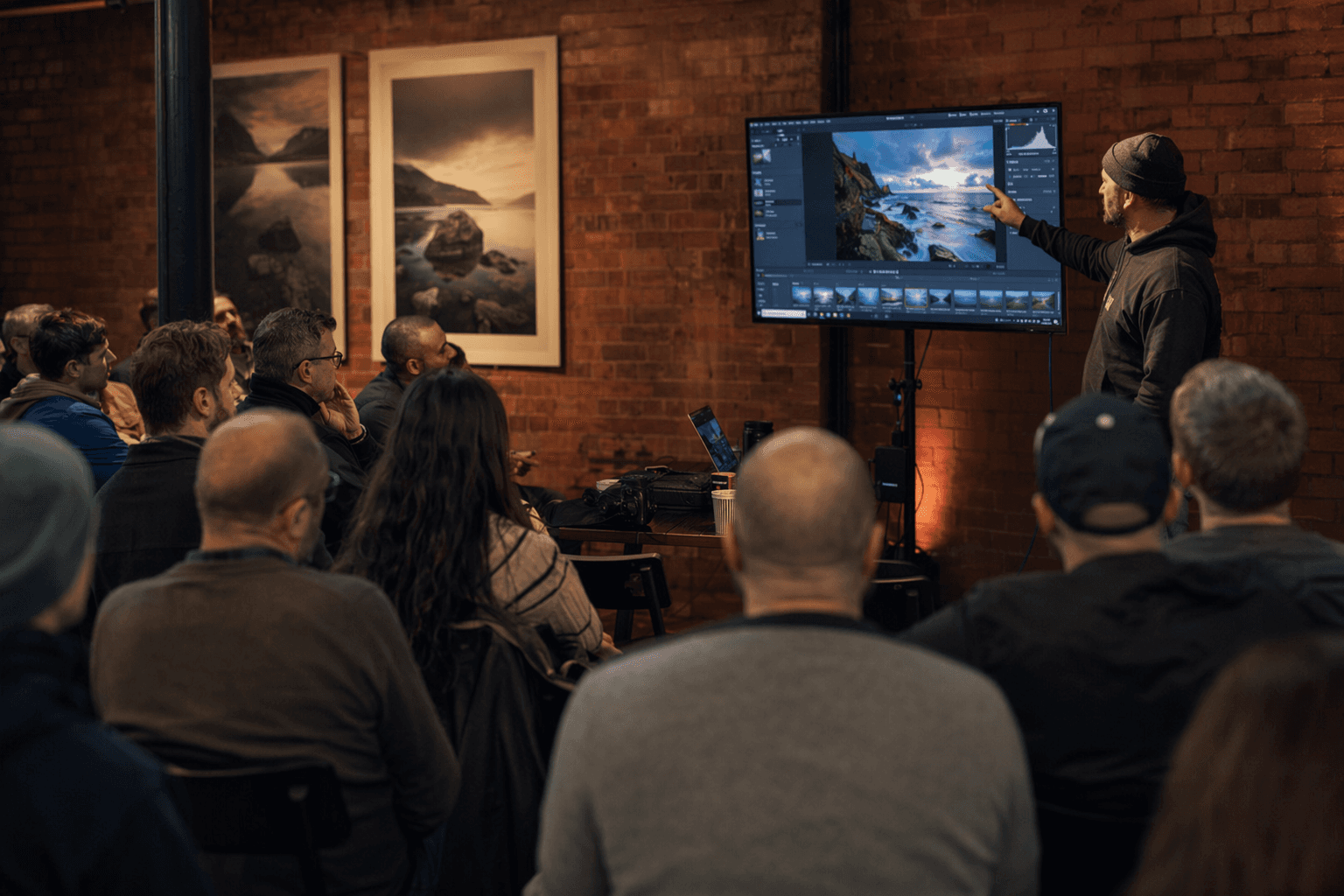
Jordan Drake’s hands-on test showed why that pitch matters and where it starts to crack. Resolve 21 could import RAW files from Canon, Nikon, Sony, Fujifilm, Apple, and DNG, and it handled basic adjustments such as crop, horizon, exposure, contrast, white balance, and tint. For photographers who already think in color nodes and move between stills and motion work, that is a real advantage. It means less app switching and a single environment for finishing images that may end up beside video from the same assignment.
The limits arrived quickly, though. Panasonic Lumix and OM System files did not import in Drake’s testing, and lens corrections were inconsistent. The free version also carried significant export restrictions, which makes the feature less like a universal Lightroom replacement and more like a selective tool for a specific kind of user. If you are doing high-volume stills work, depend on mature lens profiles, or need a polished export path without friction, Resolve still looks slower than the dedicated photo editors built for that job.
That is where Resolve 21’s Photo page becomes most interesting. It is not trying to convince every photographer to abandon their catalog software. It is trying to catch the ones already living in Blackmagic’s world, especially hybrid shooters who want stills and motion to share the same post-production space. For them, the new page is not a gimmick. It is a workflow bet. And for everyone else, it is a reminder that the old boundary between photo editing and video finishing is getting harder to defend.
This article was produced by Prism’s automated news system from verified source data, official records, and press releases, then run through automated quality and moderation checks before publishing. The system is built and supervised by the people who set the standards it runs under. Read our full AI policy.
Did this article answer your question?


