Sony Creators' App promises easier camera control, but still has flaws
Sony’s Creators’ App is better than the old mobile setup, but slow reconnects and setup friction still get in the way. It helps, just not enough to feel invisible.
The short verdict
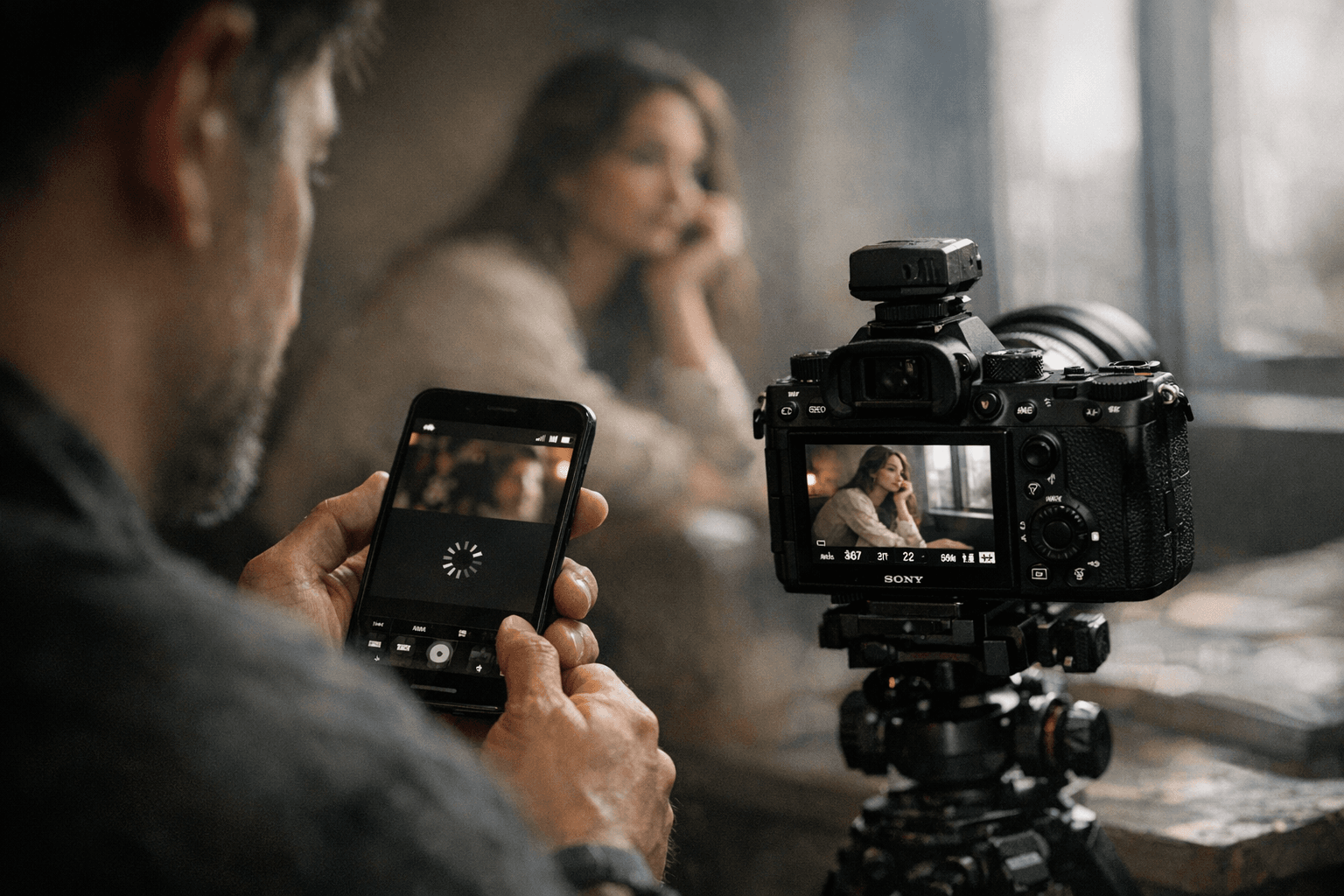
Sony’s Creators’ App is finally good enough to be useful every day, but not good enough to disappear into the background. It handles the core jobs Sony owners actually need, remote shooting, photo import, camera status, and some firmware-related functions, yet the experience still carries enough lag and friction to remind you that wireless camera control is never as clean as the pitch.
That is the real question for Sony shooters now: does this app change how you work, or merely swap one awkward workflow for another? The answer is closer to the second, though the gap is much smaller than it used to be.
What Sony built into Creators’ App
Sony officially released Creators’ App on March 9, 2023 as part of Creators’ Cloud, positioning it as the smartphone doorway into a broader connected workflow. In Sony’s own framing, the app is meant to cover uploading images, remote shooting, and cloud transfer, which makes it more than just a camera remote. It is the bridge between camera, phone, and Sony’s cloud services.
The basics are all here. You can connect a supported camera, trigger remote shooting, pull files onto your phone, and check camera status without diving through a full desktop transfer routine. Sony’s help guide says the smartphone and camera connect by Wi-Fi via Bluetooth, with Bluetooth used for the initial pairing and Wi-Fi or USB-C carrying the heavier lifting after that.
That hybrid design makes sense on paper. Bluetooth keeps setup manageable, while Wi-Fi gives you the bandwidth for actual transfers. In practice, though, the quality of that handoff determines whether the app feels like a time-saver or another device you have to babysit.
Where the app still gets in the way
DPReview’s hands-on testing shows the biggest weakness clearly: speed and consistency are not yet where they need to be. The first connection is fairly quick, but repeated Wi-Fi connections took about 16 seconds, which is long enough to break rhythm if you are trying to stay in a shooting flow.
That delay matters more than it sounds like it would. A few extra seconds is nothing when you are checking a menu at home, but in the field it becomes a constant interruption, especially if you are hopping between capture, review, and transfer. The app’s promise is convenience, but every extra pause makes you think twice before reaching for it.
Sony’s own troubleshooting page backs up that this is not just a one-off complaint. The company acknowledges unstable connections and slow transfers, and recommends switching to 5GHz Wi-Fi when the camera supports it. That is useful advice, but it also underlines the main problem: if you need a workaround to keep the app behaving, the workflow is still more fragile than it should be.
There is also a small but telling annoyance in the interface. DPReview found that the app presents a connection-type pop-up every time unless you actively disable it. That is exactly the kind of minor friction that photographers remember, because it interrupts a simple job that should feel automatic.
Remote shooting is useful, but not effortless
Remote shooting is one of the app’s most practical features, and it is also the one that exposes the stakes most clearly. Sony’s guide describes the process as a Wi-Fi connection enabled through Bluetooth, which should make the setup less intimidating than the old, more manual pairing routines many photographers remember from earlier app ecosystems.
When it works, that matters for tripod work, self-portraits, product setups, static scenes, and any time the camera is out of reach. It can also make client-facing work smoother, because you can show a frame on the phone without moving back and forth to the camera body.
But the test results suggest that the app is still best treated as a helpful tool rather than a fully trustworthy extension of the camera. A remote-triggering app that reconnects slowly, or one that needs constant babysitting, is fine for occasional use and less appealing when you need it repeatedly during a shoot.
The camera list has moved on, but not all Sony bodies move together
Sony has been steadily replacing Imaging Edge Mobile with Creators’ App, and that transition is already built into the current support structure. Sony says the a7S III, a7 IV, a1, a7R V, FX3, and FX30 were migrated from Imaging Edge Mobile to Creators’ App after system software updates. Sony also says that users who previously relied on Imaging Edge Mobile may need to move over after firmware updates.
At the same time, Sony has not forced every camera into the same lane. Older cameras that are not listed for Creators’ App should continue using Imaging Edge Mobile, which means Sony still has two parallel mobile workflows in play. That matters for anyone with a mixed camera bag, or for shooters who own an older body as a backup and expect the same app behavior across everything.
Sony’s current supported camera list also shows where the company is focusing development. Among the newer models listed are FX2, a1 II, a7 V, a7CR, a7C II, a6700, ZV-E1, ZV-E10 II, ZV-1 II, ZV-1F, RX1R III, and ILX-LR1, alongside the earlier full-frame and cinema bodies. In other words, Creators’ App is now the default direction for Sony’s newer ecosystem, not a side project.
What the field experience says on different phones
DPReview tested the app on a Google Pixel 10a and reported a similar experience on an iPhone 15 Pro, which is a useful sign that the core behavior is not tied to one phone platform. That matters because wireless-camera frustration is often blamed on the handset, the operating system, or the exact model in your pocket. Here, the slowdown appears to be part of the broader system rather than a single-device quirk.
That said, the app’s job is not just to connect once. It has to survive the pace of actual shooting, where you may need to reconnect, move files, check framing, and keep moving. If the experience feels equally stubborn on both Android and iPhone, the question shifts from compatibility to workflow design.
Why the app matters more now than it used to
Sony’s broader Creators’ Cloud rollout has been described as progressing regionally, with timing varying by country and region across places like the United States, Japan, and Europe. That slower, staggered rollout helps explain why the app ecosystem still feels transitional rather than finished. Sony is clearly building toward a connected camera platform, but not every market, body, or workflow lands at the same pace.
That makes Creators’ App more important than a simple utility download. It is Sony’s attempt to make wireless camera use feel normal, especially for shooters who want quick transfers, mobile review, remote control, and cloud-connected tools without having to rethink the entire process every time they leave the house.
The good news is that Sony has made real progress. The bad news is that progress still comes with waiting, prompts, and the occasional stability headache. For current Sony owners, Creators’ App is finally useful enough to keep installed and use regularly, but it has not yet reached the point where it can replace a smooth, wired, or card-based workflow without caveats. It is better, yes, but it is still only partly the invisible helper Sony wants it to be.
This article was produced by Prism’s automated news system from verified source data, official records, and press releases, then run through automated quality and moderation checks before publishing. The system is built and supervised by the people who set the standards it runs under. Read our full AI policy.
Did this article answer your question?


