Arch-R turns the R36S into a serious daily driver
Arch-R gives the R36S a cleaner install path, broad clone support, and a real shot at daily-driver status. It is the kind of CFW that makes the cheap handheld matter more.

Why the R36S still has a lane in 2026
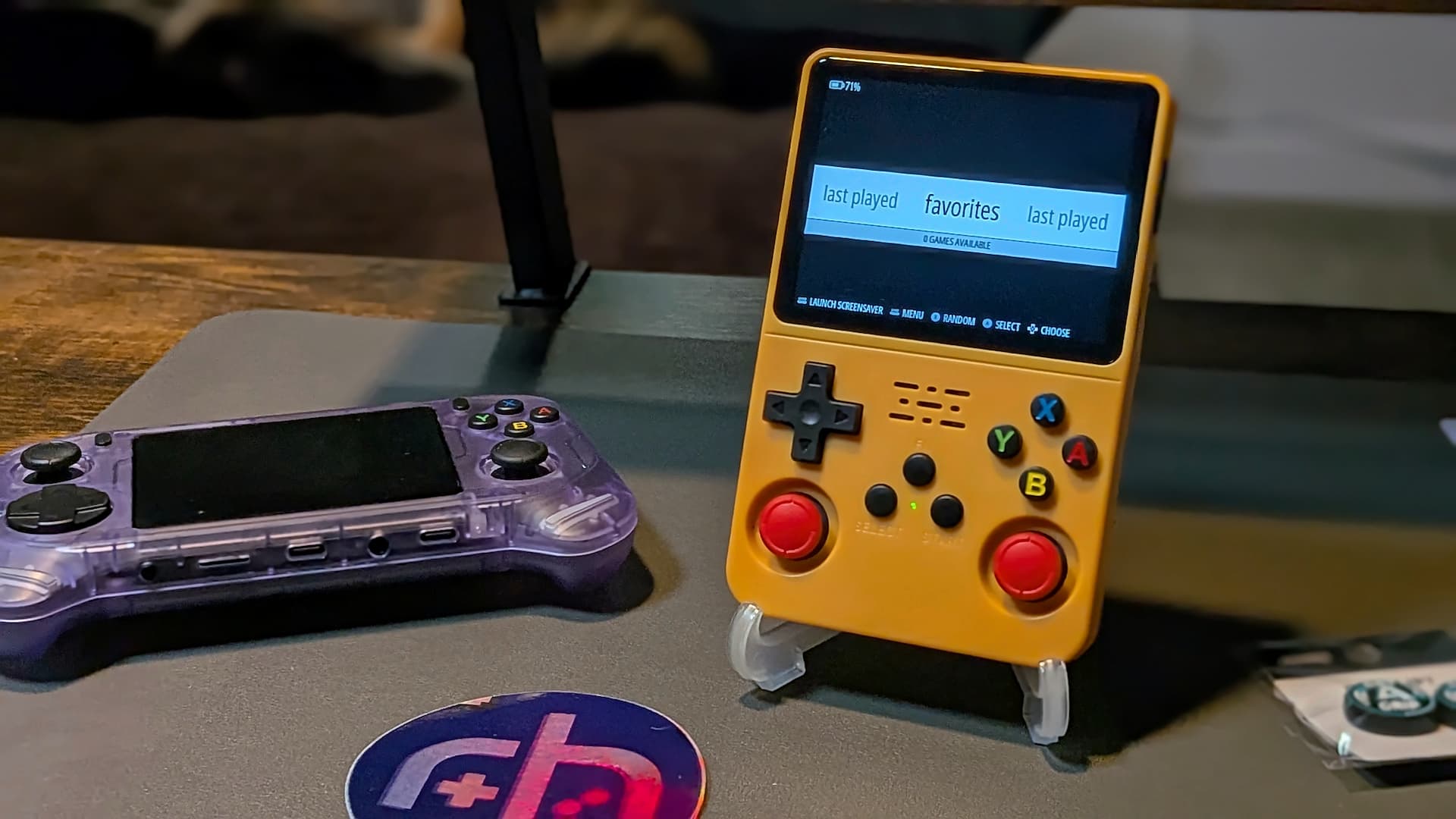
The R36S still earns attention because it sits in the sweet spot that keeps retro handhelds alive: it is cheap enough to experiment with, but adaptable enough to reward the effort. Retro Handhelds describes it as a starter handheld that has stayed nearly ubiquitous in the hobby because of affordability and adaptability, and its 3.5-inch 640 x 480, 4:3 screen, RK3326 chip, 1GB of DDR3L memory, and dual microSD layout make it a familiar kind of budget platform for tinkerers.
That matters because the R36S is not just another impulse buy. It is the kind of handheld people pick up when they want to learn the firmware side of the scene without sinking serious money into the mistake. In practice, that is why the device keeps showing up in setup guides, clone discussions, and firmware threads, even as newer handhelds arrive with more headline features.
What Arch-R changes
Arch-R is the piece that makes the R36S feel less like a disposable budget toy and more like a platform worth dialing in. The guide frames it as a custom Linux distribution built from scratch for the R36S, which is a much stronger signal than a simple repack or one-off port. That is the real promise here: not novelty, but a more serious attempt to make the handheld behave like something you can actually rely on day to day.
The compatibility list is the headline feature. Arch-R supports all R36S variants and clones, and it accounts for 18 different display panels. For anyone who has ever dealt with an inexpensive emulation handheld, that is not a small detail, because the screen and board mismatch problem is exactly where a lot of cheap devices become frustrating. The practical read is simple: broader hardware support means fewer chances of buying the wrong clone, flashing the wrong image, or spending your evening hunting for a display fix instead of playing anything.

What you need before you flash
The install path is straightforward, but the guide makes it clear that preparation matters. You need the handheld itself, a PC, a microSD reader, storage cards, image-writing software, the latest Arch-R image, and your ROMs and BIOS collection. The guide also recommends splitting the setup by purpose, with a smaller card for the custom firmware and a larger one for games, and it calls out 16GB for CFW and 128GB for ROMs as the working sizes.
That advice is valuable because budget handheld setups often fail at the boring parts, not the flashy ones. A well-chosen card setup keeps the operating system side cleaner and gives the game library room to breathe, which is exactly what you want when the goal is to make the device easier to live with, not just easier to brag about.
How to flash Arch-R safely
1. Extract the downloaded `.img.xz` package until you have the `.img` file on your PC.
The guide specifically tells readers to do this before writing anything to a card.
2. Open your image-writing tool, such as Balena Etcher, and choose the extracted Arch-R image through the flash-from-file option.
The guide uses Etcher as the example, but the key point is that you need image-writing software that can send the firmware image to the card cleanly.
3. Select the target drive carefully and make sure it is the blank microSD card you intend to use.
This part gets the strongest warning in the guide because flashing the image will wipe the destination drive.
4. Write the image, then move the card into the handheld once the process finishes.
That is the point where the install path stops being theory and becomes a usable firmware setup ready for the rest of your content.
Why this install path is worth the effort
The biggest gain Arch-R offers is not a flashy menu screen, it is friction removal. A firmware image that accounts for all R36S variants and 18 display panels is built to handle the messy reality of clone-heavy hardware, and that alone makes it more attractive than the usual shrug-and-hope approach that cheap handhelds often force on buyers. The guide’s cautious flashing instructions reinforce the same idea: this is a setup process designed to prevent mistakes, protect your data, and reduce the chance that a brand-new handheld becomes a troubleshooting project on day one.
That is why Arch-R fits the R36S so well. The handheld stays relevant because it is affordable and flexible, and Arch-R leans into both traits instead of fighting them. If the R36S is still one of the easiest ways to enter the custom firmware world, Arch-R is the kind of build that helps it graduate from cheap experiment to something that can plausibly stay on your desk, in your bag, and in your rotation every day.
This article was produced by Prism’s automated news system from verified source data, official records, and press releases, then run through automated quality and moderation checks before publishing. The system is built and supervised by the people who set the standards it runs under. Read our full AI policy.
Did this article answer your question?
