DuckStation update refreshes RetroAchievements, fixes crashes, adds UI polish
DuckStation’s latest rolling build cleans up RetroAchievements sync and adds a new adaptive scanline filter that makes CRT-style PS1 tuning easier to dial in.

DuckStation’s latest rolling release tightens the spots that matter most when you actually live inside the emulator: RetroAchievements players get a sturdier backend, and PS1 display tweakers get a new scanline filter worth trying. The build lands as a practical update, not a flashy one, but the fixes cut straight into two of DuckStation’s biggest daily-use pain points: achievement reliability and visual fine-tuning.
For achievement hunters, the big change is under the hood. DuckStation updated rcheevos to commit 9ade739, wired game list functions into rc_client, and moved achievement pinning to database-backed storage with SQLite helpers and dynamic loading. That matters because DuckStation’s achievement layer runs through rc_client, the RetroAchievements client library that handles server communication, tracking, and progress reporting. In plain terms, the emulator now has a cleaner path between your PS1 library and RetroAchievements, which should mean fewer weird states when metadata changes and fewer moments where a title looks half-synced.
The release also adds a menu item to refresh the achievement database, fixes crashes when database updates run into unknown media changes, and stops the game database from updating on disc change when that would be wrong. If you use RetroAchievements as part of your normal boot-and-play routine, that is the sort of housekeeping that keeps the whole flow from falling apart the moment you swap discs or poke at a stubborn entry.
DuckStation also kept the everyday controls moving in the right direction. The new hotkey for Select Next Slot and Save State makes slot juggling faster, global save states are disabled by default in this build, keyboard navigation after searching the game list now behaves properly, and tab-key behavior in the UI was cleaned up. Those are small changes on paper, but they are the ones you feel after an hour of use, not just when you read the changelog.
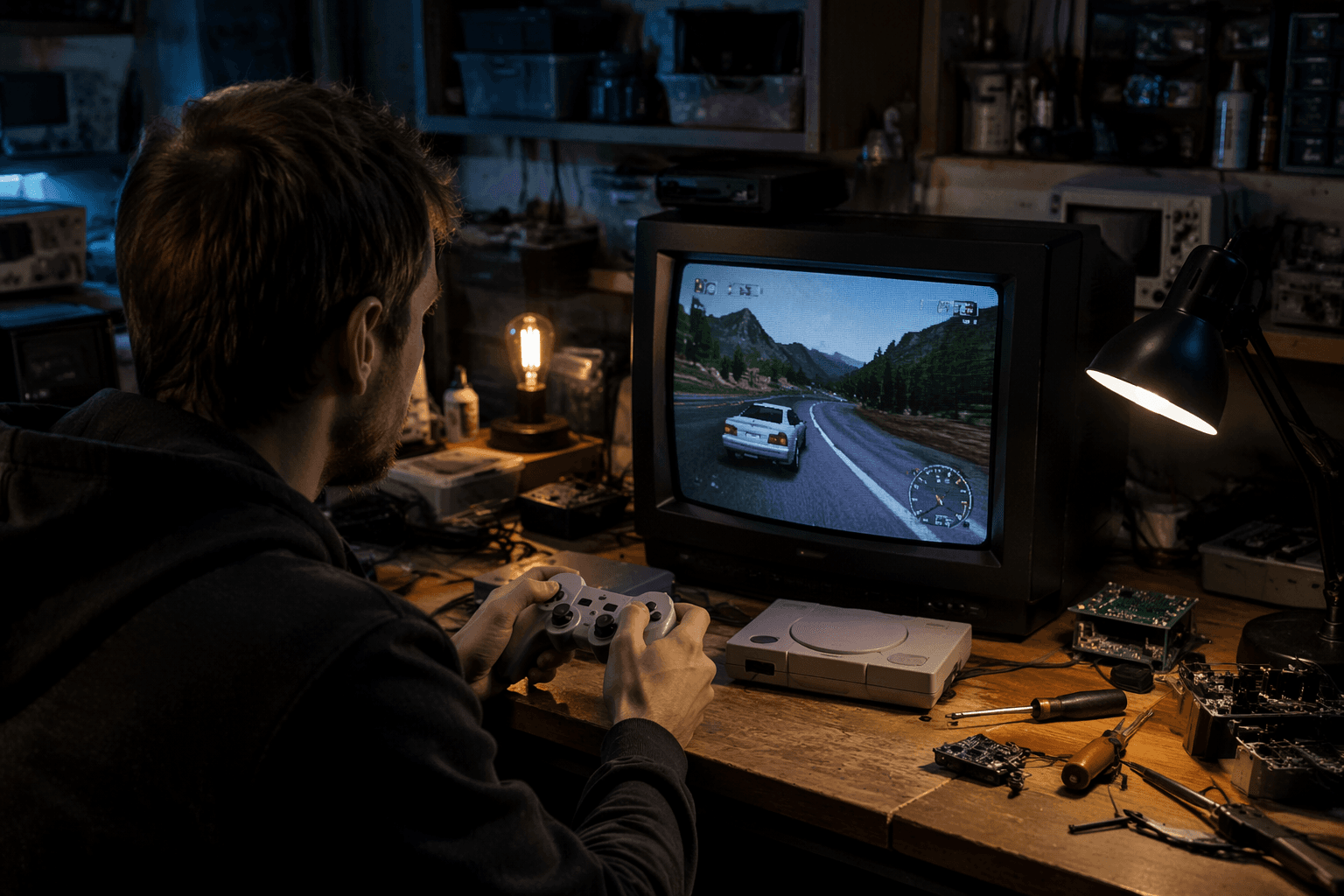
The display side gets its own reason to revisit settings. DuckStation added a Scanline Modern 4x2 adaptive retro filter, adjusted the shader pipeline, and fixed scanline flicker caused by precision drift at boundaries. That is the kind of change PS1 image purists notice immediately, especially if they have been trying to coax a CRT-adjacent look out of DuckStation without fighting shimmering or unstable lines. With this build, the emulator gives that crowd a better shot at a clean, convincing picture instead of another shader that looks good in screenshots and annoying in motion.
DuckStation’s GitHub updater still splits into Stable and Preview channels, with preview builds generated from repository pushes, and this release fits that rolling cadence: steady, focused, and tuned for people who notice when one menu click or one scanline goes wrong.
This article was produced by Prism’s automated news system from verified source data, official records, and press releases, then run through automated quality and moderation checks before publishing. The system is built and supervised by the people who set the standards it runs under. Read our full AI policy.
Did this article answer your question?
