CHDroid brings on-device disc image compression to Android emulation
CHDroid moved disc-image compression onto Android, letting retro players shrink ISO files and manage CHDs without a PC. PlayStation and Saturn libraries stand to gain the most.
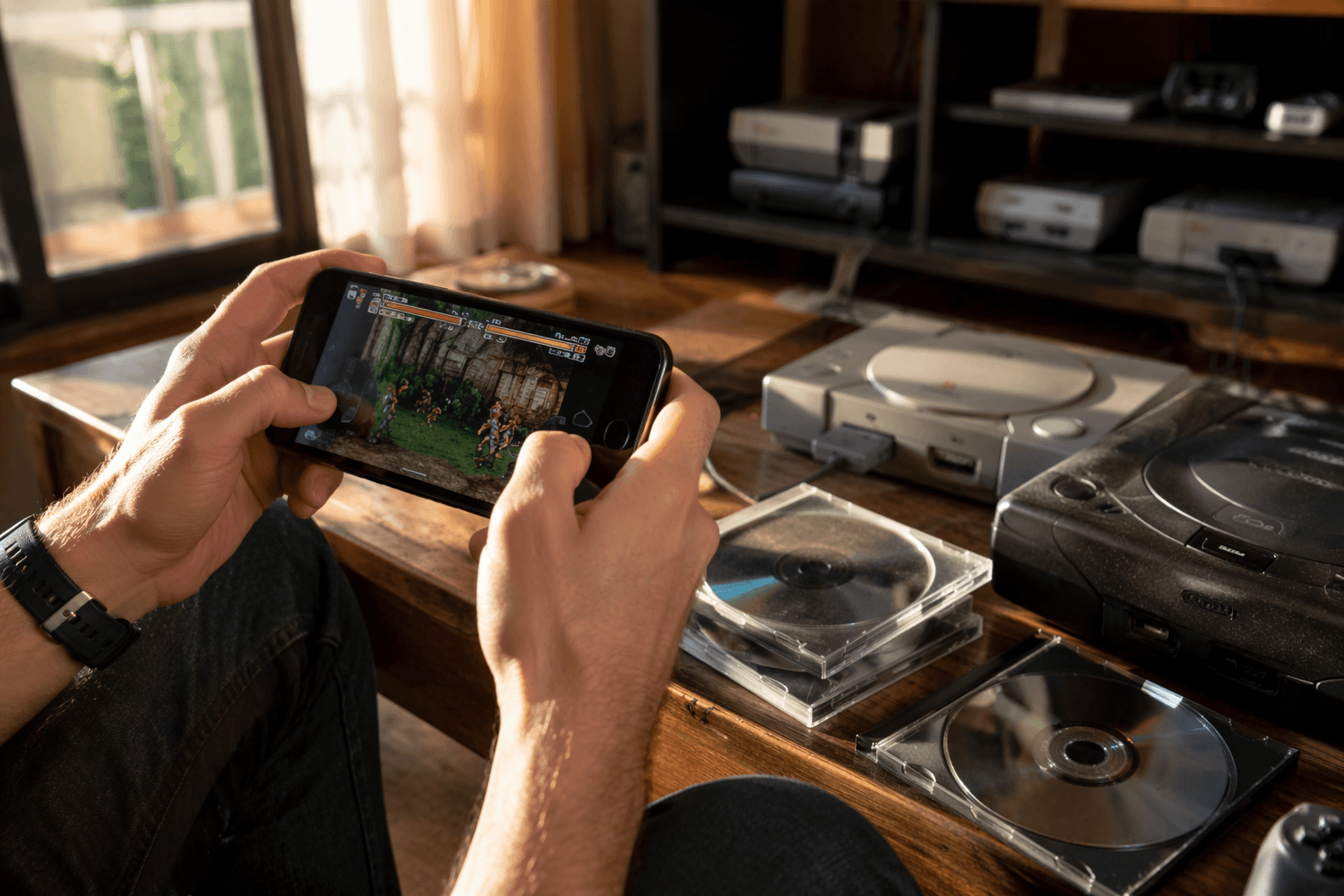
Storage pressure is where CHDroid matters most. Version 1.1.0 has left beta, and Android emulation users can now compress disc images into CHD directly on the same phone or handheld running their games, instead of dragging a library back to a PC first. That is a real upgrade for PlayStation, Saturn and other CD-based sets, where even a modest collection can start eating through space fast.
CHD stands for Compressed Hunks of Data, and MAME’s chdman tool has long been able to create, convert, check and extract those images. The format was designed around mass-storage media, which is why it has become such a natural fit for preservation-minded emulation. CHDroid brings that workflow to Android itself. Ottavio Miele’s mobile-first tool can compress ISO files into CHD on device, extract them, repack them, verify them and show file information without leaving Android.
The app is built for the kind of library management that usually turns into a desktop chore. CHDroid supports batch processing, background conversion with persistent progress notifications, automatic saving back to the source directory, multi-disc handling and .m3u playlist generation. It also supports ARMv7, ARM64, x86 and x86_64 Android devices, which gives it a broad reach across phones, controller-clad slabs and dedicated Android gaming handhelds. Google Play lists the app at 10K+ downloads, a sign that this kind of on-device utility already has a real audience.
Compatibility still matters, but the route CHDroid takes is the one most retro setups already want. RetroArch’s disc control system handles multi-disc PlayStation and Sega Saturn titles through .m3u playlists, and CHD files can be listed directly in those playlists. That means a CHD-based library can slot into the same multi-disc flow many players already use, without forcing a separate cleanup step each time a game is moved or replaced.

For Android-first retro builds, that is the big shift. CHDroid does not just shrink files, it keeps the whole conversion process inside the ecosystem where the games are actually played, which makes bulky disc libraries feel far less like a workaround and a lot more like a proper mobile setup.
This article was produced by Prism’s automated news system from verified source data, official records, and press releases, then run through automated quality and moderation checks before publishing. The system is built and supervised by the people who set the standards it runs under. Read our full AI policy.
Did this article answer your question?
