Gearcoleco 1.6.0 adds rewind support, modernizes ColecoVision emulation
Rewind support and a rebuilt debugger make Gearcoleco 1.6.0 a bigger deal than a routine point release, while SDL3, OpenGL 3, and new packaging smooth installation.
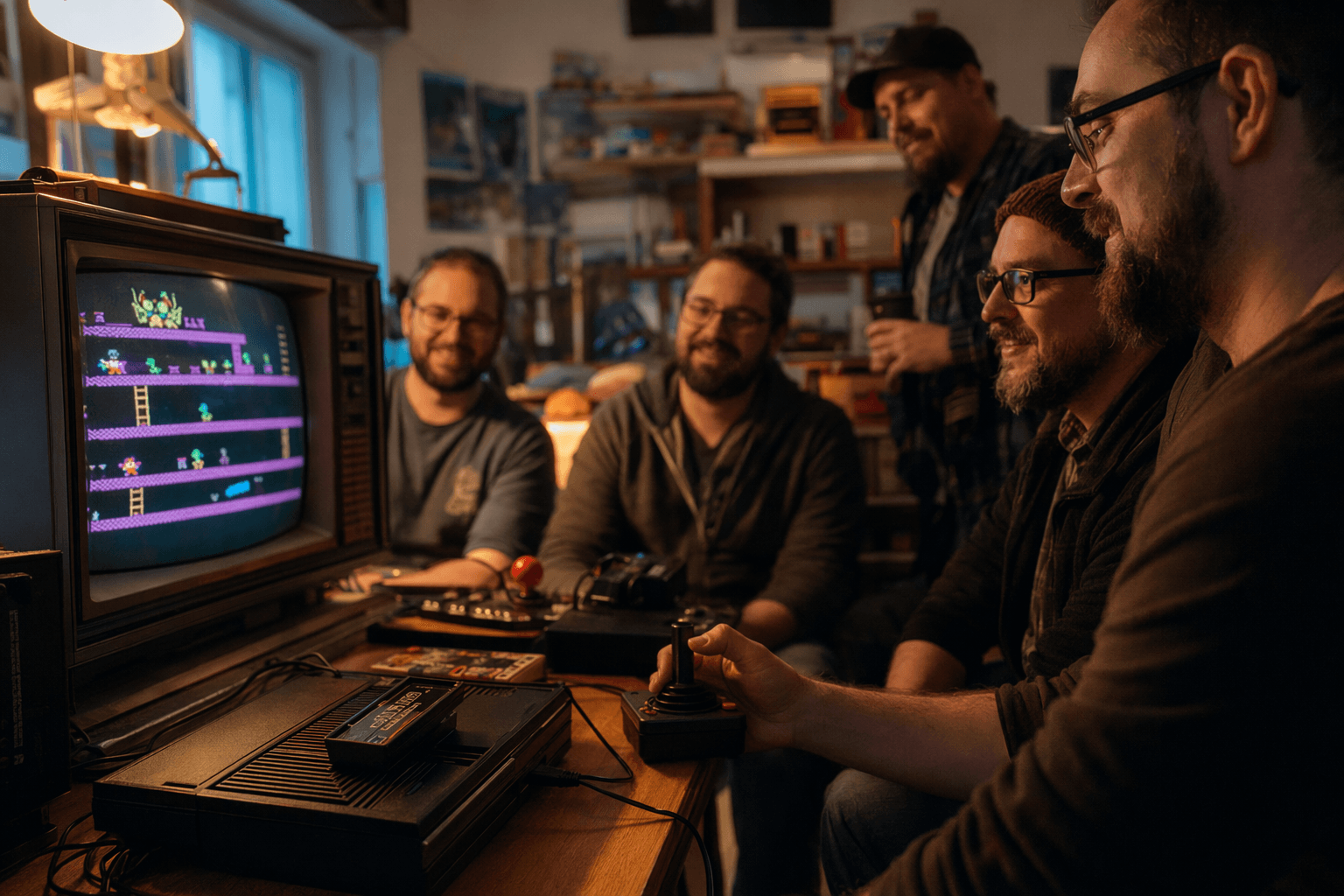
Gearcoleco 1.6.0 landed with the kind of changes that make an old-system emulator feel newly relevant. The biggest day-to-day win is rewind support, which lets you back out of a bad jump or a sloppy boss pattern without leaning entirely on save states. Just as important for tinkerers, the project overhauled its debugger with new windows and features, turning a tool that was already respected into something far more practical for tracing homebrew bugs, checking memory behavior, and stepping through code without constantly fighting the interface.
The desktop app also moved to SDL3 and OpenGL 3, a modernization that matters because it updates the rendering and input stack while keeping Gearcoleco focused on accuracy. That shift goes hand in hand with the new packaging channels the release notes call out, including a macOS Homebrew tap, an Ubuntu PPA, and a Fedora RPM repository. For anyone trying to get a clean install on Windows, macOS, Linux, or BSD, that is a real quality-of-life change. It means fewer scattered binaries to hunt down, fewer stale instructions to follow, and less time spent coaxing the emulator into behaving like a normal piece of desktop software.
Gearcoleco’s accuracy-first reputation is still the foundation here. The project describes itself as a very accurate, cross-platform ColecoVision emulator written in C++, with standalone builds for Windows, macOS, Linux, and BSD, plus libretro support. Its documented Z80 core handles undocumented opcodes and behavior such as the R and MEMPTR registers, and it includes accurate TMS9918 emulation. In practice, that matters when you are testing a tricky platforming section, checking whether a glitch is the game or the emulator, or isolating a homebrew bug that only shows up after a specific interrupt or sprite update.
That is also why the debugger overhaul lands so well. Gearcoleco already had a reputation for serious tooling, including a just-in-time disassembler, CPU breakpoints, memory access breakpoints, code navigation, debug symbols, a memory editor, an I/O inspector, and a VRAM viewer. The 1.6.0 redesign builds on that base instead of replacing it. The release also adds an optional headless MCP server and SKILL integration for debugging and hacking workflows, a niche feature set that points straight at the people writing and testing ColecoVision software, not just playing it.
The rest of the update rounds out the same theme. Support for vsync on 120 Hz and 240 Hz displays, improved audio latency options, a better fullscreen mode, a new way to load default settings, and an updated game controller database all remove friction that used to get in the way of a good setup. That is a meaningful step up from 1.5.5, and it fits the way Gearcoleco has been talked about in the community for years, including by AtariAge users who have called it a “nice emulator” with an “excellent debugger interface.”
This article was produced by Prism’s automated news system from verified source data, official records, and press releases, then run through automated quality and moderation checks before publishing. The system is built and supervised by the people who set the standards it runs under. Read our full AI policy.
Did this article answer your question?

