Gentleman brings MiSTer-style folder browsing to Windows PCs
Gentleman brings MiSTer’s folder-first feel to Windows, cutting out library scraping so a couch PC can boot straight into ROM folders and controller navigation.
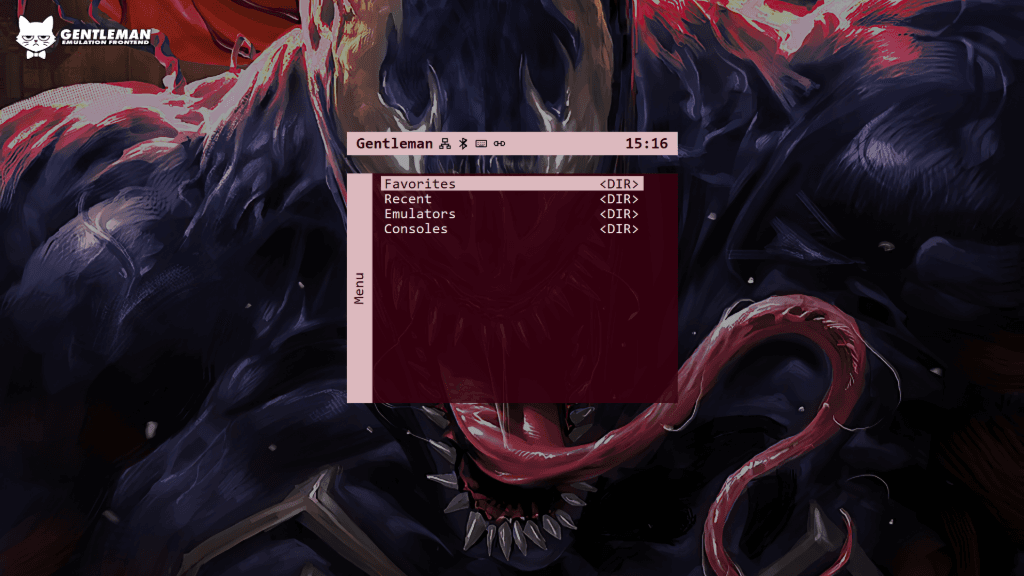
If you want a Windows PC to feel less like a desktop and more like a game appliance, Gentleman is built for that exact problem. It trades the usual database-heavy frontend workflow for direct folder browsing, so the machine can open on your ROMs, emulator binaries, and apps instead of sending you into a giant metadata shell.
That makes it a sharper fit for living-room setups than a lot of standard launchers, including EmulationStation, LaunchBox, or RetroBat, when the goal is speed over curation. Gentleman’s feature set is broad anyway: it supports standalone emulators, RetroArch core selection, favorites, recent games, wallpaper support, fullscreen modes, controller navigation, button swapping, API support for third-party apps, in-game OSD tools, and update checks. Version 1.2.0 also added navigation and customization changes aimed at controller-first use, which is the kind of detail that matters when a couch setup has to work without a keyboard in hand.
The project’s core trick is simple. Gentleman’s README describes a folder-and-JSON structure where folders become menu categories and JSON files become launcher entries. A path like menu/Consoles/PS2.json creates a Consoles category with PS2 inside it, and launcher files can be written manually or created from inside Gentleman’s system menu. Each launcher can point to an emulator executable, a ROM directory, supported file extensions, and optional launch arguments, while RetroArch launchers can also specify a core. That is the sort of structure that keeps the frontend lean without locking you into one software stack.
The keyboard shortcuts reinforce that appliance-like approach. The README lists Up and Down for single-item movement, Left and Right for jumping 10 items, F11 for fullscreen, F5 for refresh, and Back or Esc from the home screen to open the Gentleman menu. In other words, it is trying to behave like a console UI first and a Windows program second.
The MiSTer comparison is not cosmetic. MiSTer is an open project for recreating classic computers, consoles, and arcade machines on modern hardware, built around the Terasic DE10-Nano and expanded with add-ons such as SDRAM and a USB hub. Its interface is prized for being controller-friendly and appliance-like, so a PC frontend trying to capture that feel has a clear reference point. Gentleman also slots cleanly beside RetroArch, which Libretro describes as its reference frontend for the libretro API, rather than trying to replace the emulators themselves.
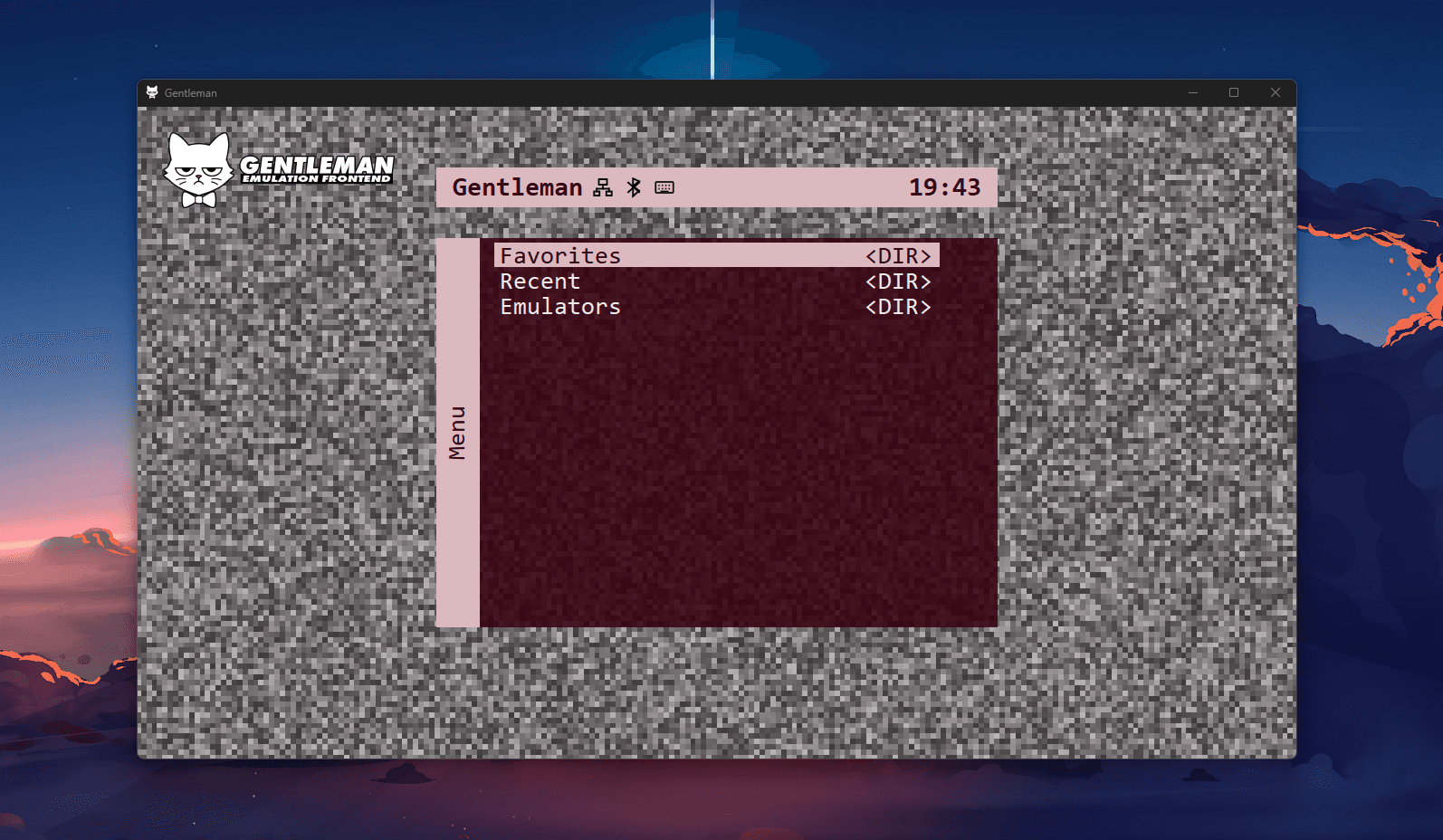
Right now, though, Gentleman still looks like a prototype in progress. The repository showed only 5 commits and no published releases, which makes the 1.2.0 navigation work feel more like a promising foundation than a finished package. Even so, the appeal is already easy to see: for anyone who wants a Windows emulation box to boot straight into folders, cores, and games, Gentleman is chasing the same frictionless rhythm that made MiSTer feel special in the first place.
This article was produced by Prism’s automated news system from verified source data, official records, and press releases, then run through automated quality and moderation checks before publishing. The system is built and supervised by the people who set the standards it runs under. Read our full AI policy.
Did this article answer your question?

