Gopher64 v1.1.20 adds controller hotkeys and auto-reconnect
Controller hotkeys and auto-reconnect turn Gopher64 v1.1.20 into a smoother N64 frontend, with SSAA downscaling for cleaner handheld and couch play.
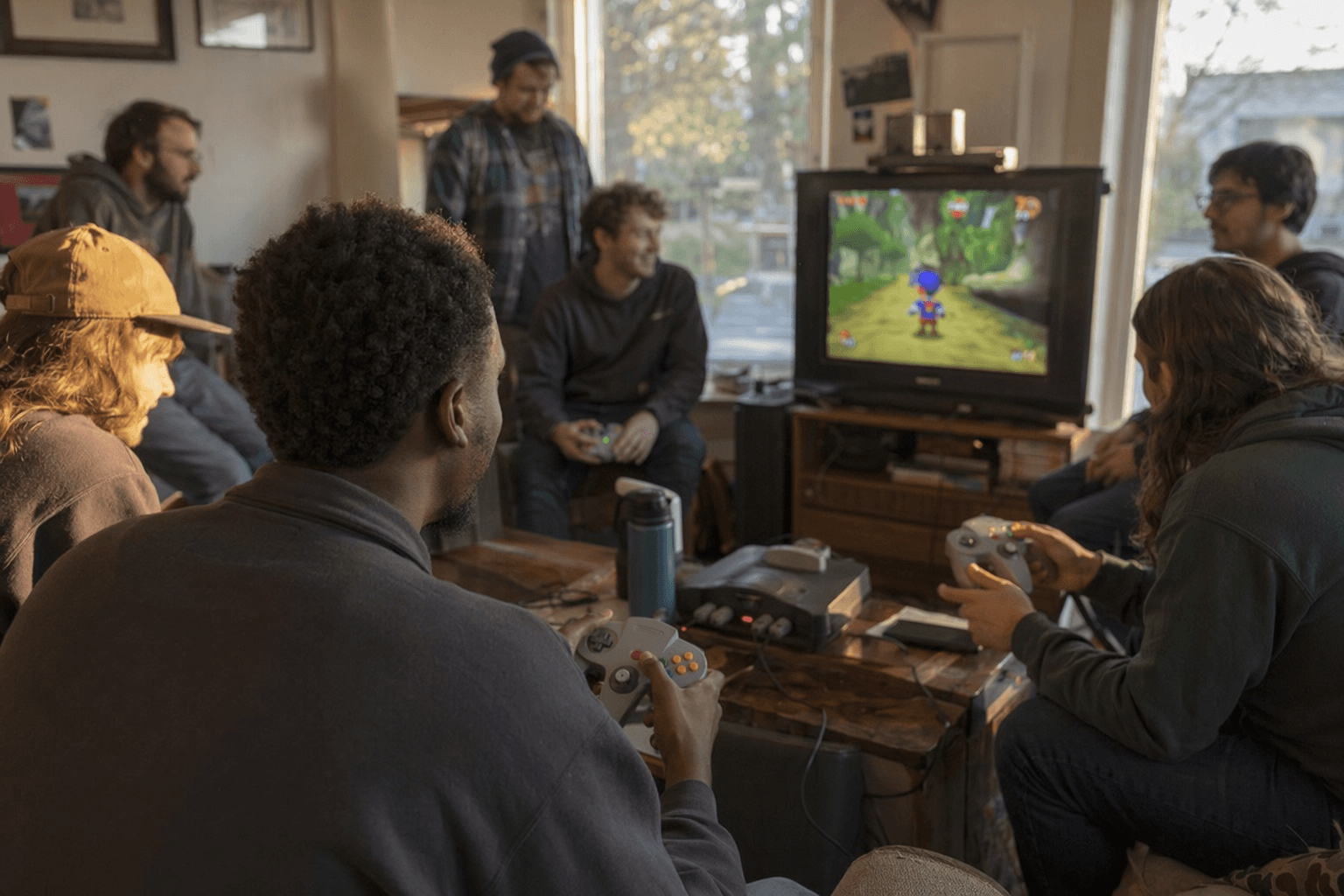
Gopher64’s latest release fixes the little frictions that show up after the novelty wears off and the game night starts. The old button bound to pak change has been reassigned as the hotkey activator, and pak swapping now uses hotkey activator plus B, a much cleaner setup for real-world N64 sessions on handheld PCs, couch rigs, and modern wireless pads.
That same focus on practical play carries through the rest of v1.1.20. Disconnected controllers now auto-reconnect, which matters when Bluetooth pads or wireless adapters briefly drop out and come back mid-session. The update also adds an SSAA downscaling option, giving users another way to bring an upscaled image back down to native resolution for a sharper picture without leaning only on brute-force rendering. For players trying to keep performance and presentation balanced, that is the sort of option that gets used immediately.
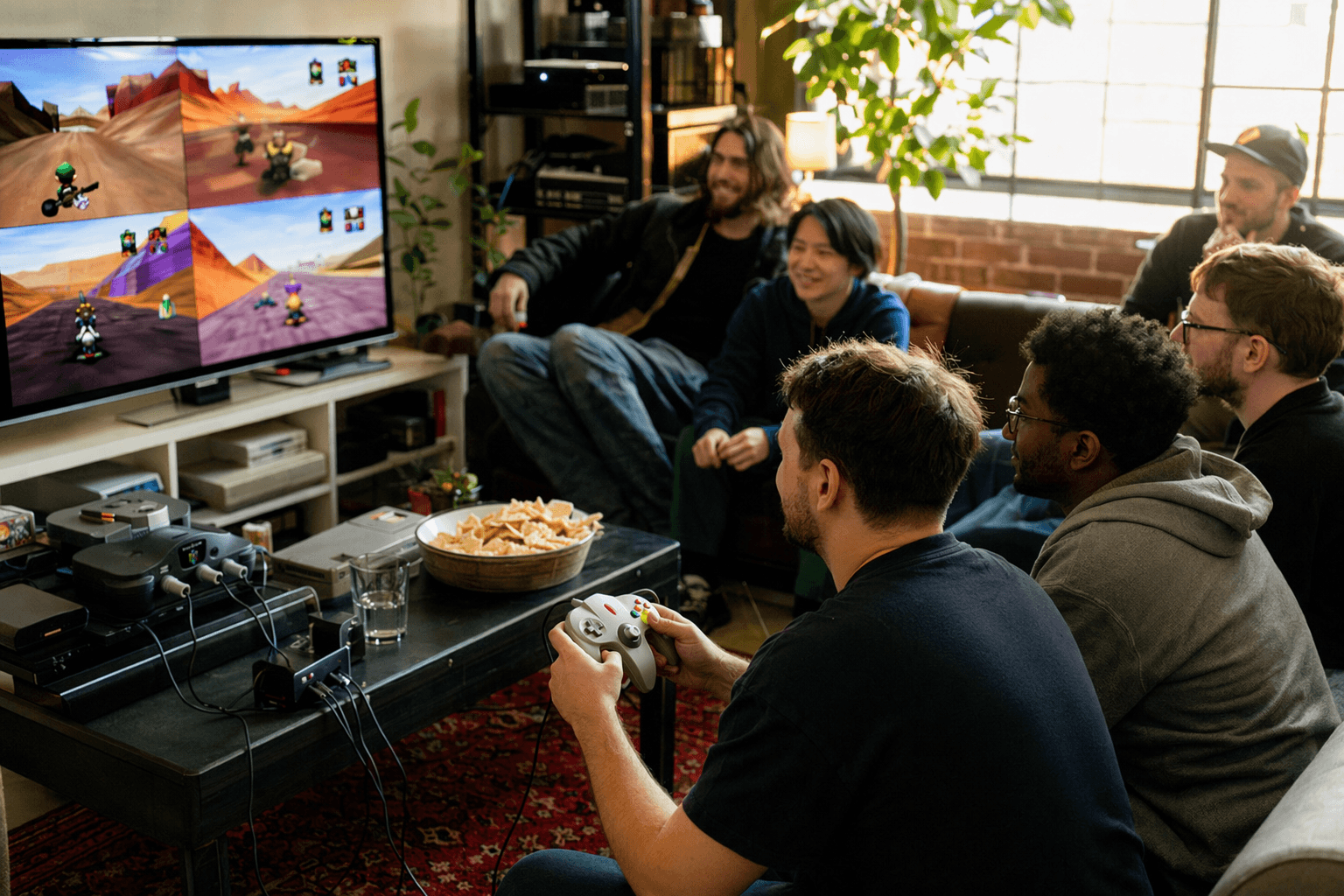
The release landed on May 7, 2026 as the newest Gopher64 build on GitHub, with downloads offered for Windows, macOS, Linux, and Flatpak. That matters because Gopher64 has already built a reputation as a cross-platform, highly compatible N64 emulator rather than a narrow technical showcase. Its README lists netplay, homebrew support, upscaling, CRT shader support, CPU overclocking emulation, cheats, savestates, and RetroAchievements, and it says netplay runs through cloud-hosted servers by default while also supporting LAN play.
The project is GPLv3-licensed, and its codebase draws portions from mupen64plus and/or ares, which places it squarely in the same lineage as other serious N64 efforts. The wiki also ties the new SSAA option to the emulator’s existing image pipeline, making the feature feel less like a checkbox and more like a real tuning tool. GitHub’s release page showed visible reactions from community names including Logan McNaughton, war59312, MInessota, max8472, Cyd0n1a, EdHerdman, chrisvcpp, and rayman3003, a fitting response to a build that does not chase headlines so much as remove annoyances. That is the point of v1.1.20: fewer menu dives, fewer reconnect headaches, and a better feel every time you pick up the controller.
This article was produced by Prism’s automated news system from verified source data, official records, and press releases, then run through automated quality and moderation checks before publishing. The system is built and supervised by the people who set the standards it runs under. Read our full AI policy.
Did this article answer your question?
