How to add RetroAchievements to RetroArch and classic emulators
RetroAchievements gives old ROMs new replay value, and RetroArch makes the setup path surprisingly direct once you know where to sign in.
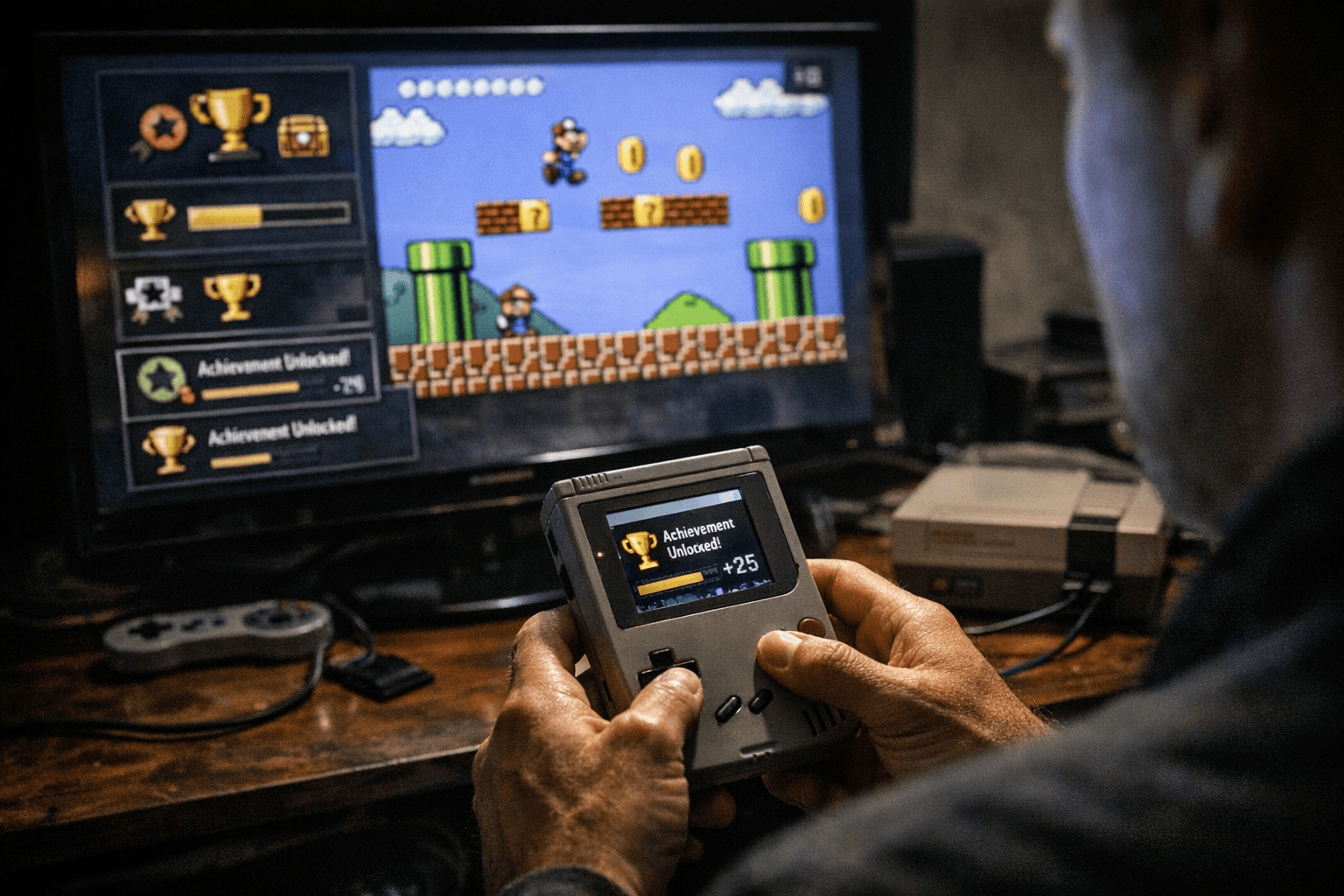
RetroAchievements turns a dusty library into a scoreboard
RetroAchievements gives your old ROM library a new reason to exist: every run can turn into a chase for goals, progress, and bragging rights. Instead of treating classic games as finished relics, it adds trophy-style unlocking to them, then lets you build a profile, track your progress, and compete with friends. That is the hook that keeps people coming back to the same cartridge-era classics, whether they are grinding a tough platformer, revisiting an arcade port, or finally going after secrets they ignored years ago.
The platform has real history behind it. RetroAchievements says it has been adding achievements to retro games since 2012, and Scott Breen says he started the project in September 2012. That makes it feel less like a novelty bolt-on and more like part of a longer fan-driven culture around preservation, replay, and shared goals. It is also broad in scope, covering classic games from Atari 2600 through PlayStation 2 and beyond, which is a huge part of why it has stuck around.
Why RetroArch is the cleanest place to start
If RetroArch is already your main frontend, RetroAchievements fits naturally into the way you already play. RetroArch describes itself as a frontend for emulators, game engines, and media players, and its big advantage is that it unifies settings across systems through cores. That matters here because achievements are not about changing the game itself, they are about layering a modern progression system onto a familiar emulator workflow.
RetroArch is also the most straightforward path for many players because the official setup path is spelled out right in the app’s own documentation. You register a RetroAchievements account, then enter those credentials in Settings -> Achievements. That simple login flow is a big reason RetroArch feels like the easiest on-ramp, especially compared with juggling separate frontends or emulator-specific settings when you just want one place to keep your library, shaders, controls, and achievement tracking in sync.
The setup that actually matters
The first step is not inside RetroArch at all. You need to create a free RetroAchievements account, because the service does the tracking and profile management on its own side. Once that account exists, RetroArch’s achievements menu is where you connect your emulator session to that profile, which is what turns a normal playthrough into one that can unlock milestones.
After that, the most important habit is keeping both RetroArch and its cores updated. Libretro’s documentation says RetroAchievements is not maintained by RetroArch or the Libretro team, so compatibility depends on the interaction between the frontend, the core, and the external service. The practical takeaway is simple: if achievements are not behaving the way you expect, the first thing to check is whether you are on the latest RetroArch build and the latest version of the core you are using.
A good setup rhythm looks like this:
1. Create your RetroAchievements account.
2. Open RetroArch and go to Settings -> Achievements.
3. Enter your RetroAchievements credentials.
4. Make sure the core you are using is current.
5. Load a supported game and let the service track your progress.
That sequence is boring in the best possible way. Once it is done, the system fades into the background and the game itself becomes the focus again, only now there is a second layer of motivation attached to every save file and every boss fight.
What you get back for the effort
The real payoff is replay value. RetroAchievements gives older games a modern structure, so a familiar ROM can suddenly feel like a backlog of challenges instead of a completed checkmark. That is especially powerful for long RPGs, arcade conversions, and punishment-heavy platformers, where the next badge or milestone can pull you through stretches you might otherwise abandon.
It also changes how you think about your library. A game you already own and emulate can become a place to test yourself, compare progress with friends, or revisit hidden routes and optional content you skipped the first time. For preservation-minded players, that social layer is part of the charm: the game stays authentic, but the surrounding culture feels alive.
Where friction shows up
RetroAchievements is practical, but it is not magic. Compatibility varies by core, which means some games or systems will simply work better than others. That is why the guidance to stay updated matters so much, and why it helps to think of RetroAchievements as an external service layered onto emulation rather than a native feature baked into RetroArch itself.
That external nature is also why classic emulators can feel more variable than RetroArch. Some setups may support RetroAchievements cleanly, but RetroArch’s unified frontend makes the process easier to understand because the account login, core selection, and achievement toggles live in one place. If you are bouncing between different emulators, expect a little more manual checking and a little more trial and error before everything feels smooth.
A living community, not a frozen museum
One reason the platform keeps working is that the community behind it still looks active. RetroAchievements’ own community documentation shows forums, moderators, staff, and support teams, and names like Nepiki, AuburnRDM, Hotscrock, and KickMeElmo show up in that living infrastructure. That matters because achievement systems only stay useful when people are still curating game sets, fixing issues, and keeping the ecosystem healthy.
That ongoing activity is part of the appeal for players who care about both play and preservation. RetroAchievements is not just dangling a badge over an old game, it is giving that game a reason to be played again, discussed again, and measured against other people’s runs. In practice, that is the whole trick: the ROM stays the same, but the reason to boot it up changes completely.
This article was produced by Prism’s automated news system from verified source data, official records, and press releases, then run through automated quality and moderation checks before publishing. The system is built and supervised by the people who set the standards it runs under. Read our full AI policy.
Did this article answer your question?

