MiSTer console mode aims to make FPGA emulation living-room friendly
Console Mode strips away the MiSTer setup maze with a controller-first front end, artwork scraping, and per-game overrides that make couch play feel far less intimidating.
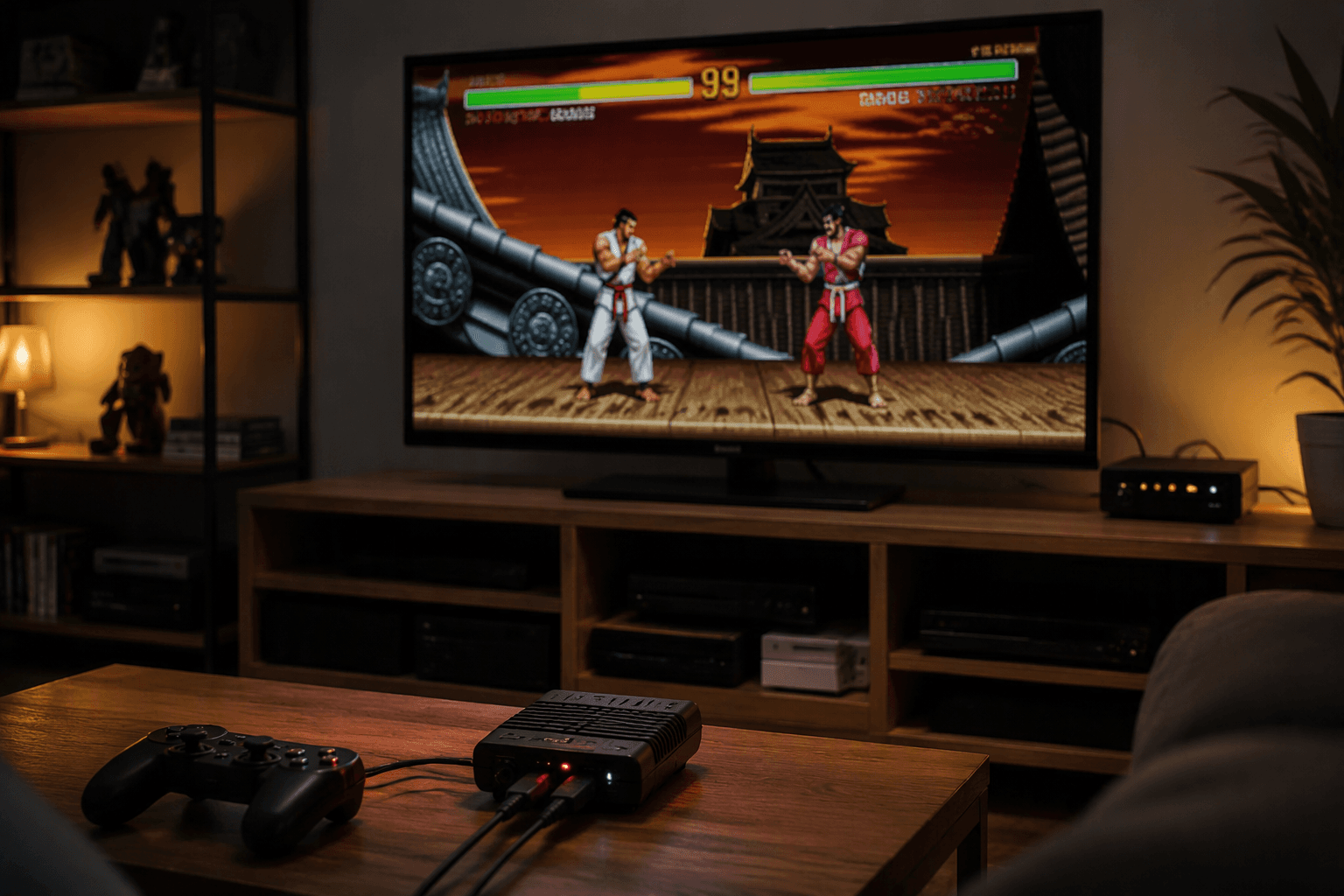
MiSTer has always been the kind of platform you admire from a distance, then hesitate before buying because the setup looks like a project. Taki Udon’s Console Mode changes that equation by aiming straight at the rough edges that keep FPGA emulation stuck on the desk instead of in the living room: menu hopping, manual setup, awkward navigation, and a workflow built for tinkering first and playing second.
What Console Mode is trying to fix
The big shift is simple to describe and harder to pull off: instead of treating MiSTer like a kit that rewards patience, Console Mode tries to make it behave like a finished console. That means booting into something that feels closer to a TV-friendly launcher, picking a game with a controller, and staying out of the weeds unless you actually want to change something.
That matters because MiSTer’s strength has always been accuracy and flexibility, not friendliness. A typical MiSTer setup still starts in the Menu core, then moves into a system core like NES, and that extra layer is part of what makes the platform so capable. Console Mode tries to compress that journey so you spend less time thinking about cores, directories, and configuration files, and more time on the game itself.
Why this changes the buying decision
For anyone who has been MiSTer-curious but put off by the reputation for complexity, this is the kind of update that can move the platform from “someday” to “maybe now.” The appeal is not just convenience for power users, it is accessibility in the broader sense: fewer tiny interface targets, less dependence on mouse-and-keyboard habits, and a front end that is easier to read from the couch.
That has real practical value in a living-room setup. If you want one machine that behaves predictably every time you turn it on, a console-style interface removes a lot of the friction that makes a hobbyist machine feel fragile. It also broadens the audience beyond people who already enjoy configuring cores and managing files, which is exactly where MiSTer has often lost potential buyers.
What the beta brings to the table
Taki has said the first major Console Mode beta will ship with a surprisingly full feature set, not just a prettier menu. The planned additions include two new game views, on-device artwork scraping, a screenshot viewer, resolution switching, retro achievement support, and per-game core overrides.
Those features line up neatly with the problems living-room users actually feel. Two views help you choose between browsing styles, artwork scraping reduces the blank, utilitarian look that makes front ends feel unfinished, and per-game core overrides give you a way to handle exceptions without rebuilding your whole setup. Resolution switching also matters on televisions, where a poor default mode can make a polished interface feel clumsy in a hurry.
The screenshot viewer is a useful signal too. MiSTer already supports screenshots from a core’s native video output, saved to /media/fat/screenshots/, so Console Mode is not inventing a new capability so much as presenting it in a friendlier way. That is the right kind of improvement for this platform: make the useful pieces easier to reach instead of hiding them behind a maze of menus.
How the feature grew from demo to release
Console Mode did not appear as a sudden one-off reveal. On September 29, 2025, Taki showed it running on SuperStation One and described it as something he had been planning for months. That early demo mattered because it framed the project as a deliberate usability layer, not a quick skin over the top of MiSTer.
The release path also shows that the idea was not built for one box only. Later beta chatter made clear that Console Mode was being discussed for SuperStation One and MiSTer Pi owners, which positions it as a broader front end rather than a demo locked to a single consolized product. That wider scope matters if you are trying to judge whether Console Mode signals a real shift in the ecosystem or just a niche feature tied to one hardware line.
Why SuperStation One makes this feel bigger
SuperStation One has been positioned as a consumer-friendly, PS1-inspired FPGA system, and that framing makes Console Mode feel more like a missing piece than an optional extra. If the hardware is meant to sit under a TV and behave like a console, the interface has to meet that promise. A launcher designed around couch use gives the whole package a much stronger chance of feeling approachable instead of experimental.
That context also explains why the feature has drawn so much attention. MiSTer can already be brilliant once you know how to live with it, but the gap between raw capability and day-to-day ease has always been the problem. Console Mode is trying to close that gap at the point where most buyers make their decision: the first few minutes after unboxing.
Why the timing matters
The July 2026 release of Console Mode did not arrive as a rushed dump of features. Taki said, “We delayed this release from last month until today to fix issues and to cook.” That delay is important because it shows the interface was held back for polish instead of pushed out at the first possible moment.
That kind of restraint matters in a community that already debates accuracy, compatibility, and trust. A July 2026 Time Extension piece also pointed to friction around AI-generated and closed-source FPGA cores in the MiSTer scene, which has kept attention on what kind of development people want to support. In that climate, a friendlier front end can help, but only if it preserves the qualities that made MiSTer worth caring about in the first place.
What to expect if you have been waiting on MiSTer
If you have been watching MiSTer from the sidelines because it looked too involved, Console Mode is the first change that really reads like a mainstream usability upgrade rather than a niche feature. It does not replace the FPGA accuracy angle, and it does not erase the need for proper cores or sensible setup, but it does reduce the amount of ritual standing between you and the game.
That is the key takeaway here: Console Mode does not just make MiSTer look nicer on a TV, it makes the platform feel more like something you can actually live with every night. For a lot of would-be buyers, that is the difference between a fascinating project and a console they would finally be willing to put in the living room.
This article was produced by Prism’s automated news system from verified source data, official records, and press releases, then run through automated quality and moderation checks before publishing. The system is built and supervised by the people who set the standards it runs under. Read our full AI policy.
Did this article answer your question?