RePlayOS 1.6.4 adds touchscreen support and easier in-GUI updates
Touchscreen support and in-GUI updating turned RePlayOS 1.6.4 into a far easier install to live with, especially on cabinet and kiosk builds.
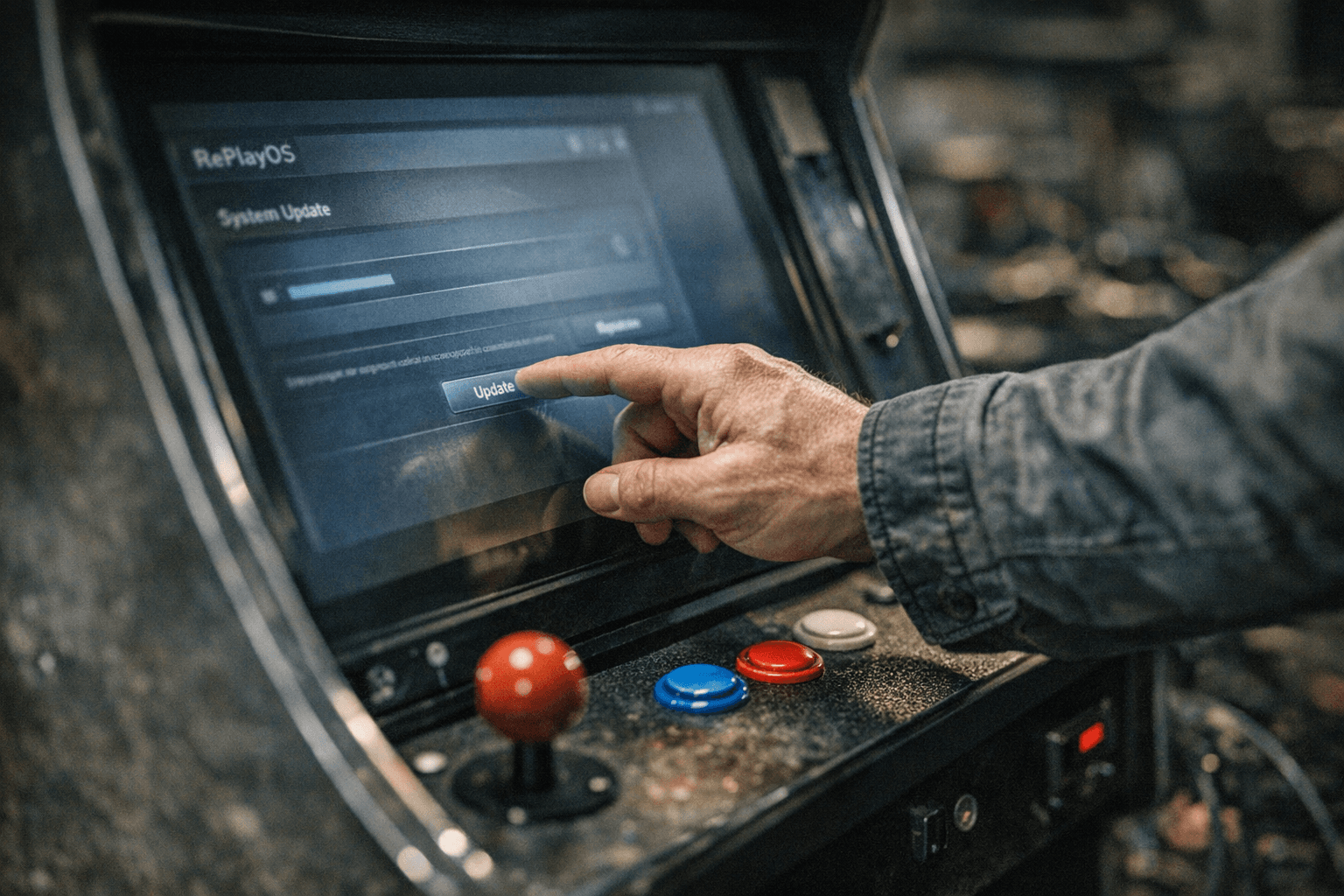
RePlayOS 1.6.4 looks modest on paper, but it removes two of the biggest frictions in a Raspberry Pi-based retro setup: touch input and the need to reflash for every upgrade. Posted April 19, 2026, the release added touchscreen support and lets users on RePlayOS 1.6.0 or newer update directly through the RePlayOS GUI instead of starting over with a fresh MicroSD flash.
That upgrade path is the part that will matter most to people already running the platform. Cabinet builders, kiosk-style setups, and anyone using RePlayOS as a living-room console replacement gain the most from being able to stay inside the frontend and update from the network. Casual users benefit too, but the practical win is bigger for builds that are already mounted, wired, and tuned. Older installs before 1.6 still need a full reflash, so the new convenience only applies once the system is already on the current branch.
The touchscreen addition fits the project’s larger shape. RePlayOS describes itself as a Linux distribution with a streamlined libretro frontend optimized for Raspberry Pi boards in both LCD and CRT setups, and it says the platform supports more than 700 game controllers. Creator Rubén Tomás Alonso, known as RTA or rTomas, has built the system around appliance-style use rather than tinkering for its own sake. In that context, touchscreen support is not just a feature checkbox. It makes the interface easier to live with on handheld-style builds, compact control panels, and touch-enabled cabinets where mouse work or button navigation used to feel clumsy.
The rest of the changelog reinforces that direction. Version 1.6.4 added crop options in the Amiga core, fixed the RePlay boot core resolution in CRT mode, and expanded touchscreen simulation through mouse devices. It also brought M3U disk-file parsing, a new libretro display-info interface, better LCD Auto and LCD NRR mode selection, and cleanup work such as removing obsolete subtitle options and improving how hidden metadata files are handled. Alpha Player also picked up new zoom modes, auto-resume, frame blending, preferred language selection, subtitle fixes, timing changes to match the frontend’s refresh rate, and fallback behavior when metadata is missing.
There is also more platform polish under the hood. RePlayOS 1.6.3 had already added support for ZX Spectrum Pentagon and Scorpion through replay_bios_v7.zip, while 1.6.5 and 1.6.6 were later only version-number upgrades meant to fix an OTA date-check issue. Fresh installs still use Raspberry Pi Imager or balenaEtcher to flash the MicroSD card, which makes the in-GUI update path in 1.6.4 feel like the real quality-of-life gain here. For existing users on 1.6.0 or later, this is the kind of update that is worth taking immediately because it reduces friction every time the system boots, updates, or gets handed to someone who just wants to play.
This article was produced by Prism’s automated news system from verified source data, official records, and press releases, then run through automated quality and moderation checks before publishing. The system is built and supervised by the people who set the standards it runs under. Read our full AI policy.
Did this article answer your question?

