RetroDodo updates best PC emulators guide, puts RetroArch first
RetroArch stays on top because one frontend now solves more retro headaches than separate apps. LaunchBox answers the other half of the problem, turning huge libraries into something usable.
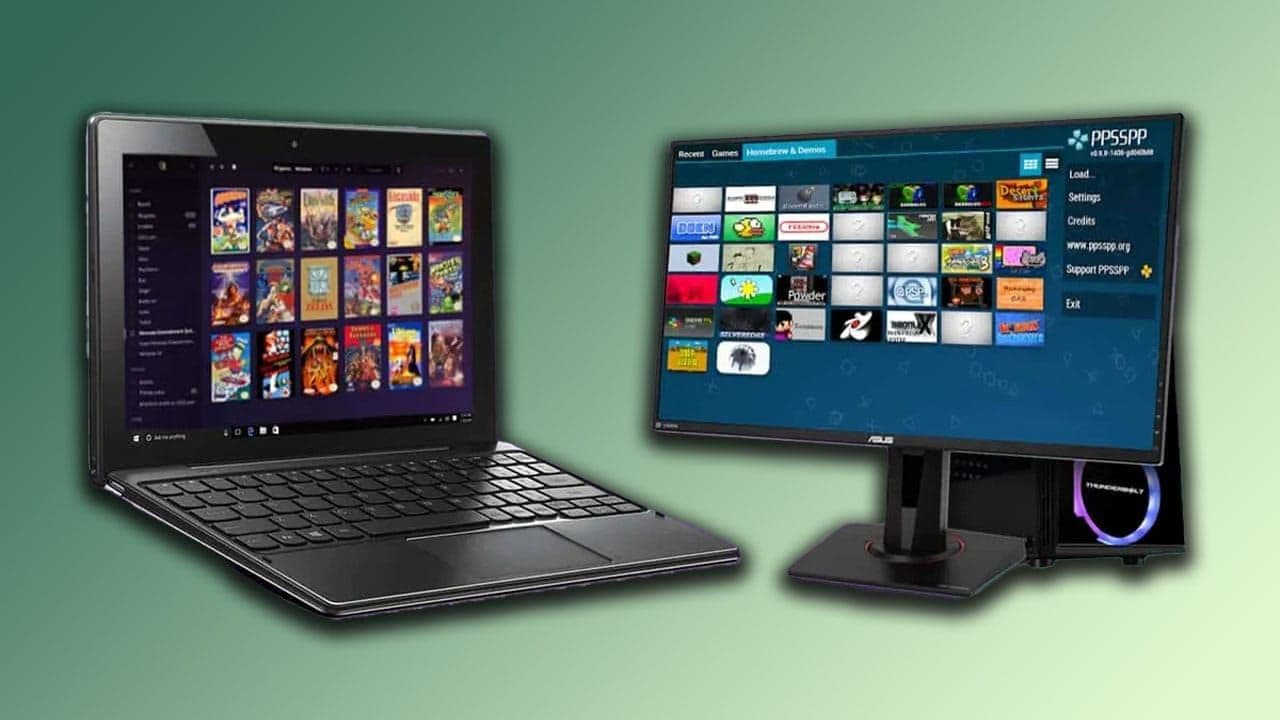
RetroDodo’s updated PC guide reads like a snapshot of where the hobby actually is right now: more people are replaying old favorites, experimenting with ROM hacks, and looking for software that can handle everything from handheld classics to home-console libraries without making setup a second job. The big question is no longer whether PC emulation works. It is whether you want one all-in-one front end or a cleaner way to organize everything once your collection gets serious.
1. RetroArch

RetroArch takes the top spot because it is still the most complete answer when you want one setup to cover a wide spread of systems. RetroDodo’s guide frames it as the free, all-rounder workhorse of the emulation world, and RetroArch itself describes the project as a frontend for emulators, game engines, and media players.
That unified approach is the key selling point. Instead of configuring each system separately, RetroArch uses shared settings so you set things once and carry that setup across a larger library, whether you are dealing with original game discs, handheld software, or older home-console releases. It is the strongest option when breadth, consistency, and fewer app switches matter more than having a separate interface for every corner of your collection.
RetroArch also fits the way a lot of PC emulation now gets used. If you are trying to keep a living-room rig lean, want the same controller behavior across multiple systems, or just prefer the Libretro ecosystem’s one-roof structure, this is still the most practical default. The guide’s decision to put it first makes sense because RetroArch is not just popular, it solves the central workflow problem for a lot of players.
2. LaunchBox
LaunchBox lands in the guide as the smarter answer when the real problem is not emulation breadth but library management. It describes itself as a portable, box-art-based games database and launcher for DOSBox, emulators, and PC games, and it leans hard into presentation by automatically downloading box art, fan art, screenshots, logos, and more.
That matters if your retro setup has become a mixed archive instead of a simple emulator install. LaunchBox is built to organize ROMs, Steam titles, MS-DOS games, and media previews in one place, so the collection feels curated rather than scattered. In practice, that makes it a stronger fit for people who care about browsing experience, visual polish, and having everything feel unified on the front end.
LaunchBox Premium is listed at $30, and the extra features are aimed squarely at users who want more control and a better couch-friendly interface. Big Box Mode is designed for arcade cabinets and home theaters, which pushes it into the category of a real showcase front end rather than just another launcher. If RetroArch is the universal tool, LaunchBox is the one that makes a giant library pleasant to live with.
The recent update trail strengthens that case. LaunchBox 13.27 added major RetroAchievements expansions, improved Dolphin integration, broader default theme support, expanded save management, and better Big Box browsing tools. Another changelog note says Big Box startup for a 50,000-game library dropped from about one minute to around 10 seconds, which is the kind of improvement that turns a flashy interface into something people can actually use without waiting around.
RetroDodo’s ranking ends up reflecting a broader shift in the hobby. The best PC setup in 2026 is not just about booting a game, it is about deciding whether you need a single all-purpose front end like RetroArch or a polished organizer like LaunchBox that makes a huge collection feel manageable. That is why this guide feels less like a list and more like a practical checkpoint for anyone trying to choose the right way to play.
This article was produced by Prism’s automated news system from verified source data, official records, and press releases, then run through automated quality and moderation checks before publishing. The system is built and supervised by the people who set the standards it runs under. Read our full AI policy.
Did this article answer your question?
