SteamOS 3.8 Preview Arrives With Steam Machine Support and Handheld Upgrades
Valve's SteamOS 3.8 preview, codenamed "Second Clutch," landed on the Steam Deck Preview channel with initial Steam Machine support and Linux kernel 6.16.
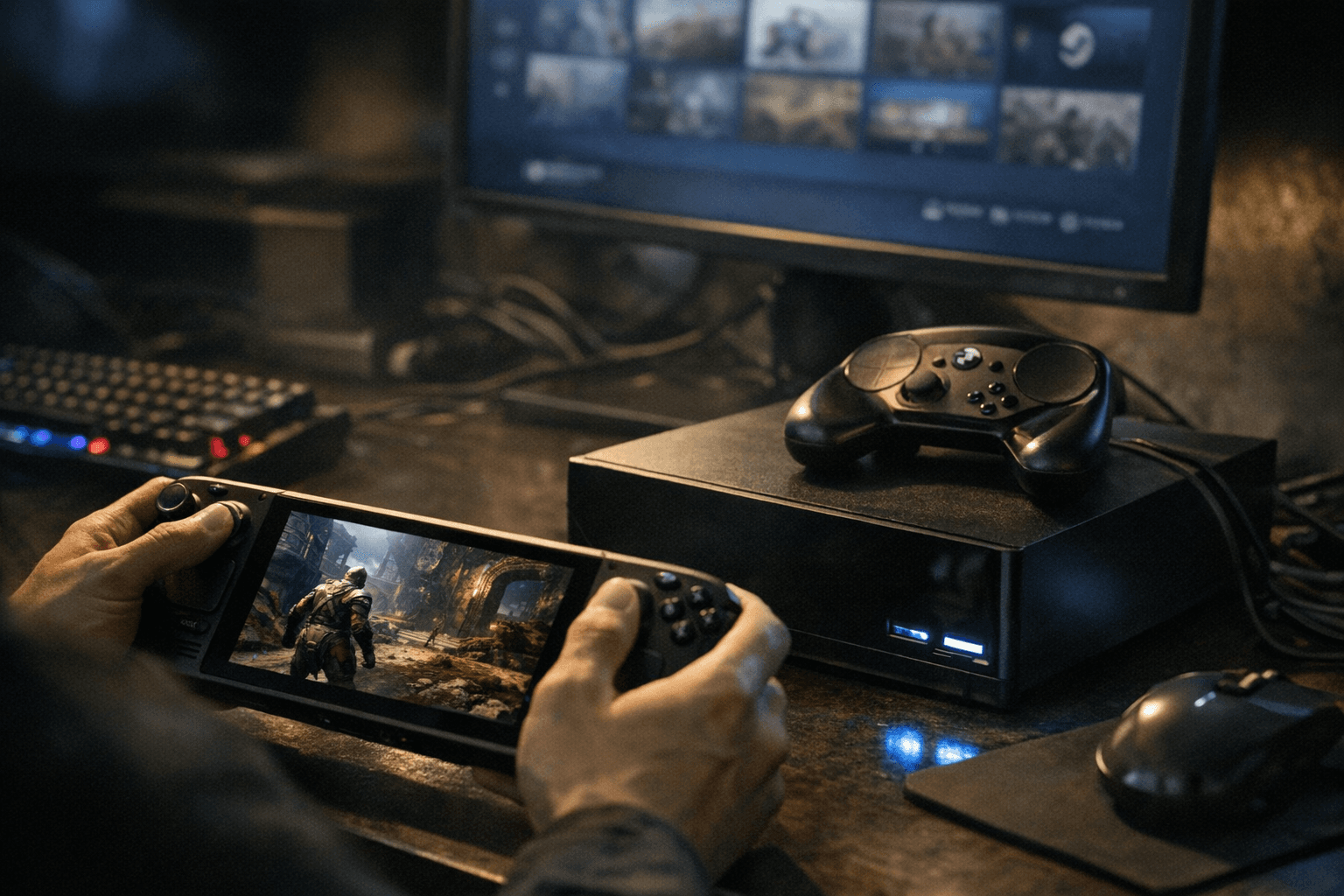
Valve dropped the SteamOS 3.8.0 preview build, codenamed "Second Clutch," to the Steam Deck Preview channel around March 19-20, and it's a substantial release: initial groundwork for the forthcoming Steam Machine hardware, a jump to Linux kernel 6.16, an updated Arch Linux base, and a Desktop Mode that now runs Wayland by default instead of X11.
The Steam Machine angle is the headline item, though the specific hardware claims worth noting come from TechPowerUp's reporting rather than an official Valve spec sheet. According to TechPowerUp, Valve claims the upcoming machine targets 4K gaming at 60 FPS with ray tracing and FSR support, powered by a semi-custom six-core AMD Zen 4 processor with 28 compute units of RDNA 3 graphics, 16 GB of DDR5 system memory, and 8 GB of GDDR6 VRAM, with the GPU potentially sitting closer to RDNA 3.5 than pure RDNA 3. Valve has said it still hopes to ship the Steam Machine in the first half of 2026, but no pricing or availability details have been announced.
On the desktop side, KDE Plasma jumps from 6.2 to 6.4.3 with this preview. Wayland is now the default for Desktop Mode, though X11 remains selectable through Steam developer settings or via steamosctl. Also notable for the technically inclined: initial support for the LAVD CPU scheduler, configurable via the command steamosctl set-cpu-scheduler lavd, and initial support for running SteamOS as a virtual machine guest with VirtIO drivers.
The handheld improvements are extensive. Bluetooth Wake is back on for the Steam Deck LCD. A power consumption bug on the ASUS ROG Ally has been fixed, as have GPU hangs affecting AMD Phoenix APUs. SD card reliability got a bump for certain third-party handhelds, and AMD seamless boot received fixes. Compatibility improvements now extend to the Lenovo Legion Go in various versions, the MSI Claw (one of the few Intel-powered handhelds in this space), and the Asus ROG Xbox Ally, alongside broader support for newer Ryzen Z2 Extreme silicon. Controller input latency on handhelds is also reduced.
The game-facing fixes include patched session crashes that previously hit STAR WARS Jedi: Survivor and Starfield on exit, corrected window positioning for titles like SpongeBob SquarePants: Titans of the Tide, fixed dropdown menus that failed to appear in some games, and a corrected FSR overlay badge that was showing as inactive even when FSR was actually running. VRR frame pacing is improved, and screencasting in Game Mode through tools like OBS and Discord should behave better. USB racing wheels and devices that initially present as USB storage installers before switching to their normal operating mode also received improved handling.
To grab the preview, open Settings, go to System, and switch the System Update Channel to Preview. There is a known snag: users coming from outside the Preview channel may get bounced back to the Beta channel when trying to opt in. The workaround is enabling Advanced Update Channels inside Developer Settings. A fix for the opt-in bug is coming in a future Steam Client update.
Know something we missed? Have a correction or additional information?
Submit a Tip