Microsoft guides Windows developers into Rust with tutorials and setup path
Microsoft is turning Rust on Windows into a real onboarding path, with setup guides, sample apps, and live Reactor training that get you to native code faster.

Microsoft is no longer handing Rust-on-Windows developers a single landing page and hoping the rest sticks. The current Microsoft Learn path reads like an actual route from zero to a working Windows app: start with the ecosystem overview, set up the toolchain, reach for the Windows-specific crates, and then build something concrete instead of stalling at theory.
A real onboarding path, not a loose pile of links
The clearest change is that Microsoft Learn now frames Rust on Windows as a workflow. The overview page, last updated on March 26, 2026, is written as an introduction for beginners, but it is also structured to help Windows developers who already know their way around Microsoft tooling. It points you toward Rust for Windows, the windows crate, and the environment setup you need before the first compile.
That matters because the hard part of Rust on Windows is rarely the language itself. The friction usually shows up in the surrounding steps: getting the right toolchain installed, understanding how Windows APIs map into Rust, and knowing which sample to follow after the first “hello world.” Microsoft’s current material answers those questions in one place instead of scattering them across separate docs, blog posts, and community threads.
Start with the overview, then move straight into setup
If you are new to Rust, the overview gives you the broad shape of the ecosystem without burying you in details. If you are already a Windows developer, it does something more valuable: it connects familiar Windows work to Rust-specific building blocks and then walks you through setting up a development environment on Windows.
That setup piece is the practical payoff. Microsoft is not presenting Rust on Windows as a side quest for language hobbyists, but as a supported path for building native Windows code with official guidance. The Learn material is especially useful when you do not want to piece together ecosystem knowledge from scratch, because it keeps the “how do I begin?” problem inside the same path as the “how do I ship?” problem.
A useful way to think about the Microsoft Learn flow is this:
- Use the overview to understand the shape of Rust on Windows.
- Use the setup guidance to get your environment ready.
- Use the Windows-specific examples to move from theory into code.
- Return to the overview when the API surface or terminology starts to blur together.
The tutorials are where the path becomes believable
Microsoft does not stop at conceptual guidance. The Learn material highlights a Hello World walkthrough, an RSS reader tutorial using Rust for Windows and Visual Studio Code, and a Minesweeper sample app. That progression is important because each example solves a different beginner problem.
Hello World proves the toolchain works. The RSS reader tutorial goes one step further by showing how to build a simple console app that downloads blog post titles from an RSS feed, which is the kind of task that feels small enough to finish but real enough to matter. The Minesweeper sample app then shows that Microsoft is not only interested in toy demos, but in examples that help you picture a fuller Windows application.
For a newcomer, that sequence is exactly what reduces setup fatigue. You are not being asked to jump from installation straight into an abstract architecture discussion. You get a minimal success, then a simple but useful app, then a sample with more personality and more moving parts.
The windows crate is the hinge that makes the whole thing useful
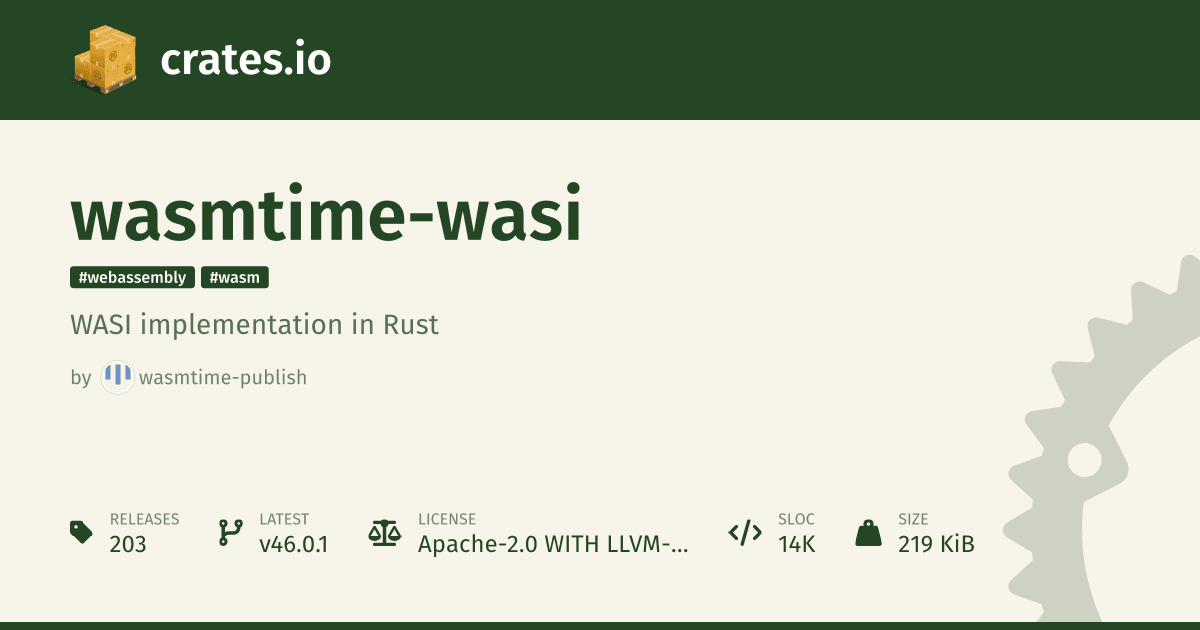
The most important technical promise in the Microsoft materials is the windows crate itself. Microsoft describes the windows and windows-sys crates as a way to call Windows APIs, “past, present, and future,” from Rust. The Rust for Windows GitHub repo adds another crucial detail: the bindings are generated from Windows metadata directly into a Rust package.
That combination is why this feels like a credible onboarding path rather than a detached tutorial series. Instead of leaving you to hand-wire every Windows interface by yourself, Microsoft is giving you the crate layer and the generation story behind it. The Learn page that covers Rust for Windows and the windows crate makes the intent clear: reference the crate from your Rust app, then begin calling Windows APIs immediately.
For developers trying to ship native Windows code quickly, this is the piece that turns Rust from interesting into practical. The documentation is not just teaching syntax; it is showing how to reach Windows APIs with a workflow that already assumes code generation, bindings, and standard setup are part of the journey.
Microsoft Reactor adds the human layer
Microsoft’s documentation is only half the story. Microsoft Reactor is reinforcing the same path through live developer education, with events like “Take your first steps with Rust” and “Getting Started with Rust: Building Rust Projects.” Reactor describes itself as a place for events, training, and community resources, and in this context that means Microsoft is treating Rust education as ongoing support rather than a one-time announcement.
That matters because live instruction fills the gap between reading and doing. Static docs can explain the path, but a live series helps normalize the questions that trip people up in practice: how the project starts, what the first build should look like, and how to move from beginner steps into a real project. For Rust on Windows, that extra layer makes the whole onboarding story feel less lonely and more durable.
Why this release of guidance feels different from the 2021 launch
The current materials sit on top of a longer Microsoft investment. Microsoft publicly announced Rust for Windows v0.9 on May 6, 2021, and said that release added support for Win32 and COM APIs. Microsoft also said that Win32 API support was enabled by the win32metadata project. Earlier coverage of the preview described the effort as Rust/WinRT and framed it as a way to create Rust apps for Windows using Windows APIs.
That history matters because it shows Microsoft did not stop at a preview experiment. The program has moved from a project announcement into maintained Learn pages, sample-driven setup guidance, and live Reactor training. The current version of the story is not “Rust is coming to Windows someday.” It is “Rust on Windows has official docs, a code path, and someone teaching it live.”
For teams weighing Rust on Windows desktops or Windows-integrated tooling, that is the difference between curiosity and adoption. The main friction is no longer whether the language can touch Windows APIs, but how quickly you can get from install to first app, then from first app to something you can actually maintain. Microsoft’s current path is built around exactly that handoff, and that is what makes it worth following.
This article was produced by Prism’s automated news system from verified source data, official records, and press releases, then run through automated quality and moderation checks before publishing. The system is built and supervised by the people who set the standards it runs under. Read our full AI policy.
Did this article answer your question?