Miro PDF 0.9.0 adds multi-page viewing to Rust reader
Miro PDF 0.9.0 turned a single-page Rust viewer into a real document reader, adding multi-page layouts and Vim-style viewport navigation.
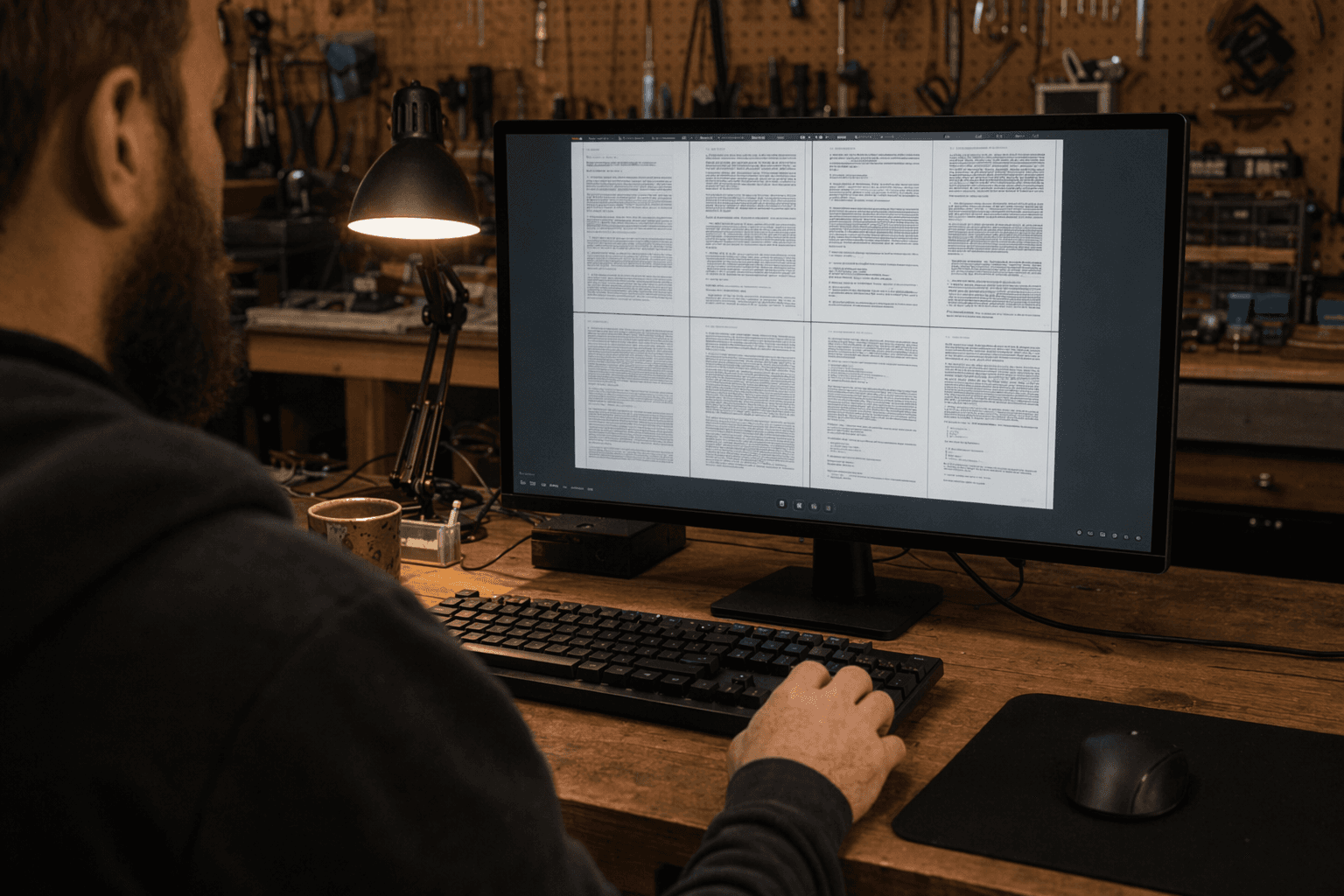
Miro PDF 0.9.0 is the moment a Rust PDF reader stopped feeling like a demo and started acting like a tool you could use every day. The release replaced the old one-page-at-a-time workflow with multi-page layouts, so long reports, papers, manuals, and slide decks can finally be read as documents instead of isolated screens.
That shift matters because Miro is not a browser wrapper or a thin shell. Its GitHub repository describes it as a native PDF viewer for Windows, macOS, and Linux, including Wayland and X11, with configurable keybindings. Under the hood, it is built with iced and mupdf-rs, which puts the update squarely in the Rust desktop stack. Iced positions itself as a cross-platform GUI library with built-in renderers and native runtime support, while mupdf-rs gives Miro access to MuPDF’s document APIs.
The 0.9.0 release note called the new capability “Multi page layouts,” and the implementation went beyond a simple side-by-side mode. Miro can now show single-page layouts, two-page spreads, a two-page layout with a dedicated title page, and presentation-style layouts. It also added viewport-based navigation modeled after Vim’s <C-f>, <C-b>, <C-u>, and <C-d> keys, which makes moving through a long PDF feel much closer to reading in a serious terminal editor than paging through a locked-down viewer.
This is where the release becomes more than UI polish. Earlier in the project’s history, v0.8.0 had already added fullscreen and presentation mode, along with hot reload, tabs, RPC control, text copying, bookmarks, and jump history. Multi-page layout builds on that base and fills in the part that mattered most for actual document work: seeing structure, not just pixels. A follow-up v0.9.1 then tightened the default configuration by fixing Ctrl+f and Ctrl+b so they matched Vim behavior.
The roadmap points in the same direction. An open GitHub issue titled “Annotation / comments support” shows that Miro’s layout work is meant to support future markup features, not just prettier viewing. That makes 0.9.0 feel like infrastructure for the next phase, where reading, annotating, and commenting sit in the same native workflow.
The project’s public signal is still modest but real, with 496 stars and 26 forks, and that is part of the story too. Miro 0.9.0 did not just add another checkbox feature. It crossed the line from a single-page Rust viewer into something that can credibly sit on a daily desktop, and that is the kind of milestone that makes a Rust UI project worth watching closely.
This article was produced by Prism’s automated news system from verified source data, official records, and press releases, then run through automated quality and moderation checks before publishing. The system is built and supervised by the people who set the standards it runs under. Read our full AI policy.
Did this article answer your question?