Rust Tool Imgclip Saves Clipboard Images Before They Vanish
Imgclip tackles a real pain point: saved screenshots and copied diagrams that vanish when the clipboard gets overwritten, with 1.5 MB of Rust-built rescue tooling.
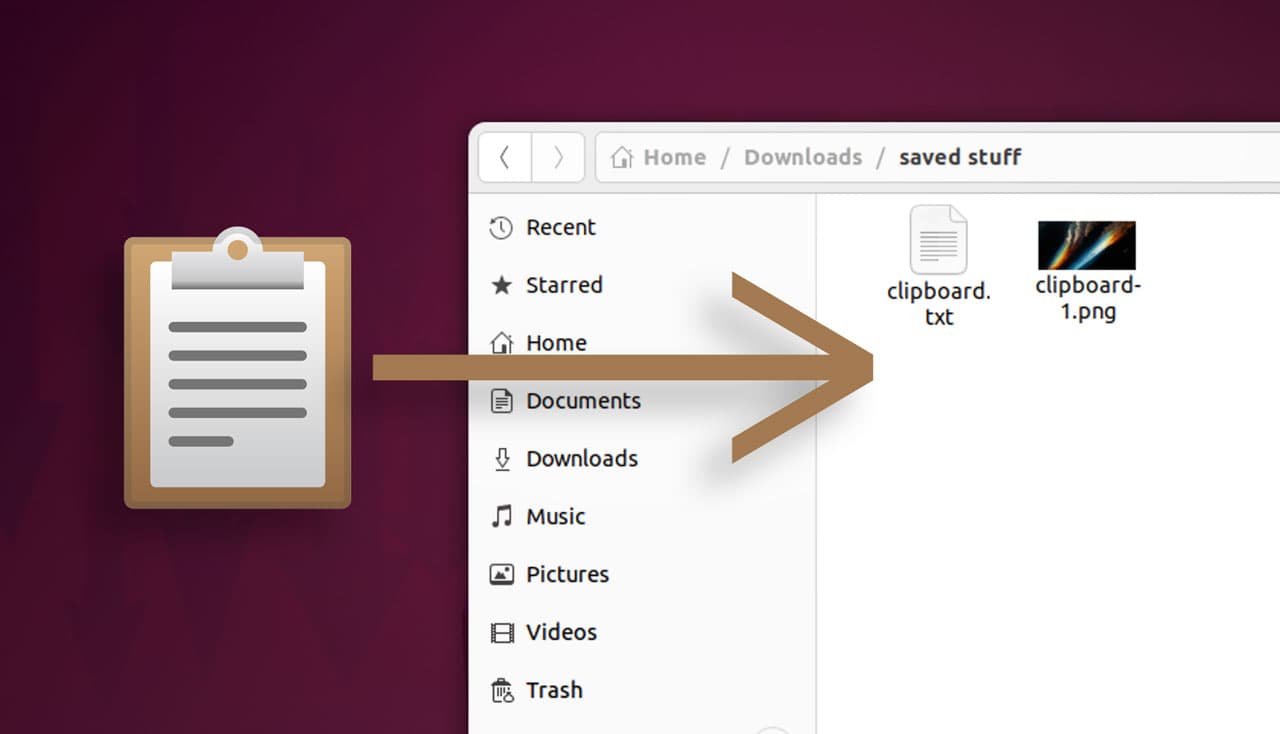
Clipboard images have a habit of disappearing at the worst possible moment, especially when a screenshot, diagram, or mockup gets copied and then overwritten before it ever makes it into a file. Alex Yan built Imgclip to close that gap on Linux, where there is no consistent built-in path from clipboard image to saved image the way many users expect from desktop screenshot tools.
Yan launched Imgclip on May 5 as a small Rust utility with a deliberately narrow job: move images between the clipboard and files, and do it without turning into a heavy GUI or sync service. The binary weighs in at about 1.5 MB, and the tool ships with four modes that map directly to the kinds of mistakes power users make every day. It can save clipboard images as PNG or JPEG files, run in watch mode and auto-save every new clipboard image in the background, offer an interactive single-key save-or-discard flow, and copy an image file back into the clipboard.

That focus matters because the alternatives are usually clumsy. On macOS, Apple documents that a screenshot can be copied to the Clipboard by using Control with the screenshot shortcut or by choosing Save to Clipboard from the thumbnail menu, but that still leaves the user responsible for turning a clipboard capture into a file later. Microsoft’s clipboard history in Windows helps users recover multiple copied items with Win+V, pin entries, and sync history to the cloud, but it is still a clipboard system first, not an automatic image archive. On Linux, developers often fall back to command-line tools such as xclip, which was designed to wait for X selection requests and can exit when clipboard ownership changes, making shell wrappers and cron jobs brittle when the workflow needs to be dependable.
Imgclip was built to be that dependable layer. Yan said the first attempts, including shell wrappers around xclip and periodic clipboard-dumping cron jobs, were fragile and difficult to remember. Rust fit the job because clipboard behavior changes across Linux, macOS, and Windows, and the arboard crate provided a cross-platform clipboard layer that could handle text and images while still exposing the platform quirks app authors have to account for.
Yan said one cargo build release per target produced six prebuilt binaries, covering x86_64 and aarch64 across Windows, Linux, and macOS. The project is MIT licensed, and packaging targets under consideration included Homebrew, Scoop, and the Arch User Repository. That distribution plan fits the tool’s purpose: make the rescue path from clipboard to file fast enough and simple enough that screenshots, copied diagrams, and design mockups do not vanish before they are saved. This Week in Rust issue 650 also picked up Imgclip, giving the release an early foothold in the wider Rust tooling conversation.
This article was produced by Prism’s automated news system from verified source data, official records, and press releases, then run through automated quality and moderation checks before publishing. The system is built and supervised by the people who set the standards it runs under. Read our full AI policy.
Did this article answer your question?