How to fix broken Sims 4 mods after Patch 1.124
Patch 1.124 usually breaks the stuff you notice first: UI mods, script mods, and CC. The fastest fix is a vanilla launch, cache clear, and a disciplined 50/50 split before you touch a save again.
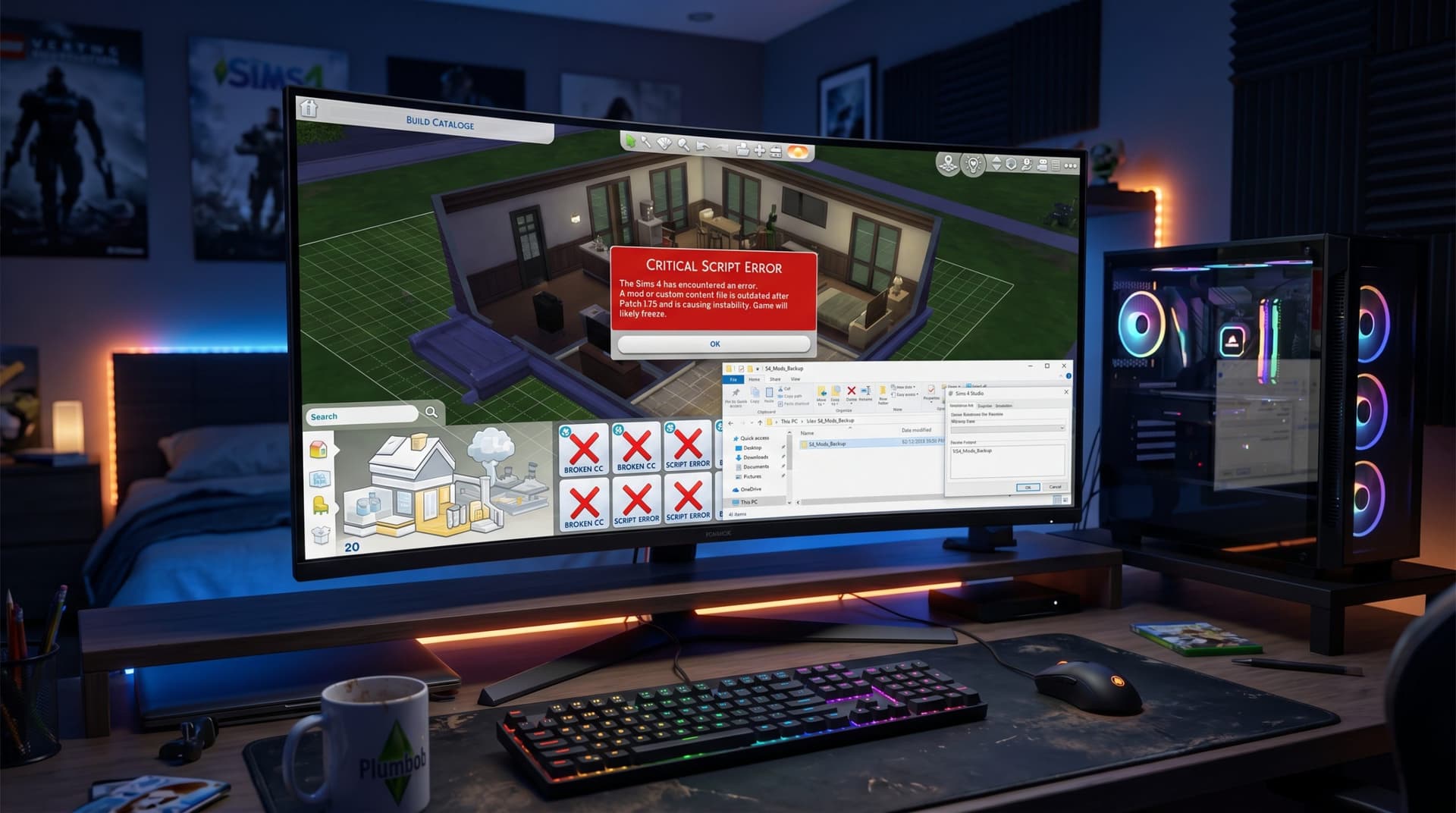
The fastest way to rescue a modded Sims 4 save after Patch 1.124 is to stop treating every glitch like the same problem. If your game boots but the UI is mangled, interactions vanish, or a household loads into chaos, you need to separate a broken UI mod from a script mod failure or a bad piece of CC before you keep playing and make the damage worse.
Start with the symptom, not the folder
Patch 1.124 landed on May 12, 2026, and EA followed it with a hotfix on May 21, 2026. That matters because the game may look stable on first launch while the real damage only shows up after a save loads, a menu opens, or a Sim tries to interact with something. EA’s own guidance says mods and CC are disabled by design after a base-game update, so the clean first step is always a vanilla launch, not a panic purge.
Here’s the practical split I use first:
- UI problems: broken menus, missing buttons, unreadable panels, or interface elements that overlap or disappear.
- Script mod problems: features that stop working entirely, broken interactions, stuck sims, weird behavior loops, or crashes tied to gameplay systems.
- CC problems: missing furniture, blank items, invisible clothing, or objects that load wrong while the game itself mostly functions.
That order matters because EA’s forum guidance says gameplay mods and UI mods are the most likely to break after patches, so they deserve the first check, not the last.
Do the safe reset before you test anything else
Before you start deleting half your mods folder, back up both your Saves and Mods folders. EA explicitly recommends that, and it is the difference between a bad afternoon and a dead legacy save. Patch 1.124 also introduced backup-save options with day, week, and monthly backups, which gives you more than one fallback if the current file is already shaky.
Once your backup is safe, do this in sequence:
1. Remove all mods and CC from the game folders.
2. Launch the game vanilla.
3. Load the problem save only if you want to check whether the save itself still opens cleanly.
4. Clear the cache file `localthumbcache.package`.
5. Repair the game if the vanilla launch still behaves strangely.
6. Put mods back in small batches and retest.
That cache file step is not busywork. EA specifically calls out `localthumbcache.package` after changing mods, and it is one of the easiest ways to eliminate stale data that makes a fixed mod look broken.
Use the 50/50 method like you mean it
The 50/50 method is still the best way to isolate the culprit without nuking your whole setup. Split your mods and CC into two groups, test one half, then keep dividing until the problem file reveals itself. If the issue disappears when a folder is out, the bad file is in that batch; if the issue stays, the problem is somewhere else.
Do not do this casually. Keep notes, especially if you run a large library or a legacy save with years of accumulated content. EA’s forum guidance encourages keeping a mod list or spreadsheet for exactly this reason, because once you have a few hundred files, memory is not a system.
A good test order is:
- UI mods first, since those tend to reveal problems immediately.
- Script mods next, because they can break core gameplay in ways that look like save corruption.
- Build/buy CC last, unless you are seeing missing objects or invisible assets right away.
That sequencing saves time because you are matching the test to the symptom instead of randomizing your way through the folder.
Know when a mod is not just broken, but dangerous
EA’s warning here is blunt: an outdated mod can cause unfixable problems for a save, and some modded changes may persist even after the mod is removed. That is the part players often underestimate. If a script mod has already written bad data into a save, removing the file later does not always undo what it did.
That is why the best triage is fast triage. If a patch-day load starts throwing UI errors, missing interactions, or weird save behavior, stop using that file as your test bed. Roll back to the latest clean backup, then use the vanilla launch and 50/50 process to identify the offender before you return to the main save.
Prioritize the mods that matter most to your play style
When your goal is to get back into a working save quickly, not every mod deserves the same urgency. If you are running a challenge save, a legacy household, or a story-heavy game, focus on the mods that affect the mechanics you actually rely on.
For challenge runs, check gameplay mods first, especially anything that changes needs, autonomy, careers, or progression. For legacy and dynasty saves, UI mods and family-management tools matter because a broken interface can make the whole file feel unusable. For storytellers, CC and pose-heavy setups need a careful pass because missing objects and broken items can wreck screenshots and scenes even if the save still loads.
If you only have time to protect the essentials, keep a short priority list:
- The mods that keep your core challenge rules intact.
- The UI mods that let you actually play without fighting the interface.
- The CC that defines your main households, lots, and recurring story sets.
That is how you keep a save functional fast instead of spending an evening fixing things you never touch.
Follow the community tracking, but keep your own files clean
EA’s official forum thread for Patch 1.124 was built specifically to track broken and updated mods and CC after the May 12 update and the May 21 hotfix. That kind of hub is useful because it gives you a live picture of what creators are updating and what is still unstable. Names like luthienrising, TheSimsDirect, The Sims Dev Team, The Sims Team, EA Forums, and EA Help all sit in the same ecosystem players lean on when patch chaos starts.
One extra caution matters here: EA’s forum thread notes that news for mods and CC hosted only on Mod The Sims may be selective or delayed because of security incidents. In plain terms, do not assume silence means safety. If a creator has not posted a new version yet, treat the file as suspect until you have verified it against a current update or tested it yourself in a clean setup.
Patch 1.124, with its more than 150 bug fixes, and the May 21 hotfix both changed the ground under modded saves. If your game is acting strange, the winning move is not to brute-force it. It is to launch vanilla, clear the cache, protect your backups, and isolate the bad file before the save remembers the damage.
This article was produced by Prism’s automated news system from verified source data, official records, and press releases, then run through automated quality and moderation checks before publishing. The system is built and supervised by the people who set the standards it runs under. Read our full AI policy.
Know something we missed? Have a correction or additional information?
Submit a Tip